
How to Create Text to Video: The 2026 AI Mastery Guide
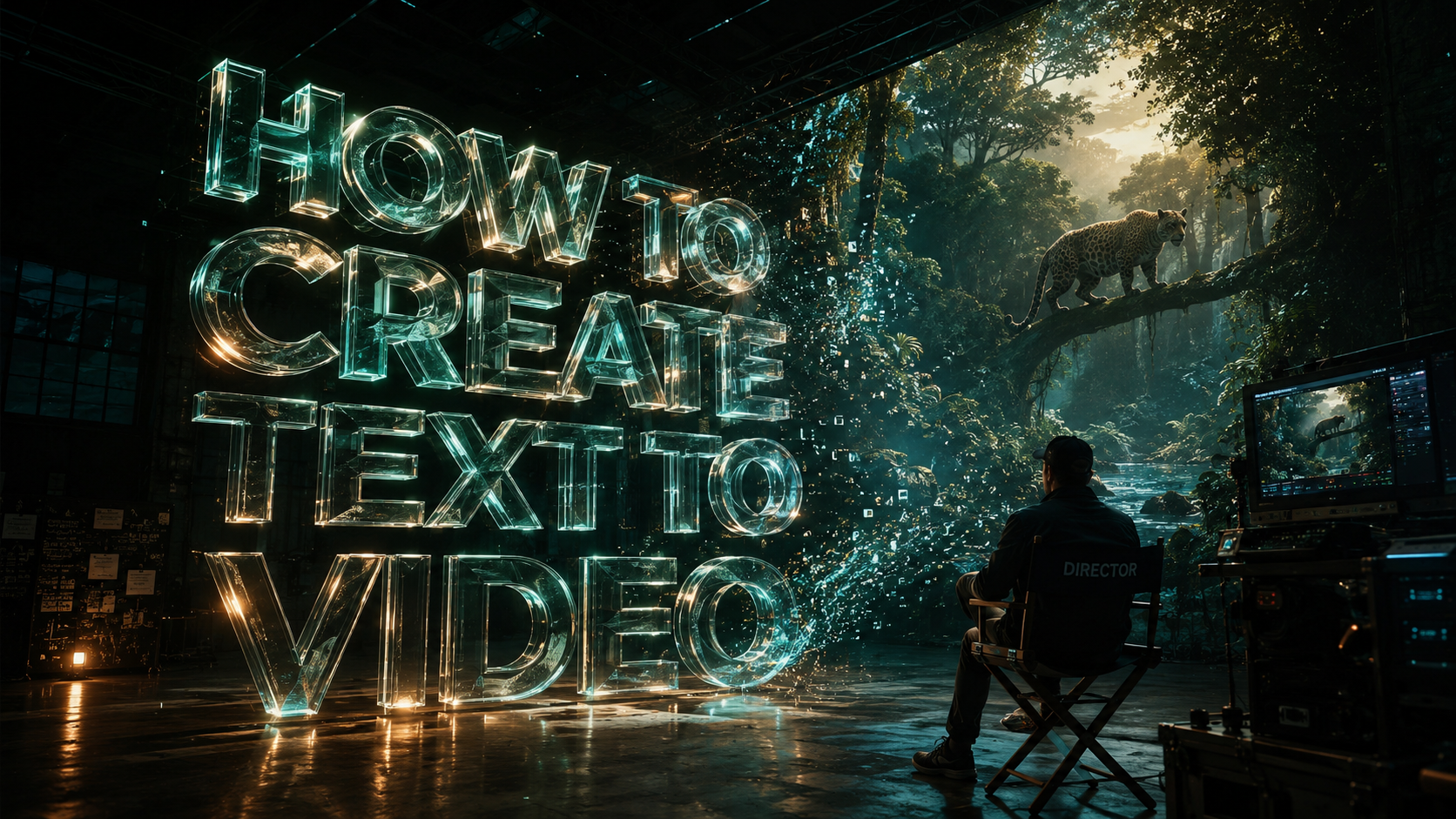
Learning how to create text to video in 2026 involves using advanced artificial intelligence models to transform written prompts into high-fidelity cinematic sequences. To achieve professional results, you must select a generative AI platform, input a detailed descriptive prompt, and refine the output using modern editing tools like those recently integrated into Google Photos. By mastering these AI-driven workflows, creators can produce everything from viral social media shorts to complex marketing presentations in a fraction of the time required by traditional videography.
Text to video is an AI-driven process where generative models interpret natural language prompts to render original video content. In 2026, this technology has evolved to include multimodal inputs, allowing users to combine text, images, and even audio files to generate hyper-realistic visuals with consistent physics and character continuity across frames.
- ✓ AI video generators now support multimodal inputs including text, image, and audio synchronization.
- ✓ Platforms like xAI and Pollo AI have streamlined the API process for developers and professional creators.
- ✓ Mobile integration, specifically within Google Photos, has democratized high-end video editing.
- ✓ Faceless content creation is the leading trend for viral growth on platforms like TikTok and YouTube Shorts.
The Evolution of AI Video Generation in 2026
The landscape of digital content has shifted dramatically as we move through 2026. The barrier to entry for high-quality cinematography has effectively vanished, replaced by the ability to articulate a vision through text. As reported by The AI Journal in February 2026, modern AI video generators are now capable of creating viral-ready clips from simple text strings, utilizing deep learning architectures that understand complex lighting, textures, and fluid dynamics better than ever before.
According to Macworld, tools such as the Pollo AI Video Generator have set a new standard by allowing users to master the art of creating videos from both image and text inputs. This hybrid approach ensures that the AI has a visual anchor, leading to more predictable and professional results. The integration of these technologies into mainstream applications means that "how to create text to video" is no longer a question for tech elites, but a fundamental skill for every digital communicator.
Furthermore, the industry has seen a massive push toward accessibility. With the release of the Grok Imagine API by xAI in February 2026, developers can now bake high-end video generation directly into their own third-party applications. This democratization ensures that whether you are using a dedicated AI suite or a simple mobile app, the underlying power of generative video is at your fingertips.
Step-by-Step: How to Create Text to Video
Mastering the workflow of generative video requires a blend of creative writing and technical understanding. Follow these steps to produce your first AI-generated masterpiece:
- Select Your AI Platform: Choose a tool based on your needs. For API-driven projects, the Grok Imagine API is ideal; for user-friendly interfaces, Pollo AI or DomoAI are top contenders in 2026.
- Draft a Descriptive Prompt: Write a detailed paragraph describing the scene, camera movement, lighting, and subject. Avoid vague terms; instead of "a car," use "a sleek silver electric sedan speeding through a neon-lit Tokyo street at night, cinematic lighting, 4k."
- Integrate Reference Assets: If the tool supports it, upload a reference image to maintain character or brand consistency. This is a key feature of the updated Pollo AI systems.
- Adjust Technical Parameters: Set your aspect ratio (9:16 for Shorts/Reels or 16:9 for YouTube), frame rate, and duration.
- Generate and Iterate: Run the generation. In 2026, most tools allow for "seed" adjustments, meaning you can tweak the prompt slightly to fix specific errors without changing the entire scene.
- Post-Production Enhancement: Use the five new video editing tools in Google Photos (released December 2025) to color grade, stabilize, or trim your AI-generated footage for a polished finish.
Comparing Top AI Video Generators of 2026
To help you decide which tool fits your specific project, we have compared the leading platforms based on the latest research from 2025 and 2026.
| Platform | Primary Strength | Latest Update (2025/26) | Best For |
|---|---|---|---|
| xAI (Grok Imagine) | API Integration | API Launch (Feb 2026) | Developers & Enterprise |
| Pollo AI | Image-to-Video Hybrid | Mastery Suite (Dec 2025) | Brand Consistency |
| DomoAI | Audio-to-Video Sync | Audio-from-Text Update (Apr 2026) | Music & Voiceovers |
| Google Photos | Mobile Editing | 5 New Editing Tools (Dec 2025) | Quick Mobile Refinement |
| The AI Journal Tools | Viral Optimization | Viral Clip Engine (Feb 2026) | Social Media Growth |
Advanced Techniques for Faceless Content Creation
One of the most significant trends identified by TyN Magazine in early 2026 is the rise of viral "faceless" shorts. These are videos created entirely through AI without the need for an on-camera personality. When researching how to create text to video for faceless channels, the focus shifts toward narrative pacing and visual engagement. By using AI to generate the script, voiceover, and visuals, a single creator can manage an entire network of channels.
Utilizing DomoAI for Audio Integration
As of the April 2026 update, DomoAI has revolutionized the field by making it easy to create audio files directly from text within the video generation workflow. This means your text-to-video process now includes a text-to-speech component that is automatically synced. This "all-in-one" approach is critical for creators who want to maintain a high output volume without sacrificing the quality of the auditory experience.
Optimizing for Social Media Algorithms
To go viral, your text-to-video content must capture attention within the first three seconds. The AI Journal emphasizes that using AI to generate high-contrast visuals and dynamic camera movements—such as "drone flyovers" or "fast-paced pans"—is essential. When you input your prompt, specifically include instructions for camera behavior to ensure the resulting video isn't static.
Technical Requirements and API Access
For those looking to scale their video production, 2026 has brought robust API solutions. The xAI Grok Imagine API, launched in February 2026, allows for both text-to-video and image-to-video workflows. This is a game-changer for businesses that need to generate personalized video content for thousands of customers simultaneously. According to technical documentation from TestingCatalog AI News, the API supports high-concurrency requests, making it the most stable choice for enterprise-level video generation.
Furthermore, the master suite of Pollo AI has introduced advanced controls for "motion intensity." This allows users to dictate exactly how much movement occurs in a scene, preventing the "uncanny valley" effect where AI characters move too much or too little. Mastering these settings is a core part of the "2026 AI Mastery Guide" for professional editors.
The Role of Mobile Editing in the AI Workflow
While the heavy lifting of video generation happens in the cloud, the final touches are increasingly moving to mobile. In December 2025, Google announced five new video editing tools for Google Photos. These tools are specifically designed to handle AI-generated content, offering features like AI-assisted stabilization and lighting correction. This means that after you learn how to create text to video on your desktop, you can seamlessly transition to your mobile device for final distribution.
This mobile-first approach is supported by the fact that most viral content is consumed on smartphones. By utilizing the Google Photos suite, creators can ensure their AI videos are optimized for the small screen, with vibrant colors and clear transitions that meet the high standards of 2026 audiences.
What is the best AI tool for text to video in 2026?
The "best" tool depends on your needs: xAI's Grok Imagine is superior for API and developer use, while Pollo AI is the leader for creators needing image-to-video consistency. For those focusing on audio-heavy content, DomoAI’s April 2026 update makes it the top choice for integrated text-to-audio-to-video workflows.
Can I create viral YouTube Shorts using only AI?
Yes, "faceless" shorts are a major trend in 2026. By combining text-to-video tools with AI voiceovers and the new editing features in Google Photos, you can produce high-quality, viral-ready shorts without ever filming physical footage.
How do I make my AI videos look more realistic?
To increase realism, use the "image-to-video" feature found in tools like Pollo AI. Providing a high-quality reference image helps the AI maintain structural integrity and realistic textures throughout the video generation process.
Is there an API available for AI video generation?
Yes, xAI launched the Grok Imagine API in February 2026, which supports both text and image-to-video generation. This allows for the integration of generative video into custom applications and automated workflows.
How has Google Photos improved video editing for AI?
As of December 2025, Google Photos includes five new specialized video editing tools. these allow for advanced color grading, AI stabilization, and seamless trimming, making it easier to polish AI-generated clips on a mobile device.



Comments ()