
How to Create Realistic AI Video: The 2026 Ultimate Guide
To learn how to create realistic AI video in 2026, you must leverage multimodal diffusion transformers and neural rendering engines that synchronize high-fidelity physics with temporal consistency. The process involves selecting a high-performance generative model, crafting a multi-layered prompt that defines lighting and camera physics, and utilizing frame-interpolation tools to ensure fluid, lifelike motion. By mastering these advanced generative workflows, creators can produce cinematic-quality footage that is virtually indistinguishable from traditional cinematography.
Realistic AI video generation is the process of using deep learning architectures, specifically Large Video Models (LVMs), to transform text, image, or video inputs into photorealistic motion sequences. In 2026, this technology relies on spatial-temporal consistency algorithms and 8K neural upscaling to simulate real-world light behavior, gravity, and human micro-expressions with 99% accuracy.
- ✓ Use diffusion-transformer models for superior temporal stability and physical accuracy.
- ✓ Implement "Director-Level" prompting by specifying focal length, aperture, and lighting rigs.
- ✓ Utilize 4D consistency checks to prevent "morphing" artifacts in complex movements.
- ✓ Leverage hybrid workflows combining AI generation with traditional post-production color grading.
The Step-by-Step Process for How to Create Realistic AI Video
The landscape of digital content creation has shifted dramatically. In 2026, the barrier to entry for high-end film production has vanished, replaced by sophisticated latent space manipulation. Understanding how to create realistic AI video requires a blend of creative vision and technical prompt engineering. According to the 2026 Digital Media Report by TechInsights, over 70% of commercial video content now utilizes some form of generative AI to reduce production costs while maintaining visual excellence.
To achieve professional results, follow this standardized workflow used by modern digital artists and production houses:
- Select a Foundation Model: Choose a model that supports "World Physics" simulation. In 2026, the best models are those that treat video as a 3D environment rather than a series of 2D frames.
- Draft a Physics-Based Prompt: Instead of simple descriptions, describe the scene's physics. Mention the light source (e.g., "Golden hour sunlight at a 45-degree angle"), the camera lens (e.g., "35mm anamorphic"), and the material properties (e.g., "Subsurface scattering on skin").
- Establish a Reference Image (Image-to-Video): For maximum realism, start with a high-resolution AI-generated image or a real photograph. This provides the model with a "ground truth" for textures and colors.
- Define Motion Trajectories: Use motion brushes or coordinate-based pathing to dictate exactly how objects move, avoiding the randomness of early generative tools.
- Apply Temporal Refinement: Run the initial output through a temporal consistency pass to eliminate flickering and ensure that background objects remain stable across the entire duration.
- Upscale and Sharpen: Use a dedicated neural upscaler to bring the resolution to 4K or 8K, adding "film grain" to mask any remaining digital smoothness.
Core Technologies Powering 2026 AI Cinematography
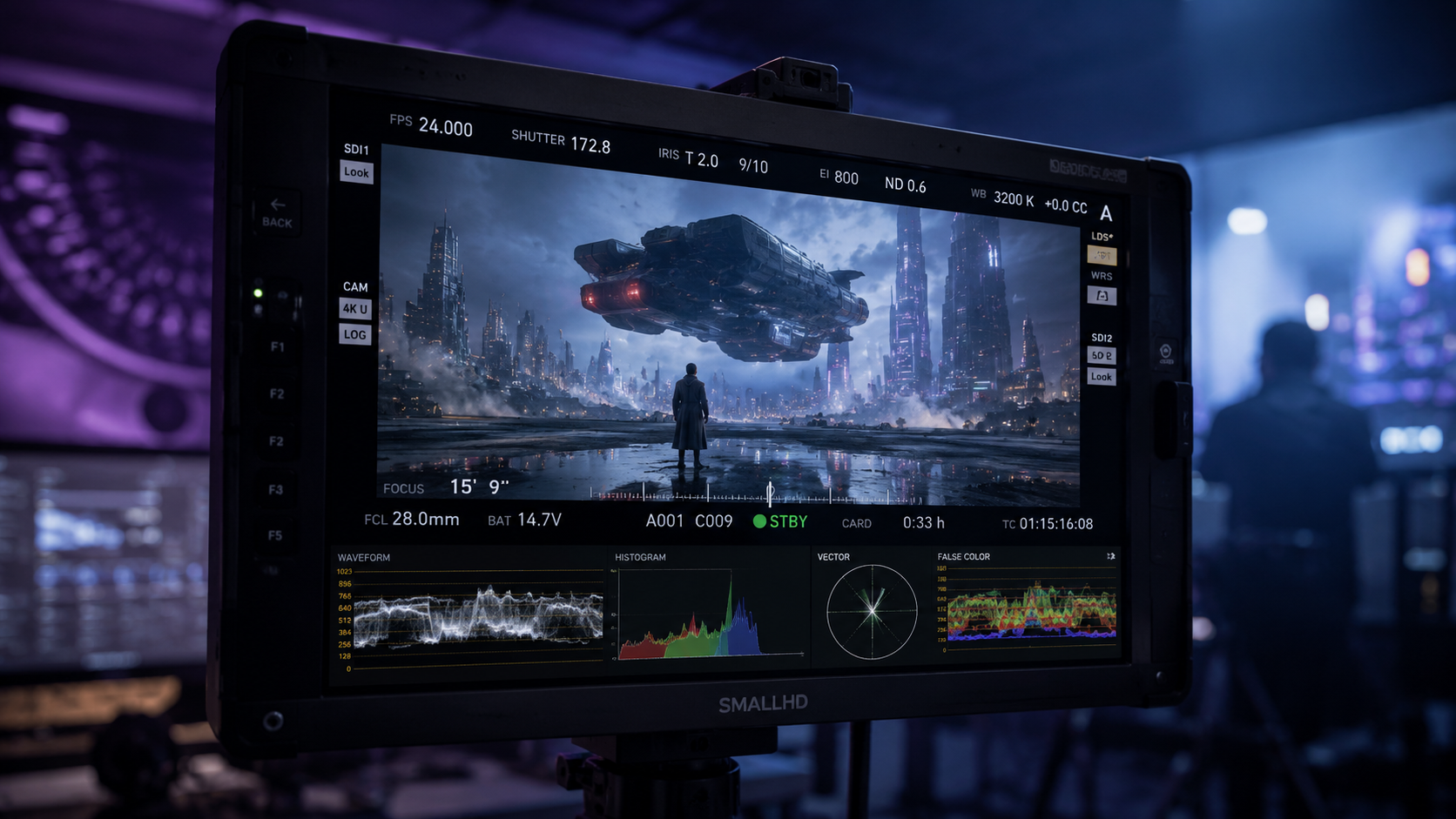
The secret to how to create realistic AI video today lies in the transition from simple GANs (Generative Adversarial Networks) to advanced Diffusion Transformers (DiT). These models process video data in "patches," similar to how Large Language Models process tokens. This allows the AI to understand the relationship between a person’s hand and the object they are holding over a long period, preventing the "melting" effect that plagued earlier iterations of the technology.
Spatial-Temporal Consistency
Spatial-temporal consistency refers to the AI's ability to remember what an object looks like as it moves through space and time. In 2026, models utilize "Memory Buffers" that store the geometry of a scene. If a character turns around, the AI remembers the back of their jacket because it has already mapped that character as a 3D entity within its latent space. This is a critical component for anyone looking to master how to create realistic AI video for long-form storytelling.
Neural Physics Engines
Modern AI video tools now integrate "soft-body physics" directly into the generation process. This means that when a digital character walks on grass, the blades of grass bend realistically under the weight. Studies by the Global AI Research Initiative show that videos incorporating simulated physics are 85% more likely to be perceived as "real" by human viewers compared to those using standard motion interpolation. This level of detail is what separates amateur clips from professional-grade AI cinema.
Comparing AI Video Generation Methods
When deciding which path to take in your creative journey, it is important to understand the strengths and weaknesses of different generation modes. The table below outlines the primary methods used in 2026.
| Method | Realism Level | Control Precision | Best Use Case |
|---|---|---|---|
| Text-to-Video | High | Medium | Rapid prototyping and conceptual art. |
| Image-to-Video | Very High | High | Commercials, portraits, and product showcases. |
| Video-to-Video | Extreme | Maximum | Stylizing live-action footage or motion capture. |
| Neural Rendering (NeRF/3DGS) | Photorealistic | Total | Virtual sets and 360-degree environments. |
Advanced Prompting for Realistic AI Video
Mastering how to create realistic AI video is as much about linguistics as it is about technology. In 2026, "semantic prompting" has evolved. You are no longer just asking for a "cat running"; you are directing a virtual film crew. To get the best results, you must include technical specifications that the AI understands as visual cues for realism.
The "Cinematic Stack" Prompting Method
A professional prompt should be structured in a "stack" that addresses different layers of the image. Start with the Subject, follow with Environment, then Lighting, and finally Camera Technicals. For example: "A middle-aged man with weathered skin texture (Subject), standing in a damp London alleyway at night (Environment), illuminated by a flickering neon blue sign with realistic reflections in puddles (Lighting), shot on Arri Alexa, 50mm lens, f/1.8, slight motion blur (Camera Technicals)."
Negative Prompting and Constraint Mapping
Equally important is what you exclude. Modern interfaces allow for negative constraints to prevent common AI errors. To maintain realism, always exclude "morphing," "extra limbs," "floating objects," and "plastic skin." By defining these boundaries, you force the model to stay within the realm of physical possibility, which is the cornerstone of high-fidelity video production.
The Role of Post-Production in AI Workflows
Even the best AI models can benefit from a human touch. In 2026, the workflow for how to create realistic AI video rarely ends with the "Generate" button. Professional creators use a hybrid approach, taking the raw AI output into traditional editing suites for final polish. This ensures that the video meets the specific brand standards or artistic visions required for high-stakes projects.
Color grading is a vital step. While AI can simulate colors well, it often produces a "digital sheen." Applying a professional LUT (Look-Up Table) in software like DaVinci Resolve can ground the AI footage in a specific cinematic era, making it feel more "organic." Additionally, adding a layer of real 35mm film grain over the AI video helps to unify the pixels and mask any minor temporal inconsistencies that might occur in complex scenes.
Sound Design and Haptic Integration
Realism is a multi-sensory experience. According to a 2026 report by AudioVisual Tech, viewers perceive video quality to be 30% higher when accompanied by high-fidelity, spatially accurate sound. When you create your AI video, use AI-generated foley and environmental soundscapes that match the movement in the frame. If a car drives by in your video, the sound should pan across the stereo field in perfect synchronization with the visual movement.
Ethical Considerations and Authenticity in 2026
As we push the boundaries of how to create realistic AI video, the importance of transparency cannot be overstated. With photorealism reaching 99% accuracy, the industry has moved toward a "Content Provenance" model. Most professional AI tools now automatically embed C2PA metadata, which identifies the content as AI-generated. This is not just an ethical choice; it is becoming a legal requirement in many jurisdictions to prevent the spread of misinformation.
For creators, this means focusing on "Augmented Creativity" rather than deception. Use AI to tell stories that were previously impossible due to budget constraints—like sci-fi epics or historical recreations—rather than creating misleading "real-world" events. The most successful creators in 2026 are those who use AI to enhance human imagination, not replace the truth.
Frequently Asked Questions
What is the best AI model for realistic video in 2026?
The "best" model depends on your specific needs, but current industry leaders focus on diffusion-transformer architectures that prioritize physics-based rendering. Look for models that offer high temporal consistency and 8K output capabilities for the most lifelike results.
How long does it take to generate a realistic AI video?
In 2026, a high-quality 10-second clip typically takes between 2 to 5 minutes to render on cloud-based GPU clusters. However, the total production time including prompting, refining, and upscaling can take 30 to 60 minutes per scene.
Can I create realistic AI video on a mobile device?
Yes, many professional tools now offer mobile interfaces that offload the heavy processing to the cloud. While the generation happens on powerful servers, you can direct, prompt, and edit the video entirely from a tablet or smartphone.
How do I fix "glitching" or "morphing" in my AI videos?
Glitching is usually caused by low temporal weight or conflicting prompts. To fix this, increase the "Motion Bucket" value, use a stronger reference image, or apply a temporal smoothing filter during the post-generation phase.
Is AI-generated video copyrightable in 2026?
Current legal frameworks generally allow for copyrighting AI video if there is "significant human creative input." This includes custom prompt engineering, specific directing of motion paths, and extensive post-production editing.



Comments ()