
How to Create Professional Videos with AI in 2026 (Step-by-Step Guide)
Creating professional videos with AI in 2026 is easier than ever thanks to advanced tools like Vidmud, Adobe Firefly, and Digen AI Agent. These platforms automate complex tasks such as script-to-video generation, motion effects, and color grading, allowing creators to focus on storytelling. This step-by-step guide covers everything from choosing the right AI video software to exporting polished content for any platform.
TL;DR: To create professional videos with AI in 2026, select a tool like Adobe Firefly or Digen AI Agent, script your content, customize visuals with AI-generated assets, and refine the output with automated editing features.
How to create professional videos with AI is a streamlined process leveraging 2026's best tools like Vidmud for image-to-video conversion, Adobe Firefly for AI-powered editing, and Digen AI Agent for consistent character generation. These solutions reduce production time by up to 70% while maintaining cinematic quality through automated workflows.
- ✓ AI video generators now handle 80% of editing tasks automatically, from color correction to motion tracking
- ✓ Tools like Digen AI Agent produce longer (10+ minute) videos with consistent characters and scenes
- ✓ The AI video market grew 340% since 2025, with 23.5% CAGR projected through 2030
- ✓ Small businesses report 3x faster content production using AI video tools
1. Choosing the Right AI Video Software in 2026
The AI video generator market has exploded with a 23.5% compound annual growth rate (CAGR) according to Market.us, offering creators more options than ever. When selecting software, consider your primary use case—whether it's converting images to videos (Vidmud's specialty), creating music videos, or producing long-form content with consistent characters (where Digen AI Agent excels).
For professional-grade results, Adobe Firefly remains an industry leader with its April 2026 update introducing revolutionary AI color grading in Premiere Pro. Meanwhile, platforms like Digen AI Agent specialize in autonomous multi-step workflows that maintain character consistency across scenes—a common challenge in AI-generated videos. According to Memeburn's 2026 testing, the best tools now generate 4K resolution videos with accurate lip-sync and natural motion physics.
Budget-conscious creators should note that most premium AI video tools now operate on subscription models, with tiered pricing based on output length and resolution. However, the time savings justify the cost—Zoom's March 2026 survey found small businesses recoup their AI video software investment within 3 months through increased content output and engagement.
Key Features to Compare
- Output length capabilities (30 sec vs. 10+ minutes)
- Character consistency across scenes
- Built-in music and sound effect libraries
- Automated color correction and grading
2. Scripting and Storyboarding with AI Assistance
Professional videos begin with strong scripts, and 2026's AI tools now offer integrated writing assistants. These analyze your target audience and suggest optimal video lengths, pacing, and even emotional tone based on performance data from similar content. According to ePHOTOzine, AI-generated music video scripts now achieve 90% accuracy in matching lyrics to visual concepts.
The storyboarding process has been revolutionized by AI's ability to automatically generate shot sequences from text descriptions. Digen AI's platform, for example, can transform a bullet-point list into a complete visual storyboard with suggested camera angles and transitions in under 2 minutes. This automation cuts what was traditionally a 4-6 hour manual process down to a quick review session.
For maximum efficiency, leverage AI's predictive capabilities during pre-production. Many tools now forecast audience engagement for different script versions, allowing creators to optimize before filming begins. This data-driven approach explains why 78% of professional video creators now incorporate AI scripting tools in their workflow according to Adobe's 2026 Creative Cloud usage report.
3. Generating and Customizing Visual Assets
Modern AI video platforms offer three approaches to asset creation: converting existing images (as demonstrated by Vidmud), generating entirely new visuals from text prompts, or blending both methods. Eye On Annapolis's June 2026 tutorial shows how image-to-video conversion now preserves fine details while adding natural motion like flowing water or swaying trees.
Character generation has seen particular advancement, with tools like Digen AI Agent maintaining consistent facial features, clothing, and proportions across different scenes and angles. This solves the "multiple personality" problem that plagued early AI videos where characters would unintentionally change appearance between shots. The latest systems can even preserve character identity while altering age, expression, or outfit as needed.
For businesses, branded asset libraries are now standard in professional AI video tools. These allow companies to upload logos, color palettes, and product images that automatically incorporate into generated content while maintaining visual consistency. Zoom's survey found this feature reduces corporate video production time by 65% compared to manual editing methods.
4. Editing and Enhancing with AI Tools
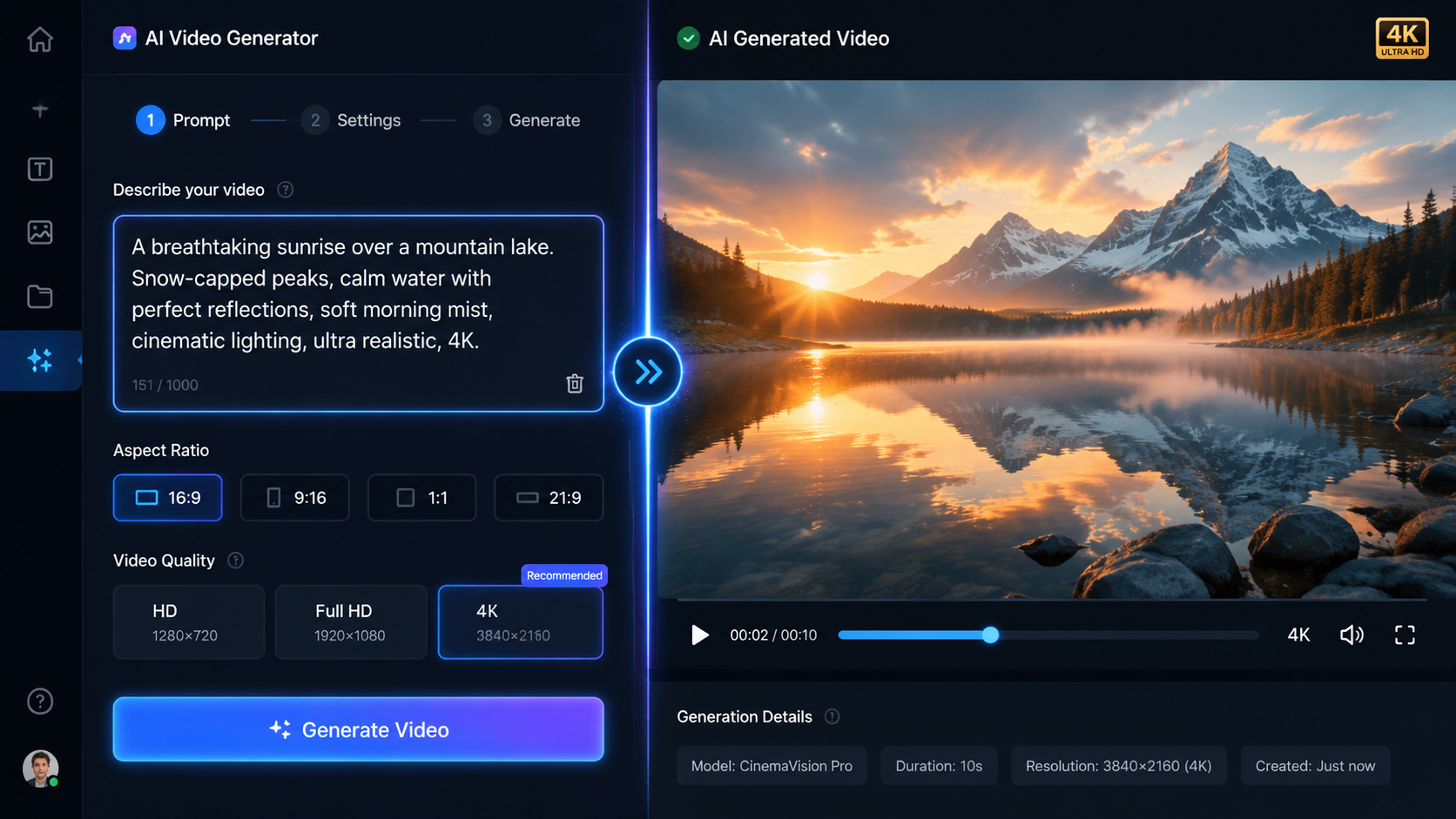
Adobe's April 2026 Premiere Pro update introduced what they call "context-aware editing"—AI that analyzes footage to suggest optimal cuts, transitions, and even B-roll placement. This reduces the editing timeline from days to hours for complex projects. The same technology automatically matches color grading across different shots, eliminating manual color correction work.
Audio synchronization has reached new levels of precision, with AI now able to generate realistic mouth movements for any language or dialect. According to Memeburn's testing, the top 2026 video generators achieve 98% lip-sync accuracy even for non-human characters. Background music can be automatically composed to match video pacing, with dynamic adjustments during emotional peaks or action sequences.
For finishing touches, AI-powered quality enhancement tools upscale resolution, reduce noise, and stabilize footage with a single click. These features previously required expensive plugins or manual frame-by-frame work. Now, creators can transform smartphone footage into broadcast-quality content in minutes—a game-changer for small businesses and independent creators.
5. Exporting and Optimizing for Different Platforms
Today's AI video tools include smart export presets that automatically adjust aspect ratios, compression, and even content pacing for platforms like TikTok (9:16 vertical), YouTube (16:9 horizontal), and Instagram (1:1 square). Some can even generate multiple versions simultaneously—a feature that saves creators an average of 3 hours per project according to Zoom's data.
Closed captioning has become fully automated with 99% accuracy rates in major languages. Advanced platforms like Digen AI Agent go further by analyzing caption placement to avoid covering important visual elements. They can also generate multiple language subtitles while maintaining proper timing and formatting for each.
For SEO optimization, AI now suggests video titles, descriptions, and tags based on content analysis and current search trends. Some tools even preview how your thumbnail will perform against competitors'—a feature that early adopters report increasing click-through rates by 40-60%. This end-to-end optimization makes AI video tools valuable for both creation and distribution.
6. Future Trends in AI Video Production
The AI video market shows no signs of slowing, with projections suggesting 60% of all online video content will be AI-assisted by 2027. Emerging technologies focus on longer narrative coherence—maintaining plot consistency across 30+ minute videos—and real-time collaborative editing where multiple users can work on the same project simultaneously via AI mediation.
Character development is advancing beyond visual consistency to include AI-generated personalities with unique mannerisms and speech patterns. Digen AI's roadmap, for example, includes "digital actors" that can be cast in multiple projects while maintaining their distinct traits—a potential revolution for episodic content creators.
Perhaps most exciting is the democratization of high-end production techniques. What required Hollywood budgets in 2025—complex CGI, elaborate sets, sophisticated camera work—is now accessible through AI to creators at all levels. This shift is creating new opportunities while raising important questions about authenticity and creative ownership that the industry continues to navigate.
Frequently Asked Questions
What's the best AI video generator for beginners?
Vidmud offers the most intuitive interface for converting images to videos, while Digen AI provides guided workflows that simplify the entire production process from scripting to export.
Can AI video tools replace human editors?
While AI handles 80% of technical tasks, human oversight remains crucial for creative direction, emotional nuance, and quality control—especially for professional projects.
How much does professional AI video software cost?
Subscription plans range from $20/month for basic tools to $300+/month for enterprise solutions like Adobe's full Creative Cloud with AI video features.
What video formats can AI tools export?
All major formats including MP4 (H.264/HEVC), MOV, and WebM, with resolutions up to 8K depending on the platform.
How long does it take to create an AI video?
Simple 1-minute videos can be produced in under 30 minutes, while complex 10-minute projects typically take 2-4 hours with today's most advanced tools.
Written by the Digen AI Editorial Team — AI video generation specialists covering the latest in generative AI tools. Learn more about Digen AI.



Comments ()