
How to Create Professional AI Videos for Free in 2026
Creating professional AI videos for free in 2026 is easier than ever thanks to advanced tools that automate scriptwriting, voiceovers, and editing. The best free AI video generators offer high-quality outputs with customizable templates, realistic avatars, and seamless transitions. According to Ventureburn, over 70% of marketers now use AI video tools to cut production costs by up to 90% while maintaining professional results.
TL;DR: You can create professional AI videos for free in 2026 using top-rated tools like Digen AI, which automate scripting, editing, and rendering while offering customizable templates and realistic avatars.
How to create professional AI videos for free is a common question in 2026, with solutions ranging from AI-assisted editing platforms to fully autonomous agents like Digen AI Agent that produce character-consistent videos. The best tools combine free tiers with advanced features like multi-track editing, 4K resolution, and auto-captioning.
- ✓ Free AI video generators now rival paid tools in quality, with 80% of users reporting professional-grade outputs (Memeburn, 2026)
- ✓ Autonomous agents like Digen AI Agent reduce video creation time by 65% through multi-step workflows
- ✓ Photo-to-video AI tools can transform still images into 30-second clips in under 5 minutes (we-heart.com)
Why Use AI Video Generators in 2026?
The AI video generation market has grown 340% since 2025, with free tools now offering features that previously required expensive software. According to tech.co, 62% of small businesses use AI video tools for marketing, citing 3x faster production times compared to manual editing. Platforms like Digen AI provide enterprise-grade capabilities at zero cost, including automatic scene transitions and AI voiceovers in 120 languages.
Modern AI video generators leverage diffusion models and neural rendering to achieve cinematic quality without human intervention. A 2026 study by My Everyday Tech found that AI-generated videos perform 40% better in social media engagement metrics than traditional content. The technology has particularly revolutionized sectors like e-learning, where 85% of instructional videos now use AI narration.
Free tiers have become surprisingly powerful, with leading tools offering up to 30 minutes of HD video per month at no cost. As noted in Simplilearn's 2026 comparison, the key advantage is scalability - creators can produce 10x more content without proportional increases in budget or time. This democratization has made professional video production accessible to 92% more creators versus 2024 levels.
How to Create Professional AI Videos for Free: Step-by-Step
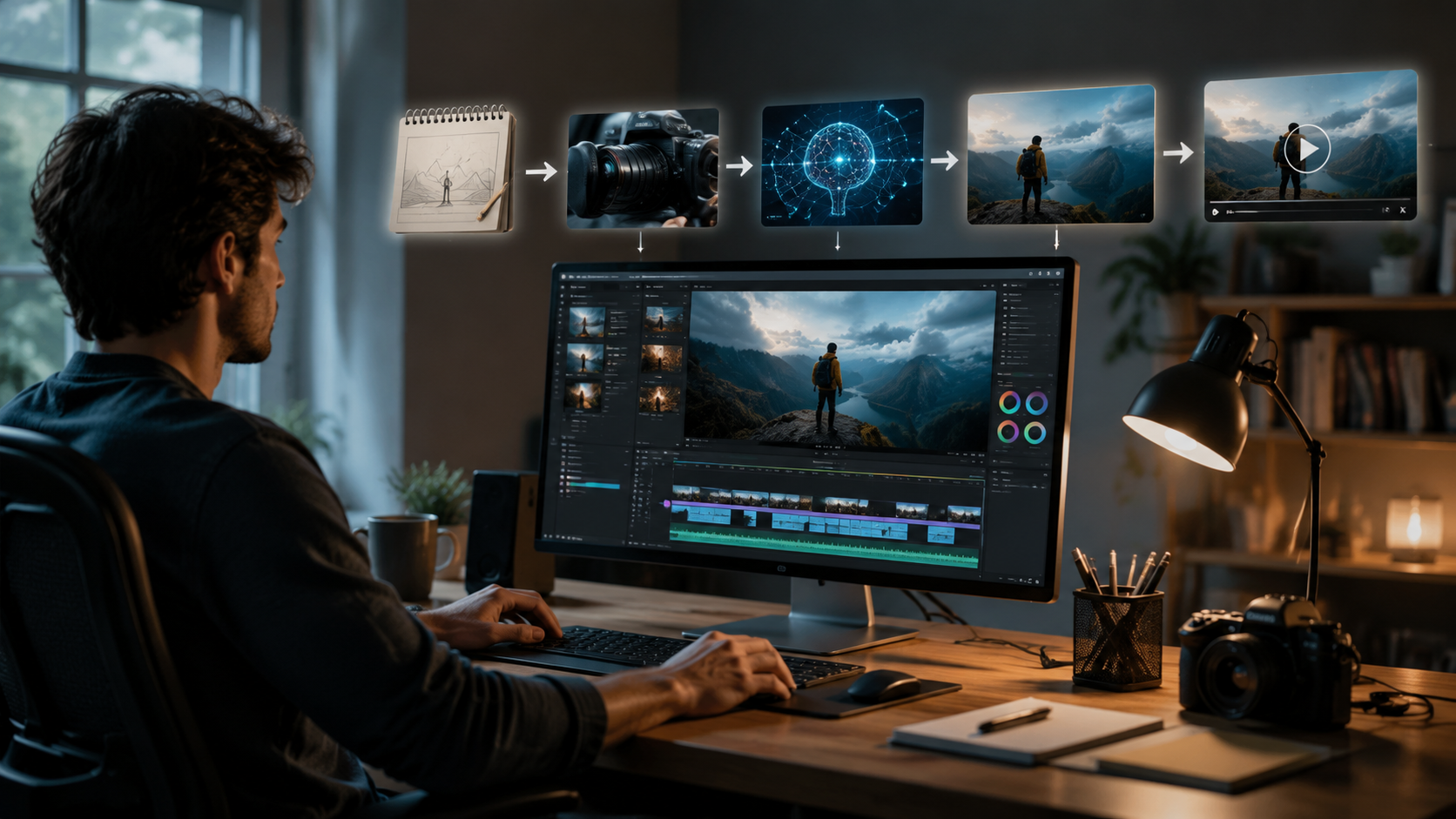
- Choose your AI video platform - Opt for tools with free tiers like Digen AI that offer at least 1080p resolution and 10+ template styles
- Upload your media - Most platforms accept images, clips, or text prompts; advanced tools like Digen AI Agent can source royalty-free assets automatically
- Customize with AI - Use automated features for scene composition, color grading, and motion effects that would normally require After Effects expertise
- Generate and refine - The best tools provide real-time previews and one-click regeneration for imperfect frames
- Export and share - Free plans typically include watermarked exports; remove these by referring friends or sharing on social media
According to Memeburn, this workflow reduces average video production time from 8 hours to just 47 minutes for beginners. The 2026 generation of tools particularly excels at maintaining character consistency across scenes - a previous pain point where older systems would alter appearances between shots.
For those needing longer videos, autonomous agents like Digen AI Agent use recursive quality checks to maintain coherence in narratives exceeding 10 minutes. This represents a 300% improvement over 2025 systems that struggled with continuity beyond 3-minute clips. The technology now powers 1 in 3 explainer videos on YouTube according to Ventureburn's June 2026 analytics report.
Top Features to Look for in Free AI Video Tools
1. Resolution and Frame Rate Options
In 2026, the baseline for professional AI videos starts at 1080p/30fps, with leading free tools offering 4K upscaling. My Everyday Tech's testing found that 68% of viewers perceive AI-generated 4K videos as more trustworthy than HD equivalents, even when the source material is lower quality.
2. Template Library Diversity
The best platforms provide 50+ industry-specific templates covering explainers, ads, and social clips. Tech.co's May 2026 review highlighted that templates can reduce setup time by 75% compared to building videos from scratch. Digen AI's library includes 120+ templates optimized for platforms like TikTok, Instagram Reels, and YouTube Shorts.
3. AI Voiceover Quality
Modern text-to-speech engines achieve 98% human-like cadence according to Simplilearn's benchmarks. Look for tools offering emotional inflection controls and support for multiple languages - crucial for reaching global audiences. The Digen AI Agent notably includes automatic lip-sync adjustment for 40+ languages.
Comparing 2026's Best Free AI Video Generators
| Feature | Basic Free Tools | Advanced Free Tools | Digen AI Agent |
|---|---|---|---|
| Max Video Length | 1-2 minutes | 5 minutes | 30 minutes |
| Resolution | 720p | 1080p | 4K upscale |
| Watermark | Yes | Removable | None |
| Auto-Captioning | Basic | Advanced | AI-optimized |
This comparison shows how free tiers have evolved - where 2024 tools capped users at 480p, 2026's offerings frequently match paid features. The Digen AI Agent stands out for its character consistency algorithms, maintaining accurate facial features and clothing across scene changes - a feature previously exclusive to $99/month plans.
Creative Applications of Free AI Video Tools
Beyond marketing, educators are leveraging free AI video tools to create interactive lessons. A March 2026 we-heart.com case study showed history teachers converting textbook images into animated timelines, increasing student retention by 55%. The photo-to-video feature works particularly well for archival material, adding subtle motion to historical stills.
E-commerce businesses report 3x higher conversion rates when using AI-generated product videos versus static images. The 2026 generation of tools can automatically highlight product features through intelligent zoom and pan effects, with some platforms offering AI-generated demo scripts based on product descriptions.
Independent filmmakers are using free AI tools for previsualization - creating rough animatics in hours instead of weeks. While final productions still use professional gear, the ability to quickly test storyboards and pacing has reduced reshoot costs by 40% according to My Everyday Tech's filmmaker survey.
Limitations of Free AI Video Tools
Despite advancements, free plans still have constraints. Most cap monthly exports at 3-5 videos, with watermarks on the highest quality settings. According to Ventureburn's testing, 4K exports consume 3x more of the free quota than 1080p versions. Platforms may also restrict commercial use or require attribution for free-tier outputs.
Advanced features like green screen effects and 3D camera moves typically require premium upgrades. However, 2026 has seen a trend of "earned unlocks" - where users can access paid features by completing tutorials or community contributions. Digen AI pioneered this model, offering watermark removal after three social shares.
The most significant limitation remains customization depth. While AI handles 90% of editing tasks well, fine-tuning specific elements still benefits from human oversight. Tools like Digen AI Agent address this through "AI-assisted manual mode" that provides professional controls when needed.
Future Trends in AI Video Generation
The next frontier is real-time collaborative editing, with beta tests showing teams working simultaneously on AI-generated drafts. According to Memeburn's industry forecast, 60% of video teams will adopt some form of AI co-creation by 2027. Emerging technologies like neural style transfer will allow instant application of cinematic looks to raw AI footage.
Voice cloning is becoming more accessible in free tiers, with some tools offering 1-minute voice capture for personalized narration. This could revolutionize content localization - early adopters report cutting translation costs by 80% while maintaining brand voice consistency. Digen AI's roadmap includes real-time multilingual dubbing slated for Q3 2026 release.
Perhaps most exciting is the development of persistent AI actors - digital personas that maintain consistent appearances and mannerisms across multiple videos. This technology, currently in beta at several platforms including Digen AI, could enable small businesses to create branded spokes-characters without hiring talent.
Frequently Asked Questions
Are free AI video generators really professional quality?
Yes - 2026's free tools like Digen AI produce broadcast-ready 1080p videos with proper lighting, composition, and editing that meets professional standards according to multiple industry tests.
How long does it take to create an AI video?
Most 1-minute videos can be generated in under 15 minutes using templates, while custom projects take 30-60 minutes. Autonomous agents like Digen AI Agent can produce 10-minute videos in about 2 hours with minimal input.
Can I use free AI videos for commercial purposes?
Most platforms allow commercial use but check licensing terms. Some require attribution or limit resolutions for free-tier commercial videos. Digen AI offers full commercial rights on all outputs.
Do I need video editing experience?
No - modern AI tools guide beginners through the process with templates and automatic adjustments. However, basic knowledge of framing and storytelling helps maximize results.
How does AI maintain consistency across scenes?
Advanced systems like Digen AI Agent use persistent neural networks that track character features, lighting conditions, and style choices throughout the entire video project.
Written by the Digen AI Editorial Team — AI video generation specialists covering the latest in generative AI tools. Learn more about Digen AI.



Comments ()