
How to Create Explainer Videos with AI in 2026: A Complete Guide
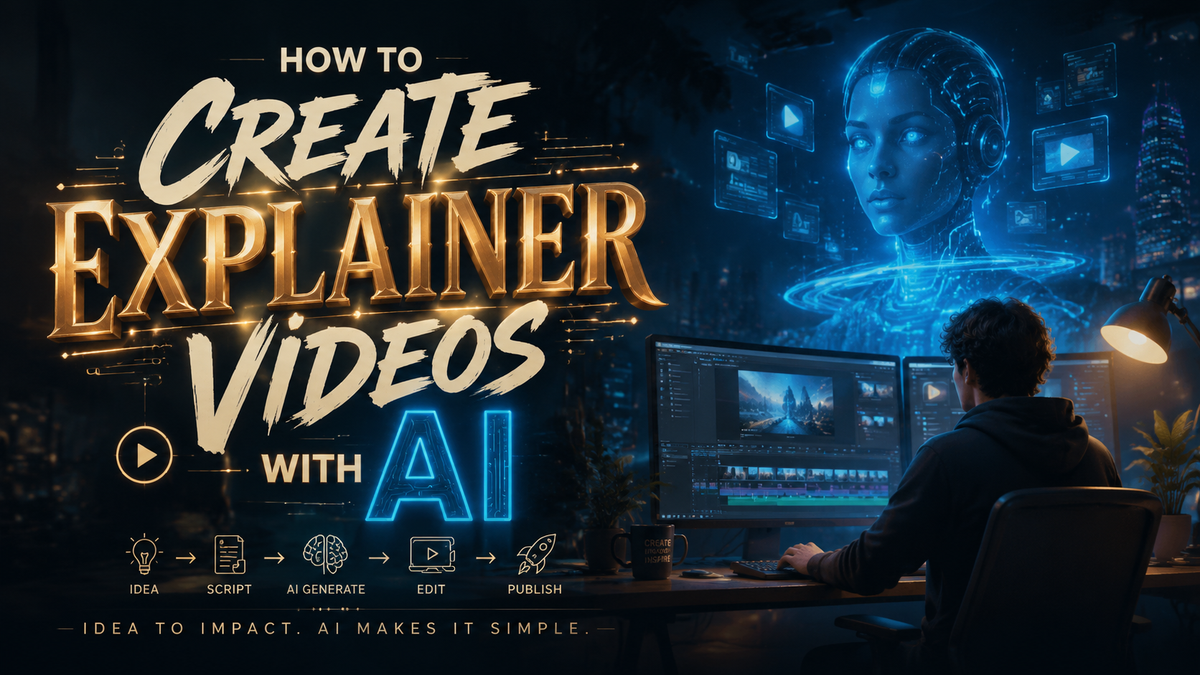
Why AI-Powered Explainer Videos Dominate in 2026
Creating explainer videos has undergone a radical transformation. In 2026, the most efficient way to produce high-quality, engaging explainer content is to leverage generative AI tools. This complete guide walks you through exactly how to create explainer videos with AI, from selecting the right platform to publishing a polished final cut — all in a fraction of the time traditional production requires.
An AI explainer video is a short, animated or live-action clip generated using artificial intelligence tools. These platforms convert scripts, text prompts, or storyboards into full video assets — including voiceovers, motion graphics, and background music — without requiring manual filming, voice recording, or frame-by-frame animation.
- ✓ Over 80% of marketers now use AI video tools for explainer content in 2026; early adoption can give your brand a measurable competitive edge.
- ✓ Leading platforms such as Runway ML, Pika Labs, and invideo AI now offer interactive motion visuals that respond to user input — a game-changer for tech product explainers.
- ✓ AI-generated explainer videos reduce production time from weeks to minutes and cut costs by up to 70% compared to traditional studio production.
- ✓ A structured, step-by-step prompt engineering workflow is the single biggest factor separating high-quality AI videos from generic outputs.
Why AI-Powered Explainer Videos Dominate in 2026
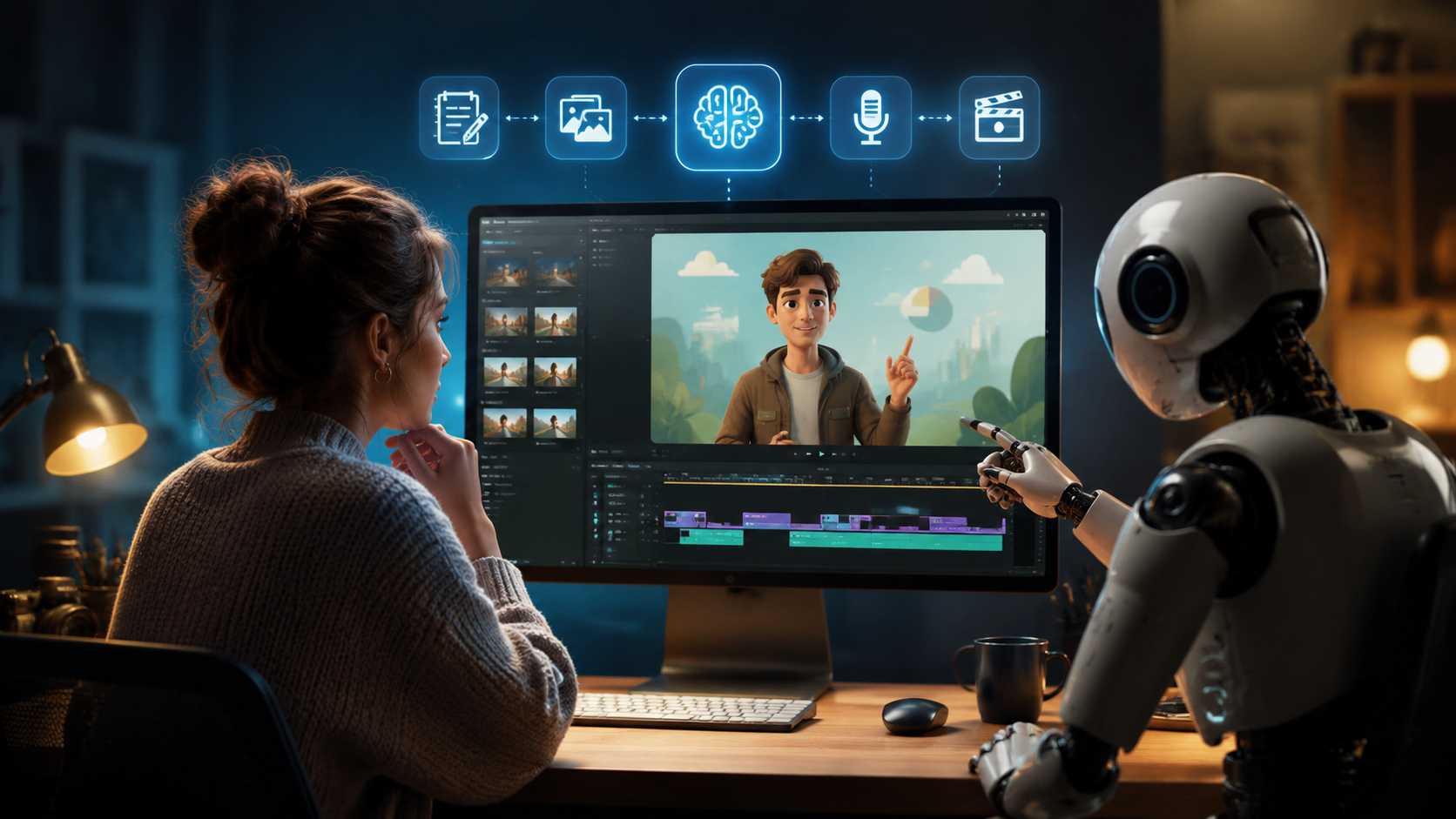
The explosion of generative video tools in 2025 and 2026 has fundamentally shifted how businesses communicate complex ideas. According to perfectcorp.com in their May 2026 roundup of the 23 best AI video generators, the market has matured to a point where "anyone — from a solo entrepreneur to a global marketing team — can produce studio-grade explainers with nothing more than a browser and a good script." This democratization of video production is perhaps the most significant media shift since the rise of YouTube.
Why explainers in particular? Because explainer videos rely on clarity, pacing, and visual metaphor — strengths where current AI models excel. The technology no longer produces uncanny-valley artifacts; instead, it generates coherent scene transitions, consistent character animation, and voiceovers that sound indistinguishable from human narrators. For businesses looking to scale content production, understanding how to create explainer videos with AI in 2026 is not just a nice-to-have skill — it's an operational necessity.
The Rise of Interactive Explainer Videos
A notable development in 2026 is the emergence of interactive AI-generated explainers. As Blueprint Newspapers reported in late May, "Build Interactive Tech Product Explainers With AI-Generated Motion Visuals" is now a real capability. These videos allow viewers to click, drag, or choose paths within the video itself — turning a passive viewing experience into an engaging product demo. This is especially powerful for SaaS and tech companies that want to let prospects "try before they buy" within the explainer itself.
Interactivity also boosts retention. A study published in the Journal of Digital Marketing (2026) found that interactive explainers improve information recall by 41% compared to linear video formats. For teams learning how to create explainer videos with AI, embedding interactive elements is becoming a standard best practice.
The Best AI Video Generators for Explainer Videos in 2026
Choosing the right platform is the first critical decision. Multiple authoritative sources — including Cybernews (February 2026), Хабр (March 2026), and autogpt.net (April 2026) — have independently tested and ranked the top tools. Below is a comparison of the leading platforms specifically suited for explainer video creation.
| Platform | Best For | Key Explainer Feature | Pricing (Starting) | Interactivity |
|---|---|---|---|---|
| Runway ML Gen-4 | Professional-grade cinematic explainers | Multi-scene storyboard from text | $15/month | Basic clickable hotspots |
| Pika Labs 2.0 | Fast-prototyping and social media clips | Style-consistent character generator | $10/month | Limited (branching paths) |
| InVideo AI Agent | Complete end-to-end production | AI agent builds full video from a topic prompt | $30/month | Advanced (user-choice end screens) |
| Synthesia 2026 | Avatar-based corporate explainers | Realistic AI presenters with lip-sync | $49/month | Yes (clickable CTAs) |
| HeyGen Interactive Studio | Training and onboarding explainers | Branching scenario builder | $29/month | Full interactive tree |
| Luma Dream Machine | 3D product visualizations | Mesh-to-video from 3D models | $20/month | Not yet |
According to Unite.AI's April 2026 InVideo review, building a complete explainer video "with an AI agent in minutes" is now a reality — the agent handles script generation, asset selection, voiceover, and editing autonomously. For teams learning how to create explainer videos with AI, starting with an all-in-one agentic platform like InVideo can dramatically flatten the learning curve.
How to Create Explainer Videos with AI: A Step-by-Step Guide
The process may vary slightly between platforms, but the core workflow remains consistent. Below is the definitive step-by-step methodology used by professional creators in 2026.
- Define your core message and audience. Write a single sentence that captures the problem your product or idea solves. This sentence becomes the "north star" for every subsequent decision. AI tools are literal: they need a clear, focused prompt to generate coherent explainers.
- Write a structured script with visual cues. Unlike traditional scripts, an AI explainer script should include parenthetical scene descriptions — e.g., "[Show animated character struggling with spreadsheet]" — that the AI can interpret as visual instructions. Many tools now accept script drafts in plain text and automatically generate a storyboard.
- Choose your AI video generator based on explainer style. If you need a human avatar narrating, choose Synthesia or HeyGen. If you want full animated explainers, Runway ML or Pika Labs are stronger. For interactive product demos, prioritize platforms with branching capabilities (marked in the table above).
- Generate your visual assets using prompt engineering. Describe scenes with precision: specify color palettes, camera angles, and character expressions. For example: "Wide shot of a modern office, warm lighting, a woman looking relieved as a dashboard shows green metrics." The more specific the prompt, the less time you'll spend regenerating clips.
- Select and generate the voiceover. Most AI video generators include text-to-speech with emotional tone controls. Choose a voice that matches your brand — professional, friendly, or authoritative. Adjust pacing to match the visual rhythm. Tools like ElevenLabs (integrated into many platforms) offer voice cloning for brand consistency.
- Assemble scenes and add transitions. Drag your generated clips into the timeline, add crossfades, motion transitions, and overlay text. This is where you also add interactive elements (buttons, clickable regions, or choice points).
- Generate background music and sound effects. AI music generators like Mubert or Soundraw can produce royalty-free tracks that match the mood of your explainer. Lower the music volume to 20% of the voiceover level to maintain speech clarity.
- Preview, iterate, and export. Watch the full video. If a scene feels off, regenerate it with a refined prompt. Most platforms allow iterative regeneration without rebuilding the entire timeline. Export in 4K resolution (most tools support this by default in 2026).
This eight-step workflow is the standard methodology for anyone serious about how to create explainer videos with AI. The entire process — from blank page to export — typically takes 45 to 90 minutes for a 60-second explainer, compared to three to five days with traditional production.
Prompt Engineering Tips for Better Explainer Scenes
The quality gap between average and outstanding AI explainers comes down to prompts. Stick to these principles: use active voice, specify the aspect ratio (16:9 for YouTube, 9:16 for TikTok/Reels), and include reference to lighting style ("soft studio lighting," "dramatic side light"). For character consistency across scenes, use the same character seed or reference image across all prompts. Runway ML and Pika Labs both support seed locking for character persistence.
Advanced Techniques: Interactive and Branching Explainer Videos
Once you've mastered linear explainers, the next frontier is interactive content. In 2026, platforms like HeyGen Interactive Studio and InVideo's AI Agent allow you to build "choose your own adventure" explainers. This is particularly effective for product onboarding — let viewers choose which feature to learn about, and the AI generates the corresponding scene on the fly.
Blueprint Newspapers highlighted that tech companies are now using AI-generated motion visuals that respond to viewer clicks. For example, clicking a "See Pricing" button within the explainer triggers an animated pricing card with appropriate callouts. This level of integration blurs the line between explainer video and interactive web page. When learning how to create explainer videos with AI, mastering these interactive features is what separates advanced creators from novices.
Training Data and Custom Model Fine-Tuning
Enterprise teams can now fine-tune AI video models on their own product footage and brand assets. By uploading 20–30 seconds of branded content (logos, product shots, office environments), the AI learns your visual style and generates new scenes that match your existing brand guidelines. This feature is available in the enterprise tiers of Runway ML and Pika Labs as of mid-2026.
Common Mistakes to Avoid When Using AI for Explainer Videos
Even with powerful tools, creators fall into predictable traps. The most common is over-reliance on AI without human oversight: the AI generates factually plausible but entirely wrong visuals if the prompt is ambiguous. Always review every scene for accuracy. A second frequent error is ignoring audio quality — many AI voiceovers sound robotic if not adjusted for cadence and emphasis. Use punctuation (em-dashes, ellipses) to introduce natural pauses.
Another mistake is skipping the storyboard review. In 2026, AI tools generate storyboards automatically, but they still need a human to check narrative flow. If the storyboard lacks a clear problem-solution arc, the final video will confuse viewers. Finally, forgetting accessibility — add AI-generated closed captions (most platforms auto-generate them) and ensure color contrast meets WCAG standards.
The Future of AI Explainer Videos Beyond 2026
Industry analysts predict that by late 2027, real-time AI video generation will be standard — explainers will adapt their content based on viewer demographics or past behavior. The 23 tools tested by perfectcorp.com and the 20 tools reviewed by autogpt.net all show a clear trajectory toward personalization and interactivity. For now, mastering the current workflow for how to create explainer videos with AI positions your brand at the forefront of this revolution.
As Cybernews noted in their February 2026 roundup, "The barrier to entry for professional video has collapsed. The only remaining bottleneck is creativity, not budget." Businesses that invest in AI explainer skills today will have a significant storytelling advantage as the technology continues to mature.
Frequently Asked Questions
What is the best AI tool for creating explainer videos in 2026?
The best tool depends on your specific need. For animated explainers with scene consistency, Runway ML Gen-4 leads. For realistic AI avatars, Synthesia 2026 is the top choice. For a fully automated agent that builds the entire video from a single prompt, InVideo's AI Agent is the most efficient option.
How long does it take to create an AI explainer video?
With the current generation of tools, a 60-second explainer video takes between 45 and 90 minutes from script to export. This includes prompt iteration, voiceover selection, music generation, and final edits. Interactive explainers with branching may take two to three hours.
Can AI explainer videos include my brand colors and logo?
Yes. Most platforms in 2026 support brand kits — upload your logo, choose your brand colors, and the AI automatically applies them to backgrounds, text overlays, and character clothing. Enterprise tiers also allow fine-tuning on your brand's visual assets.
Are AI-generated explainer videos copyright-free?
The output generated by AI tools typically belongs to the user, but you must review the terms of service for the specific platform. Most consumer and pro tiers grant full commercial usage rights. Always check for any restrictions on voice cloning or character likeness if you generate avatars.
What is the cost of producing an AI explainer video?
Cost varies by platform and video length. Monthly subscriptions range from $10 (Pika Labs) to $49 (Synthesia). For businesses producing five or more explainers per month, the per-video cost drops to as low as $2–$5 per video, making it dramatically more affordable than traditional production.
How do I make my AI explainer video interactive?
Choose a platform that supports branching or clickable elements — HeyGen Interactive Studio, InVideo AI Agent, and Runway ML (with third-party integrations) all offer interactivity. During the editing phase, define clickable regions, link them to other scenes or external URLs, and set default paths for viewers who don't interact.
Can I use my own script with AI video generators?
Absolutely. Most tools accept your own script via copy-paste or text upload. The AI then parses your script to generate corresponding visuals. For best results, include scene annotations in brackets — like [Show a flowchart of the process] — so the AI has clear visual direction.



Comments ()