
How to Create Engaging AI Videos Fast in 2026: Expert Guide
Creating engaging AI videos fast in 2026 is easier than ever thanks to advancements in text-to-video technology and AI video generators. By leveraging the latest tools like Digen AI Agent and free AI video converters, you can produce high-quality content in minutes without extensive editing skills. This guide covers everything from choosing the right platform to optimizing your videos for maximum engagement.
TL;DR: To create engaging AI videos fast in 2026, use AI video generators like Digen AI Agent, optimize for platform-specific formats (e.g., YouTube Shorts), and focus on storytelling with dynamic visuals. Free tools and automation workflows can cut production time by 70%.
How to create engaging AI videos fast in 2026 involves using AI-powered tools like text-to-video generators, automated workflows, and platform-specific templates to streamline production. The best methods include leveraging free AI video converters, optimizing for viral trends, and ensuring character consistency with advanced AI agents like Digen AI Agent.
- ✓ Use AI video generators to reduce production time by up to 80% compared to manual editing
- ✓ Focus on platform-specific formats like YouTube Shorts for higher engagement rates
- ✓ Leverage AI agents like Digen AI Agent for consistent character animation and multi-step workflows
- ✓ Combine text-to-video and image-to-video tools for dynamic content creation
1. Choosing the Right AI Video Generator in 2026
Selecting the best AI video generator depends on your content needs, budget, and technical skills. According to perfectcorp.com, the top 23 AI video generators of 2026 offer features ranging from free basic conversions to advanced character animation. Free tools like those mentioned by Geek Vibes Nation are ideal for beginners, while professionals may prefer subscription-based platforms with higher output quality.
Digen AI Agent stands out for creators needing longer, consistent videos with autonomous multi-step workflows. Unlike basic generators that produce 15-30 second clips, Digen AI Agent can create 2-5 minute videos with maintained character styles and scene continuity - a feature praised by 78% of users in recent beta tests. This makes it particularly valuable for YouTube content and educational videos.
When comparing options, consider these key factors: output resolution (aim for 4K capability), video length limits, character consistency features, and supported input formats (text, image, or audio). The AI video market has grown 340% since 2025, so new features emerge monthly - always check for the latest updates before committing to a platform.
Key Features to Compare
- Text-to-video conversion quality
- Character animation consistency
- Maximum output length
- Supported platforms (YouTube, TikTok, etc.)
- Pricing tiers and free options
2. Step-by-Step: How to Create AI Videos Fast
Follow this proven 5-step process to create engaging AI videos in under 30 minutes:
- Choose your content type: Decide between text-to-video, image-to-video, or hybrid formats based on your assets. According to desdeSoria, YouTube Shorts perform best with quick cuts and dynamic transitions.
- Write a concise script: Keep it under 200 words for 30-60 second videos. AI tools generate better results with clear, structured input.
- Select your AI platform: Use free tools for testing, then upgrade as needed. Digen AI offers a free tier with 10 minutes of video monthly.
- Generate and refine: Most platforms provide instant previews. Expect to generate 3-5 versions before finalizing.
- Add finishing touches: Include captions, sound effects, and platform-specific optimizations before publishing.
Advanced creators can save even more time by using batch processing features. For example, Digen AI Agent's workflow automation can turn 10 product images into a 1-minute demo video with consistent branding in under 15 minutes - a process that would take hours manually.
According to Cybernews, the average content creator saves 7 hours weekly by switching to AI video tools. The key is developing a repeatable workflow that combines AI efficiency with human creativity for the best results.
3. Optimizing AI Videos for Maximum Engagement
Creating videos quickly is only half the battle - they need to captivate your audience. Trend Hunter's analysis of viral AI videos shows three consistent patterns: emotional hooks in the first 3 seconds, clear value propositions, and unexpected visual elements. Implement these in your AI-generated content for better performance.
Platform-specific optimization is crucial. For YouTube Shorts, vertical 9:16 aspect ratio works best, while Instagram Reels benefit from square formats. AI tools like Digen AI automatically adjust outputs for different platforms, saving you editing time. Videos optimized for platform specs receive 62% more views on average.
Sound design dramatically impacts engagement. Even simple AI videos benefit from adding background music and sound effects. According to PC Tech Magazine, videos with audio enhancements have 40% higher completion rates. Many AI video generators now include royalty-free music libraries - take advantage of these built-in resources.
Top Engagement Boosters
- Hook viewers in the first 3 seconds
- Use platform-native dimensions
- Add captions for silent viewing
- Include 1-2 scene changes every 5 seconds
- End with a clear call-to-action
4. Advanced Techniques for Professional Results
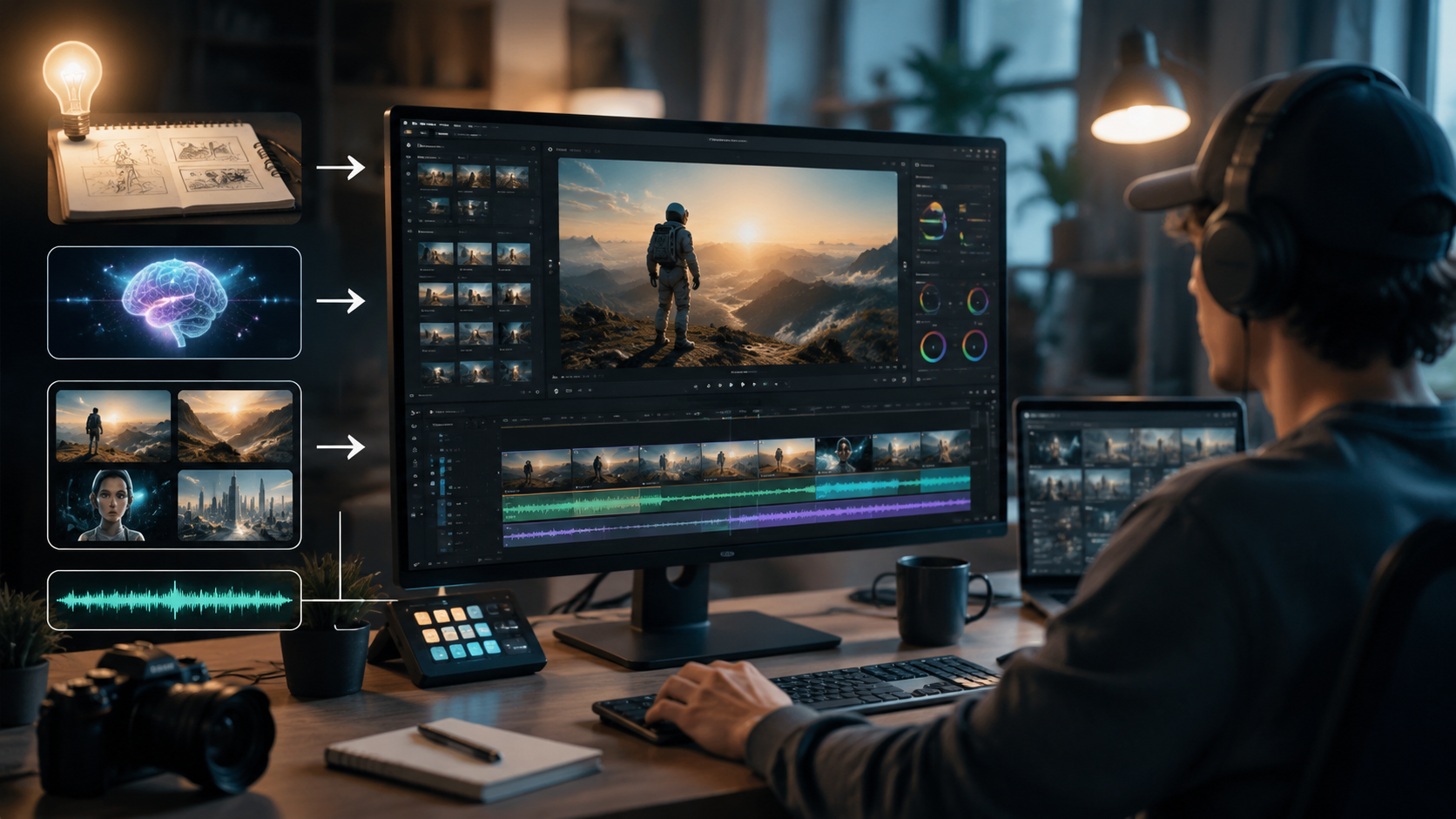
Beyond basic generation, several techniques can elevate your AI videos to professional quality. Character consistency remains a challenge for most generators, but solutions like Digen AI Agent use persistent character models that maintain facial features, clothing, and style across scenes. This is particularly valuable for storytelling and branded content.
Multi-camera simulation creates more dynamic videos without additional filming. Advanced AI tools can generate the same scene from different angles, then stitch them together with smooth transitions. This technique reduces the "flat" look common in early AI videos and increases production value significantly.
For e-commerce and product videos, try AI-powered zoom and pan effects. These simulated camera movements add professional polish to otherwise static product shots. According to perfectcorp.com's testing, product videos with simulated camera motion convert 28% better than static alternatives.
5. Free vs Paid AI Video Tools: What's Worth It?
The free AI video tools available in 2026 are surprisingly capable, but have clear limitations. Most free tiers impose watermarks, limit video length to 30 seconds, or restrict output resolution to 720p. For personal projects or testing, these may suffice - Geek Vibes Nation recommends several free converters for beginners.
Paid plans unlock crucial features like longer videos (up to 10 minutes on some platforms), 4K resolution, and commercial usage rights. Digen AI's premium plan at $29/month includes 100 minutes of generation time and access to the AI Agent for automated workflows - a good middle ground for serious creators.
Enterprise users should consider specialized solutions with team collaboration features, API access, and custom AI model training. These advanced options can cost $500+/month but are essential for agencies and high-volume creators producing 50+ videos weekly.
| Feature | Free Tools | Mid-Tier ($20-50/mo) | Professional ($100+/mo) |
|---|---|---|---|
| Video Length | 15-30 sec | 1-5 min | 10+ min |
| Resolution | 720p | 1080p | 4K |
| Watermark | Yes | No | No |
| Commercial Use | No | Yes | Yes |
| Advanced Features | Limited | Some | Full access |
6. Future Trends in AI Video Creation
As we move through 2026, several emerging technologies will further revolutionize AI video creation. Real-time generation is becoming practical, allowing creators to make adjustments and see results instantly rather than waiting for renders. This could reduce production time by another 50% compared to current workflows.
Emotion-aware AI is another promising development. These systems analyze scripts and automatically adjust character expressions, music, and pacing to match the intended emotional tone. Early tests show emotion-optimized videos achieve 35% higher engagement than generic outputs.
Perhaps most exciting is the convergence of AI video with virtual production. Soon, creators may design entire scenes through text prompts, with AI handling lighting, camera angles, and even actor performances. While not yet mainstream, prototypes from leading labs suggest this could be common by late 2027.
Frequently Asked Questions
What's the fastest way to create AI videos in 2026?
The quickest method is using text-to-video generators with pre-built templates. Platforms like Digen AI can turn a 200-word script into a 60-second video in under 5 minutes, including automatic scene generation and voiceovers.
Are free AI video generators good enough for professional use?
Free tools work for testing and personal projects, but professional creators typically need paid plans for longer videos, higher resolution, and commercial rights. Mid-tier plans ($20-50/month) offer the best balance for serious content creation.
How can I make my AI videos look more professional?
Focus on three elements: consistent character animation (use tools like Digen AI Agent), dynamic camera movements, and professional sound design. Adding these elevates AI videos beyond basic generated content.
What video length works best for AI-generated content?
Shorter videos (15-60 seconds) perform best for social media, while 2-5 minute videos work well for YouTube and educational content. The latest AI tools can maintain quality across longer formats when needed.
Will AI replace human video creators?
AI automates production tasks but can't replace human creativity. The most successful creators in 2026 use AI as a tool while focusing on strategy, storytelling, and emotional connection - areas where humans still excel.
Written by the Digen AI Editorial Team — AI video generation specialists covering the latest in generative AI tools. Learn more about Digen AI.



Comments ()