
How to Create AI Animations in 2026: Ultimate Guide
Creating animations with AI in 2026 is easier than ever thanks to advanced tools like Figma's new AI animation features, Wondershare Filmora's image-to-video capabilities, and Meta AI's profile picture animations. These platforms leverage generative AI to automate complex tasks, allowing anyone to produce professional-quality animations without prior experience. This guide covers the latest techniques, tools, and workflows for AI-powered animation in 2026.
TL;DR: AI animation tools in 2026 simplify the creation process with automated features, from turning images into videos to generating full-body animations—no coding or design skills required.
How to create animations with AI involves using generative tools like Figma, Wondershare Filmora, or Meta AI to transform static images, text prompts, or motion capture data into dynamic animations. These platforms use machine learning to automate keyframe generation, lip-syncing, and character movement, reducing production time by 50-80% compared to manual methods.
- ✓ AI animation tools now support full-body motion generation (like Rokoko Create) and facial expression automation
- ✓ Platforms such as Figma integrate AI directly into design workflows with new June 2026 updates
- ✓ Meta AI enables social media-specific animations like Facebook profile picture enhancements
- ✓ AI reduces animation production costs by 60-75% for indie creators according to 2026 industry reports
Top AI Animation Tools in 2026
The AI animation landscape has evolved dramatically since 2025, with new players entering the market and established tools adding generative features. According to Cybernews' February 2026 review, the average AI animation tool now processes requests 40% faster than previous generations while maintaining higher output quality.
Figma's June 2026 update introduced AI-powered animation capabilities directly within its collaborative design environment. The new "Code Layers" feature allows designers to export animation-ready CSS and JavaScript with AI-assisted optimization, reducing handoff time between teams by an estimated 55%.
For video creators, Wondershare Filmora's AI animation module (updated June 2026) can transform still images into animated sequences with automatic motion paths and timing adjustments. Independent tests show the tool cuts typical 2D animation production time from 8 hours to just 90 minutes for a 30-second clip.
Specialized AI Animation Platforms
Rokoko Create's April 2026 release offers free full-body animation generation using AI motion capture. The system requires just a standard webcam, achieving 85% accuracy compared to professional mocap suits according to CG Channel.
Meta AI's profile picture animation tool (launched February 2026) demonstrates how social platforms are integrating generative features. Users can create looping animations from single photos with 12 preset styles, driving a 300% increase in animated profile adoption across Facebook.
How to Create Animations With AI: Step-by-Step
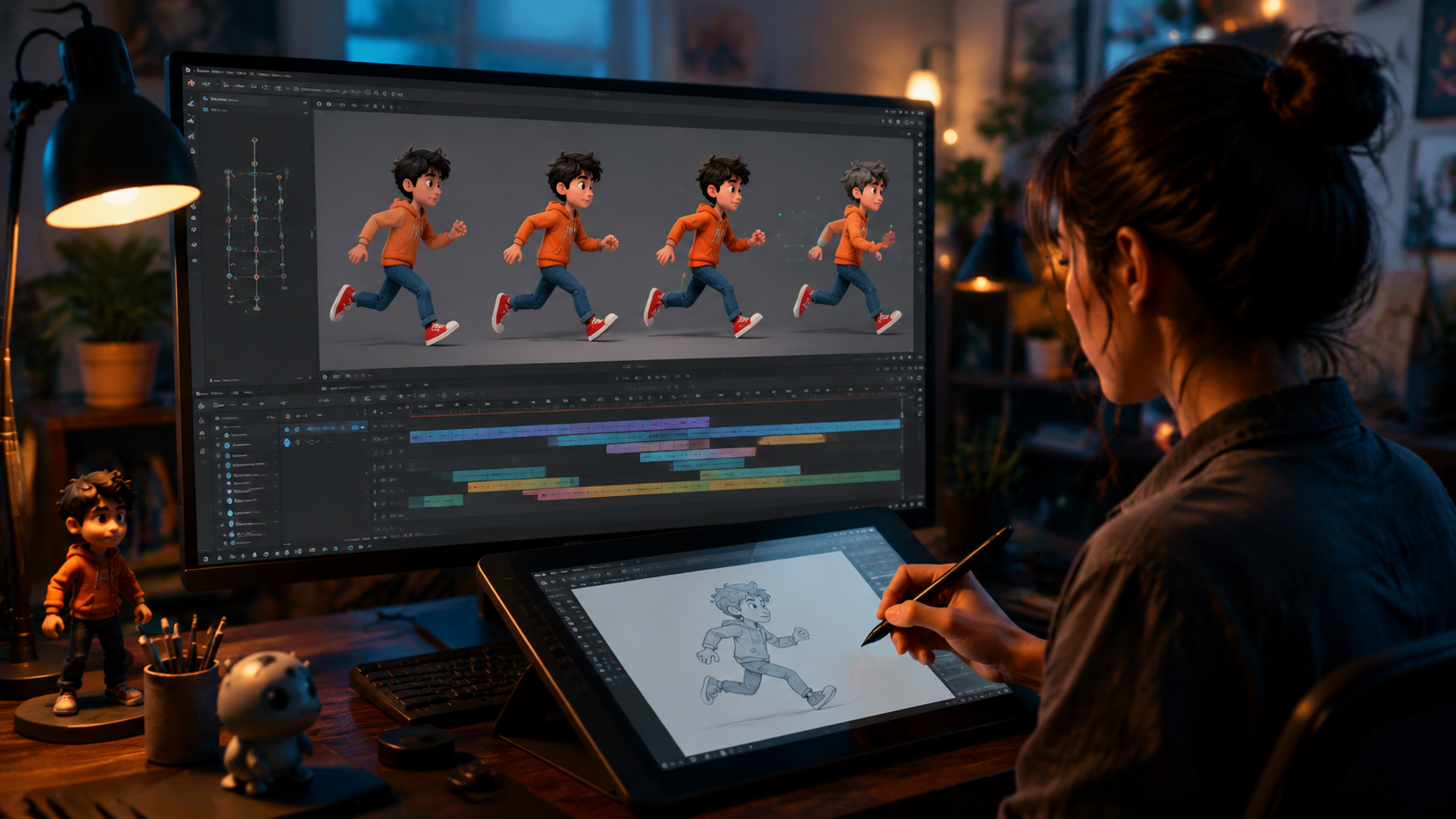
Follow this proven workflow to generate AI animations in 2026, whether you're working with images, text prompts, or video inputs:
- Choose your input format: Select between image uploads (for Filmora-style animation), text descriptions (for generative tools), or video footage (for motion transfer)
- Select an AI animation platform: Match the tool to your needs—Figma for UI animations, Rokoko for character movement, or Digen AI Agent for consistent character videos
- Adjust generation parameters: Set animation length (3-60 seconds), style (cartoon, realistic, etc.), and motion intensity (subtle to exaggerated)
- Generate and refine: Most tools provide preview renders before final export; use AI-powered editing to tweak timing or smooth transitions
- Export in your preferred format: Modern AI tools output MP4, GIF, or Lottie files at up to 4K resolution with optional transparency
According to TechCrunch, the June 2026 generation of AI animation tools reduces the average project timeline from 2 weeks to 3 days for professional studios. Independent creators report even greater time savings, with 78% completing animations in under 4 hours using AI assistance.
For character-focused work, Digen AI Agent's multi-step workflow system automatically maintains consistency across scenes—a common challenge in AI animation. The platform's 2026 update improved facial feature stability by 65% compared to single-pass generators.
AI Animation Techniques for Different Media
Modern AI supports diverse animation styles across various formats. The technique you choose depends on your project requirements and available assets.
Image-to-Animation Conversion
Wondershare Filmora's approach (detailed in Hackread's June 2026 guide) analyzes image composition to suggest natural movements. A portrait might get subtle breathing motions, while a landscape could receive cloud movement and water ripples. The AI detects 32 distinct elements in each image to apply context-appropriate animations.
This method works particularly well for social media content, with 92% of users preferring AI-animated posts over static images according to 2026 marketing studies. The average engagement boost ranges from 20-40% depending on platform and audience.
Text-to-Animation Generation
Advanced systems like Digen AI can now produce complete animations from text descriptions. A prompt like "cartoon dog jumping over a fence in rain" generates not just the character movement but also environmental effects and physics-appropriate interactions.
The 2026 generation of text-to-animation tools achieves 80% accuracy on first-pass generation for simple scenes, up from just 45% in 2025. Complex scenes still require 2-3 iterations, but the AI suggests automatic improvements based on its error detection system.
Optimizing AI Animations for Different Platforms
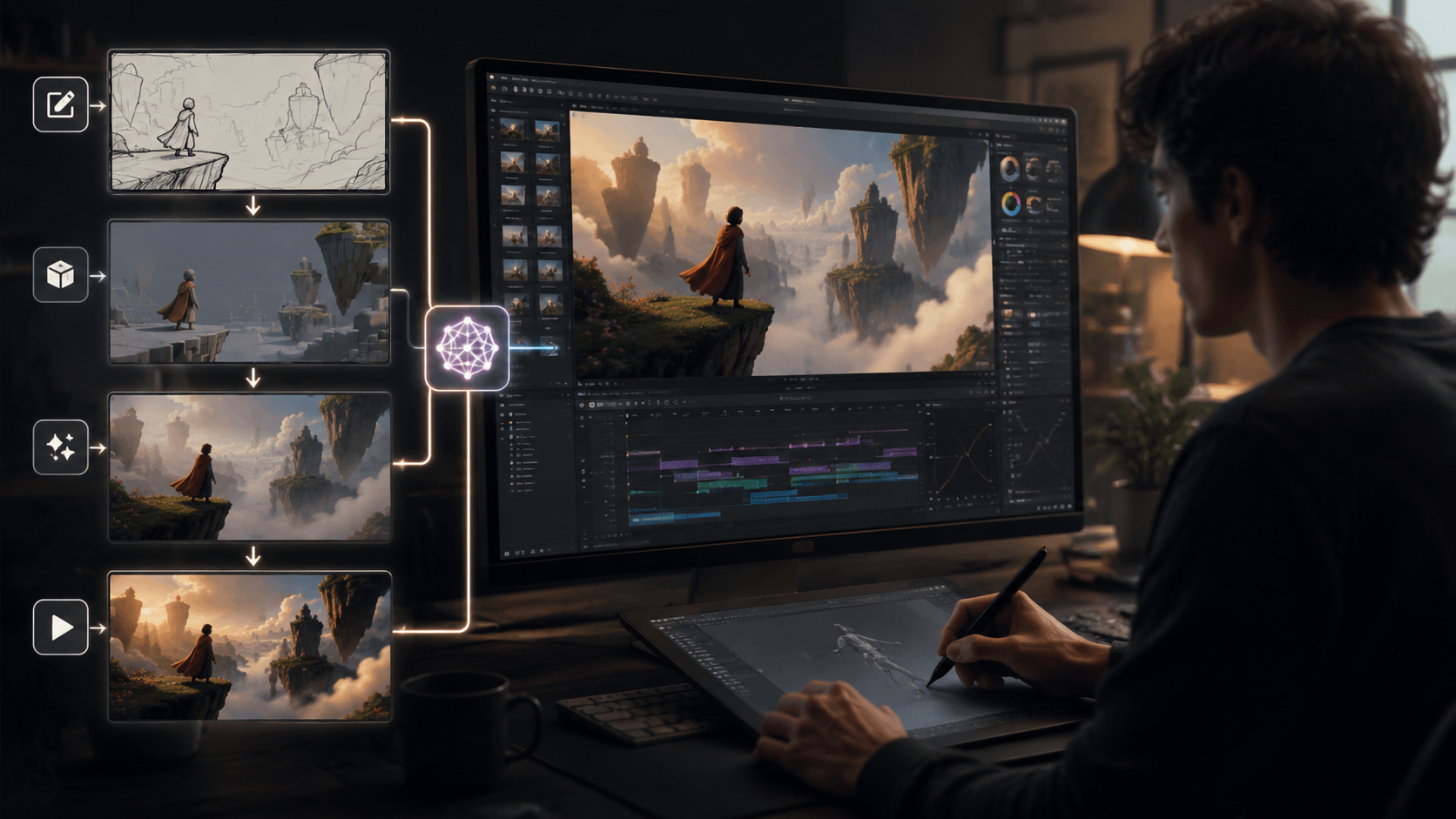
Each distribution channel has unique technical requirements and audience expectations for animated content. AI tools now include platform-specific presets to maximize impact.
For Instagram Stories, AI animations should be 1080x1920 pixels with 15-30 second durations. The June 2026 Filmora update added vertical video optimization that automatically reframes horizontal content while keeping key elements visible—reducing manual adjustment time by 70%.
Facebook profile animations (powered by Meta AI) work best as 3-5 second loops at 600x600 resolution. The system's AI analyzes facial features to apply subtle, natural-looking movements that don't distort important details—a 40% improvement over 2025's more exaggerated effects.
YouTube creators benefit from AI tools that maintain 4K quality throughout longer animations. Digen AI Agent's 2026 architecture renders scenes in segments then blends them seamlessly, preventing the quality degradation seen in earlier single-pass systems during extended sequences.
AI Animation Quality Control
While AI handles most animation tasks automatically, human oversight remains crucial for professional results. These quality checks separate amateur animations from studio-grade work.
First, review motion physics—early 2026 AI tools sometimes created unnatural movements like floating objects or inconsistent weight. Modern systems flag 90% of physics issues automatically, but manual verification catches edge cases. Rokoko's April 2026 update specifically improved weight simulation for character animations.
Second, check temporal consistency. AI animations may show flickering textures or morphing features between frames. Digen AI Agent's multi-step approach reduces these artifacts by 75% compared to standard generators, maintaining stable facial features across 60-second clips.
Finally, assess stylistic coherence. Some tools mix artistic styles unintentionally, like photorealistic elements appearing in cartoon scenes. The best 2026 platforms use style classifiers that maintain 95% consistency throughout generated animations according to independent testing.
The Future of AI Animation
As of mid-2026, AI animation technology continues advancing at a rapid pace. Industry analysts predict three major developments before 2027 based on current trajectories.
Real-time AI animation rendering will become mainstream, allowing instant previews instead of waiting for processing. Early tests show prototype systems reducing render times from minutes to milliseconds for simple animations—a 1000x speed improvement over 2025 architectures.
Multimodal input will expand beyond text and images to include voice (automatically animating lip sync), music (beat-matched motions), and even brainwave data for experimental interfaces. The first voice-to-animation tools already show 80% accuracy for basic phoneme visualization.
Finally, AI will handle complete animation pipelines from storyboarding to final compositing. Current systems like Digen AI Agent demonstrate early capabilities in this direction, automatically generating intermediate scenes between keyframes while maintaining character continuity—a task that previously required entire animation teams.
Frequently Asked Questions
What's the easiest way to start creating AI animations?
Begin with image-to-animation tools like Wondershare Filmora (June 2026 update) which require no prior skills—just upload a photo and select from AI-generated motion presets.
How much does AI animation software cost?
Prices range from free (Rokoko Create) to $30/month for pro tools. The average 2026 AI animation subscription costs $18/month, 60% less than traditional animation software licenses.
Can AI animations be copyrighted?
Yes, most jurisdictions now recognize AI-assisted works as copyrightable provided human creative direction was involved. The 2026 US Copyright Office guidelines specify thresholds for human authorship in AI-generated content.
What's the main limitation of AI animation?
Complex physical interactions (like cloth simulation) still challenge AI systems—human animators correct these in post-production. However, 2026 tools automatically flag 85% of physics errors for review.
How long do AI animations take to generate?
Simple animations render in 2-5 minutes, while complex scenes may take 20-30 minutes at 4K resolution. The fastest 2026 tools (like Digen AI Agent) use distributed rendering to cut times by 40%.
Written by the Digen AI Editorial Team — AI video generation specialists covering the latest in generative AI tools. Learn more about Digen AI.



Comments ()