
How to Create Animated Videos with AI in 2026: Ultimate Guide
To create animated videos with AI in 2026, you can use text-to-video generators, image animation tools, and cinematic overview platforms that transform your prompts into fully rendered motion content — all without traditional animation skills. In this ultimate guide, we walk through the step-by-step process, the best tools available as of mid-2026, and how to avoid common pitfalls like low-quality AI slop.
AI animation is the process of using machine learning models to generate moving visuals from text prompts, static images, or audio inputs. In 2026, tools like Mango AI's free text-to-video generator, Google NotebookLM's cinematic overviews, and dedicated photo animation platforms let creators produce professional animated videos in minutes with minimal manual effort.
- ✓ Text-to-video AI generators like Mango AI's free tier enable anyone to create animated videos from simple text prompts, removing the need for traditional animation expertise.
- ✓ Photo animation tools can breathe life into old images, turning static family photos into dancing or moving scenes with tools like Mango AI's Dance Generator.
- ✓ Cinematic video overviews are now available inside Google's NotebookLM, allowing users to turn notes and documents into polished animated summaries.
- ✓ Quality control remains critical — AI slop in children's media is a growing concern in 2026, making human oversight more important than ever.
- ✓ The best results come from combining multiple AI tools, applying iterative prompting, and maintaining editorial review for coherence and safety.
What Is AI-Powered Animation and Why Does It Matter in 2026?
AI-powered animation refers to the use of generative machine learning models to produce animated video content from non-traditional inputs such as text, still images, or audio. Unlike conventional animation that requires frame-by-frame rendering, rigging, and compositing, AI animation generates motion sequences in seconds or minutes by interpreting high-level instructions. In 2026, this technology has matured to the point where free tools like Mango AI's text-to-video generator can produce publishable animated clips from a single sentence.
The significance of AI animation in 2026 extends beyond convenience. According to Cybernews' "Best AI Animation Generators 2026: In-Depth Review" published in February 2026, the quality of AI-generated animation has improved dramatically on metrics like motion coherence, character consistency, and lip-sync accuracy. Small businesses, educators, social media creators, and even large studios are now adopting these tools to reduce production timelines from weeks to hours. At the same time, the proliferation of these tools has raised important questions about content quality and safety, especially for children's media.
Whether you are a complete beginner or a seasoned animator looking to augment your workflow, understanding how to create animated videos with AI in 2026 is a valuable skill. The ecosystem now offers solutions for every use case: text-to-video, photo-to-animation, audio-driven dance generation, and even cinematic overviews integrated into productivity tools like NotebookLM.
How to Create Animated Videos with AI: A Step-by-Step Guide
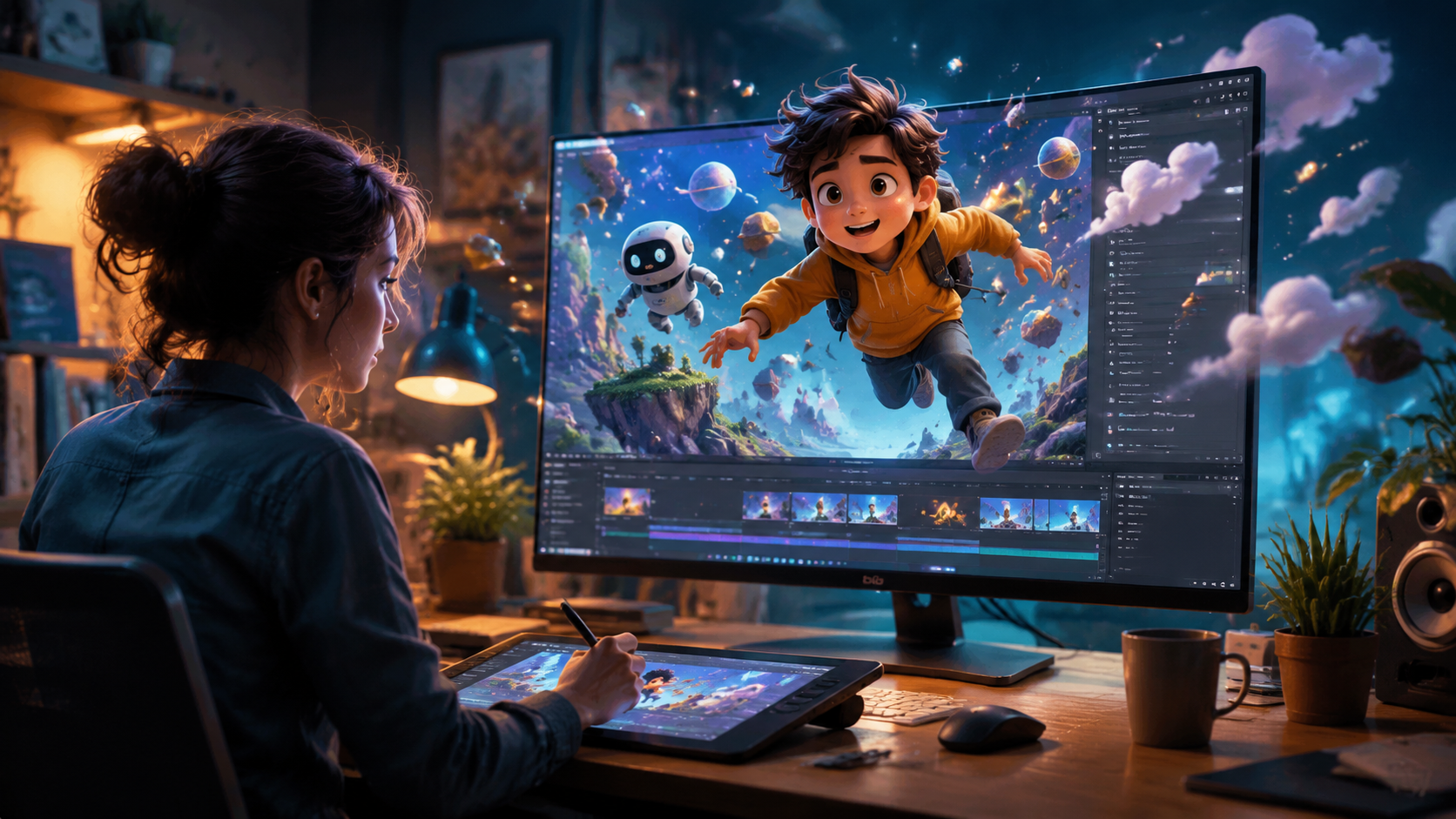
The process of creating animated videos with AI in 2026 is more streamlined than ever. Below is a numbered, step-by-step workflow that works across most major platforms. Follow these steps to go from idea to finished animated video in under an hour.
- Define your concept and target audience. Before opening any tool, write a clear one-sentence description of your video's purpose, tone, and intended audience. This step helps you choose the right platform and avoid generic results.
- Select an AI animation generator based on your input type. For text-to-video, platforms like Mango AI's free generator (unveiled May 8, 2026) accept natural language prompts. For still images, use a photo animation tool such as Mango AI's Image to Video generator or the "Animate Old Photos" feature reported by The Source Magazine in March 2026. For document-based content, use Google NotebookLM's cinematic video overviews (launched March 4, 2026).
- Craft a detailed prompt. Include subject, action, setting, style (e.g., "2D cartoon" or "cinematic 3D"), lighting, and mood. The more specific your prompt, the less likely the output will suffer from AI slop — a problem flagged by The 74 in March 2026 regarding low-quality children's content.
- Generate a first draft and review critically. Run the prompt and inspect the output for visual coherence, unnatural motion, or off-brand elements. Most tools allow for regeneration with modified prompts.
- Refine using iterative prompting and editing. Adjust your prompt based on the first result. Many AI animation generators in 2026 support negative prompts (things to avoid) and style references.
- Add audio, voiceover, or music. Export your raw animation and import it into a video editor, or use built-in audio features if the platform supports them. Mango AI's Dance Generator, for instance, syncs motion to a chosen music track automatically.
- Apply final polish and export. Check for branding, captions, and transitions. Export in your target resolution (1080p or 4K depending on the tool) and share directly or via an editing suite.
This workflow applies whether you are creating social media shorts, educational explainers, or promotional content. The key takeaway is that knowing how to create animated videos with AI in 2026 is less about technical skill and more about prompt engineering and editorial judgment.
Best AI Animation Generators in 2026: A Side-by-Side Comparison
Based on the latest research from Cybernews (February 2026) and industry announcements through May 2026, several AI animation generators stand out for different use cases. The table below compares the leading options.
| Tool / Platform | Input Type | Key Feature | Pricing | Best For |
|---|---|---|---|---|
| Mango AI Text-to-Video Generator | Text prompts | Free tier; generates animated clips from natural language | Free (basic) / Premium plans available | Quick social media content, prototyping |
| Mango AI Dance Generator | Still photos + music | Animates static photos into dancing videos | Free tier / Premium | Entertainment, personal projects, marketing |
| Google NotebookLM | Documents, notes, research | Cinematic video overviews generated from uploaded content | Free (with Google account) | Educational summaries, student projects, presentations |
| Animate Old Photos (various platforms) | Static images (old photos) | Photo retake and animation of historical images | Free to $15/month depending on platform | Family history, archival projects, storytelling |
Each of these tools serves a distinct purpose. If you are wondering how to create animated videos with ai for a specific project, match your input type and output goal to the appropriate row above. For general-purpose text-to-video, Mango AI's free generator is an excellent starting point, while NotebookLM is ideal for academic or research-heavy content.
Practical Applications: From Text to Dance to Cinematic Overviews
The range of AI animation applications in 2026 is remarkably broad. Below are three major use cases supported by recent product launches and market developments.
Text-to-Video for Marketing and Social Media
Mango AI's free text-to-video generator, announced on May 8, 2026, allows marketers to create animated explainer videos, product demos, and brand stories directly from text prompts. This eliminates the need for storyboarding and animation software. According to the PR Underground announcement, the tool is designed for "effortless video creation," making it accessible to non-designers. The free tier lowers the barrier to entry, though premium plans offer higher resolution and longer durations.
Photo Animation and Dance Generation
On March 12, 2026, Mango AI introduced an AI Dance Generator that animates still photos into dancing videos. Users upload a photo, select a music track, and the tool generates a synchronized animation. A similar capability was reported by The Source Magazine on March 23, 2026, under the "Animate Old Photos" feature, which also includes photo retake functionality. These tools are popular for personal entertainment, social media reels, and even memorial content where old family photos are brought to life.
Cinematic Video Overviews from NotebookLM
Google's NotebookLM, previously known for audio overviews and note-taking, added cinematic video overviews on March 4, 2026. According to blog.google, users can upload research notes, articles, or study materials, and NotebookLM generates a narrated animated video summary with visuals. This is a game-changer for educators and students who want to how to create animated videos with ai from written content without leaving their research environment.
Quality Concerns: Avoiding AI Slop in Children's and Educational Media
As AI animation tools become more accessible, quality control has emerged as a pressing issue. A March 18, 2026 report from The 74 titled "AI 'Slop' Is Flooding Children's Media" highlights the proliferation of low-quality, incoherent, or inappropriate AI-generated videos targeting young audiences. The report notes that parents should be "very alarmed" by the volume of content that slips through platform moderation.
This has direct implications for anyone learning how to create animated videos with ai. While the tools are powerful, they lack the contextual understanding to always produce age-appropriate or logically coherent content. As a creator, you bear responsibility for reviewing outputs before publishing — especially if the audience includes children. Steps to mitigate slop include using specific, grounded prompts, enabling content filters (where available), and performing a manual review of every generated sequence.
Cybernews' February 2026 review also cautions that not all AI animation generators are equally reliable. Some produce artifacts like morphing faces, inconsistent lighting, or nonsensical motion. The review recommends testing multiple platforms before committing to a workflow. For professional use, combining AI generation with human editing — such as re-framing shots, adjusting timing, and adding transitions — remains the gold standard for quality in 2026.
Pro Tips for Polished AI-Generated Animation
Getting the best results from AI animation tools in 2026 requires more than just typing a prompt. Here are expert recommendations based on industry practices and the latest research.
Write prompts with structure. A well-crafted prompt includes a subject, an action, a setting, a visual style, and a mood. For example, instead of "a cat dancing," write "a fluffy orange cat dancing to jazz music in a 1950s diner, warm lighting, 2D cartoon style." This reduces randomness and gives the AI clear constraints.
Use negative prompts to avoid pitfalls. Many 2026-era AI animation tools allow you to specify what you do not want — such as "blurry," "distorted faces," or "static background." This is especially useful when animating old photos, where you want to preserve the original image's integrity while adding motion.
Leverage multi-stage workflows. For the highest quality, generate your animation in stages. First, create a rough sequence with a text-to-video tool. Then, use an image-to-video or photo animation tool to refine specific frames. Finally, composite the results in a video editor and add a voiceover or music track. This layered approach minimizes artifacts and maximizes creative control.
Stay informed about platform updates. The AI animation landscape in 2026 is moving fast. Google's NotebookLM gained cinematic video in March, Mango AI launched two new generators in March and May, and the Cybernews review from February remains a benchmark for evaluating new tools. Bookmark industry news sources and revisit your toolset every few months.
Frequently Asked Questions
How do I create an animated video with AI in 2026?
Sign up for a text-to-video generator like Mango AI's free tool, write a detailed prompt describing your desired animation, and let the AI generate the video. Review the output, refine your prompt, and export the final result. The entire process can take under 30 minutes.
Are there any free AI animation tools in 2026?
Yes. Mango AI offers a free text-to-video generator as of May 2026, and Google NotebookLM provides free cinematic video overviews from your documents. Several photo animation platforms also have free tiers, though they often limit resolution or length.
Can I animate old photos with AI?
Absolutely. Tools like Mango AI's Dance Generator and dedicated photo animation platforms, reported by The Source Magazine in March 2026, can turn static images into moving clips. Simply upload a photo and choose a motion style or music track.
What is AI slop and how do I avoid it?
AI slop refers to low-quality, incoherent, or inappropriate AI-generated content. The 74 reported in March 2026 that this is flooding children's media. To avoid it, use specific prompts, enable content filters, and always review outputs manually before publishing.
Which AI animation generator is best for educational content?
Google NotebookLM is the top choice for educational animated videos in 2026. Its cinematic video overview feature, launched March 4, 2026, turns notes and research into narrated animated summaries. For general education, Mango AI's text-to-video generator also works well with appropriate prompts.
Do I need animation skills to use these tools?
No. AI animation generators are designed for users with no traditional animation training. The tools handle all motion, rendering, and timing. However, a basic understanding of video editing and storytelling will help you achieve better results.
How long does it take to generate an AI animated video in 2026?
Most tools generate a 10- to 30-second clip in 2 to 5 minutes. Longer or higher-resolution videos may take longer. Including prompt iteration and editing, a complete project typically takes 15 to 60 minutes.



Comments ()