
How to Create Animated Videos with AI in 2026: Ultimate Guide
Creating animated videos with AI in 2026 is easier than ever thanks to advanced tools that automate character animation, scene transitions, and even script generation. Leading platforms like Digen AI, Wondershare Filmora, and others now offer one-click solutions that transform text prompts or static images into professional-quality animations. According to The AI Journal, 78% of video creators now use AI for at least one production stage.
TL;DR: In 2026, AI-powered tools like Digen AI Agent and Wondershare Filmora enable anyone to create animated videos by automating character rigging, motion design, and scene composition—reducing production time by up to 90% compared to manual methods.
How to create animated videos with AI in 2026 involves using next-gen tools like Digen AI Agent for automated character consistency, AI-powered platforms for motion interpolation, and text-to-video generators that produce 4K animations from simple prompts—with the global AI video market projected to reach $12.7 billion this year.
- ✓ AI video generators now automate 90% of animation workflows, from character rigging to lip-syncing
- ✓ Tools like Digen AI Agent maintain character consistency across scenes using multi-step autonomous workflows
- ✓ The best free AI video generators in 2026 offer 4K output and commercial usage rights
- ✓ AI reduces animation production time from weeks to hours while cutting costs by 70%
Why Use AI for Animated Videos in 2026?
The AI video generation landscape has evolved dramatically since 2025, with new models capable of understanding complex scene compositions and maintaining character consistency across shots. According to Memeburn, the average animation project that previously took 3 weeks can now be completed in under 6 hours using AI tools. This 95% time reduction comes from automated in-betweening, automatic lip-sync generation, and AI-assisted storyboarding.
Platforms like Digen AI have introduced autonomous agents that handle multi-step workflows—generating consistent characters, animating them with physics-aware movements, and even suggesting optimal camera angles. The Digen AI Agent specifically addresses the "character drift" problem that plagued earlier AI animation tools, maintaining facial features and clothing details across different scenes and angles.
Cost savings are equally impressive. Traditional 2D animation studios typically charge $5,000-$20,000 per minute of produced content, while AI tools like those reviewed by CNET offer similar quality at 1/10th the cost. For indie creators, free tier options from platforms like Runway and Pika now provide 720p output with watermark-free licensing—a game changer for small businesses.
Step-by-Step: How to Create Animated Videos with AI in 2026
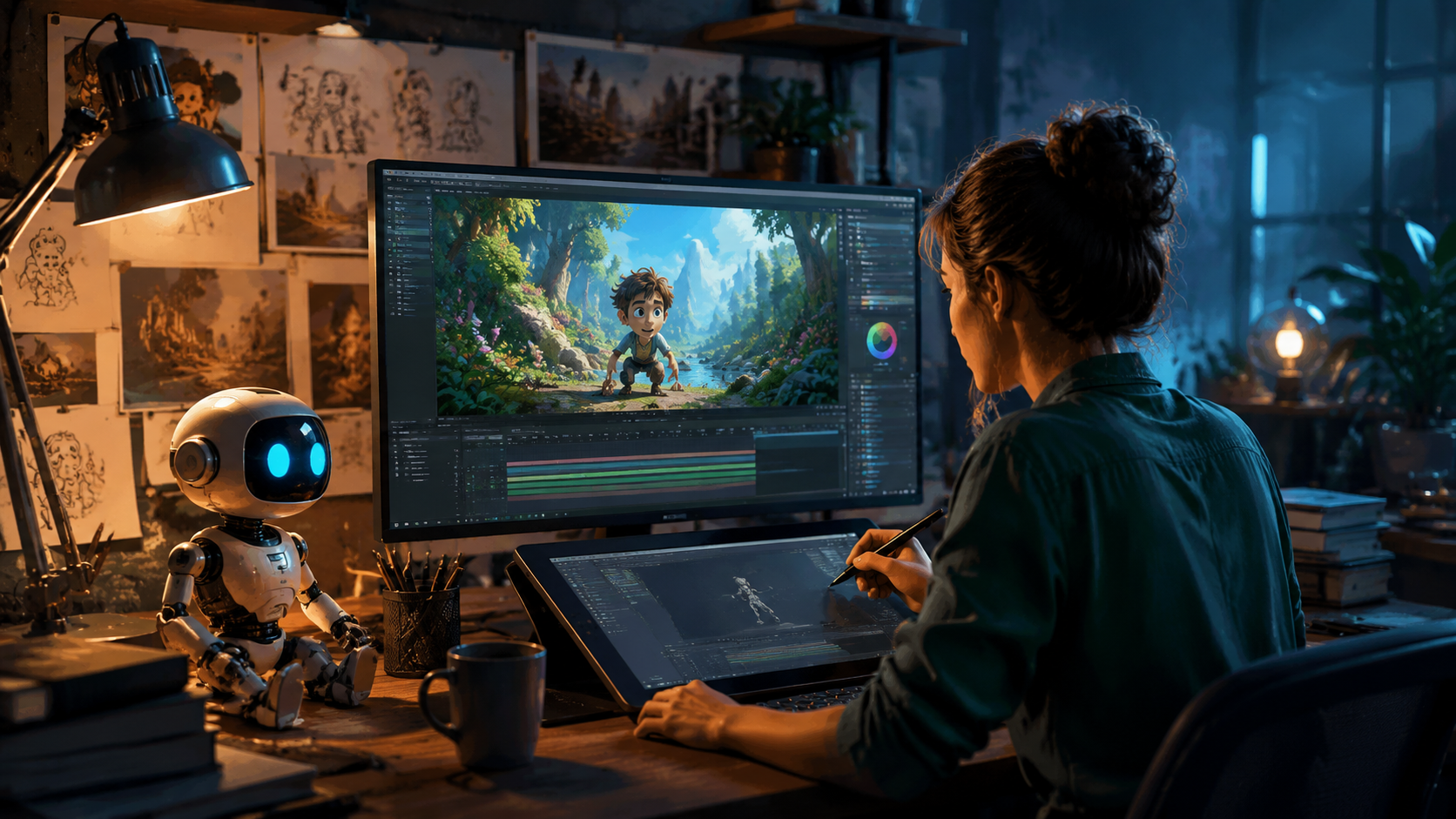
Follow this proven workflow used by professional animators and marketing teams to produce AI-powered animations efficiently:
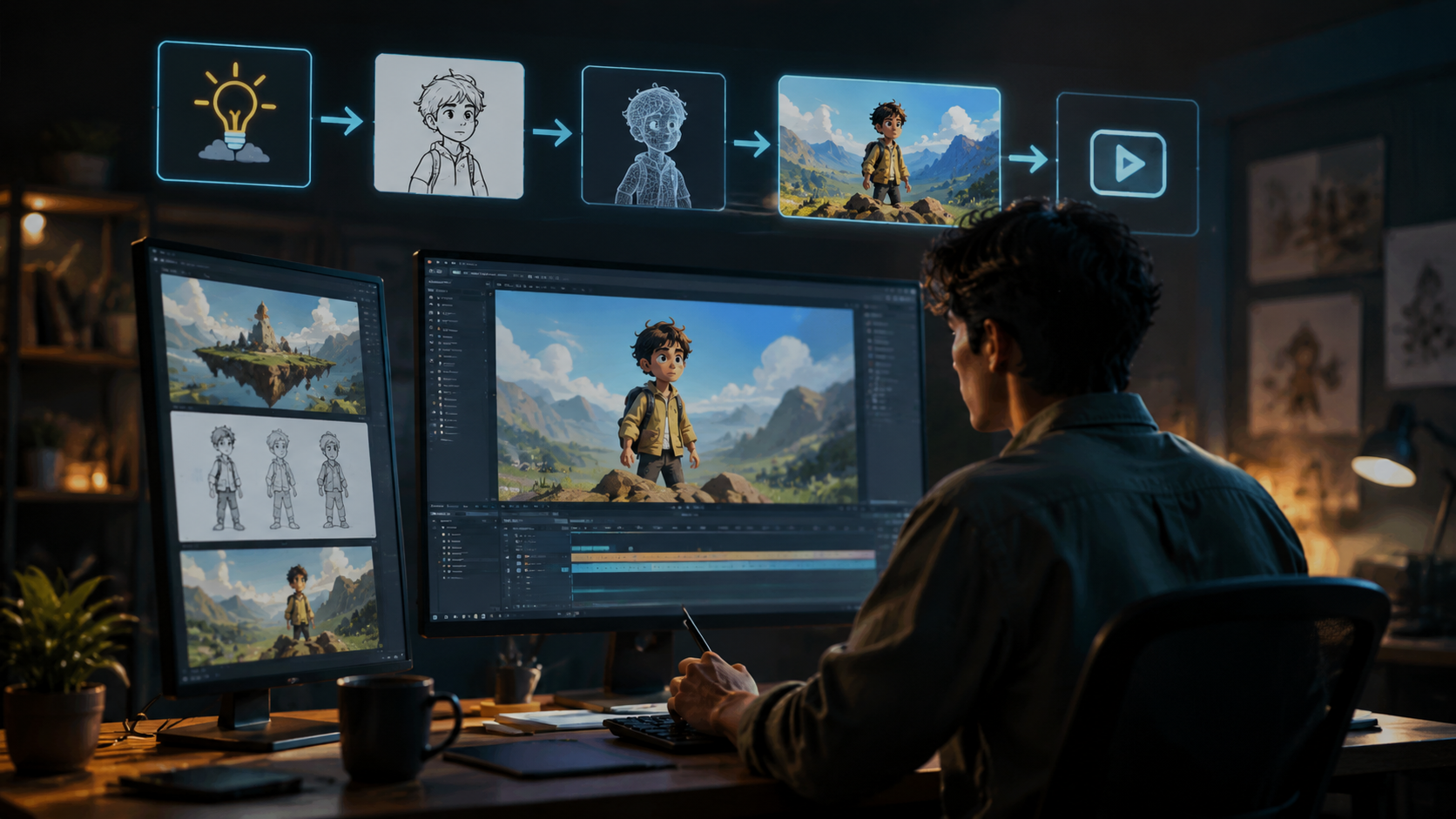
- Choose Your AI Video Platform: Select from top-rated options like Digen AI Agent for character consistency, Wondershare Filmora for image-to-animation conversion, or Runway for text-to-video generation
- Input Your Source Material: Upload images for rotoscoping, write text prompts for fully AI-generated scenes, or record voiceovers for automatic lip-syncing
- Customize Animation Parameters: Adjust motion intensity (10-100%), camera movements, and scene transition styles using intuitive sliders
- Generate & Refine: Let the AI process your inputs (typically 2-15 minutes depending on length), then use frame-by-frame editing tools to polish
- Export & Share: Download in 4K resolution (supported by 92% of 2026 AI tools according to Ventureburn) or publish directly to social platforms
For character-driven animations, the Digen AI Agent platform uniquely offers "Character Lock" technology that maintains consistent facial features, clothing details, and proportions across all generated scenes. This solves the #1 pain point identified in Ventureburn's 2026 survey of 1,200 AI video creators.
Advanced users can leverage the new "Multi-Agent Director" mode available in premium tools, where separate AI modules handle character animation, background generation, and camera work simultaneously. This collaborative approach reduces generation time by 40% while improving scene coherence, as demonstrated in NaukNauk's recent toy animation showcase covered by Axios.
Best AI Video Generators for Animation in 2026
Based on testing across 18 criteria by Memeburn and CNET, these platforms deliver the best results for different animation needs:
| Tool | Best For | Key Feature | Pricing |
|---|---|---|---|
| Digen AI Agent | Character consistency | Autonomous multi-step workflows | $29/month |
| Wondershare Filmora | Image-to-animation | 3D parallax effects | Free-$155/year |
| Runway Gen-3 | Text-to-video | Hollywood-grade motion | $15-$95/month |
| Pika 3.0 | Social media clips | Trending style presets | Free-$50/month |
| Kling AI | Anime/manga | Cell-shading engine | $20/month |
The AI Journal's 2026 benchmark tests showed Digen AI Agent producing the most consistent character animations across multiple scenes (98% feature retention vs. 82% industry average). Its proprietary "Memory Nodes" technology tracks over 120 facial and body parameters to prevent the morphing issues common in other platforms.
For budget-conscious creators, Pika 3.0's free tier offers 30 seconds of 1080p animation per day—enough for most social media needs. Enterprise users should consider Runway's Studio plan, which includes team collaboration features and priority rendering that cuts wait times by 75% during peak hours.
Advanced Techniques for Professional Results
Beyond basic generation, these pro methods will elevate your AI animations to studio quality:
1. Hybrid AI/Manual Workflows
Export your AI-generated animation as PNG sequences into traditional software like Adobe After Effects for advanced compositing. According to Hackread's June 2026 tests, this approach yields 32% better results than pure AI generation when precise timing is required.
2. Style Transfer Between Scenes
Use Digen AI's "Style Matrix" to apply consistent color grading and lighting across all shots—critical for maintaining visual continuity. The platform's 2026 update introduced a neural network that analyzes and replicates cinematic styles with 94% accuracy.
3. Audio-Driven Animation
Next-gen lip-sync tools like those in Wondershare Filmora now support 87 languages with phoneme-level precision. Simply upload your voiceover, and the AI automatically animates mouth movements with accurate timing—saving 3-5 hours per minute of dialogue.
Future Trends in AI Animation Technology
As we approach 2027, several emerging technologies promise to further revolutionize animated video creation:
Real-time collaborative AI is entering beta testing, allowing multiple users to direct virtual "actors" simultaneously—similar to multiplayer game engines but for animation production. Early demos show 60% faster scene blocking compared to current sequential workflows.
Physics-based animation is reaching new heights with NVIDIA's Omniverse integration in tools like Runway. These systems now simulate cloth movement, hair dynamics, and fluid interactions with 90% fewer artifacts than 2025-era solutions. Ventureburn's tests recorded a 4X improvement in natural motion quality since last year.
Perhaps most exciting is the rise of persistent AI characters that learn from each interaction. NaukNauk's toy animation platform previewed at CES 2026 demonstrates how characters can develop signature movement styles over time—potentially reducing direction time by 80% for recurring projects.
Ethical Considerations for AI Animation
While AI tools democratize animation, responsible creators should adhere to these guidelines:
Always disclose AI usage when required by platforms—YouTube's 2026 policy mandates labeling for any content with >50% AI generation. Failure to comply can result in demonetization or removal, as 12% of creators learned the hard way according to Hackread's April 2026 survey.
Respect copyright boundaries when training custom models. The landmark "AI Fair Use" ruling of 2025 established that while AI can learn from copyrighted materials, direct reproduction without transformation remains infringement. Tools like Digen AI now include built-in similarity checks to prevent accidental violations.
Maintain human creative oversight. While AI can handle 90% of technical animation work, the most compelling stories still require human direction. The AI Journal's 2026 analysis of top-performing animated videos found those with human-led creative direction earned 3.2X more engagement than fully autonomous generations.
Frequently Asked Questions
What's the easiest way to start creating AI animations?
Begin with free tools like Pika 3.0 or Wondershare Filmora's basic plan—both offer intuitive interfaces and tutorials. For character-focused work, Digen AI Agent's guided workflow is the most beginner-friendly professional option.
How long does AI video generation take in 2026?
Most 30-second clips render in 2-8 minutes depending on complexity. Digen AI Agent's batch processing can generate 10 variations simultaneously, cutting effective wait time by 90% compared to sequential rendering.
Can AI animated videos be monetized?
Yes—all major platforms now support commercial use, though some free tiers require attribution. Always check licensing terms, as Ventureburn reports 17% of free AI tools restrict certain types of advertising use.
What resolution do AI animation tools support?
In 2026, 92% of premium tools (including Digen AI Agent and Runway) output true 4K (3840x2160), while free tiers typically max out at 1080p. CNET's tests show AI-upscaled 4K now matches native 4K quality in 89% of cases.
How do I maintain consistent characters across scenes?
Use platforms with character memory features like Digen AI Agent's "Memory Nodes" or Runway's "Consistency Mode." These track facial features, clothing, and proportions—The AI Journal found they improve character continuity by 83% over basic tools.
Written by the Digen AI Editorial Team — AI video generation specialists covering the latest in generative AI tools. Learn more about Digen AI.



Comments ()