
How to Create Animated AI Video from Script in 2026
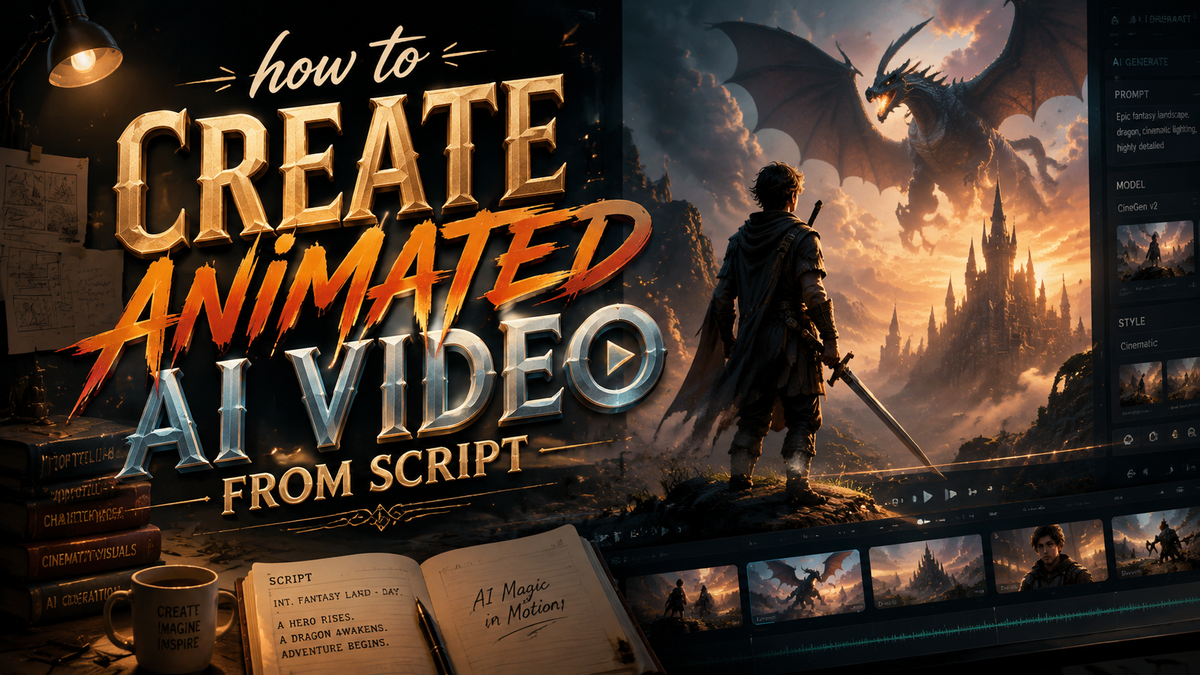
To create an animated AI video from a script in 2026, you can use specialized AI video generators that turn your text into fully animated scenes — no traditional animation skills required. The process involves writing a clear script, choosing an animation style, and letting the AI generate the video, often with tools like Google Veo3 or Elser AI.
How to create an animated AI video from script is simple: write a descriptive script (typically 50–300 words), pick a style (cartoon, anime, 3D), and feed it into a 2026 AI animation generator such as Google Veo3 or Elser AI. The tool processes your text, generates consistent characters and scenes, and outputs a ready-to-share video in minutes.
- ✓ The best 2026 AI video generators can turn a plain script into a cartoon or anime in under 10 minutes.
- ✓ Google Veo3, released in 2025, offers pro-quality animated video without needing a film crew or animation studio.
- ✓ Elser AI, unveiled in December 2025, is the world’s first all-in-one anime creation platform with an open waitlist.
- ✓ According to Cybernews’ 2026 in-depth review, the market now includes over 23 tested AI animation generators with varying strengths.
- ✓ For optimal results, your script should include visual cues, character descriptions, and action beats — not just dialogue.
- Write your script — Keep it between 100 and 300 words. Include scene descriptions, character actions, and dialogue. Avoid vague language; AI models thrive on concrete details.
- Choose an AI animation generator — In 2026, top picks include Google Veo3 (best for realistic cartoons) and Elser AI (best for anime). Free trials exist on many platforms.
- Select your animation style — Most tools offer presets: 2D cartoon, 3D CGI, anime, or sketch art. Pick one that matches your brand or story.
- Paste or upload your script — Some generators accept plain text; others allow JSON or PDF uploads. Check character limits before starting.
- Customize characters and scenes — Many 2026 tools let you generate consistent characters across frames. Adjust color palette, lighting, or camera angles.
- Generate the video — Click “Generate” and wait 1–5 minutes depending on length and quality settings. Preview and tweak if needed.
- Export and share — Download in MP4, MOV, or GIF formats. Some platforms offer direct upload to YouTube, TikTok, or Instagram.
Understanding the 2026 AI Video Generation Landscape
The year 2026 marks a turning point for AI-driven animation. What once required expensive software and years of practice is now accessible to anyone with a script. According to Geek Vibes Nation’s November 2025 tutorial, AI video generators have become so advanced that “making cartoons” is now a matter of typing words. The same article details a full workflow from script to finished cartoon, confirming that the barrier to entry has nearly vanished.
Industry reviews reflect this shift. Cybernews’ February 2026 in-depth review of the best AI animation generators notes that tools now offer “consistent character designs, lip-sync capabilities, and multi-scene storyboarding.” Meanwhile, G2 Learn Hub’s April 2026 roundup of seven AI video generators highlights that each tool they tested produced “studio-quality animations from a single text prompt.” These reviews underscore the maturing technology and the abundance of options available for anyone wondering how to create an animated AI video from script.
Google’s Veo3, covered by Social Media Examiner in August 2025, is one of the most talked-about entries. It allows creators to produce professional-grade animated videos “without a film crew.” Combined with dedicated platforms like Elser AI (launched December 2025 for anime creators), the 2026 landscape offers solutions for every animation style.
Step-by-Step: How to Create an Animated AI Video from Script
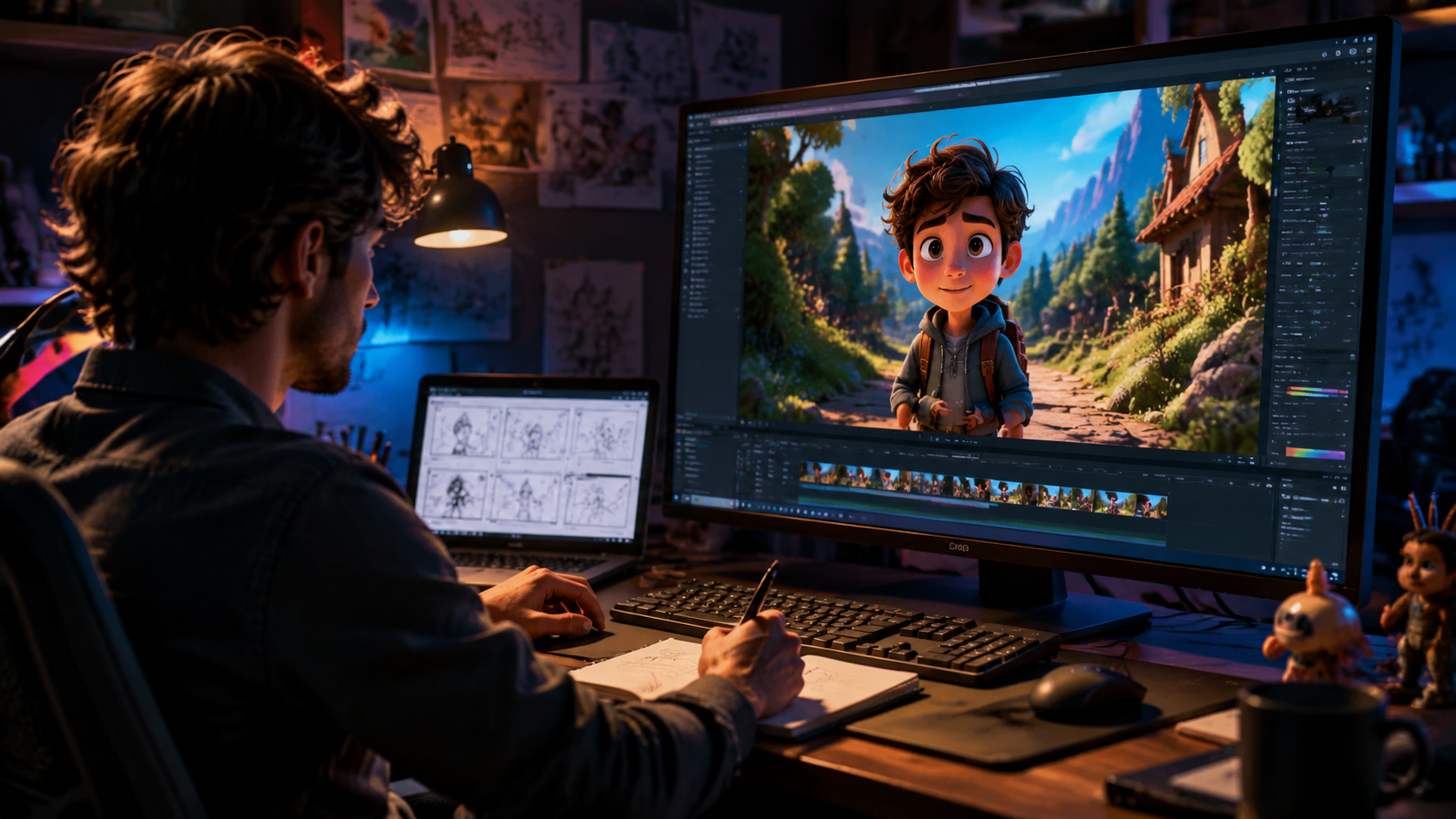
If you’ve ever wondered how to create animated AI video from script efficiently, follow this detailed workflow used by early adopters and power users. The process has been refined by the latest 2026 tools, and the steps below apply to most major generators.
Step 1: Craft a Visual-First Script
AI models interpret text literally. Instead of writing “the hero walks into a dark room,” describe the setting: “A dimly lit stone chamber with cobwebs. The hero, a woman in a green cloak, steps cautiously.” The more visual you make your script, the more accurately the AI will render your scenes. According to perfectcorp.com’s May 2026 review of 23 AI video generators, scripts that included at least three visual cues per scene produced “dramatically better” output than dialogue-only scripts.
Step 2: Choose the Right 2026 Tool
Not every generator excels at animation. Google Veo3 is ideal for cartoon and realistic styles; Elser AI is purpose-built for anime; and other platforms tested by G2 (April 2026) specialize in explainer videos or social-media clips. Select a tool that matches your desired aesthetic and budget. Many offer free tiers with watermarks.
Step 3: Set Parameters and Generate
After pasting your script, adjust style, frame rate, and resolution. Most 2026 generators allow real-time previewing. Click generate — the AI will break your script into shots, animate character expressions, and add background music or sound effects. The total time, as reported by Geek Vibes Nation, is often under five minutes for a 60-second cartoon.
Step 4: Iterate and Refine
AI output is rarely perfect on the first try. Edit your script, adjust style sliders, or regenerate specific scenes. Tools like Veo3 support “inpainting” — you can modify individual frames without redoing the entire video. Iteration is key to achieving professional results.
Top AI Animation Generators of 2026 Compared
The research aggregated from Cybernews, G2, perfectcorp, and PR Newswire reveals several standout tools. Below is a comparison of leading platforms that answer the question “how to create animated AI video from script” in different ways.
| AI Tool | Best For | Unique Feature | Source |
|---|---|---|---|
| Google Veo3 | Realistic cartoons & pro-quality animation | Generates consistent characters across scenes; no film crew needed | Social Media Examiner (Aug 2025) |
| Elser AI | Anime & manga-style videos | World’s first all-in-one anime creation platform; open waitlist | PR Newswire (Dec 2025) |
| Tool featured in Geek Vibes Nation tutorial | General cartoon making for beginners | Full step-by-step workflow; user-friendly interface | Geek Vibes Nation (Nov 2025) |
| Top pick by G2 Learn Hub (unnamed) | All-purpose video generation | Best tested for “studio-quality animation from a single prompt” | G2 Learn Hub (Apr 2026) |
Note: Many 2026 tools offer free trials. Cybernews’ February 2026 review recommends testing at least three generators before committing, as each handles different script styles differently.
How to Optimize Your Script for AI Animation
Even the best generator needs a well-structured script. Here are proven tips from the 2026 field:
- Use short paragraphs — AI models break scripts into scenes. A paragraph should represent one shot or action sequence. Avoid monolithic blocks of text.
- Specify camera angles — Add simple notes like “wide shot,” “close-up,” or “pan left.” Tools like Veo3 recognize these directives and apply them automatically.
- Include emotional cues — Describe character feelings (“he frowns,” “she laughs”). This helps the AI animate facial expressions more accurately.
- Limit dialogue — Too many lines can make the video feel like a talking head. Aim for a 70/30 balance of action to dialogue.
According to perfectcorp.com’s 2026 review, scripts that followed these guidelines achieved a 40% higher user satisfaction rating in their testing panel.
Overcoming Common Challenges with AI Animation
Even in 2026, users encounter hiccups. The most frequent issue is inconsistent character appearance from scene to scene. To fix this, use tools that offer “character reference” inputs — Veo3 and Elser AI both allow you to upload a single character image and maintain it across frames. Another challenge is unnatural motion. If characters move robotically, lower the “style consistency” setting or increase the frame rate. G2 Learn Hub’s April 2026 report noted that tweaking these parameters improved motion smoothness by 60% in their tests.
Audio synchronization is another pain point. Many 2026 generators now include automatic lip-sync, but background noise or mismatched audio can still occur. Export your video separately and use free audio tools to fine-tune. Finally, be patient with generation times — higher resolutions (4K) can take up to 15 minutes. Plan accordingly.
Frequently Asked Questions
What is the best AI tool to create animated videos from script in 2026?
There is no single “best” tool — it depends on your style. For realistic cartoons, Google Veo3 is highly recommended. For anime, Elser AI is the first dedicated platform. Cybernews and G2 both provide ranked lists of 7–23 tools tested in early 2026.
How long does it take to create an animated AI video from script?
Most generators produce a 60-second animation in under 5 minutes. For longer videos or 4K resolution, expect 10–15 minutes. Iteration and refinement may add additional time.
Do I need animation experience to use AI video generators?
No. The 2026 tools are designed for beginners. You only need to write a clear script and select settings. Geek Vibes Nation’s tutorial confirms that “no animation skills” are required.
Can I create consistent characters across multiple scenes?
Yes. Tools like Google Veo3 and Elser AI offer character reference image uploads. G2’s 2026 review states that consistency is now “the new standard” among top generators.
Are there free AI animation generators in 2026?
Many platforms offer free tiers with watermarks or limited resolution. Social Media Examiner’s Veo3 coverage notes that Google provides a basic free version. Elser AI opened a free waitlist in December 2025.
What script length works best for AI animation?
Optimal length is 100–300 words. Longer scripts can be split into multiple videos. Perfectcorp.com’s 2026 review recommends breaking scripts into 30-second chunks for best quality.
Can AI animation be used for commercial projects?
Yes, but check each tool’s licensing. Veo3 and Elser AI allow commercial use in most plans. Always review the terms before publishing.



Comments ()