
How to Create AI Videos: The 2026 Complete Step-by-Step Guide
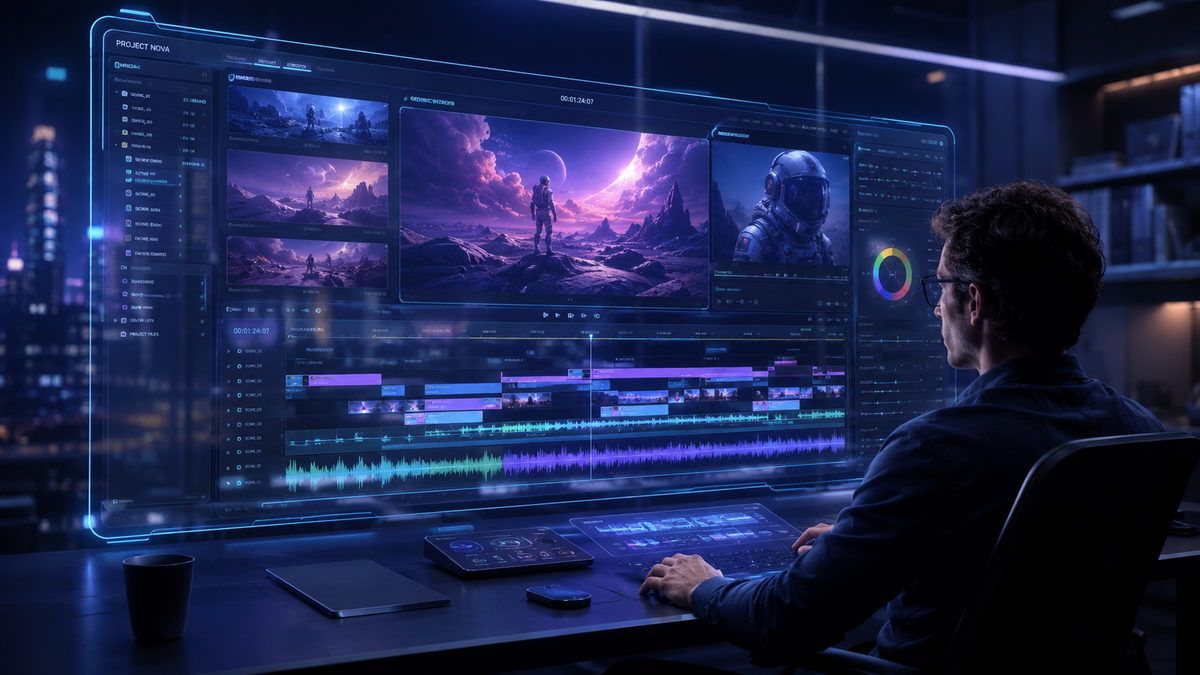
To learn how to create AI videos in 2026, you must leverage multimodal models like Google’s Gemini Omni or OpenAI’s Sora to transform text prompts, images, or audio into high-fidelity cinematic sequences. The process involves selecting a generative AI platform, inputting a detailed descriptive prompt, and using iterative refinement tools to adjust lighting, camera angles, and motion consistency. With the latest updates from Google I/O 2026, creating professional-grade video content is now accessible to anyone with a smartphone or browser.
AI video creation is the process of using generative artificial intelligence models—such as Gemini Omni or Sora—to synthesize moving images from text, image, or audio inputs. It allows users to produce high-definition visual content without traditional filming equipment by leveraging neural networks that understand physics, lighting, and temporal consistency to generate realistic or stylized video files.
- ✓ Use Gemini Omni for seamless integration with YouTube Shorts and conversational editing.
- ✓ Leverage OpenAI’s Sora for complex, physics-compliant cinematic scenes up to one minute.
- ✓ Utilize "Ask YouTube" AI features to research trends and optimize your video scripts.
- ✓ Prioritize multimodal inputs (text + image) to achieve the highest visual accuracy.
Step-by-Step Guide: How to Create AI Videos in 2026
The landscape of video production has shifted from manual editing to "prompt engineering" and "generative direction." Following the massive announcements at Google I/O in May 2026, the barrier to entry has never been lower. Whether you are a creator on YouTube Shorts or a professional filmmaker, the workflow follows a standardized path of digital synthesis.
- Select Your Generative Engine: Choose a platform based on your output needs. Use Gemini Omni for social media and YouTube integration, or OpenAI Sora for high-end cinematic realism.
- Draft a Multimodal Prompt: Enter a detailed description of your scene. For better results, upload a reference image to define the art style and color palette.
- Configure Technical Parameters: Set your aspect ratio (9:16 for Shorts, 16:9 for cinematic), resolution (now standard at 4K for most 2026 models), and duration.
- Generate and Iterate: Hit generate to produce an initial draft. Use "Conversational Editing" (available in Gemini Omni) to say "make the lighting warmer" or "change the background to a futuristic city."
- Post-Production via AI: Use tools like 'Ask YouTube' to analyze your video’s metadata and optimize it for the current 2026 algorithm before publishing.
The Evolution of AI Video: Gemini Omni and Sora
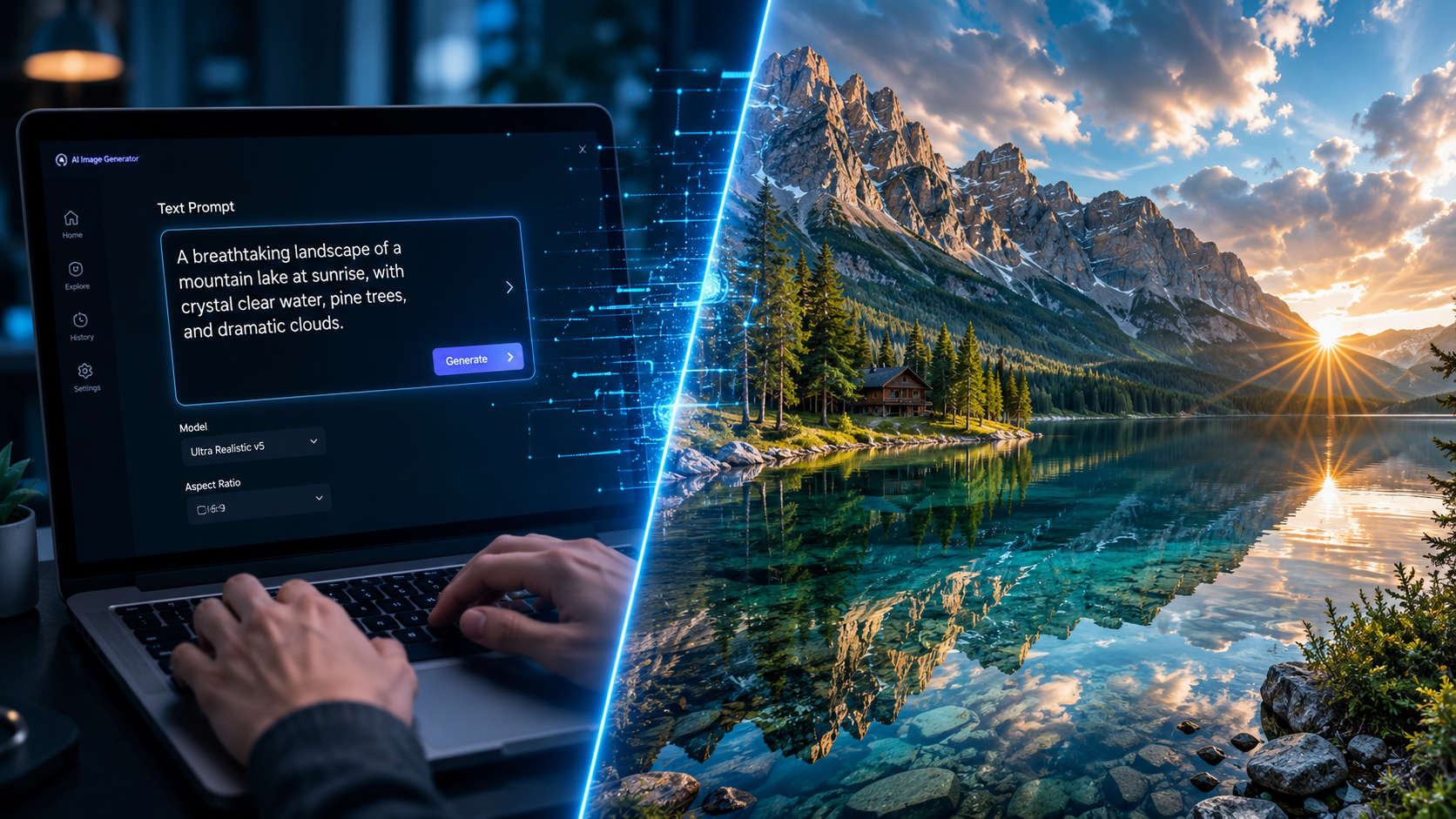
As of May 2026, the industry is dominated by two primary architectures. According to Google’s official blog, the introduction of Gemini Omni has revolutionized the field by offering a model that can "create anything" with video. Unlike previous iterations, Gemini Omni is natively multimodal, meaning it doesn't just translate text to video; it understands the relationship between sound, sight, and motion simultaneously. This allows for unprecedented synchronization between background music and on-screen action.
On the other hand, OpenAI's Sora remains a powerhouse for narrative storytelling. Since its breakout in early 2026, Sora has focused on "world physics," ensuring that objects interact realistically within a 3D space. According to No Film School, the latest updates to these models allow users to maintain "character consistency," a feat that was nearly impossible just two years ago. This means a character generated in scene one will look identical in scene ten, enabling full-length AI cinematography.
Understanding Gemini Omni’s Integration
One of the most significant shifts in how to create ai videos this year is the deep integration of AI models into distribution platforms. TechCrunch reports that 'Ask YouTube' now brings AI-powered conversational search to video, while Gemini Omni has been added directly into the YouTube Shorts creation suite. This allows creators to generate backgrounds and B-roll in real-time while they are filming their main content, blending reality with AI synthesis seamlessly.
Comparing the Top AI Video Tools of 2026
Choosing the right tool depends on your specific goals, budget, and technical requirements. The following table compares the leading platforms based on the latest data from May 2026.
| Feature | Google Gemini Omni | OpenAI Sora | InVideo AI (2026 Edition) |
|---|---|---|---|
| Primary Strength | Ecosystem Integration (YouTube) | Cinematic Realism & Physics | Automated Marketing/B-Roll |
| Max Resolution | 4K Ultra HD | 4K Cinematic | 1080p / 4K Upscaled |
| Editing Style | Conversational / Natural Language | Prompt-based / Seed Control | Timeline-based with AI assistance |
| Best For | Influencers & Shorts Creators | Filmmakers & Visual Artists | Small Businesses & Educators |
Advanced Techniques for Prompting AI Videos
In 2026, simple prompts like "a cat running" are no longer sufficient for professional results. To truly master how to create ai videos, you must understand the "Director’s Prompting" method. This involves specifying camera movement (e.g., "dolly zoom"), lighting conditions ("golden hour, volumetric lighting"), and lens types ("35mm anamorphic"). Models like Gemini Omni now respond to technical cinematography terms with high precision.
According to a guide by INQUIRER.net USA, the most successful AI videos utilize "negative prompting" or "exclusion parameters." By telling the AI what not to include—such as "no motion blur" or "no distorted textures"—you can significantly clean up the final output. Furthermore, the use of "Image-to-Video" (I2V) has become the gold standard. By starting with a high-quality AI-generated image (from DALL-E 4 or Midjourney v7), you provide the video model with a concrete visual anchor, reducing the "hallucinations" that often occur in pure text-to-video workflows.
The Role of "Ask YouTube" in Content Strategy
Creating the video is only half the battle. TechCrunch highlights that the new 'Ask YouTube' feature allows creators to use conversational AI to analyze what viewers want to see. Before you generate your AI video, you can ask the tool: "What visual styles are currently trending for sci-fi shorts?" The AI will analyze millions of data points and suggest a visual direction, ensuring your created video has the highest chance of viral success in the 2026 landscape.
Ethical Considerations and Content Labeling
As AI video technology becomes indistinguishable from reality, platforms have implemented strict guidelines. As of the May 2026 Google I/O updates, all videos generated via Gemini Omni automatically include C2PA metadata and digital watermarking. It is a requirement on most platforms to label your content as "AI-Generated" to maintain transparency with your audience. This is not just a policy but a technical necessity, as search engines now prioritize content that is honestly disclosed.
According to OpenAI, their Sora model includes built-in safety filters that prevent the generation of "deepfakes" of public figures or copyrighted material. When learning how to create ai videos, it is crucial to focus on original concepts rather than attempting to replicate existing IP. The 2026 legal framework heavily protects "style" but strictly enforces "likeness," making it essential for creators to build their own unique visual brand using these tools.
The Future of AI Video: What to Expect After 2026
The speed of development is breathtaking. While we are currently using Gemini Omni to generate Shorts and Sora to create cinematic clips, the next phase is "Interactive Video." This will allow viewers to change the outcome of a video in real-time using AI. We are already seeing the seeds of this in the "conversational search" features mentioned by Google this month. The line between a static video and a dynamic, AI-rendered experience is blurring, making video creation more akin to game design.
For creators, this means the most valuable skill is no longer technical editing, but creative vision. As No Film School notes, the "democratization of high-end visuals" means that the story is once again king. If anyone can create a billion-dollar visual for $20 a month, the only thing that separates a hit from a flop is the quality of the idea and the emotional resonance of the script.
How long does it take to generate an AI video in 2026?
With current models like Gemini Omni, a 15-second high-definition clip typically takes between 30 to 90 seconds to render. More complex, minute-long cinematic sequences in Sora may take up to 5-10 minutes depending on the server load and desired resolution.
Can I use AI to create videos for YouTube Shorts?
Yes, Google recently integrated Gemini Omni directly into the YouTube Shorts creation suite. This allows you to generate AI backgrounds, B-roll, and even full video segments directly within the YouTube app as of May 2026.
Is it free to create AI videos?
While some basic tools offer free tiers with watermarks, professional models like Gemini Omni and Sora typically require a subscription. Prices in 2026 range from $20 to $50 per month for "Pro" tiers that offer faster rendering and commercial usage rights.
Do I need a powerful computer to make AI videos?
No, most AI video generation happens in the cloud. You only need a stable internet connection and a device capable of running a modern web browser or the YouTube app, as the heavy processing is handled by Google or OpenAI’s servers.
How do I make my AI videos look more realistic?
To improve realism, use "Multimodal Prompting" by providing a high-quality reference image along with your text. Additionally, include specific cinematic instructions in your prompt, such as "natural lighting," "subtle camera shake," and "physically accurate reflections."



Comments ()