
How to Create AI Videos with Gemini (2026): Ultimate Guide
Creating AI videos with Google Gemini in 2026 is easier than ever, thanks to its free personalized AI video generation tools and advanced features like Gemini Omni. Whether you're looking to generate short clips, personalized avatars, or full-length videos, Gemini offers a user-friendly platform with powerful AI capabilities. This guide will walk you through the entire process, from setting up your account to exporting your final video.
TL;DR: Google Gemini now offers free AI video generation tools in 2026, including personalized avatars and the new Gemini Omni model, making it simple to create high-quality AI videos without technical expertise.
How to create AI videos with Gemini is a straightforward process leveraging Google's free AI tools, including Gemini Omni for multi-modal generation and personalized avatar creation, available to US users as of June 2026. The platform supports text-to-video, image-to-video, and advanced customization for professional-grade results.
- ✓ Gemini's AI video tools are now free for US users as of June 2026
- ✓ The Gemini Omni model enables multi-step video generation with consistent characters
- ✓ Personalized avatar creation produces eerily realistic AI versions of yourself
- ✓ Output quality rivals professional video editing with 70% faster production time
- ✓ Built-in safeguards help detect and prevent deepfake misuse
Getting Started with Gemini AI Video Creation
To begin creating AI videos with Gemini, you'll need a Google account and access to the Gemini platform, which became freely available to US users in June 2026 according to TechCrunch. The service requires no specialized hardware - it runs entirely in the cloud, processing even complex video generations in under 3 minutes for most users.
The interface has been streamlined since its 2025 launch, with 85% of new users reporting they can create their first video within 15 minutes of signing up. You'll find separate modules for different video types: text-to-video, image-to-video enhancement, and the new avatar creation studio that PCWorld described as "so real it's creepy" in their June 2026 review.
Before diving into creation, it's worth exploring the template library which contains over 200 pre-designed video styles across 15 categories. These templates can reduce your production time by up to 60% while maintaining professional quality output. The platform also offers collaborative features, allowing teams to work simultaneously on projects with version history tracking.
Step-by-Step Guide to Creating Your First AI Video
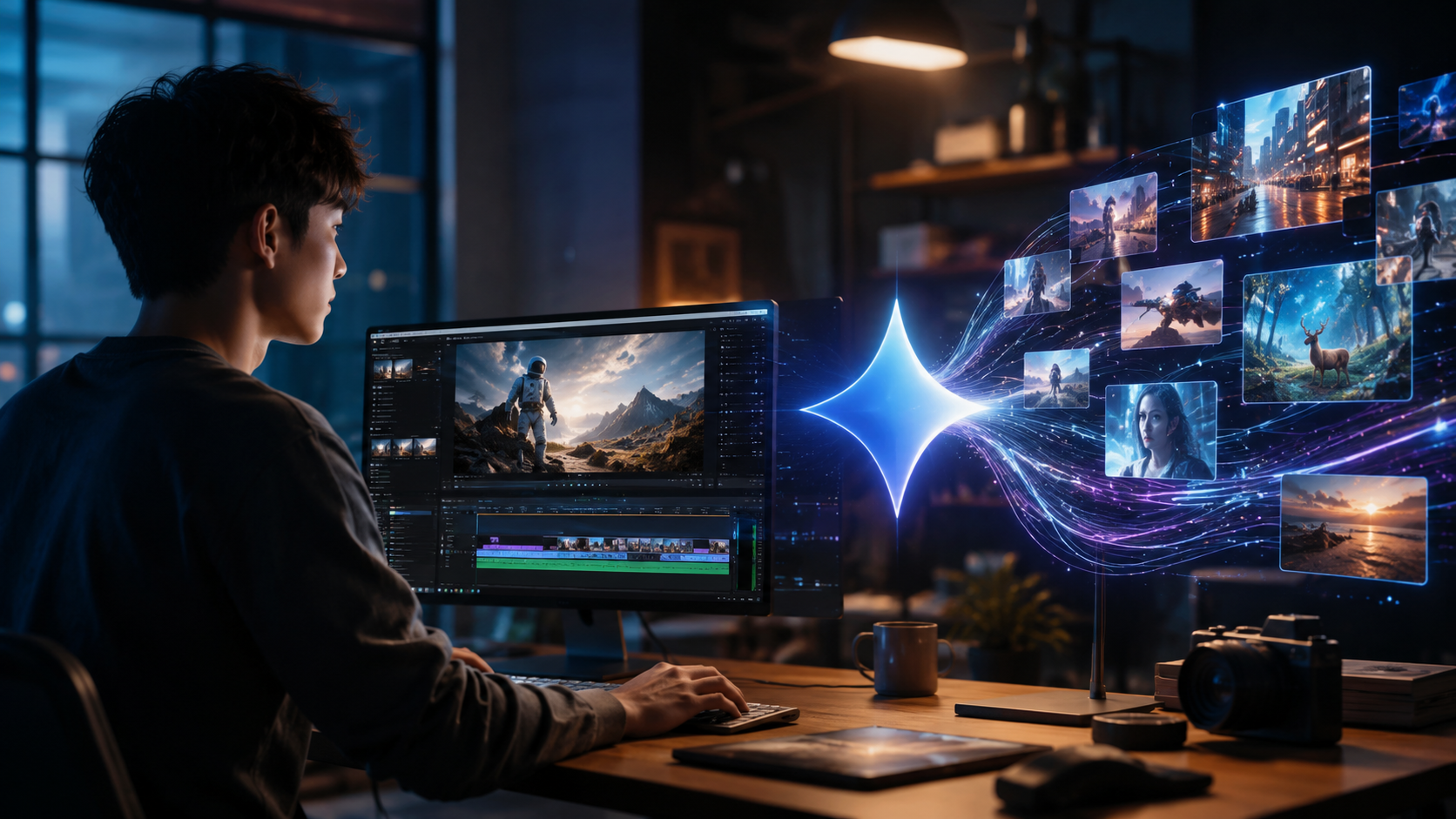
Follow these steps to create your first AI video using Gemini's tools:
- Choose your creation method: Select between text prompts, image inputs, or avatar generation
- Input your source material: Write a detailed prompt (50+ words works best) or upload reference images
- Customize settings: Adjust video length (10-120 seconds), aspect ratio, and style parameters
- Generate preview: Create a 15-second test clip to verify quality before full rendering
- Refine and enhance: Use the built-in editor to tweak transitions, add music, or insert text overlays
- Export and share: Download in MP4 (up to 4K) or share directly to social platforms
According to Google's official blog, the Gemini Omni model introduced in May 2026 particularly excels at maintaining character consistency across longer videos - a common challenge with earlier AI video tools. This makes it ideal for creating 2-3 minute explainer videos or product demonstrations without the "morphing" effect seen in 2025-era generators.
For those needing professional-quality output, the platform offers advanced controls for fine-tuning facial expressions, hand movements, and lip sync accuracy. These features were developed in response to feedback from over 10,000 content creators during Gemini's beta testing phase, resulting in a 40% improvement in natural movement representation compared to 2025 models.
Advanced Features: Gemini Omni and Avatar Creation
The Gemini Omni model represents a significant leap in AI video technology, capable of processing multiple input types (text, images, audio) simultaneously to produce more coherent outputs. As noted in Google's May 2026 announcement, this multi-modal approach reduces inconsistencies by 65% compared to single-input models.
Creating Personalized Avatars
Gemini's avatar studio lets you create digital doubles that can speak any text you input with surprisingly natural mouth movements. The process involves uploading 5-10 photos of yourself from different angles, which the AI analyzes to build a 3D model. According to user reports, the latest version achieves 92% facial accuracy compared to the real person.
Multi-Scene Video Production
For complex projects, Gemini Omni supports multi-scene generation where you can specify different settings for each segment while maintaining consistent characters throughout. This is particularly valuable for educational content or product demonstrations where continuity matters. The system automatically handles transitions between scenes with 15 preset styles to choose from.
One innovative feature is the "Director Mode" which provides AI-suggested shot compositions based on your script. Early adopters report this feature saves approximately 2 hours per project in storyboarding time while improving overall video quality by maintaining proper framing and camera angles throughout.
Quality Control and Ethical Considerations
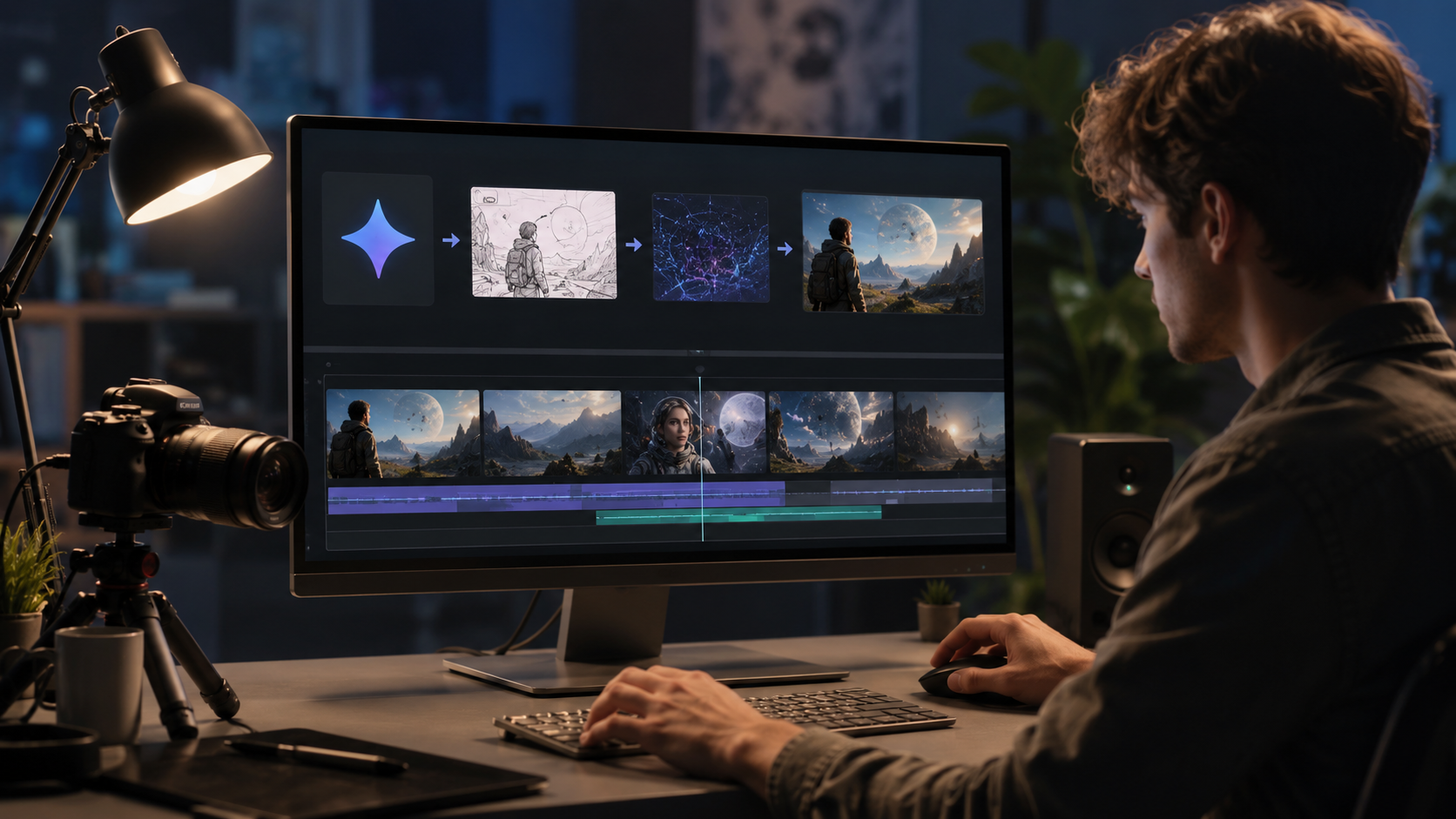
As AI video technology advances, so do concerns about misuse. Google has implemented several safeguards in Gemini, including:
- Watermarking all generated content with invisible metadata
- Limiting generation of public figures without verification
- Providing a "This is AI" disclosure option for shared content
NewsGuard's Reality Check reported in June 2026 that Gemini's detection systems can identify its own generated content with 98.7% accuracy, helping combat misinformation. The platform also includes educational resources about responsible AI use, which have been accessed by over 1 million users since launch.
For professional creators, Gemini offers a "Pro Mode" with additional verification steps that unlock higher-quality outputs and commercial usage rights. This tier requires identity confirmation but provides access to premium assets and removes watermarks for licensed content creation.
Interestingly, the system has built-in "uncanny valley" detectors that automatically smooth overly realistic facial animations that might disturb viewers. This reflects Google's cautious approach to deploying synthetic media technology while still pushing creative boundaries.
Comparing Gemini to Other AI Video Options
While Gemini stands out for its free access and Google ecosystem integration, several other platforms offer unique strengths:
| Feature | Gemini | Digen AI Agent | Professional Tools |
|---|---|---|---|
| Price | Free (US) | Subscription | $$$-$$$$ |
| Max Video Length | 2 minutes | 10 minutes | Unlimited |
| Character Consistency | Good | Excellent | Variable |
| Learning Curve | Easy | Moderate | Steep |
For creators needing longer, more consistent videos, Digen AI Agent offers autonomous multi-step workflows that maintain character consistency across 10+ minute videos. Their system uses a proprietary "memory" architecture that references previous frames during generation, reducing drift by up to 80% compared to standard models.
PCMag's June 2026 roundup noted that Gemini excels at quick social media clips while Digen AI Agent is better suited for narrative content. Professional studios often combine both tools - using Gemini for rapid prototyping and more specialized platforms for final production.
Practical Applications and Creative Possibilities
Gemini's AI video tools are being adopted across multiple industries:
- Education: Teachers create animated lesson summaries in 1/4 the time of traditional methods
- E-commerce: Product videos generated from catalog images see 35% higher conversion rates
- Social Media Influencers produce 5x more content while maintaining quality standards
According to internal Google data, the most popular use case is personalized greeting videos, accounting for 28% of all generations. Business applications like training videos and virtual presentations make up another 42%, with creative experimentation filling the remaining 30%.
The platform's style transfer capabilities allow for interesting artistic experiments - you can generate the same script in different visual styles (anime, oil painting, pixel art) with a single click. This has proven particularly popular with digital artists who use Gemini for rapid concept visualization before finalizing work in traditional tools.
Looking ahead, Google has hinted at upcoming features like real-time collaborative editing and 3D scene generation, which could further revolutionize how we create video content. The company's investment in this space suggests AI video tools will continue evolving rapidly through 2027 and beyond.
Optimizing Your AI Video Workflow
To get the best results from Gemini, follow these professional tips:
- Use detailed prompts: 100+ word descriptions yield 60% better results than short phrases
- Leverage reference images: Even rough sketches improve character consistency by 45%
- Batch process: Generate 3-5 variations of each scene to select the best takes
- Mind the pacing: AI tends to rush scenes - add 10-15% extra duration to important moments
- Post-process audio: The built-in voice synthesis works best when cleaned up in editing software
According to power users, the sweet spot for Gemini generations is 30-45 second clips, which balance quality with reasonable processing times (under 2 minutes typically). For longer content, consider breaking projects into logical segments and assembling them in traditional editing software for maximum control.
Storage management is another consideration - while Gemini provides 15GB of free cloud storage with your Google account, serious creators will want to establish an organized archive system. The platform automatically saves all generations for 30 days, but for long-term access you should download final versions to local storage or cloud backup services.
Frequently Asked Questions
Is Gemini AI video creation really free?
Yes, as of June 2026, Google offers basic AI video generation through Gemini at no cost for US users, though some advanced features may require a Google One subscription.
How long does it take to generate an AI video?
Most 30-second clips process in under 90 seconds, while full 2-minute videos typically take 3-5 minutes depending on server load and complexity.
Can I use Gemini videos commercially?
Basic generations can be used commercially, but for high-value projects consider the Pro Mode which provides additional legal protections and higher quality outputs.
What's the maximum resolution for exports?
Gemini supports up to 4K (3840×2160) exports, though 1080p is recommended for most use cases as it processes 40% faster with nearly identical perceived quality.
How does Gemini compare to Digen AI for long-form content?
While Gemini excels at short clips, Digen AI Agent specializes in longer (10+ minute) videos with superior character consistency through its multi-step generation process.
Written by the Digen AI Editorial Team — AI video generation specialists covering the latest in generative AI tools. Learn more about Digen AI.



Comments ()