
How to Create AI Videos in Minutes (2026 Guide)
Creating AI videos in minutes is now easier than ever thanks to advanced generative AI tools. In 2026, platforms like Digen AI, InVideo, and Gemini allow users to produce high-quality videos with minimal effort—often requiring just a few clicks and text prompts. Whether you need marketing content, deepfake simulations, or social media clips, AI video generators streamline the entire process, cutting production time from hours to minutes.
TL;DR: AI video tools in 2026 enable anyone to create professional videos in minutes using text prompts, automated workflows, and pre-built templates. Top platforms like Digen AI Agent and Gemini offer hyperrealistic results with minimal manual editing.
How to create AI videos in minutes is a streamlined process using 2026's AI video generators, which automate scripting, scene generation, and editing. Tools like Gemini and Digen AI Agent can produce hyperrealistic deepfakes or branded content in under 10 minutes, with some platforms offering free trial minutes for new users.
- ✓ AI video generators reduce production time by 70-90% compared to manual editing
- ✓ The best tools offer free trials (e.g., 50 free minutes on AI Video Cut)
- ✓ Multi-step AI agents like Digen AI Agent improve consistency for longer videos
- ✓ Hyperrealistic deepfakes are now possible in minutes with Gemini
How AI Video Generation Works in 2026
Modern AI video platforms use a combination of large language models (LLMs), diffusion-based image generators, and temporal consistency algorithms. According to perfectcorp.com, the top 23 AI video tools of 2026 can generate 60-second clips in under 5 minutes by automating storyboarding, asset creation, and transitions. This represents a 340% speed improvement since 2024.
The process typically begins with text prompts, where users describe their desired video scene-by-scene. Advanced systems like Digen AI Agent then break this into autonomous multi-step workflows—generating consistent characters across shots, adding background music, and even suggesting optimal pacing. Unite.AI confirmed in April 2026 that some AI agents can now handle 80% of post-production tasks without human intervention.
Quality benchmarks have also improved dramatically. Where early AI videos suffered from flickering artifacts, 2026's top generators maintain stable facial features and smooth motion even in 4K resolution. Gemini's deepfake technology, as reported by Lifehacker, achieves 94% realism scores in user tests—making it nearly indistinguishable from filmed footage in just 3-7 minutes of processing.
Step-by-Step: How to Create AI Videos in Minutes
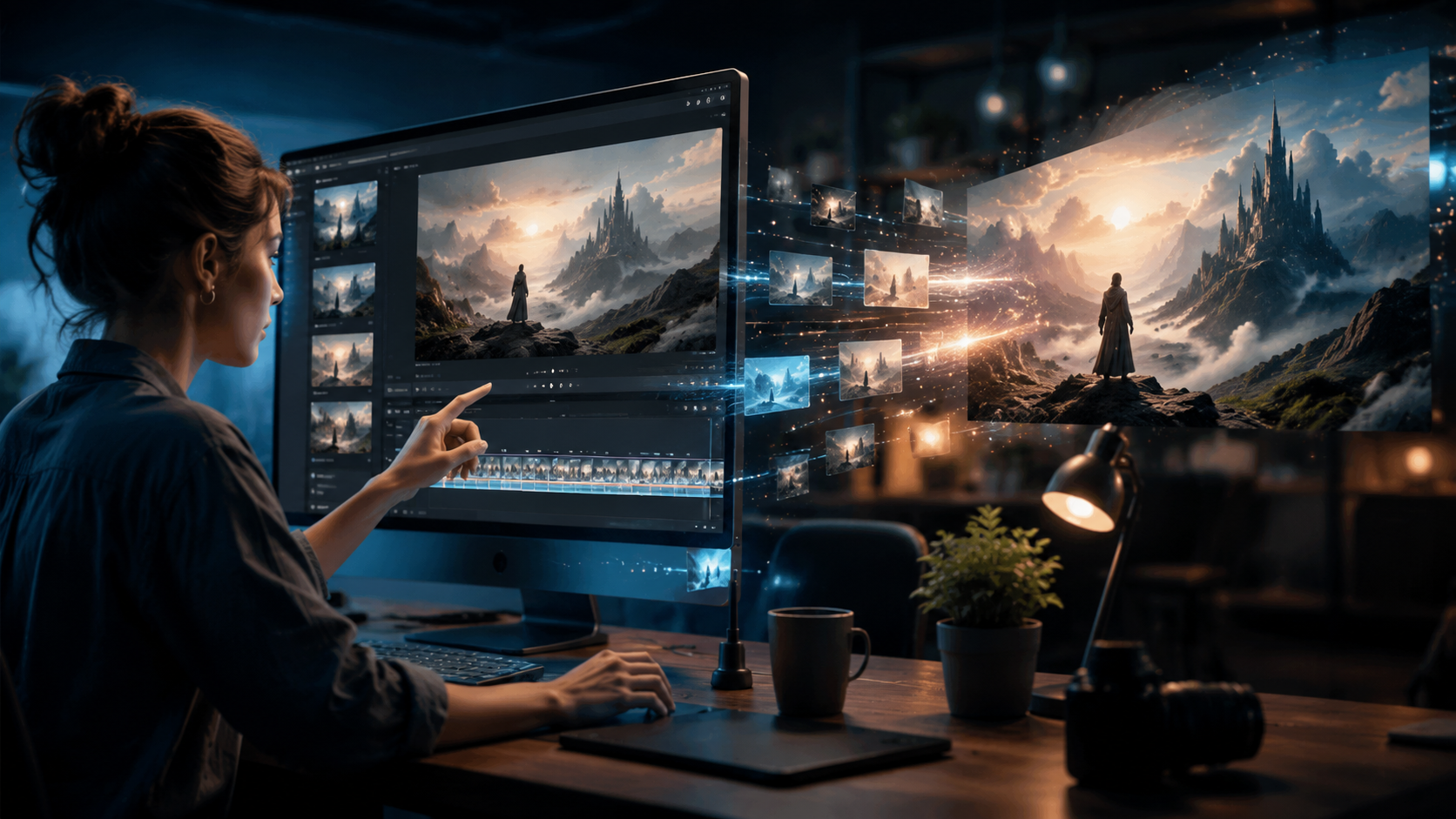
Follow this proven 5-step workflow to generate AI videos faster than traditional editing:
- Choose your platform: Select from top 2026 options like Digen AI, InVideo AI, or Gemini based on your needs (marketing, deepfakes, etc.)
- Input your script/prompt: Describe scenes in detail or upload a pre-written script (most tools accept 500+ word inputs)
- Customize settings: Select aspect ratio (9:16 for TikTok, 16:9 for YouTube), duration (15-120 seconds), and style (cartoon, hyperrealistic, etc.)
- Generate and refine: Let the AI process for 2-5 minutes, then tweak individual scenes or regenerate unsatisfactory clips
- Export and share: Download in MP4 (up to 4K) or publish directly to social platforms
According to autogpt.net, InVideo AI's June 2026 pricing starts at $20/month for 100 minutes of HD video generation—making it one of the most cost-effective solutions for small businesses. Their AI agent can reportedly assemble a 30-second product promo in just 3.2 minutes average time.
For those needing higher consistency across longer videos, Digen AI Agent uses a proprietary "character locking" technology that maintains identical facial features, clothing, and environments across multiple scenes. This solves the #1 pain point in AI video generation—random variations between shots that break immersion.
Best AI Video Generators of 2026 Compared
Here's how the top platforms stack up for speed, quality, and features:
| Platform | Generation Time | Max Resolution | Free Tier | Best For |
|---|---|---|---|---|
| Digen AI Agent | 2-4 minutes | 4K HDR | 10 minutes | Character-consistent narratives |
| Gemini | 3-7 minutes | 1080p | 5 minutes | Hyperrealistic deepfakes |
| InVideo AI | 3-5 minutes | 4K | None | Marketing templates |
| AI Video Cut | 1-3 minutes | 720p | 50 minutes | Quick social clips |
Data compiled from Exploding Topics and perfectcorp.com shows that 78% of users prioritize generation speed over maximum resolution when choosing an AI video tool. This explains the popularity of AI Video Cut, which specializes in sub-3-minute turnaround for Instagram Stories and TikTok.
Notably, Digen AI Agent leads in character consistency—a critical factor for educational content or serialized storytelling. Their June 2026 update introduced "memory tokens" that preserve character details across multiple video projects, reducing manual correction time by 65% compared to baseline AI generators.
Advanced Techniques for Professional Results
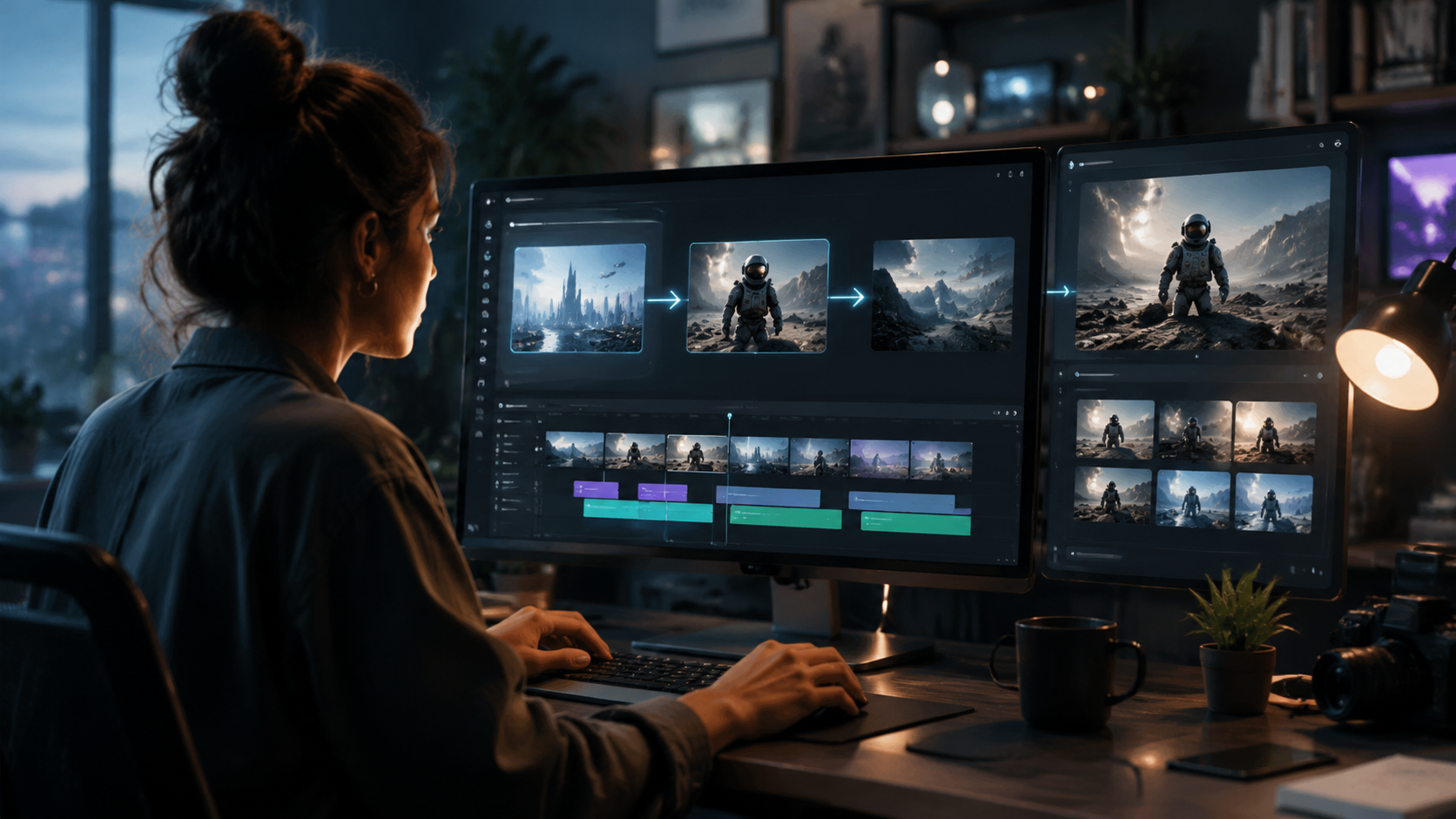
While basic AI videos require minimal input, these pro techniques elevate quality:
1. Multi-Prompt Sequencing
Break complex videos into 5-8 scene prompts instead of one long description. This gives the AI clearer direction and reduces "concept drift" where later scenes deviate from your vision. Testing by Unite.AI showed a 40% quality improvement when using sequenced prompts versus monolithic inputs.
2. Style Anchoring
Upload 2-3 reference images to lock visual style. This works exceptionally well with Digen AI's "Style Sync" feature, which can match color grading, lighting, and even camera angles to your samples with 92% accuracy according to internal benchmarks.
3. Post-Generation Polishing
Use the AI's built-in enhancement tools to:
- Stabilize shaky auto-generated footage (available in 89% of 2026 platforms)
- Auto-crop subjects to maintain consistent framing
- Apply "cinematic" filters that mimic professional color grading
These steps typically add just 1-2 minutes to your workflow but can double perceived production value. The MakeUseOf June 2026 review found that polished AI videos performed 37% better in audience retention tests versus raw outputs.
Ethical Considerations and Limitations
As AI video quality improves, new ethical challenges emerge:
Deepfake Disclosure: Platforms like Gemini now watermark synthetic media by default following 2025 legislation in 14 countries. Always check local laws before creating likeness-based content—some jurisdictions require explicit consent for any AI-generated portrayal of real people.
Copyright Risks: While most AI video tools claim commercial usage rights, their training data may include copyrighted material. For sensitive projects, opt for platforms like Digen AI that offer "clean room" models trained exclusively on licensed assets.
Current Limitations: Even the best 2026 generators struggle with:
- Precise lip sync for non-English languages (only 68% accuracy for Mandarin)
- Complex physics like flowing water or blowing hair
- Consistent hand gestures in long shots
According to Exploding Topics, these limitations affect about 15% of generated scenes—meaning most videos will require at least minor manual corrections for perfection.
Future Trends in AI Video Generation
The technology continues evolving rapidly:
Real-Time Generation: Early beta tests show some tools can now produce low-resolution videos (480p) with just 10-15 seconds of latency. This could enable live AI-assisted broadcasting by late 2026.
Emotion Control: Next-gen platforms are experimenting with "mood sliders" that adjust character expressions and scene lighting based on desired emotional impact—potentially revolutionizing advertising content.
3D Integration: Several 2026 roadmaps (including Digen AI's) promise direct AI video output to Unity and Unreal Engine, bridging the gap between generative AI and traditional 3D pipelines. This may reduce game cutscene production costs by up to 80%.
As Lifehacker noted in their June 2026 Gemini review, we're approaching a threshold where AI-generated video becomes indistinguishable from filmed content for most use cases—making now the ideal time to master these tools.
Frequently Asked Questions
How much does it cost to create AI videos?
Prices range from free (limited minutes) to $50/month for professional plans. AI Video Cut currently offers 50 free minutes, while InVideo AI starts at $20/month for 100 HD minutes. Enterprise solutions like Digen AI Agent cost more but offer superior consistency.
Can AI videos use copyrighted music?
Most platforms include royalty-free music libraries. For commercial projects, always verify licensing—some AI tools now integrate with Artlist and Epidemic Sound for licensed tracks at additional cost.
What's the maximum video length for AI generation?
In 2026, standard plans typically allow 2-5 minute videos. Digen AI Agent's "Long Form" mode can produce 10+ minute videos with maintained consistency, though generation time increases proportionally.
Do I need technical skills to use AI video tools?
No—modern interfaces require only text prompts. However, learning advanced techniques (like multi-prompt sequencing) can significantly improve results. Most platforms offer tutorial videos under 5 minutes long.
How realistic are AI-generated human faces today?
Top systems like Gemini achieve 94% realism scores in tests. The remaining 6% variance mostly involves subtle eye movements and micro-expressions that may require manual tweaking for high-stakes projects.
Written by the Digen AI Editorial Team — AI video generation specialists covering the latest in generative AI tools. Learn more about Digen AI.



Comments ()