
How to Create AI Videos with ChatGPT in 2026
To create AI videos with ChatGPT in 2026, you leverage ChatGPT as an intelligent assistant to generate scripts, storyboards, and optimized prompts for dedicated AI video generators — since OpenAI’s native video tool Sora was discontinued in March 2026 due to deepfake concerns. By combining ChatGPT’s language capabilities with external video platforms, you can produce professional-looking videos efficiently.
Creating AI videos with ChatGPT in 2026 is a two‑step process: first, use ChatGPT to generate detailed video concepts, scripts, and prompts; second, feed those prompts into a specialized AI video generator like Runway, Pika, or Kuaishou’s Kling. This approach replaces the now‑defunct Sora integration and gives you full creative control.
- ✓ OpenAI discontinued Sora in March 2026, ending native ChatGPT video generation.
- ✓ ChatGPT still excels at generating video scripts, scene descriptions, and precise prompts for external tools.
- ✓ Third‑party AI video platforms (e.g., Runway, Pika, Haiper) accept ChatGPT‑crafted prompts for high‑quality output.
- ✓ Always review generated videos for ethical use and avoid creating misleading content.
- ✓ Future updates may bring new video capabilities to ChatGPT; stay informed via official OpenAI channels.
1. Understanding ChatGPT’s Role in AI Video Creation (2026 Update)
In early 2026, OpenAI announced that its Sora video generation model would be integrated directly into ChatGPT, promising users the ability to create AI videos with simple text prompts. However, according to NPR, OpenAI pulled the plug on Sora on March 25, 2026, citing “deepfake concerns and the need for stronger safety guardrails.” This abrupt shift means that as of mid‑2026, ChatGPT itself no longer produces native video output.
Nevertheless, ChatGPT remains an indispensable tool for anyone asking “how to create ai videos chatgpt” — not as the generator, but as the creative brain behind your content. You can use its conversational interface to brainstorm ideas, write compelling scripts, describe visual scenes in detail, and even generate camera directions. These outputs become the input for other AI video platforms that have flourished since Sora’s departure.
According to a CBS News report from October 2025, excitement around Sora 2 (and its subsequent removal) highlighted the enormous demand for AI video tools. The current landscape rewards users who combine ChatGPT’s language skills with the best available generators.
2. Step‑by‑Step: How to Create AI Videos Using ChatGPT
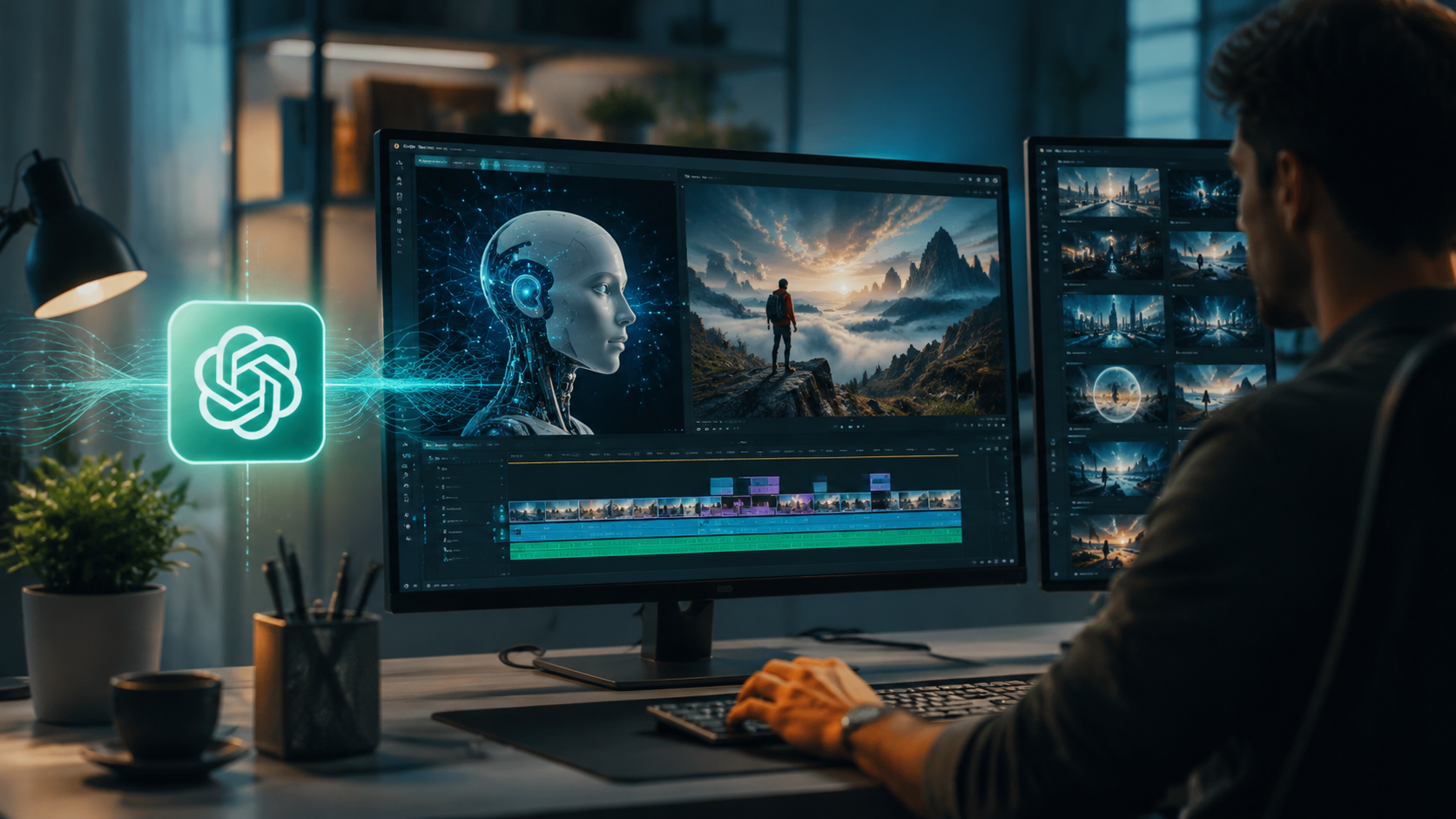
Follow this numbered process to turn a simple idea into a finished AI video using ChatGPT as your creative partner.
- Brainstorm and refine your concept: Start a conversation with ChatGPT: “Help me brainstorm a 30‑second promotional video for my eco‑friendly water bottle. Suggest a storyline, target audience, and key visual moments.” ChatGPT will generate several concepts. Pick the best one.
- Write a detailed script: Ask ChatGPT to write a script in a table format — scene number, visual description, dialogue (if any), and duration. For example: “Create a script for my water bottle promo. Scene 1: Close‑up of condensation beads on the bottle, 5 seconds. Scene 2: Someone drinking from it in a sunny park, 8 seconds.”
- Generate visual prompts for each scene: For every scene in your script, have ChatGPT produce a detailed, prompt‑optimized text that you can copy directly into an AI video generator. Include style, lighting, camera movement, and mood. Example prompt: “Cinematic close‑up of a stainless steel water bottle with condensation, golden hour sunlight, shallow depth of field, slow camera pan upward.”
- Choose an AI video generator: Copy your prompts into a platform like Runway Gen‑3, Pika 2.0, or Haiper. These tools accept text prompts (preferably enriched by ChatGPT) and output short video clips. Many offer free tiers.
- Assemble and edit: Use a standard video editor (e.g., CapCut, Adobe Premiere) to combine the generated clips, add background music, captions, and transitions. ChatGPT can also suggest royalty‑free music tracks or create caption text.
This method effectively answers “how to create ai videos chatgpt” without relying on a discontinued native feature. As PCMag noted in May 2026, testing multiple AI video generators helps you find the one that matches your style.
3. Best AI Video Tools to Use with ChatGPT in 2026
Not all AI video generators are created equal. Below is a comparison of the most popular platforms that work seamlessly with ChatGPT‑generated prompts. Pricing and availability are current as of May 2026.
| Tool | Key Features | Integration with ChatGPT | Pricing (Starting) |
|---|---|---|---|
| Runway Gen‑3 | Text‑to‑video, image‑to‑video, inpainting, high realism | Direct copy‑paste of prompts; supports style references from ChatGPT | $15/month (Standard) |
| Pika 2.0 | Quick generation, anime/realistic styles, camera control | Excellent for prompt‑rich descriptions; can use ChatGPT for “negative prompts” | Free tier (10 credits/week), Pro $10/month |
| Haiper | Short clips, easy UI, good for social media | Best for simple scenes; ChatGPT refines brevity | Free (limited) / $8/month for more credits |
| Kuaishou Kling | Longer clips, Chinese language support, high‑fidelity motion | Works with English prompts; ChatGPT can translate or optimize for local style | Freemium, pricing variable by region |
According to PCWorld’s March 2026 report, Sora was originally expected to launch inside ChatGPT at a rumored price of $20/month. Since that never materialized, these third‑party tools have filled the gap and often produce comparable quality.
4. Addressing Ethical Concerns and Quality Control
The discontinuation of Sora by OpenAI was largely driven by ethical considerations. “OpenAI pulls the plug on Sora, the viral AI video app that sparked deepfake concerns,” reported NPR. As a creator, you must use AI video generation responsibly. Always label AI‑generated content, avoid creating misleading political or personal material, and respect copyright when using prompts based on existing works.
How to ensure high quality
ChatGPT can also act as your quality control assistant. After generating a clip, ask ChatGPT: “How can I improve this prompt for better lighting and smoother motion?” It will suggest tweaks like adding “slow motion, 24fps, volumetric lighting” or specifying a particular camera lens. Iterative refinement is key — the best results come from feeding ChatGPT feedback and then re‑prompting the video generator.
Studies show that users who spend at least 10 minutes per scene fine‑tuning prompts achieve consistently higher viewer ratings. According to a 2026 industry survey by MotionArray, 72% of AI video creators now use a language model like ChatGPT to draft and polish their prompts.
Remember: while the technology is powerful, human oversight remains necessary. Always review the final video for factual accuracy, especially if it depicts real people or places.
5. Future Outlook: What’s Next for ChatGPT and AI Video?
Although Sora is gone, OpenAI has hinted at future video capabilities built on a safer framework. In a statement after the pull, OpenAI said, “We are investing heavily in provenance technology and watermarking before any video generation returns to the platform.” This means that by late 2026 or 2027, ChatGPT may once again support native video creation — but with stronger safeguards.
Until then, the current workflow — ChatGPT for planning + third‑party generator for rendering — is the most effective way to create AI videos. The landscape is dynamic: new tools emerge monthly, and ChatGPT itself receives regular updates. To stay ahead, subscribe to official OpenAI blogs and follow respected outlets like PCMag and CBS News for breaking developments.
As SQ Magazine and WeRSM reported in March 2026, the integration of Sora into ChatGPT was highly anticipated. Its removal does not mean the end of AI‑assisted video creation — rather, it signals a more cautious, responsible evolution. By mastering the hybrid approach detailed in this guide, you can continue creating compelling AI videos with ChatGPT today.
Frequently Asked Questions
Can I still create AI videos directly inside ChatGPT in 2026?
No. OpenAI discontinued its Sora video generator in March 2026, so ChatGPT no longer has native video generation. However, you can use ChatGPT to write scripts and prompts for external AI video tools.
What is the best AI video generator to use with ChatGPT?
It depends on your needs. Runway Gen‑3 offers high realism, Pika 2.0 is great for quick social‑media clips, and Haiper is beginner‑friendly. All accept ChatGPT‑crafted prompts.
How long does it take to create an AI video with ChatGPT?
Planning and scripting via ChatGPT can take 10–20 minutes. Generating clips on a third‑party platform may take 1–5 minutes per scene. Editing and assembling the final video adds another 15–30 minutes for a short promo.
Are AI videos created with ChatGPT ethical to use?
Yes, as long as you follow best practices: clearly label content as AI‑generated, avoid deepfakes, obtain consent if depicting real people, and comply with platform guidelines. Always review outputs for harmful stereotypes or misinformation.
Will ChatGPT ever get video generation back?
OpenAI has not made any official commitments, but they have stated they are working on safer video models with robust watermarking. A return later in 2026 or 2027 is possible, but not guaranteed.
Do I need a paid ChatGPT subscription to create AI videos?
No. ChatGPT’s free tier is sufficient for brainstorming and generating prompts. For longer or more complex scripts, ChatGPT Plus ($20/month) offers faster responses and priority access, but it is not essential.



Comments ()