
How to Create AI Video Tutorials: 2026 Master Guide
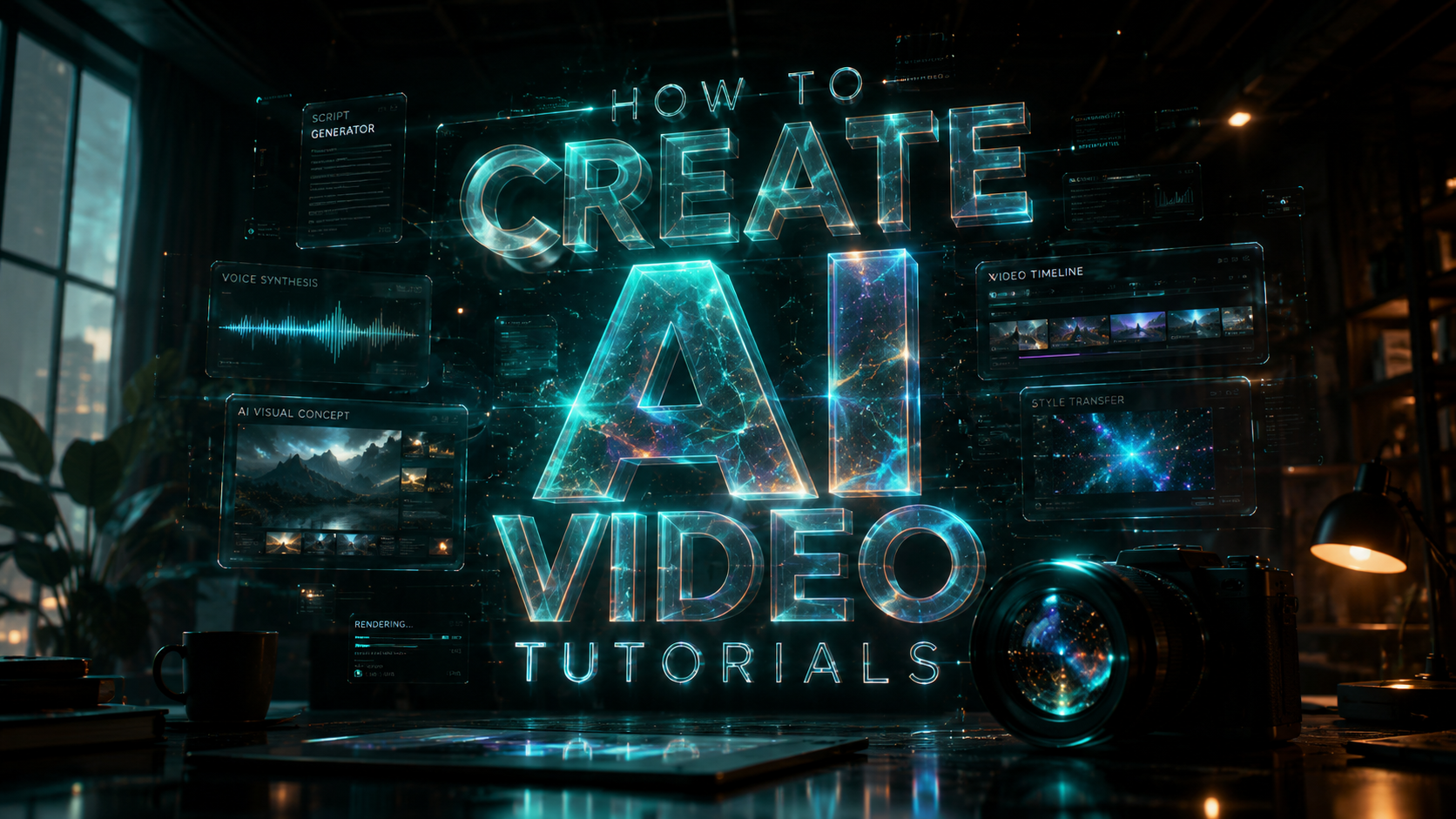
Learning how to create ai video tutorials in 2026 involves using generative AI tools to automate scriptwriting, voiceover production, and visual generation. To succeed, you must integrate advanced video models like Seedance 2.0 or WeryAI to transform text prompts into high-fidelity instructional content. By following a structured workflow of prompt engineering and cinematic sequencing, anyone can produce professional-grade educational videos without traditional filming equipment.
AI video tutorial creation is the process of using generative artificial intelligence to synthesize educational content through automated script generation, AI-driven avatars, and text-to-video rendering. In 2026, this technology allows creators to act as "AI Directors," utilizing tools like Seedance 2.0 and WeryAI to produce hyper-realistic instructional media from simple text or image inputs.
- ✓ Use Seedance 2.0 for cinematic control and "AI Director" level precision in your tutorials.
- ✓ Leverage WeryAI for seamless text-to-video generation specifically optimized for technical walkthroughs.
- ✓ Implement multi-modal workflows to monetize content effectively across platforms like YouTube and TikTok.
- ✓ Stay updated with the 16 best AI video generation tools identified by Cybernews for 2026.
Step-by-Step Guide: How to Create AI Video Tutorials
- Define Your Learning Objective: Identify the specific skill or knowledge gap your tutorial will address for your target audience.
- Generate the Script and Storyboard: Use an LLM to draft a structured script, ensuring you include specific visual cues for the AI video generator.
- Select Your AI Video Engine: Choose a platform like Seedance 2.0 for high-end cinematic quality or WeryAI for rapid instructional rendering.
- Configure AI Avatars and Voiceovers: Select a digital twin or synthetic presenter that matches the tone of your educational content.
- Render and Sequence Scenes: Use text-to-video prompts to generate specific demonstrations, then assemble them in a timeline.
- Apply Post-Production Filters: Utilize trending enhancements, such as the Ma Po Po filter, if your tutorial targets social media trends.
- Export and Distribute: Optimize the final file for your chosen platform, ensuring metadata is tuned for searchability.
The Evolution of AI Video Production in 2026
The landscape of digital education has shifted dramatically as we move through 2026. According to the U.S. Chamber of Commerce, AI training has become a fundamental pillar for small business growth, with a comprehensive guide released in March 2026 highlighting how automated content creation levels the playing field for entrepreneurs. No longer is high-quality video production gated by expensive camera gear or professional editing suites; instead, the focus has shifted toward prompt mastery and creative direction.
The concept of the "AI Director" has gained mainstream traction this year. As noted by Binance in their February 2026 report on Seedance 2.0, the barrier to entry for video production has effectively vanished. This tool allows users to manipulate 3D space and character consistency with unprecedented ease, making it a primary choice for those learning how to create ai video tutorials that require visual continuity across multiple lessons. This shift ensures that the "human element" is now found in the strategy and curation rather than the manual labor of frame-by-frame editing.
Furthermore, the democratization of these tools means that niche educational content is exploding. Whether you are teaching complex coding sequences or artisanal crafts, AI video generators provide the visual fidelity needed to keep students engaged. The 2026 market demands high-speed output without sacrificing the "viral" quality seen in modern social media trends, such as the AI-driven dance and filter movements that have dominated platforms this spring.
Top Tools for Learning How to Create AI Video Tutorials
Selecting the right software is the most critical decision in your production workflow. Cybernews recently evaluated the market, identifying the 16 best AI video generation tools for 2026. These tools are categorized by their ability to handle complex physics, facial expressions, and lighting—elements that were once the hallmark of professional studios. For tutorial creators, the ability to generate a screen-share simulation alongside an AI avatar is a game-changer for technical instruction.
WeryAI has emerged as a standout performer in the early half of 2026. According to Dataconomy, WeryAI’s latest updates focus on user-centric tutorials, allowing creators to input a technical manual and receive a fully narrated video in return. This "manual-to-media" pipeline is revolutionary for corporate trainers and software developers who need to update documentation frequently. The tool’s ability to synchronize lip movements with multiple languages also makes it ideal for global education initiatives.
Comparison of Leading AI Video Platforms (2026)
| Tool Name | Primary Strength | Best For... | Key 2026 Feature |
|---|---|---|---|
| Seedance 2.0 | Cinematic Realism | High-end Masterclasses | AI Director Mode |
| WeryAI | Speed & Ease of Use | Software Walkthroughs | Instant Manual-to-Video |
| PerfectCorp AI | Viral Filters & Effects | Social Media Education | Ma Po Po Dynamic Filter |
| Synthesia X4 | Avatar Consistency | Corporate Training | Real-time Emotional Response |
Monetizing Your AI-Generated Educational Content
Once you have mastered how to create ai video tutorials, the next step is leveraging that content for financial gain. Hostinger recently published an exhaustive list of over 15 effective ways to make money with AI in 2026. High on that list is the creation of "faceless" YouTube channels and premium course platforms. Because AI reduces production costs by up to 90%, creators can maintain a higher volume of content, which is essential for staying relevant in the fast-moving 2026 digital economy.
The monetization strategy often involves a multi-tiered approach. Creators can use AI to generate "micro-learning" snippets for social media to drive traffic to a more comprehensive, AI-generated masterclass hosted on a private LMS (Learning Management System). By using the 16 best AI video generation tools identified by Cybernews, creators can ensure their paid content looks and feels like a multi-million dollar production, justifying premium price points for their expertise.
Additionally, the "viral" aspect of AI cannot be ignored. Incorporating trending AI filters, such as the Ma Po Po filter popularized in May 2026, can help educational content break through the noise of traditional marketing. This blend of entertainment and education—often called "edutainment"—is the most profitable segment of the video tutorial market today. By staying current with these trends, you ensure your tutorials are not just informative, but also shareable and highly discoverable.
Advanced Techniques: From AI Director to Viral Success
To truly excel at how to create ai video tutorials, one must adopt the mindset of an "AI Director." This involves more than just typing a prompt; it requires an understanding of "Seedance 2.0" mechanics, where you control camera angles, lighting, and pacing through granular text instructions. As Binance noted in their February 2026 usage tutorial, the latest version of Seedance allows for "Everyone to be an AI Director," meaning the software handles the technical rendering while the human provides the creative vision and pedagogical structure.
Another advanced technique involves the integration of real-time data into video tutorials. For example, if you are creating a tutorial on financial markets or tech trends, 2026 AI tools can now pull live API data to update charts and graphs within the video during the rendering process. This ensures that your tutorials remain evergreen and accurate, a major pain point in the pre-2026 era of manual video editing.
Key Elements of a Successful 2026 AI Tutorial
- Dynamic Scripting: Use AI to tailor scripts for different audience segments (e.g., beginner vs. advanced) automatically.
- Visual Consistency: Ensure your AI avatar maintains the same clothing, hairstyle, and voice across a 10-part series.
- Interactive Layers: Many 2026 video players allow for AI-generated hotspots where viewers can click to get more info.
- Localized Audio: Automatically dub your tutorial into 40+ languages using cloned voices to maintain brand authority globally.
Future-Proofing Your AI Video Strategy
As we look toward the latter half of 2026 and beyond, the technology powering these tutorials will only become more immersive. The U.S. Chamber of Commerce emphasizes that small businesses must adopt these AI workflows now to remain competitive. Future-proofing involves building a "Prompt Library" and a "Digital Asset Vault" that can be easily migrated as new versions of tools like WeryAI or Seedance are released. Staying adaptable is the only way to keep pace with the rapid iteration cycles of generative AI.
Ethical considerations also play a role in future-proofing. As AI-generated content becomes indistinguishable from reality, transparency is key. 2026 industry standards suggest including a small "AI-Generated" watermark or disclosure in the metadata of your tutorials. This builds trust with your audience, which is the most valuable currency in the creator economy. By being honest about the tools used, you position yourself as a tech-forward leader rather than someone trying to deceive the viewer.
Finally, remember that the core of a great tutorial is still the quality of the instruction. AI is a powerful force multiplier, but it cannot fix a poorly structured lesson plan. Focus on clear communication, logical sequencing, and solving real problems for your viewers. When you combine high-quality pedagogy with the cutting-edge power of 2026's AI video tools, you create a learning experience that is truly world-class.
What is the best AI video generator for tutorials in 2026?
According to recent industry reviews, Seedance 2.0 and WeryAI are the top choices for 2026. Seedance 2.0 offers superior cinematic control for high-end courses, while WeryAI is optimized for rapid, automated technical walkthroughs.
Can I make money by creating AI video tutorials?
Yes, Hostinger identifies AI video creation as one of the top 15 ways to monetize AI in 2026. You can earn revenue through YouTube ad share, selling premium courses, or providing AI content creation services to small businesses.
How long does it take to create a 10-minute AI tutorial?
With 2026 tools like WeryAI, a 10-minute tutorial can be generated in approximately 15 to 30 minutes, including script generation and rendering. This is a significant improvement over traditional editing, which would take several days.
Do I need a powerful computer to run these AI tools?
Most 2026 AI video generators are cloud-based, meaning the heavy processing is done on remote servers. You only need a standard laptop and a stable internet connection to access platforms like Seedance 2.0 or WeryAI.
Is there a specific filter I should use for social media tutorials?
The Ma Po Po filter, released in May 2026 by PerfectCorp, is currently trending for AI-driven videos. Incorporating such viral elements can significantly increase the reach and engagement of your educational content on social platforms.



Comments ()