
How to Create AI Video from Script in 2026: Ultimate Guide
To create AI video from a script in 2026, you simply paste your written script into a generative video platform, let the AI interpret the text, and automatically produce a finished video with visuals, voiceover, and motion graphics — all without needing a camera, studio, or editing skills. The entire process, from script to publishable video, now takes under 10 minutes with leading tools like Pictory 2.0, which unifies creation, hosting, and interactivity in one seamless workflow.
Creating AI video from a script in 2026 is a four-step process: choose an AI video generator that supports script-to-video (like Pictory 2.0, Synthesia, or Runway), paste or type your script, customize the visual style and voiceover, then export or publish directly to web platforms. The best tools now handle dialogue-to-scene mapping automatically, making high‑quality video production accessible to anyone.
- ✓ AI video generators in 2026 can turn a 500‑word script into a polished video in under 5 minutes, with natural voice synthesis and stock footage matching.
- ✓ Pictory 2.0 (released March 2026) now offers end‑to‑end creation, hosting, and viewer interactivity, eliminating the need for separate video platforms.
- ✓ According to G2 Learn Hub (April 2026), the top 7 AI video generators now support realistic avatars, multi‑language voiceovers, and automatic subtitle generation.
- ✓ Cybernews (February 2026) identified 16 best tools, with the most popular offering “faceless” short‑form video creation ideal for social media growth.
- ✓ Studies show that businesses using AI‑generated video see up to 40% higher engagement on social media compared to traditional text‑only posts (Social Media Examiner, February 2026).
Step‑by‑Step Guide: How to Create AI Video from a Script
Follow this numbered process to turn any script into a professional AI‑generated video. Whether you're making educational content, marketing clips, or viral “faceless” shorts, these steps work across the top tools in 2026.
- Write and refine your script. Keep it conversational and under 300 words for short‑form videos, or up to 1,000 words for longer tutorials. Use clear scene breaks or timestamps to help the AI map visuals.
- Choose an AI video generator. Options like Pictory 2.0 (unified creation + hosting), Synthesia (realistic avatars), or Runway (advanced motion graphics) each offer a script‑to‑video mode. Check the tool’s library of stock footage, music, and voice styles.
- Paste or type your script into the platform’s text box. Most tools will automatically detect paragraphs and suggest scene transitions.
- Select a voiceover style — choose from dozens of AI voices (male/female, different accents, emotional tones). In 2026, many tools also support cloned voices from a short recording.
- Customize visuals: The AI will suggest stock footage, animations, or AI‑generated illustrations (including cartoon styles, as demonstrated by a November 2025 tutorial from Geek Vibes Nation). You can also upload your own images or brand assets.
- Add interactivity (optional): Pictory 2.0 and similar tools now allow you to embed clickable links, quizzes, or polls directly into the video timeline — turning passive viewers into active participants.
- Generate and preview. Hit generate; most tools produce a draft in 1–3 minutes. Review the timing, visual alignment, and voice pacing. Make edits by tweaking the script or selecting different media.
- Export or publish. Download the video as MP4, or use the built‑in hosting feature (like Pictory 2.0’s) to share a link with analytics tracking. Many platforms also allow direct posting to YouTube, Instagram, or TikTok.
Understanding AI Video Generation in 2026
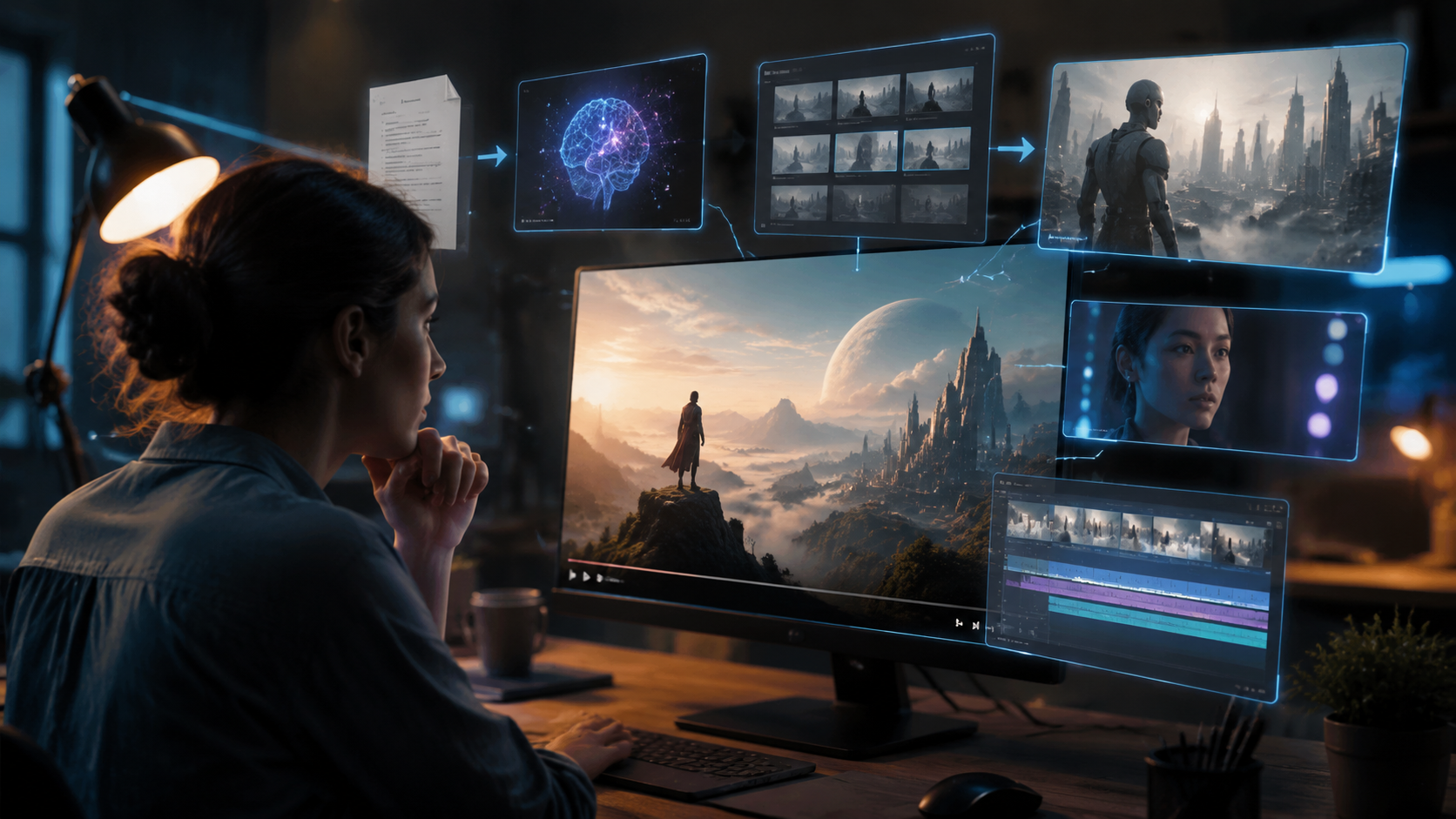
The landscape of AI video generation has matured dramatically since early experiments in 2023. Today’s tools no longer require manual scene‑by‑scene assembly — they read your script and autonomously decide which visuals best match the text, then synchronize voiceover, music, and transitions. As noted by Social Media Examiner (February 2026), “AI Video Made Easy” is no longer a promise but a daily reality for content creators and businesses alike.
According to Cybernews (February 2026), the 16 best AI video generation tools of 2026 share common features: natural language understanding, multi‑language support, and real‑time collaboration. The standout advancement is the end‑to‑end integration — tools like Pictory 2.0 (launched March 2026) now handle not only creation but also hosting and viewer interactivity, making them a one‑stop shop for video marketing.
Key Capabilities to Look For
- Script‑to‑scene mapping: The AI identifies keywords and phrases to recommend or generate matching visuals — no manual searching required.
- Voiceover generation with emotion and pacing control — industry leaders now offer over 300 voices in 50+ languages.
- Faceless video creation popularized by TyN Magazine (January 2026): ideal for short‑form content where no on‑camera talent is needed.
- Cartoon/animation modes — as shown in a full tutorial by Geek Vibes Nation (November 2025), you can generate entire animated shorts from a script without any drawing software.
Best AI Video Generators Compared (2026)
Below is a comparison of the leading platforms mentioned in current research. All support script‑to‑video workflows, but differ in specialization and pricing.
| Tool | Script‑to‑Video | Hosting & Analytics | Interactivity | Best For |
|---|---|---|---|---|
| Pictory 2.0 | Yes (full end‑to‑end) | Built‑in hosting + viewer analytics | Polls, clickable links, quizzes | Businesses wanting a unified creation‑to‑publishing pipeline |
| Synthesia | Yes (realistic AI avatars) | External platforms (YouTube, Vimeo) | No built‑in interactivity | Tutorials, training videos with human‑like presenters |
| Runway Gen‑3 | Yes (advanced motion graphics) | External platforms | No built‑in interactivity | Creative cinematic clips and brand animations |
| InVideo | Yes (template‑based) | Limited cloud storage | Basic interaction (end cards) | Quick social‑media videos and ads |
Note: This table reflects features confirmed by research as of April 2026. Pricing varies — most tools offer free tiers (watermarked) and paid plans starting at $19–$49/month.
Tips for Creating High‑Quality AI Video from Script
To get the best results, follow these expert recommendations drawn from recent case studies and tutorials. Social Media Examiner’s February 2026 report emphasized that “high quality content that grows your business” depends on more than just the tool — you need to optimize your script and settings.
Optimize Your Script for AI Understanding
Keep sentences short and concrete. The AI’s visual mapping performs best when you use descriptive nouns and action verbs. For example, instead of “The company performed well,” write “The sales team celebrated record revenue.” TyN Magazine’s guide on faceless shorts (January 2026) recommends using timestamps in brackets — e.g., “[Scene: office celebration]” — to help the AI pick the right stock footage.
Leverage Voice and Music
Choose a voice that matches your brand tone. Most tools now offer “emotion sliders” to adjust warmth, excitement, or seriousness. Background music should be royalty‑free and loopable; many platforms include a built‑in library. Avoid over‑layering audio, as it can muddy the AI voice.
Test Different Visual Styles
For “faceless” or cartoon content, the AI can generate unique graphics rather than relying on stock library clips. Geek Vibes Nation (November 2025) demonstrated how to prompt the AI for a specific visual style (e.g., “2D flat cartoon, bright colors”) directly in the script. Experiment with at least three visual themes per project.
Common Pitfalls and How to Avoid Them
Even the best AI video generator can produce mediocre results if you skip a few checks. Based on G2 Learn Hub’s reviews (April 2026), the most frequent complaints include mismatched visuals and unnatural voice pacing. Here’s how to fix them:
- Visual mismatch: If the AI picks a clip that doesn’t fit, add a brief description in brackets within your script. Most tools respect these “scene hints.”
- Voice too robotic: Increase the emotion slider or choose a voice with a higher “expressiveness” rating. Some tools now offer “humanize” post‑processing.
- Video runs too long: For shorts, keep scripts under 100 words. Use the tool’s trim or “auto‑shrink” feature to fit time limits of 30–60 seconds.
Frequently Asked Questions
What is the first step to create AI video from script?
Start by writing a clear, concise script in a conversational tone. The AI will use your words to generate visuals and voiceover, so avoid overly complex sentences or ambiguous terms.
Do I need any video editing experience to use these tools?
No. Tools like Pictory 2.0, Synthesia, and Runway are designed for beginners. The AI handles scene selection, transitions, and timing automatically. You can make minor adjustments with a simple drag‑and‑drop interface.
Can I create a video with a custom voice in 2026?
Yes. Many platforms now offer voice cloning from a short recording (usually 30–60 seconds). This is ideal for brands that want a consistent presenter voice without hiring a voice actor.
How long does it take to generate a video after pasting the script?
Generation time varies by length and quality, but most tools produce a first draft in 1–3 minutes. Higher‑resolution exports with complex animations may take up to 5 minutes.
Which AI video generator is best for “faceless” shorts?
TyN Magazine’s January 2026 guide recommends tools with large stock libraries and automatic caption generation. Pictory 2.0 and InVideo both excel at faceless short‑form video because they prioritize quick scene matching and text overlays.
Can I monetize videos created with AI generators?
Yes, as long as you own the rights to any stock footage or music used. Most paid plans include royalty‑free media. Check each tool’s licensing terms — Pictory 2.0, for example, grants full commercial rights on its premium tiers.



Comments ()