
How to Create AI Video in 2026: The Complete Guide
To create AI video in 2026, you choose an AI video generator, write a detailed prompt or upload a reference clip, customize style and length, then export the final file. With tools like Google’s Gemini Omni and Edimakor V5.0.0, the process takes minutes and can produce professional-looking music videos, explainers, or ads without a production crew.
Creating AI video in 2026 means using text-to-video or reference-video platforms—such as Google Gemini Omni, Edimakor V5.0.0, or top-rated generators from Memeburn’s 2026 ranking—to turn scripts, images, or existing footage into new, coherent video content. Most tools let you set aspect ratio, style, and duration, then generate a preview that you can edit before rendering.
- ✓ AI video generators in 2026 can produce full music videos, ads, and explainer clips from text or reference media.
- ✓ Google’s new Gemini Omni model offers advanced multimodal reasoning but also raises authenticity concerns flagged by NewsGuard.
- ✓ Edimakor V5.0.0 introduces “Reference to Video” and AI ad features—ideal for branded content.
- ✓ A step-by-step workflow (choose tool → craft prompt → customize → generate → edit → export) works across all major platforms.
- ✓ Always verify AI-generated videos for misleading content, as industry watchdogs are closely monitoring fakes.
1. The State of AI Video in 2026
The landscape of AI video creation has exploded in 2026. According to Memeburn’s latest ranking (published June 5, 2026), the best AI video generators have been tested, ranked, and compared across use cases—from YouTube shorts to corporate training. Google’s Gemini Omni, announced on May 29, 2026, integrates video generation natively, while Edimakor V5.0.0 (released June 3, 2026) revolutionizes creation with a “Reference to Video” feature and dedicated AI ads module.
However, innovation comes with caveats. NewsGuard’s Reality Check (June 5, 2026) warns that Google’s new AI video model “churns out fakes,” underscoring the need for watermarking and ethical use. Meanwhile, Cybernews (June 3, 2026) reports that text-to-video technology is fundamentally changing content creation, with many businesses adopting AI for rapid prototyping and user-generated-content campaigns.
For anyone asking “how to create ai video,” the answer now includes not only the technical steps but also awareness of the evolving debate around authenticity and copyright.
2. Step-by-Step Guide: How to Create AI Video in 2026
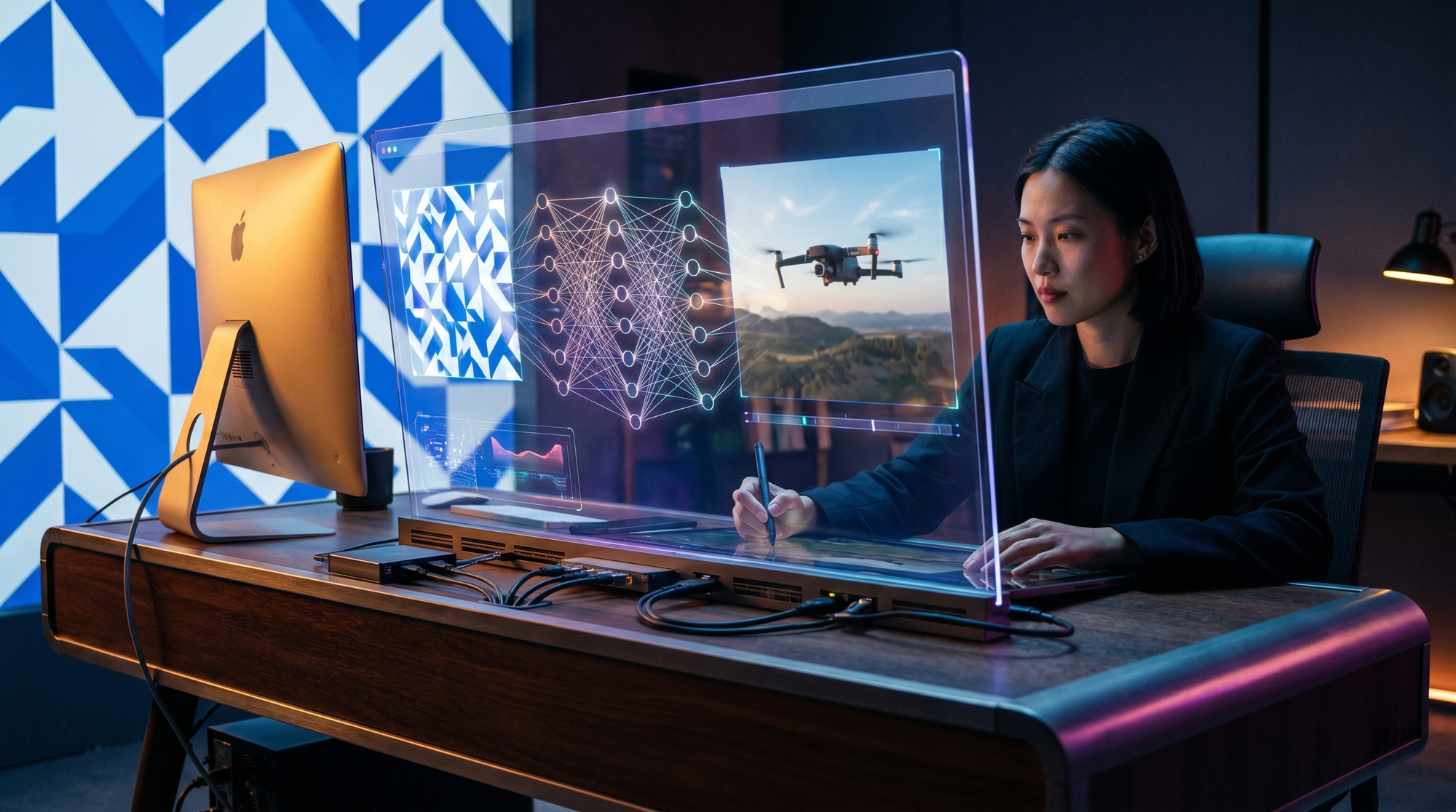
Follow this numbered workflow to create your own AI video from scratch. These steps work with most major generators, including Edimakor V5.0.0 and Google Gemini Omni.
- Define your video’s purpose and audience. Are you making a music video, a product advertisement, or an educational clip? The purpose dictates the tool and style you choose.
- Select the right AI video generator. For music videos, ePHOTOzine recommends using dedicated music video software; for general use, a tool like Edimakor V5.0.0 with reference capabilities is powerful.
- Write a detailed prompt or upload reference media. Include subject, action, setting, lighting, colour palette, and duration. If you have existing footage, use the “Reference to Video” feature to repurpose it.
- Customize style and parameters. Choose aspect ratio (16:9, 9:16, 1:1), frame rate, and output quality. Some tools let you add voiceovers or background audio.
- Generate a preview and iterate. Most generators produce a low‑resolution preview first. Review for coherence, motion artifacts, and alignment with your script. Adjust the prompt and regenerate if needed.
- Edit and enhance. Use built‑in editing tools to trim, add text overlays, or replace segments. Edimakor V5.0.0 includes an AI ads module that can insert product placements automatically.
- Export and share. Render in 1080p or 4K, then upload directly to social platforms or your website. Remember to add a visible AI‑generated label to comply with current best practices.
This process can take as little as 10 minutes for a 30‑second clip, but creating a full music video with multiple scenes may require several iterations and manual editing—as highlighted by the ePHOTOzine guide from June 5, 2026.
Choosing the Right Prompt Structure
The quality of your AI video depends largely on the prompt. Use the formula: “[Subject] [action] in [setting] with [lighting] and [style].” For example: “A neon‑lit dancer performing in a cyberpunk city at night, cinematic slow motion.” If your tool supports negative prompts, exclude unwanted elements (e.g., blur, distortion).
3. Best AI Video Generators Compared (2026)
The table below compares the leading tools based on the latest research, including Memeburn’s tested rankings and official announcements.
| Tool | Key Feature (2026) | Best For | Source/Date |
|---|---|---|---|
| Edimakor V5.0.0 | Reference to Video, AI Ads module | Branded content, music videos, ads | Caledonian Record, Jun 3, 2026 |
| Google Gemini Omni | Native multimodal generation (text+image+video) | Seamless integration with Google ecosystem | blog.google, May 29, 2026 |
| Top-ranked tool (per Memeburn) | High‑quality output, user‑friendly interface | General content creation | Memeburn, Jun 5, 2026 |
| Music‑video specialist | Lip‑sync, beat‑synchronized scenes | Full music video production | ePHOTOzine, Jun 5, 2026 |
Many other generators exist, but the ones above have been validated by independent tests published in June 2026. Pricing varies from free tiers (limited generations) to subscription models around $20–$50/month for professional features.
4. Use Case: Creating a Full Music Video with AI
As detailed by ePHOTOzine on June 5, 2026, creating a full music video using AI now involves a dedicated workflow. Start with your song as the sonic storyboard—extract the lyrics, BPM, and mood. Use a music‑video‑focused tool that supports lip‑syncing and scene transitions on the beat.
Edimakor V5.0.0’s “Reference to Video” feature lets you feed in short clips of the artist or location, then the AI generates new scenes that match the reference style. After generating each section, stitch them together using the tool’s built‑in timeline editor. ePHOTOzine recommends generating at least 2–3 alternate takes per scene to ensure narrative consistency.
Finally, apply final colour grading and export in 4K resolution. The entire process, including revisions, can be completed in under two hours—a fraction of traditional production time.
5. Ethical Considerations and Authenticity
The June 5, 2026 report from NewsGuard’s Reality Check titled “Google’s New AI Video Model Churns Out Fakes” highlights a critical concern: AI‑generated video can be indistinguishable from real footage. As a creator, you bear the responsibility of labeling AI‑generated content clearly.
Best practices in 2026 include:
- Add an on‑screen watermark or “AI‑generated” disclaimer at the start and end of your video.
- Use metadata tags that declare synthetic origin.
- Avoid creating deepfakes or misleading political content.
- Familiarize yourself with your tool’s content policy—most forbid impersonation or disinformation.
The industry is moving toward mandatory labeling, as advocated by cybersecurity researchers (Cybernews, June 3, 2026). When you follow these guidelines, you help maintain trust in the digital ecosystem while leveraging the full power of AI video.
6. The Future of AI Video Creation (Post‑2026)
According to Cybernews, the rise of AI video generators is transforming content creation at an unprecedented pace. By the end of 2026, experts predict real‑time generative video—where you talk to an AI and it adjusts the video live—will become available to consumers. Google’s Gemini Omni already demonstrates multimodal reasoning that could power such interactivity.
For now, the actionable takeaway is clear: learn “how to create ai video” today, because the tools are mature enough for professional use, and the competitive advantage goes to early adopters. Keep an eye on developer updates, especially from Edimakor and Google, as new features like higher resolution, longer clips, and better temporal coherence are rolling out monthly.
Frequently Asked Questions
What is the best AI video generator to use in 2026?
There is no single “best” tool; it depends on your use case. For reference‑based creation (e.g., repurposing existing footage), Edimakor V5.0.0 leads. For multimodal generation integrated with search and assistant features, Google Gemini Omni is strong. Consult Memeburn’s 2026 ranking for a full comparison.
How long does it take to create an AI video?
A simple 30‑second clip can be generated in 5–10 minutes, including writing the prompt and exporting. A complex music video with multiple scenes may take 1–2 hours due to iterative refinement and manual editing.
Do I need technical skills to create AI video in 2026?
No. Most tools have a user‑friendly interface and require only writing skills (prompting). Some experience with editing can improve results, but it’s not mandatory. Edimakor V5.0.0 and similar tools are designed for non‑technical users.
Can I use my own footage or images as a reference?
Yes. Edimakor V5.0.0’s “Reference to Video” feature explicitly allows you to upload a clip or image, and the AI will generate new video content that matches its style, motion, and composition.
Is it safe to use AI video generators for commercial projects?
Generally yes, but check the tool’s terms of service. Most commercial licenses are included in paid subscriptions. Be sure to add a visible AI‑generated label to avoid misleading audiences, as recommended by NewsGuard.
How can I make my AI video look less “robotic”?
Use detailed prompts that specify natural lighting, subtle motion, and realistic textures. Generate multiple previews, then composite the best segments. Some tools allow frame‑by‑frame manual correction for critical scenes.
Will AI video replace human creators?
No. AI video is a productivity tool that handles repetitive or time‑intensive tasks, freeing creators to focus on story, emotion, and strategic decisions. Human oversight remains essential for quality and ethics.



Comments ()