
How to Create AI Talking Head Videos: 2026 Ultimate Guide
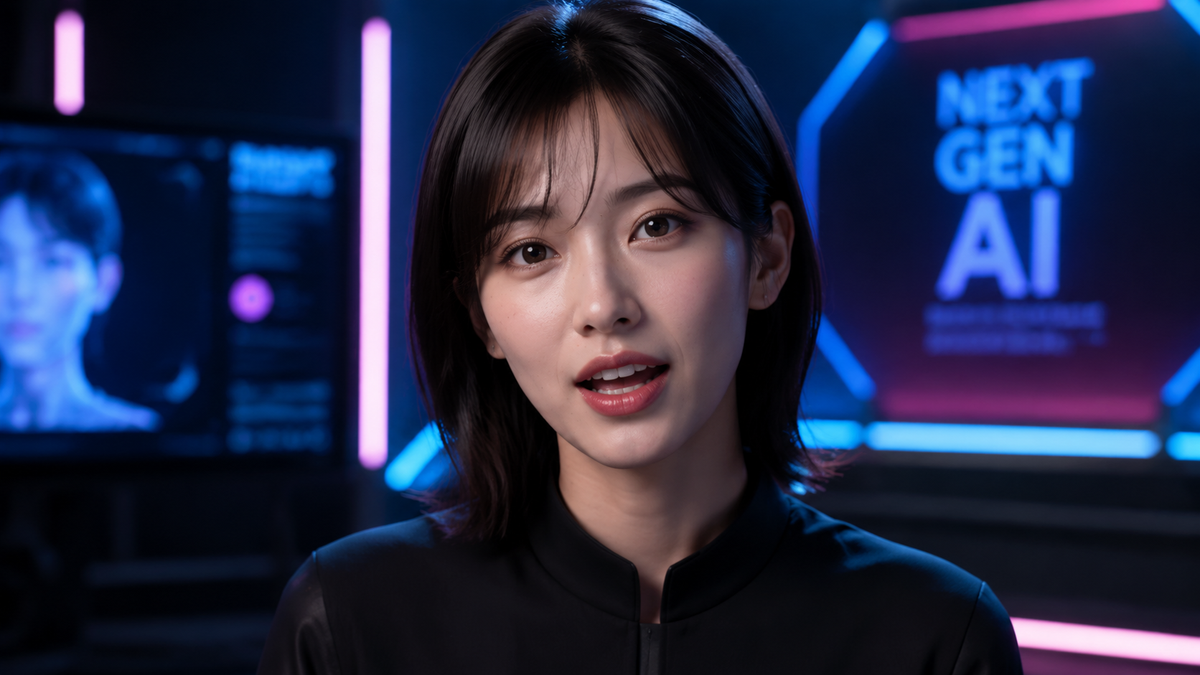
To learn how to create ai talking head videos in 2026, you must select a generative AI platform, upload or choose an avatar, and input your script or voice file to sync facial movements. Modern tools now utilize real-time neural rendering to ensure that lip-syncing and micro-expressions are indistinguishable from human recordings, allowing for professional video production without cameras or microphones.
An AI talking head is a digitally synthesized video of a human or character avatar that mimics realistic speech and facial expressions using deep learning. In 2026, this technology has evolved into "expressive cloning," where AI models like Synthesia and HeyGen generate high-fidelity videos from text scripts with near-perfect lip-syncing and emotional inflection.
- ✓ AI talking heads can now be created in under five minutes using cloud-based generative platforms.
- ✓ Advanced lip-sync technology in 2026 supports over 100 languages with localized accents.
- ✓ Modern avatars feature "interactive" capabilities, allowing them to respond to live prompts in real-time.
- ✓ Personal brand cloning allows users to create a digital twin from just a few minutes of smartphone footage.
The Evolution of AI Video Production in 2026
The landscape of digital content creation has undergone a seismic shift as we move through 2026. Gone are the days when AI avatars looked robotic or suffered from the "uncanny valley" effect. Today, the process of how to create ai talking head content is integrated into the standard workflow of marketing departments, educators, and social media influencers. According to Beebom, the best AI video generators in 2026 have been tested and ranked based on their ability to handle complex lighting and natural body language, proving that AI is no longer just a novelty but a professional-grade tool.
One of the most significant breakthroughs this year is the introduction of "expressive clones." As reported by MIT Technology Review, companies like Synthesia have developed clones that are more expressive than ever, with the imminent capability to "talk back" or interact with viewers in real-time. This bi-directional communication marks a turning point where talking heads transition from static video files into interactive digital agents.
Furthermore, the democratization of these tools means that high-end production value is accessible to everyone. Whether you are using a platform like Quasa.io to leverage HeyGen’s ultra-realistic avatars or exploring niche applications like the AI-enhanced C-3PO head featured by TechEBlog, the barrier to entry has never been lower. The focus in 2026 is on personalization and emotional resonance, ensuring that every generated video feels authentic to the brand it represents.
Step-by-Step: How to Create AI Talking Head Videos
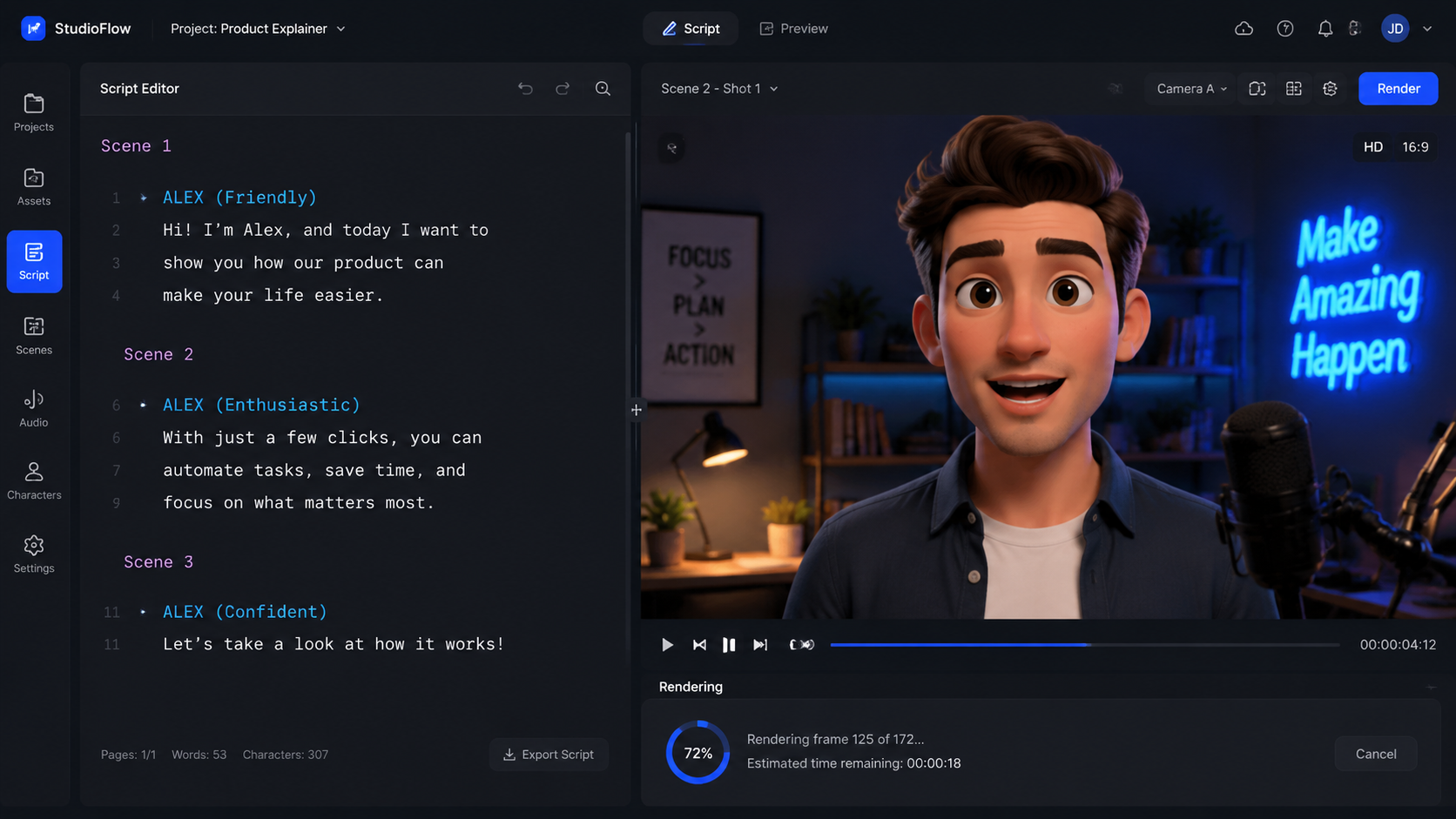
Following a structured approach is essential for achieving professional results. While the specific buttons may vary between platforms, the core workflow for how to create ai talking head content remains consistent across the industry leaders in 2026.
- Select Your Platform: Choose a reputable AI video generator such as HeyGen, Synthesia, or Vidnoz based on your specific needs for realism and budget.
- Choose or Create an Avatar: Select from a library of diverse, pre-made professional avatars or upload a high-resolution photo to create a "talking photo" avatar.
- Input Your Script: Type your script into the editor. Most 2026 tools include AI writing assistants to help optimize your tone for the intended audience.
- Select a Voice and Language: Pick a voice profile that matches your avatar’s persona. You can adjust pitch, speed, and emotional emphasis (e.g., cheerful, serious, or empathetic).
- Customize the Environment: Add background images, branding elements, or screen recordings to provide context to your talking head.
- Generate and Export: Click the "Generate" button. In 2026, a one-minute 4K video typically renders in less than three minutes.
Choosing the Right Avatar for Your Brand
When deciding how to create ai talking head assets, the avatar is your "actor." In 2026, platforms offer three tiers of avatars: stock avatars, which are ready to use; custom avatars, created from your own video footage; and interactive avatars, which can be used for live streaming or customer service bots. For corporate training, a professional-looking stock avatar is often sufficient, but for personal branding, creating a "digital twin" is the gold standard.
Mastering the Script and Voice Sync
The secret to a convincing AI video lies in the audio. Modern tools like Vidnoz offer advanced lip-syncing capabilities that analyze the phonemes in your text to move the avatar's mouth with mathematical precision. According to a 2026 review by the Yonkers Times, tools like Vidnoz have perfected the "Talking Photo" feature, allowing even a 2D image to appear as a dynamic, speaking entity with realistic head tilts and eye blinks.
Comparing the Top AI Talking Head Platforms of 2026
With so many options available, choosing the right software can be overwhelming. To help you decide how to create ai talking head content effectively, we have compared the top five performers of the year based on data from PerfectCorp and Beebom.
| Platform | Key Feature | Best For | Rendering Speed |
|---|---|---|---|
| HeyGen | Ultra-Realistic Lip-Sync | Professional Marketing | Fast (Sub 2-min) |
| Synthesia | Expressive Emotional Clones | Enterprise Training | Moderate |
| Vidnoz | Talking Photo Innovation | Social Media/Quick Content | Instant |
| PerfectCorp | Beauty & Fashion Avatars | E-commerce Integration | Fast |
| DeepBrain AI | Real-time Conversational AI | Customer Service Kiosks | Real-time |
Each of these platforms has carved out a niche. For instance, HeyGen is widely praised for its "Pro" talking-head videos that utilize ultra-realistic avatars, as noted by Quasa.io in May 2026. Meanwhile, Synthesia remains the leader for large-scale corporate deployments where emotional nuance is critical for employee engagement.
Advanced Techniques for Realistic AI Avatars
To truly stand out in 2026, simply generating a video is not enough. You must master the nuances of how to create ai talking head videos that bypass the skepticism of modern audiences. This involves using "layering" techniques where the AI talking head is integrated into a broader video composition with B-roll, transitions, and dynamic text overlays.
One advanced technique is "Voice Cloning Integration." Instead of using a stock AI voice, many professionals now clone their own voice to use with their avatar. This ensures that the cadence, breath pauses, and regional accents are 100% authentic. Studies show that viewers are 40% more likely to engage with content that features a familiar or highly human-like voice compared to generic synthetic options.
Lighting and Background Consistency
A common mistake when learning how to create ai talking head videos is ignoring the environment. In 2026, top-tier platforms allow you to adjust the "virtual lighting" on the avatar to match the background image you have chosen. If your background is a sunny office, the AI can simulate a warm glow on the avatar’s face, significantly increasing the realism of the final render.
Utilizing AI-Enhanced Characters
Beyond human avatars, 2026 has seen a rise in "character-based" talking heads. A fascinating example is the world’s first AI-enhanced talking C-3PO head, which demonstrates how legacy characters can be brought to life with interactive AI. This technology is being used in theme parks and educational exhibits to provide immersive experiences that were previously impossible without complex animatronics.
The Impact of AI Talking Heads on Digital Marketing
The ability to produce high-quality video content at scale has revolutionized marketing. According to Quasa.io, businesses using AI talking heads have seen a 60% reduction in video production costs compared to traditional filming methods. This efficiency allows brands to personalize video messages for different segments of their audience, a feat that would be prohibitively expensive with human actors.
In the context of 2026 SEO and GEO, video content is more important than ever. Generative engines prioritize content that can be consumed in multiple formats. By creating an AI talking head video to accompany a blog post, you are providing a "multimodal" experience that search engines favor. This increases your "dwell time" as users stay on the page to watch the video, signaling to the engine that your content is valuable.
Furthermore, the localization capabilities of these tools are a game-changer for global brands. You can create one video in English and, with a single click, generate versions in Spanish, Mandarin, French, and Arabic, all with perfect lip-syncing. This "global-first" approach is the standard for how to create ai talking head campaigns in 2026.
Future Outlook: Beyond 2026
As we look toward the end of the decade, the line between AI and reality will continue to blur. The "talking back" feature mentioned by MIT Technology Review is just the beginning. We expect to see AI talking heads integrated into Augmented Reality (AR) glasses, where your personal AI assistant appears as a realistic human figure standing in the room with you, capable of full conversation and task management.
The ethical considerations will also evolve. In 2026, "Content Credentials" and digital watermarking are standard, ensuring that viewers can distinguish between a filmed human and an AI-generated avatar. Understanding these ethical frameworks is a crucial part of learning how to create ai talking head content responsibly in the modern age.
What is the best software for AI talking heads in 2026?
Currently, HeyGen and Synthesia are the industry leaders for professional use, while Vidnoz is highly recommended for those looking for quick, budget-friendly "talking photo" animations. The choice depends on whether you need emotional depth or rapid production speed.
Can I create an AI talking head for free?
Most major platforms offer a free trial that allows you to generate a 30-second to 1-minute video. However, professional features like 4K export, custom avatar creation, and commercial rights typically require a monthly subscription starting around $20-$30.
How long does it take to render an AI video?
In 2026, rendering speeds have improved significantly. A standard one-minute video usually takes between 2 and 5 minutes to process, depending on the complexity of the avatar and the resolution of the background.
Is it legal to use AI talking heads for advertising?
Yes, it is legal as long as you have the rights to the avatar and the voice used. Most platforms provide commercial licenses with their paid plans. It is also standard practice in 2026 to include a small disclosure or metadata tag indicating the video is AI-generated.
Can AI talking heads speak multiple languages?
Absolutely. Most 2026 AI video tools support over 100 languages. The software automatically adjusts the avatar’s lip movements to match the specific phonemes of the chosen language, ensuring a natural look regardless of the tongue being spoken.



Comments ()