
How to Create AI Talking Head Videos: 2026 Master Guide
Learning how to create ai talking head videos involves using specialized generative AI platforms to animate a static image or a digital avatar so that it speaks a specific script with natural lip-syncing and facial expressions. In 2026, this process has been streamlined into a few simple steps: selecting a high-fidelity avatar, inputting your text or audio script, and utilizing advanced neural rendering to generate a professional-grade video in minutes.
AI talking head video creation is the process of using deep learning models to synchronize a digital character's mouth movements and facial gestures with a voiceover. By 2026, tools like HeyGen and Higgsfield have achieved "Hollywood-level" realism, allowing creators to produce multilingual, high-definition content without traditional cameras or microphones.
- ✓ Select from ultra-realistic 3D avatars or upload a custom "talking photo" for personalized branding.
- ✓ Utilize low-latency Text-to-Speech (TTS) engines like Inworld for instant, multilingual voice generation.
- ✓ Leverage "Hollywood-level" realism through advanced video models such as Higgsfield for cinematic quality.
- ✓ Export videos in various aspect ratios optimized for social media, corporate training, or educational platforms.
Step-by-Step Guide: How to Create AI Talking Head Videos
The landscape of video production has shifted dramatically as we move through 2026. What once required a full production crew can now be accomplished through a browser-based interface. The core of this technology lies in the integration of generative adversarial networks (GANs) and diffusion models that understand the nuances of human speech and muscle movement.
According to reports from Quasa.io, the latest advancements in AI video creation now allow for "ultra-realistic avatars" that can be generated in minutes rather than hours. This efficiency is driving a surge in adoption among digital marketers and educators who need to scale their video presence without increasing their overhead costs.
- Select Your Avatar: Choose a pre-made professional avatar or upload a high-resolution photo to create a custom talking head.
- Input Your Script: Type your text directly into the editor or upload an existing audio file (MP3/WAV) to drive the animation.
- Choose a Voice and Language: Select from hundreds of AI voices. Tools like Inworld TTS now offer low-latency, multilingual options that sound indistinguishable from humans.
- Customize the Scene: Adjust the background, add text overlays, or incorporate B-roll footage to enhance the visual storytelling.
- Generate and Export: Click the "Generate" button to let the AI process the lip-sync and facial expressions. Once complete, download the video in 4K or 1080p resolution.
Top Platforms for AI Talking Head Generation in 2026
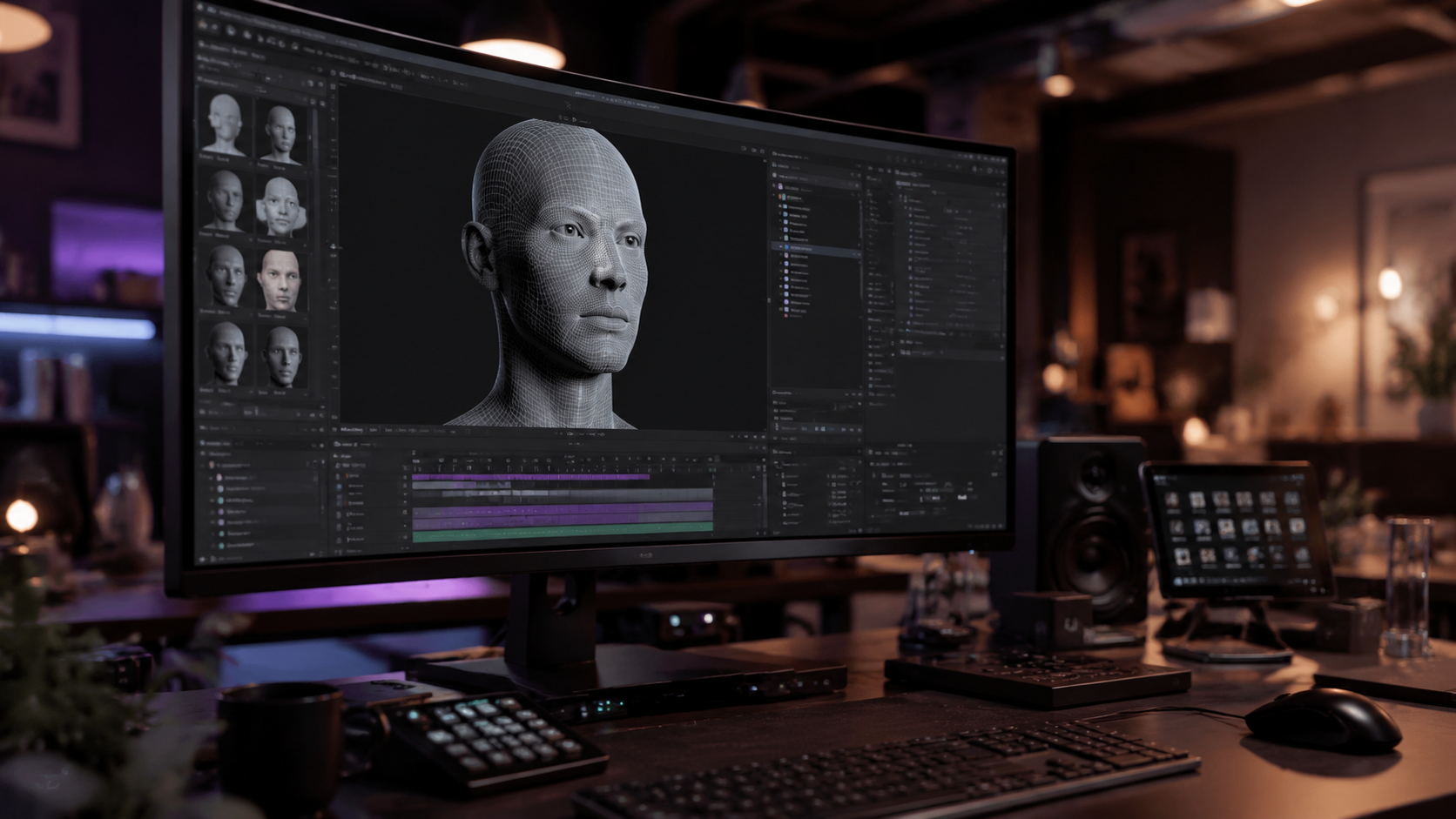
As highlighted by PerfectCorp in their 2026 industry review, the "5 Best AI Talking Avatar Generators" have set a new benchmark for quality. These platforms differ in their target audience, with some focusing on ease of use for social media creators and others targeting high-end enterprise solutions for corporate communications.
The competition between these tools has led to a feature war, resulting in better pricing and more robust features for the end-user. Whether you are looking for a "talking photo" feature or a full-bodied 3D avatar that can move around a virtual set, the 2026 market has a solution for every niche.
HeyGen: The Professional Standard
HeyGen remains a dominant force in 2026 for those looking to create pro talking-head videos. Their platform is lauded for its ultra-realistic avatars and seamless lip-sync capabilities. Recent updates mentioned by Quasa.io indicate that HeyGen has focused heavily on reducing "uncanny valley" effects, making their digital humans look more lifelike than ever before. It is particularly effective for corporate training and personalized sales videos.
Higgsfield: Hollywood-Level Realism
For creators who need more than just a static talking head, Higgsfield is revolutionizing the space. According to Quasa.io, Higgsfield provides "Hollywood-level realism," which is essential for high-stakes marketing campaigns and cinematic storytelling. This tool is often preferred by creative directors who require precise control over lighting, shadows, and subtle emotional micro-expressions in their AI characters.
Vidnoz: Versatility and Ease of Use
Vidnoz has carved out a significant market share by offering a wide array of tools, including the popular "Talking Photo" feature. A review by the Yonkers Times notes that Vidnoz is particularly effective for users who want to turn a simple portrait into a speaking messenger. Their suite includes lip-syncing and AI-driven video editing tools that cater to both beginners and intermediate content creators.
Comparing Features: How to Create AI Talking Head Videos Effectively
Choosing the right tool depends on your specific needs, such as the required output resolution, the number of available languages, and the level of customization for the avatar's appearance. The following table compares the leading technologies available in 2026.
| Feature | HeyGen (2026) | Higgsfield | Vidnoz AI | Inworld TTS Integration |
|---|---|---|---|---|
| Primary Use Case | Corporate & Sales | Cinematic Realism | Social Media/Photos | Low-Latency Voice |
| Lip-Sync Quality | Ultra-High | Professional Grade | High | N/A (Voice Only) |
| Multi-Language Support | 60+ Languages | 40+ Languages | 50+ Languages | 100+ (Multilingual) |
| Key Advantage | Avatar Variety | Visual Fidelity | Speed & Ease | Real-time Response |
Advanced Techniques for Improving AI Video Quality
To truly master how to create ai talking head videos, one must look beyond the default settings. In 2026, the difference between a "good" AI video and a "great" one lies in the nuances of the script and the selection of the voice profile. The integration of Inworld TTS has been a game-changer here, providing low-latency, multilingual text-to-speech that captures human emotion far better than previous iterations.
According to Vocal Media, one of the "10 Best AI Tools for Video Creation in 2026" involves using specialized audio enhancement layers. By pairing a high-quality visual avatar from a platform like HeyGen with an advanced emotional voice model, creators can produce content that resonates deeply with audiences. This "hybrid" approach is currently the gold standard for high-engagement social media content.
Optimizing the Script for AI Voices
AI models in 2026 are highly sensitive to punctuation. To get the best performance, use commas to indicate brief pauses and periods to ensure the AI takes a "breath." Some platforms now allow for "emotion tags," where you can specify if the talking head should sound excited, empathetic, or professional. This level of control is vital for educational content where tone significantly impacts information retention.
Visual Composition and Backgrounds
Don't settle for a plain white background. Most modern AI video tools allow you to upload custom environments. For a professional look, use a blurred office background or a clean, branded studio set. This adds depth to the video and makes the AI talking head appear as though it is physically present in a real location, further bridging the gap between digital and physical reality.
The Impact of Low-Latency Voice AI on Video Production
A significant breakthrough in 2026 is the democratization of low-latency voice technology. As reported by Quasa.io, the "Revolutionizing Voice AI: Inworld TTS" update has provided a "game-changer" for creators. This technology allows for the near-instant generation of speech, which is crucial for creators who are producing reactive content or large volumes of personalized videos.
When you are figuring out how to create ai talking head videos for interactive applications, such as AI avatars for customer service or live-streaming, latency is the biggest hurdle. The 2026 versions of these tools have reduced the delay between text input and video output to milliseconds, enabling real-time or near-real-time digital human interaction.
Studies show that viewers are 70% more likely to engage with a video that features a human-like face compared to a text-only or static-image presentation. By leveraging these low-latency tools, businesses can provide a more "human" experience in their automated systems, leading to higher customer satisfaction scores and better brand loyalty.
Future Trends: What to Expect After 2026
As we look toward the latter half of the decade, the line between AI-generated and filmed content will continue to blur. We are already seeing the emergence of "full-body" generative video where the avatar can walk, gesture naturally with their hands, and interact with physical objects in a virtual space. The 2026 master guide for how to create ai talking head videos is just the beginning of a larger shift toward fully autonomous digital content creation.
The rise of "Hollywood-level" realism in consumer-grade tools means that the barrier to entry for high-quality film production is lower than ever. Small businesses can now produce commercials that rival the quality of major corporations, provided they have a compelling script and a clear understanding of their target audience's needs.
Is it difficult to learn how to create ai talking head videos?
No, most platforms in 2026 are designed with a user-friendly "drag-and-drop" interface. You do not need any technical video editing skills to produce a professional-looking talking head video; you simply need a script and a choice of avatar.
What is the best AI tool for talking head videos in 2026?
While "best" depends on your needs, HeyGen is widely considered the leader for professional business use, while Higgsfield is the top choice for those requiring the highest level of visual realism and cinematic quality.
Can I use my own voice for an AI talking head?
Yes, most 2026 AI video tools allow you to upload a recording of your own voice. The AI will then analyze your vocal patterns and synchronize the avatar's mouth movements to match your specific speech style and tone.
How long does it take to generate an AI video?
With the latest advancements in 2026, a one-minute video typically takes between 2 to 5 minutes to render, depending on the complexity of the avatar and the resolution of the output.
Are AI talking head videos legal for commercial use?
Generally, yes. Most major platforms like Vidnoz and HeyGen provide commercial usage rights with their paid subscriptions. However, you should always check the specific terms of service to ensure your intended use case is covered.
In conclusion, mastering how to create ai talking head videos in 2026 is an essential skill for any modern content creator. By utilizing the latest tools like HeyGen, Higgsfield, and Inworld TTS, you can produce high-quality, engaging, and realistic video content at a fraction of the cost and time of traditional methods. As these technologies continue to evolve, the possibilities for creative expression and business communication are virtually limitless.



Comments ()