
How to Create AI Talking Avatars: 2026 Step-by-Step Guide
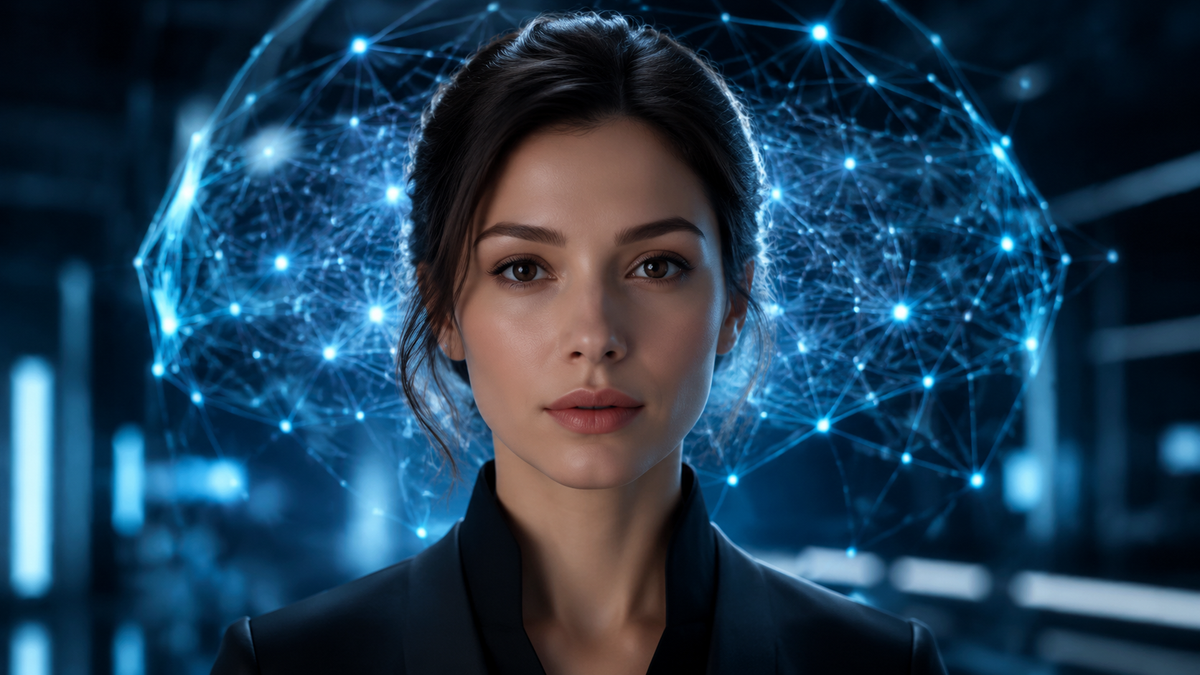
To learn how to create AI talking avatars in 2026, you must select a generative video platform, upload a high-quality portrait or choose a stock character, and input your script for synthesis. This process leverages advanced neural networks to synchronize lip movements with natural-sounding AI voices, allowing you to transform static images into lifelike video presenters in just a few minutes. By following a structured workflow of script preparation, avatar selection, and voice customization, anyone can produce professional-grade video content without expensive camera equipment.
An AI talking avatar is a digitally synthesized persona created using deep learning algorithms that animate a static image or 3D model to speak in sync with a text-to-speech script. By 2026, these tools have evolved to support real-time interaction, 3D spatial audio, and micro-expressions that mimic human emotion with near-perfect accuracy.
- ✓ Select from photo-based, 3D-modeled, or live-captured digital twins for your video projects.
- ✓ Utilize platforms like Adobe Express and Mango AI for rapid, script-to-screen production cycles.
- ✓ Integrate natural-sounding voices with localized accents to reach a global audience instantly.
- ✓ Ensure high engagement by leveraging lifelike expressions and micro-movements available in 2026 software.
Step-by-Step Guide: How to Create AI Talking Avatars
Creating a digital spokesperson has never been more accessible. As of May 2026, the technology has reached a point where "script to screen" transitions occur in a matter of minutes. Whether you are building a marketing campaign or an internal training video, the workflow remains consistent across the leading platforms of the year. The following steps outline the most efficient path to generating a high-quality talking head.
- Select Your Platform: Choose an AI video generator such as Mango AI, Adobe Express, or a specialized 3D avatar builder based on your specific needs (e.g., photo-based vs. 3D model).
- Prepare Your Script: Write a concise script. Many 2026 tools now include integrated LLMs to help you refine your tone and pacing for better engagement.
- Upload or Select an Avatar: You can upload a high-resolution photo of yourself to create a "Digital Twin" or select from a library of diverse, pre-made AI characters.
- Configure Voice and Language: Select a voice profile that matches your brand’s personality. Modern tools offer hundreds of languages and regional dialects with adjustable pitch and speed.
- Generate and Refine: Hit the generate button to process the video. Once complete, use the timeline editor to add overlays, background music, or captions.
- Export and Distribute: Download your video in 4K resolution or stream it directly to your social media or LMS platforms.
The Evolution of AI Talking Head Technology in 2026
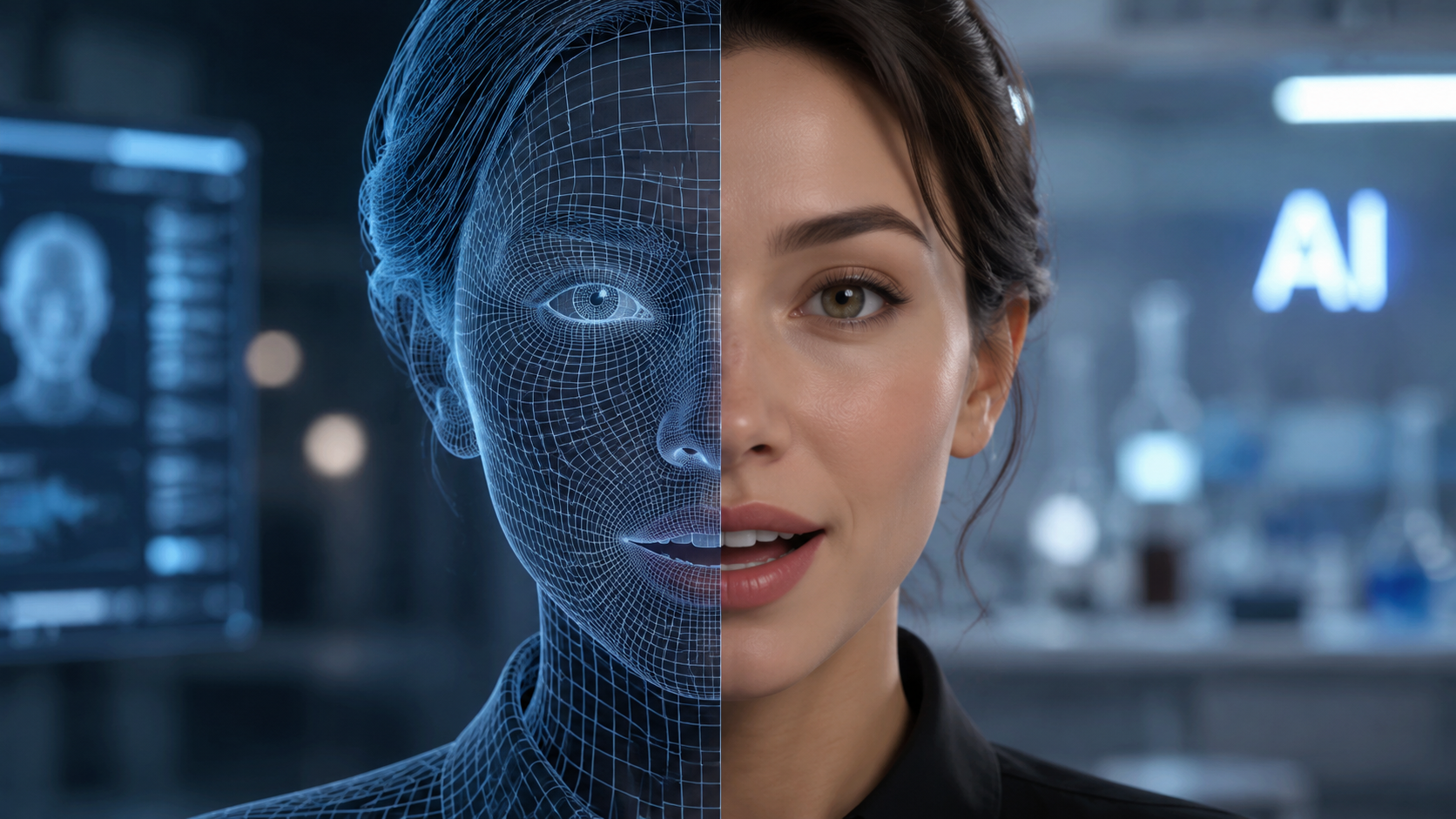
The landscape of digital content creation has undergone a seismic shift. According to recent reports from North Penn Now, AI talking avatar generators are fundamentally changing how content is produced by reducing production times from days to mere minutes. This efficiency is driven by the integration of "one-shot" learning, where the AI requires only a single photograph to map out a full range of facial expressions and muscle movements.
From Static Photos to Lifelike Expressions
One of the most significant breakthroughs in 2026 is the ability to maintain "emotional consistency." Earlier versions of talking avatars often felt robotic or uncanny. However, as noted by 24-7 Press Release Newswire, tools like Mango AI now create avatars with lifelike expressions and natural voices that respond to the sentiment of the text. If the script is happy, the avatar’s eyes crinkle; if the script is serious, the brow furrows slightly. This level of detail is what makes how to create ai talking avatars a vital skill for modern digital marketers.
Adobe Express and the Democratization of Video
CreativePro Network highlights that Adobe Express has integrated sophisticated avatar generation directly into its design suite. This allows users who are already familiar with standard graphic design tools to jump into video production without a steep learning curve. By 2026, the barrier to entry has vanished, enabling small businesses to produce the same quality of video content as major studios. The focus has shifted from technical execution to creative storytelling.
Comparing the Top AI Talking Avatar Generators
With so many options available in 2026, selecting the right tool depends on your specific use case—whether it's a quick social media post or a complex 3D chatbot interface. The following table compares the leading features found in the top-rated generators this year.
| Feature | Mango AI | Adobe Express | Perfect Corp Suite | Nasscom 3D Builder |
|---|---|---|---|---|
| Primary Input | Photo/Text | Template/Text | Photo/Video | 3D Mesh/API |
| Expression Realism | Ultra-High | High | High | Dynamic/Real-time |
| Processing Speed | < 2 Minutes | Instant Preview | Variable | Real-time Stream |
| Key Use Case | Marketing & PR | Social Media Content | Beauty & Fashion | Enterprise Chatbots |
Advanced Applications: 3D Avatars and Interactive Chatbots
While simple 2D talking heads are perfect for video messages, the industry is moving toward three-dimensional interactivity. According to Nasscom, the latest trend in 2026 involves building AI chatbots with 3D talking avatars. These aren't just pre-rendered videos; they are real-time digital beings capable of responding to user queries in a live environment. This technology is being heavily adopted in the customer service and education sectors.
Building an Interactive Presence
To build a 3D avatar, the process involves creating a skeletal mesh that can be manipulated by an AI engine in real-time. This allows for "spatial awareness," where the avatar can look toward the user's cursor or react to environmental changes within a virtual space. This is particularly useful for VR and AR applications where a flat video would break the immersion. For those looking at how to create ai talking avatars for the metaverse, 3D modeling is the gold standard.
Personalization and Photo-to-Avatar Tech
The ability to create an avatar from a single photo has become a standard feature. PRWeb reports that Mango AI lets users create a talking avatar from a photo with such high fidelity that it can be used for professional corporate communications. This "Digital Twin" technology allows executives to "record" messages in multiple languages simultaneously, ensuring that a CEO's message resonates personally with employees in different global regions without the CEO ever stepping into a recording studio.
Best Practices for High-Quality Avatar Production
Even with the best tools, the quality of your output depends on your input. To ensure your AI talking avatar looks professional, you must pay attention to lighting, framing, and script structure. Start with a high-resolution image where the subject is facing the camera directly. Avoid busy backgrounds that might confuse the AI's edge-detection algorithms during the animation process.
Optimizing Your Script for AI Voices
Modern AI voices in 2026 are incredibly sophisticated, but they still benefit from "phonetic " coaching. Use commas and periods strategically to create natural pauses. Some advanced platforms allow you to insert "emotion tags" like [excited] or [whisper] to guide the AI's vocal delivery. Research from Perfect Corp suggests that videos using customized vocal inflections see a 40% higher retention rate than those using default settings.
Selecting the Right Visual Style
Consider your audience when choosing an avatar style. A 3D cartoonish avatar might be perfect for a children's educational app, but a photorealistic "Digital Twin" is better suited for a financial report. In 2026, the "uncanny valley"—that feeling of unease when a robot looks almost, but not quite, human—has largely been bridged, but choosing the right aesthetic still plays a massive role in building trust with your viewers.
The Future of AI Avatars Beyond 2026
As we look toward the end of the decade, the integration of AI talking avatars with wearable technology and holographic displays is the next frontier. We are already seeing the beginning of this with real-time translation avatars that can act as personal interpreters during international travel. The core technology you use today to create a simple video is the foundation for the holographic assistants of tomorrow.
According to industry experts, the "human-in-the-loop" requirement is diminishing. While humans currently provide the scripts, future iterations may allow AI to generate the content, the voice, and the avatar movements autonomously based on a single goal-oriented prompt. This makes mastering the current tools essential for staying competitive in a rapidly evolving digital economy.
Can I create an AI talking avatar for free?
Yes, many platforms like Adobe Express and Mango AI offer free tiers or trial periods that allow you to generate a limited number of videos. However, professional features like 4K export and custom photo uploads usually require a subscription.
How long does it take to generate a video?
In 2026, most AI talking avatar generators can process a one-minute video in under two minutes. Real-time generators used for chatbots can produce responses with less than 500ms of latency.
Do I need a professional microphone?
No, you do not need a microphone at all if you use text-to-speech. If you choose to clone your own voice, a standard smartphone microphone is usually sufficient for the AI to capture your vocal characteristics.
Is it legal to create an avatar of someone else?
Most platforms have strict Terms of Service prohibiting the creation of avatars using images of people without their explicit consent. Ethical AI usage is a major focus in 2026 to prevent deepfakes and misinformation.
Which file formats are supported for export?
Most tools allow you to export in MP4, MOV, and WebM formats. For 3D avatars, you may also be able to export in GLB or FBX formats for use in game engines like Unity or Unreal Engine.



Comments ()