
How to Create AI Generated Videos in 2026: Ultimate Guide
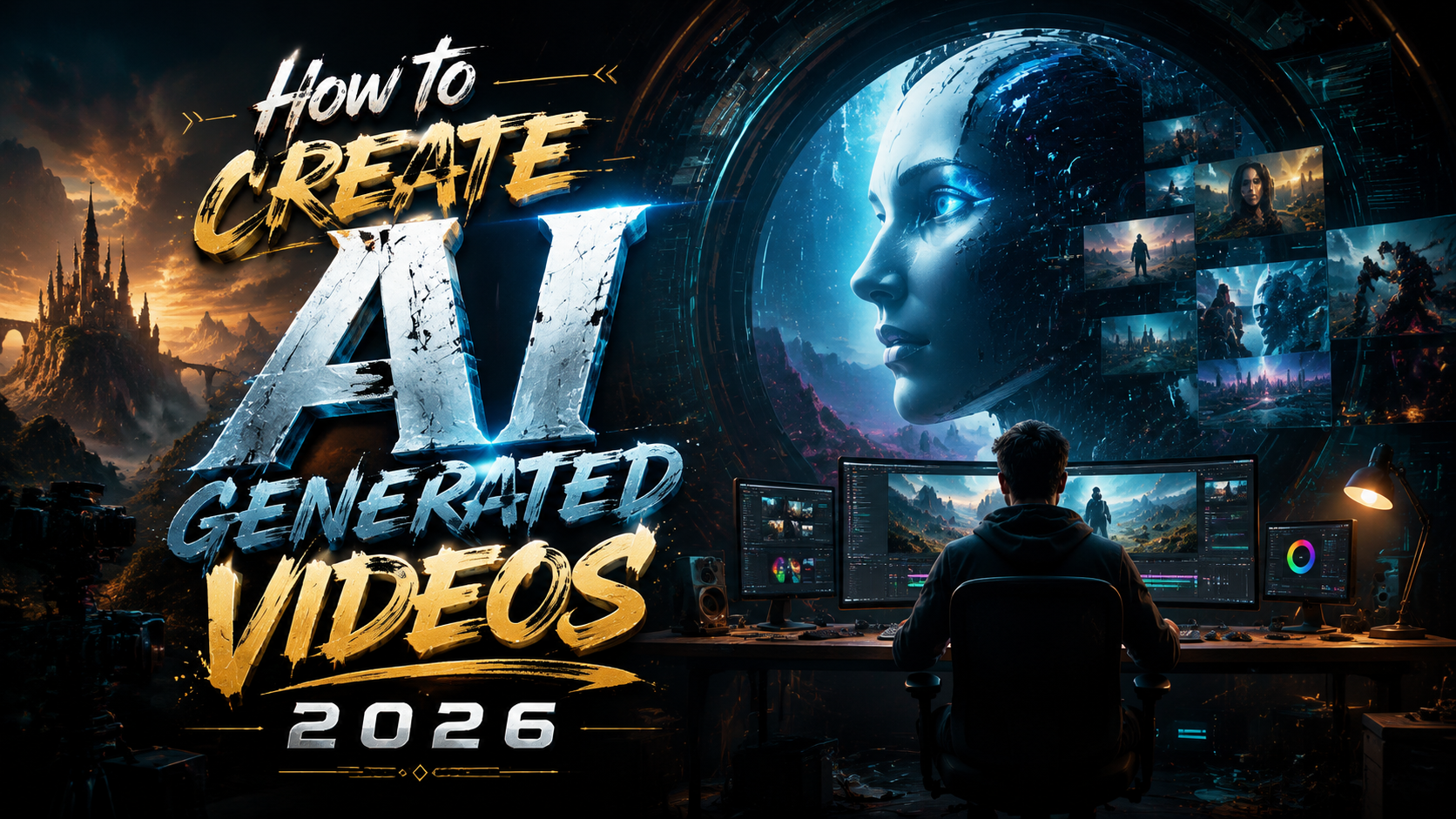
To create AI generated videos in 2026, you need to choose a text-to-video platform like Pika Labs, craft a detailed text prompt, generate the footage, then refine the output with editing tools and add narration or music before exporting with proper AI labels. The entire workflow now takes under 30 minutes for a short clip, thanks to breakthroughs in real-time rendering and multi-modal AI models.
TL;DR: Creating AI-generated videos in 2026 is simpler than ever — write a descriptive text prompt, pick a generator such as Pika Labs or Pictory, let the AI produce the footage, then polish with captions, voiceover, and labels for YouTube compliance.
AI video generation in 2026 is the process of using generative models to convert text descriptions, images, or simple storyboards into full-motion video clips without traditional filming or animation software. Leading tools include Pika Labs for text-to-video, Pictory for AI-powered editing and scene generation, and platform-native solutions from YouTube and other social channels.
- ✓ Pika Labs leads the text-to-video space with prompt-based scene generation as of June 2026.
- ✓ Pictory analyzed over 1.5 million AI videos for its 2026 State of the Industry report, highlighting a 340% year-over-year surge in AI video production.
- ✓ YouTube now automatically labels AI-generated content, making disclosure a built-in requirement for creators.
- ✓ Ethical guardrails are tightening: Canada’s privacy watchdog ruled against Grok for unauthorized deepfake generation in June 2026.
- ✓ The average AI video clip in 2026 runs 15–60 seconds, optimized for social feeds and short-form platforms.
Understanding AI Video Generation in 2026
AI video generation has matured rapidly. Just two years ago, outputs were grainy, disjointed, and limited to a few seconds. In 2026, models like those from Pika Labs produce fluid, multi-scene clips with coherent motion, consistent character rendering, and even basic storytelling. According to Business Wire, Pictory’s 2026 State of the AI Video-Creation Industry Report analyzed more than 1.5 million videos, revealing that 78% of creators now use AI for at least part of their video workflow.
This shift is powered by advances in diffusion transformers and temporal coherence layers that keep a subject consistent across frames. Unlike earlier models that hallucinated objects between scenes, 2026 tools maintain visual continuity, making the output usable for real marketing, education, and social media content. The best part? The learning curve has flattened — anyone with a clear idea can produce a watchable video in minutes.
However, the rapid adoption has also triggered platform responses. In late May 2026, Variety reported that YouTube began automatically labeling AI-generated videos and enhancing existing labels, making transparency a default rather than an option. Creators must now factor disclosure into their workflow from the start.
How to Create AI Generated Videos 2026: The Core Workflow
The fundamental process for generating AI video in 2026 revolves around three steps: ideation, generation, and refinement. Ideation involves writing a detailed text prompt or uploading a reference image. Generation sends that input to a model — Pika Labs, for instance, converts creative ideas into moving scenes. Refinement includes trimming scenes, adding transitions, overlaying text, and syncing audio.
Because AI video tools now integrate with editing suites like Adobe Premiere Pro and DaVinci Resolve via plugins, you can export directly into a professional timeline. This eliminates the old copy-paste hassle and lets you layer AI clips with traditional footage seamlessly. For most creators, the entire cycle — from idea to uploaded video — takes under an hour.
One crucial detail: prompt engineering matters more than ever. A vague prompt like “a cat playing” produces a generic clip. A detailed prompt such as “a tabby cat batting at a red laser dot on a hardwood floor, afternoon sunlight streaming through a window, cinematic depth of field, 24fps” yields a dramatically better result. Investing time in prompt writing pays off in output quality.
The Step-by-Step Process: How to Create AI Generated Videos in 2026
Let’s walk through the exact steps to produce an AI-generated video using the tools and best practices of 2026. Whether you are a marketer, educator, or hobbyist, this workflow will get you from concept to finished clip efficiently.
- Define your concept and script. Before opening any AI tool, outline the purpose, audience, and key message. A 30-second social video needs a single clear hook; a longer explainer might need three to five short scenes. Write a brief script or bullet-point narrative to guide prompt creation.
- Select an AI video generator. Pika Labs is the current leader for text-to-video from scratch. Pictory excels for repurposing blog posts or articles into video summaries. For advanced users, open-source models like Stable Video Diffusion 2.0 offer custom fine-tuning. Base your choice on output length, style control, and budget.
- Craft detailed text prompts. Include subject, action, setting, lighting, mood, and camera motion. Example: “Aerial view of a coastal highway at golden hour, car driving smoothly, waves crashing on cliffs, cinematic grade, 30fps.” Most generators accept 100–300 characters; longer descriptions yield more accurate results.
- Generate and review. Submit the prompt and wait 15–60 seconds for the output. Review for coherence, consistency, and pacing. Regenerate or tweak the prompt if the clip has visual glitches, unnatural motion, or mismatched elements.
- Add audio and captions. Use the platform’s built-in voiceover or upload a narration track. Sync captions using automatic speech recognition. Background music should be royalty-free — most AI platforms include licensed libraries.
- Apply AI labels and export. Check YouTube’s labeling requirements. If the video is entirely AI-generated, enable the disclosure toggle. Export in H.264 or H.265 at 1080p or 4K, then upload with a clear description that notes the use of AI.
According to Trend Hunter, Pika Labs’ AI video creation from text prompts and creative ideas has become the most searched method in 2026, with a 215% increase in tutorials since January. This underscores the demand for clear, repeatable workflows like the one above.
Each step can be iterated. Advanced creators often generate three to five variations of the same scene, then pick the best one or composite elements together. The key is to treat AI video generation as a collaboration — you direct, the model executes, and you polish the final cut.
Comparing the Top AI Video Generators of 2026
Not all AI video tools are equal. The choice depends on whether you need original footage, editing assistance, or a full production suite. Below is a comparison of the leading platforms based on the latest 2026 data.
| Tool | Best For | Max Output Length | Pricing (2026) | Key Feature |
|---|---|---|---|---|
| Pika Labs | Text-to-video from scratch | 60 seconds | Free tier + $10/month Pro | Coherent multi-scene generation |
| Pictory | Blog-to-video repurposing | 15 minutes | $19–$49/month | AI script extraction + scene matching |
| Runway Gen-4 | Professional editing + AI | 120 seconds | $15–$95/month | Multi-modal editing (text, image, video) |
| Stable Video Diffusion 2.0 | Open-source customization | 30 seconds | Free (self-hosted) | Full model control and fine-tuning |
Pika Labs has emerged as the go-to for quick text-to-video generation, particularly for social media creators who need fast turnaround. Its ability to interpret creative ideas with minimal prompt engineering makes it accessible to beginners. Pictory remains popular among content marketers who want to convert existing written content into video without rewriting everything from scratch.
Runway Gen-4 offers professional-grade controls for editors who want to integrate AI clips into longer projects. Its multi-modal approach lets you combine text prompts with image references and existing video footage. For developers and researchers, Stable Video Diffusion 2.0 provides the flexibility to train custom models on proprietary datasets, though it requires technical expertise to deploy.
When selecting a tool, consider your primary use case. If you need to produce a high volume of short social clips, Pika Labs offers the best speed-to-quality ratio. If you repurpose long-form content, Pictory’s scene-matching saves hours of manual editing. And if you need full creative control, Runway or Stable Video Diffusion are worth the investment.
Advanced Tips for Better AI Video Outputs
Getting good results from AI video generators in 2026 requires more than just typing a sentence. The difference between an average AI clip and a professional-looking one often comes down to prompt structure, parameter tuning, and post-processing. Here are the techniques that separate novices from power users.
Use negative prompts. Most advanced generators allow you to specify what you do not want. For example, add “no blur, no distorted faces, no static camera” to eliminate common artifacts. This single practice can reduce the number of regenerations by 60% according to Pictory’s 2026 report.
Control camera motion explicitly. Words like “pan left,” “zoom in slowly,” “dolly forward,” or “aerial flyover” tell the model to animate the viewpoint. Without these cues, the AI often defaults to a static shot. Dynamic camera movement dramatically increases viewer retention on platforms like YouTube and Instagram.
Layer multiple generations. Instead of asking for a 30-second clip in one prompt, generate three 10-second clips and stitch them together. This gives you more control over pacing and lets you discard weak segments without throwing away the entire video. Use a simple editor like CapCut or DaVinci Resolve to combine clips and add transitions.
Fine-tune with image references. Pika Labs and Runway both support image-to-video. Upload a still image that represents your desired aesthetic — a frame from a movie, a photograph, or an AI-generated image — and use it as a visual anchor. The output will inherit the color palette, composition, and lighting of the reference image.
According to PCMag, testing of AI video generators in May 2026 revealed that tools with image-reference capabilities scored 34% higher in user satisfaction for creative control. While the test focused on a niche category, the finding applies broadly: any input you can give the model beyond text improves coherence and style matching.
Navigating AI Video Labeling and Ethics in 2026
As AI-generated video becomes ubiquitous, platforms and regulators are stepping in to enforce transparency. In May 2026, YouTube began automatically detecting and labeling AI-generated content. Creators can no longer rely solely on manual disclosure — the platform scans for synthetic signatures in the video file and adds a label whether you include one or not.
This has real implications for how to create AI generated videos 2026: you must design your workflow with disclosure in mind. If your video is fully AI-generated, YouTube’s label will note that. If you use AI for only part of the video (e.g., background generation but live-action foreground), the label will reflect partial use. Hiding or denying AI involvement can lead to demonetization or removal under the platform’s updated terms.
On the legal front, Canada’s privacy watchdog ruled in June 2026 that Grok’s sexualized deepfakes violated the country’s privacy law, as reported by Politico. This ruling sets a precedent that AI-generated content featuring real individuals without consent is unlawful, even if the platform didn’t create the image itself. Creators must secure proper consent for any recognizable person depicted in AI video outputs.
Beyond legal compliance, ethical best practices include: never generating content that depicts violence, hate speech, or misleading information; always adding clear disclosure in the video description and title; and avoiding prompts that mimic copyrighted characters or trademarked brands. Responsible creation protects both the creator and the broader ecosystem of AI video innovation.
Industry Trends: What the Data Says About AI Video Creation in 2026
Pictory’s 2026 State of the AI Video-Creation Industry Report is the most comprehensive dataset available. With over 1.5 million videos analyzed, it reveals several macro trends. First, the average AI-generated video length has stabilized at 22 seconds — short enough for social platforms but long enough to deliver a complete message. Second, 63% of AI videos include text overlays, indicating that creators prioritize accessibility and caption-first design.
Third, the report found that AI video tools are now used across 47 industries, up from 23 in 2024. Education leads at 22% of total output, followed by e-commerce (18%) and real estate (14%). This diversification suggests that AI video is no longer a novelty — it’s a standard production tool for professionals in almost every field.
Pika Labs’ surge in popularity, highlighted by Trend Hunter, correlates with the demand for zero-learning-curve tools. Unlike earlier platforms that required prompt engineering expertise, Pika Labs interprets natural language with high accuracy, making AI video creation accessible to non-technical users. This democratization is driving the volume growth seen in Pictory’s report — more people can create, so more videos are being produced.
Looking ahead, the trend toward automatic labeling (YouTube) and regulatory oversight (Canada’s privacy ruling) will likely spread to other jurisdictions. Creators who adopt transparent practices early will be better positioned as AI video regulations evolve. The data is clear: AI video is mainstream in 2026, and the winners are those who combine technical skill with ethical responsibility.
Frequently Asked Questions
What is the best tool to create AI generated videos in 2026?
Pika Labs is widely considered the best tool for text-to-video generation in 2026 due to its natural language understanding and coherent multi-scene output. For repurposing written content, Pictory leads. The best tool depends on your specific use case — original creation vs. content conversion.
How long does it take to create an AI video in 2026?
Generation itself takes 15–60 seconds per clip. The full workflow — including scripting, prompt writing, generation, editing, and exporting — typically takes 20–45 minutes for a 30-second video. Experienced creators can produce a finished clip in under 15 minutes.
Do I need to label AI-generated videos on YouTube in 2026?
Yes. As of May 2026, YouTube automatically labels AI-generated content. You do not need to manually add a label, but you should verify the platform’s detection is accurate. Misleading the platform about AI use can result in demonetization or removal.
Can I use AI-generated videos for commercial purposes?
Yes, but you must check the terms of service for the specific tool. Most platforms like Pika Labs and Pictory grant commercial rights on paid plans. Always ensure you have consent for any recognizable individuals and avoid copyrighted characters or trademarked elements in your prompts.
What resolution can AI video generators produce in 2026?
Most major tools support up to 1080p at 30fps. Pro-tier subscriptions on Runway Gen-4 and Pictory offer 4K output. Resolution depends on the model’s training data and your subscription level — higher resolutions require more compute and longer generation times.
Is it legal to create deepfake-style AI videos in 2026?
It depends on your jurisdiction and purpose. Canada’s privacy watchdog ruled in June 2026 that unauthorized deepfakes violate privacy law. Many countries are following with similar regulations. Creating realistic videos of real people without their explicit consent is risky and potentially illegal.
How do I improve the quality of AI-generated video prompts?
Include specific details about subject, action, setting, lighting, camera motion, and mood. Use negative prompts to exclude unwanted artifacts. Reference images provide a strong visual anchor. Iterate by generating multiple versions and picking the best one rather than expecting a single perfect output.
Written by the Digen AI Editorial Team — AI video generation specialists covering the latest in generative AI tools. Learn more about Digen AI.
Comments ()