
How to Create AI Explainer Videos: 2026 Step-by-Step Guide
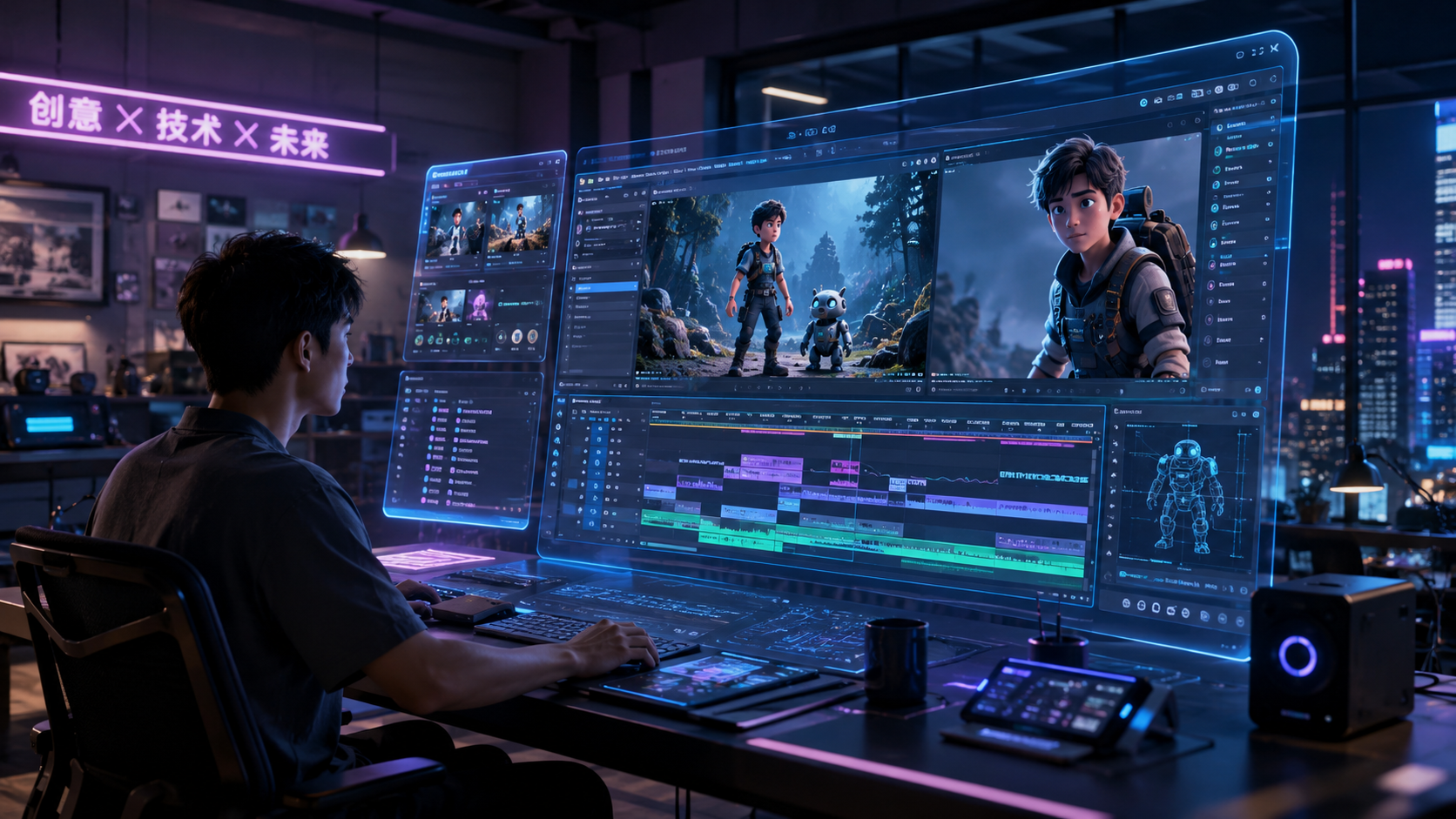
To learn how to create AI explainer videos in 2026, you must integrate automated scriptwriting, synthetic voiceovers, and advanced generative video tools like Dreamina Seedance 2.0 or Google NotebookLM. The process involves defining your educational goals, generating hyper-realistic AI actors or animations, and syncing them with AI-generated audio to produce a high-quality video in minutes rather than weeks. By leveraging modern generative engines, creators can now transform simple text notes or PDFs directly into fully realized video presentations with minimal manual editing.
Creating AI explainer videos is the process of using generative artificial intelligence to automate scriptwriting, visual asset creation, and voice synthesis. In 2026, this technology allows users to generate lifelike AI actors, dynamic 3D animations, and synchronized audio from text prompts or raw data, significantly reducing production costs and time for corporate training, marketing, and education.
- ✓ Use multimodal AI tools like Google NotebookLM to convert raw notes into video scripts automatically.
- ✓ Leverage Dreamina Seedance 2.0 for generating hyper-realistic AI actors with accurate lip-syncing.
- ✓ Incorporate zero-budget solutions like CapCut’s AI Avatars for high-impact social media explainers.
- ✓ Ensure accessibility by using AI-driven closed captioning and multi-language dubbing features.
The Step-by-Step Guide on How to Create AI Explainer Videos
The landscape of video production has shifted dramatically as of 2026. What used to require a film crew and a soundstage now requires only a well-structured prompt and the right suite of generative tools. Whether you are a corporate trainer or a content creator, mastering how to create ai explainer videos is essential for staying competitive in a saturated digital market. The following steps outline the modern workflow for high-retention video creation.
- Define Your Core Concept and Source Material: Start by gathering your data. According to recent updates from Tom's Guide, tools like Google NotebookLM can now ingest your research papers or meeting notes and automatically structure them into a narrative format suitable for video.
- Generate the Script and Storyboard: Use an LLM (Large Language Model) to draft a script that focuses on problem-solving. Ensure the tone matches your brand voice. Many AI animation generators now offer built-in storyboarding that visualizes scenes based on your text.
- Select or Generate Your AI Actor: Utilizing platforms like Dreamina Seedance 2.0, you can generate custom AI actors that look and move with human-like fluidity. This eliminates the need for expensive talent contracts and physical filming.
- Synthesize High-Fidelity Audio: Choose an AI voice that carries the right emotional weight. 2026 technology allows for "emotional inflection tagging," where you can instruct the AI to sound "encouraging" or "authoritative" at specific timestamps.
- Assemble with AI Animation: Use a tool like Vidnoz AI or CapCut to sync your actor, voiceover, and background elements. These platforms now offer "one-click" synchronization where the AI matches the actor's facial expressions to the nuances of the audio track.
- Review, Refine, and Export: Perform a final quality check on the AI-generated transitions. Most 2026 tools support 8K export and automated resizing for various social media platforms like YouTube, LinkedIn, and TikTok.
Choosing the Right AI Video Software in 2026
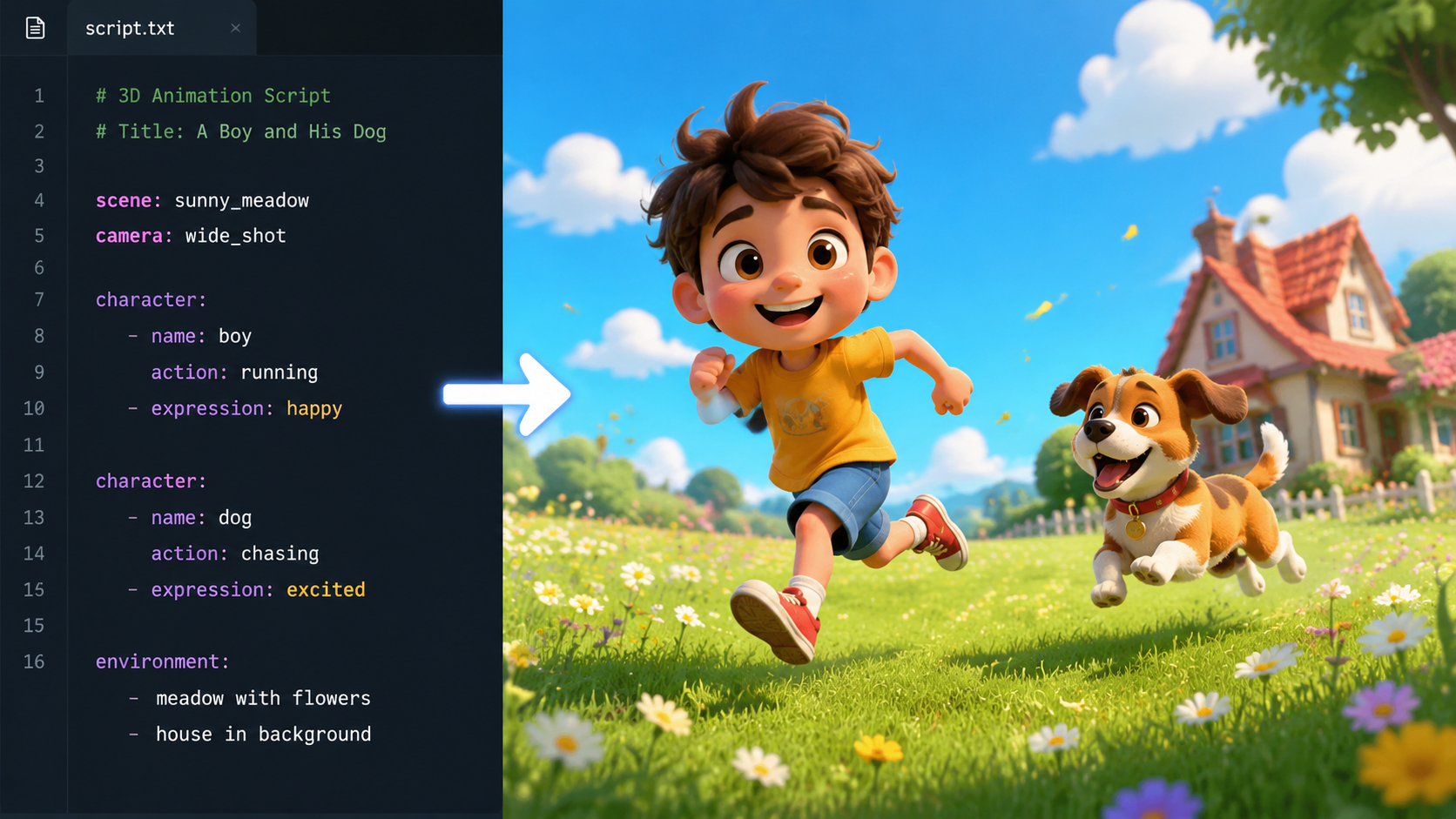
Selecting the right platform is the most critical decision in the process of how to create ai explainer videos. Not all tools are created equal; some specialize in hyper-realistic human avatars, while others excel in stylized 2D or 3D animations. According to a 2026 review by Cybernews, the best AI animation generators now prioritize "temporal consistency," ensuring that characters and backgrounds remain stable throughout the video without the "flickering" artifacts common in earlier AI models.
High-End Corporate Solutions
For businesses looking to create professional-grade training materials, Vidnoz AI has become a staple. As noted by iLounge, the 2025-2026 updates to Vidnoz have introduced "Smart Corporate" templates that automatically pull brand colors and logos into the video environment. This level of automation allows HR departments to produce weekly update videos in under ten minutes, maintaining a consistent professional look across the organization.
Zero-Budget and Social Media Tools
On the other end of the spectrum, creators with limited resources can utilize CapCut’s AI Avatar features. As reported by Channels Television, these tools allow for the creation of "zero-budget" animated explainer videos that are optimized for mobile viewing. These avatars are particularly effective for educational content where a friendly, relatable face helps increase student engagement and information retention.
| Tool Name | Primary Strength | Key Feature (2026) | Best For |
|---|---|---|---|
| Dreamina Seedance 2.0 | Photorealistic Actors | Seedance Motion Synthesis | High-end Marketing |
| Google NotebookLM | Data Transformation | Notes-to-Video Pipeline | Research & Academics |
| Vidnoz AI | Corporate Efficiency | Automated Branding Kits | B2B Communications |
| CapCut AI | Accessibility | Mobile-First AI Avatars | Social Media / Beginners |
Leveraging Dreamina Seedance 2.0 for Realistic AI Actors
One of the biggest hurdles in learning how to create ai explainer videos used to be the "uncanny valley"—the point where AI humans look almost real but slightly unsettling. However, with the release of Dreamina Seedance 2.0 in April 2026, this barrier has been largely dismantled. This technology uses advanced motion synthesis to ensure that the micro-expressions of the AI actor perfectly align with the speech patterns, including natural blinking and breathing cycles.
According to techi.com, Seedance 2.0 allows users to "seed" a character with a single photograph and then generate hours of unique video content from that one image. This is a game-changer for brand consistency, as a company can now have a "digital spokesperson" who never ages and is available 24/7 to record new explainers. When using this tool, focus on providing descriptive prompts that define the environment and lighting to ensure the AI actor blends seamlessly into the background.
Transforming Research into Video with Google NotebookLM
In March 2026, Google revolutionized the educational sector by updating NotebookLM to support full video generation. This tool is particularly powerful for those who need to explain complex topics based on vast amounts of data. Instead of manually writing a script, you can upload your PDFs, spreadsheets, and notes directly into the interface. The AI then identifies the most important "knowledge nodes" and constructs a visual narrative that explains those concepts clearly.
As highlighted by Tom's Guide, this "Notes-to-Video" feature is not just about summarizing text; it’s about visual storytelling. The AI chooses appropriate charts, diagrams, and stock footage to accompany the spoken word. For educators, this means that a semester’s worth of lecture notes can be converted into a series of engaging explainer videos in a single afternoon. This technology has been shown to significantly enhance student engagement, a sentiment echoed by Times Higher Education in their study on AI video competitions in universities.
Best Practices for Scripting and Audio Synchronization
Even with the most advanced tools, the quality of your AI explainer video depends heavily on the underlying script. When researching how to create ai explainer videos, many people overlook the importance of "pacing." AI voices can sometimes speak too quickly or without enough pauses for the audience to digest complex information. In 2026, most top-tier platforms allow for manual "breath inserts" and "emphasis markers" within the text-to-speech editor.
Furthermore, ensure that your audio and visuals are not just synchronized, but complementary. If your AI actor is talking about a specific statistic, that statistic should appear on the screen as a dynamic graphic at the exact moment it is mentioned. Studies show that multimodal learning—where users see and hear the same information simultaneously—leads to a 40% higher retention rate compared to audio alone. Use the "Auto-Caption" features found in 2026 video suites to ensure your content is accessible to those watching without sound.
The Future of AI Explainers: Personalization and Interactivity
As we move through 2026, the trend in how to create ai explainer videos is shifting toward "Variable Video Generation." This allows creators to produce a single video template that automatically adjusts its content based on who is watching it. For example, a corporate explainer could greet a viewer by their name and show data specific to their department. This is achieved by connecting your AI video platform to your CRM (Customer Relationship Management) system.
Interactivity is another major milestone. Modern AI explainer videos often include "branching paths" where the viewer can click on the screen to ask the AI actor a question. The generative engine then produces a response in real-time, making the video feel more like a conversation than a lecture. This level of immersion is why AI animation generators have seen such a massive surge in adoption across both the private and public sectors this year.
Frequently Asked Questions
What is the best AI tool for explainer videos in 2026?
The "best" tool depends on your needs, but Dreamina Seedance 2.0 is currently the leader for realistic AI actors, while Google NotebookLM is the most efficient for turning complex research into video content. For those on a budget, CapCut offers excellent free AI avatar features.
Can I create AI explainer videos for free?
Yes, many platforms like CapCut and certain tiers of Vidnoz AI offer free versions that allow you to create high-quality videos with AI avatars. However, these free versions may include watermarks or limit the export resolution to 1080p.
How long does it take to make a 2-minute AI video?
With 2026 technology, a 2-minute video can be generated in approximately 5 to 15 minutes, depending on the complexity of the animations and the rendering speed of the platform you are using. This excludes the time spent refining your initial script.
Are AI-generated actors legal to use in commercial videos?
Generally, yes, as long as you are using a platform that provides commercial usage rights for their generated characters. Always check the Terms of Service for tools like Dreamina or Vidnoz to ensure your specific use case is covered by your subscription.
Do AI explainer videos rank well on YouTube and Google?
Yes, provided the content is high-quality and provides value to the viewer. Search engines in 2026 prioritize "helpfulness" and "user engagement," so an AI video that clearly explains a topic and keeps viewers watching will rank just as well as a traditionally filmed video.



Comments ()