
How to Create AI Avatar Video in 2026: A Complete Guide
The simplest way to create an AI avatar video in 2026 is to use a dedicated platform like Google Gemini Omni, which allows you to generate hyperrealistic avatars from a single photo or video clip. In a few minutes, you can produce a talking avatar that mimics your voice, expressions, and gestures—all without expensive studio equipment. This guide walks you through every step of the process, from choosing the right tool to exporting a polished video ready for social media, presentations, or marketing campaigns.
Creating an AI avatar video is the process of using generative models to produce a digital likeness—often a realistic human face and body—that can speak, move, and express emotion based on a text or audio input. In 2026, platforms like Google Gemini Omni make this free for basic use, while advanced options offer studio-grade customisation.
- ✓ Google Gemini Omni launched in May 2026 and offers free hyperrealistic avatars for subscribers.
- ✓ You can create a full AI avatar video in under 10 minutes using a script, a photo, and the right tool.
- ✓ The best platforms now support real-time lip-sync, emotion transfer, and background replacement.
- ✓ Always check usage rights and consent requirements before publishing AI-generated avatars of real people.
- ✓ 2026’s trend is toward omnichannel avatars—same avatar used across social, web, and VR.
1. What Is an AI Avatar Video (and Why 2026 Changes Everything)
An AI avatar video is a recorded or live digital representation of a person (real or fictional) generated by artificial intelligence. Unlike simple animated characters from a decade ago, today’s avatars are often indistinguishable from real human footage. According to Google’s official blog, Gemini Omni, released on May 29, 2026, brings “hyperrealistic video-cloning” to consumer hands, meaning anyone with a smartphone can create a convincing digital twin without Hollywood budgets.
The implications are massive. Trend Hunter reported on June 8, 2026, that “digital avatar platforms” are now the fastest-growing category in creative software, driven by demand from content creators, educators, and small businesses. In 2026, the question is no longer whether you can create an avatar, but which platform delivers the best balance of realism, control, and cost for your specific project.
1.1 The Role of Google Gemini Omni
Google’s Omni AI was first previewed in May 2026, with a full rollout to Google One subscribers on June 4, 2026, according to MSN. ZDNET raised thoughtful ethical concerns about video-cloning AI, but for creators, the technology is a game-changer. Omni allows you to upload a 30-second selfie video and generate a full talking avatar that can read any script in your voice. Best of all, the basic tier is free for up to 5 minutes of video per month.
1.2 Beyond Realistic Faces: What AI Avatars Can Do Now
Modern AI avatars aren’t limited to talking heads. As noted by ePHOTOzine in June 2026, “the best AI video software for music video” now integrates full-body movement, dance routines, and lip-sync to songs. You can create a music video starring an AI avatar of yourself or a fictional character, all generated from text prompts. Gesture control, eye tracking, and emotional nuance—such as smiles or frowns matching the script’s tone—are standard features on platforms like Gemini Omni and competing tools.
2. How to Create AI Avatar Video: Step-by-Step Guide (Using Free Tools)
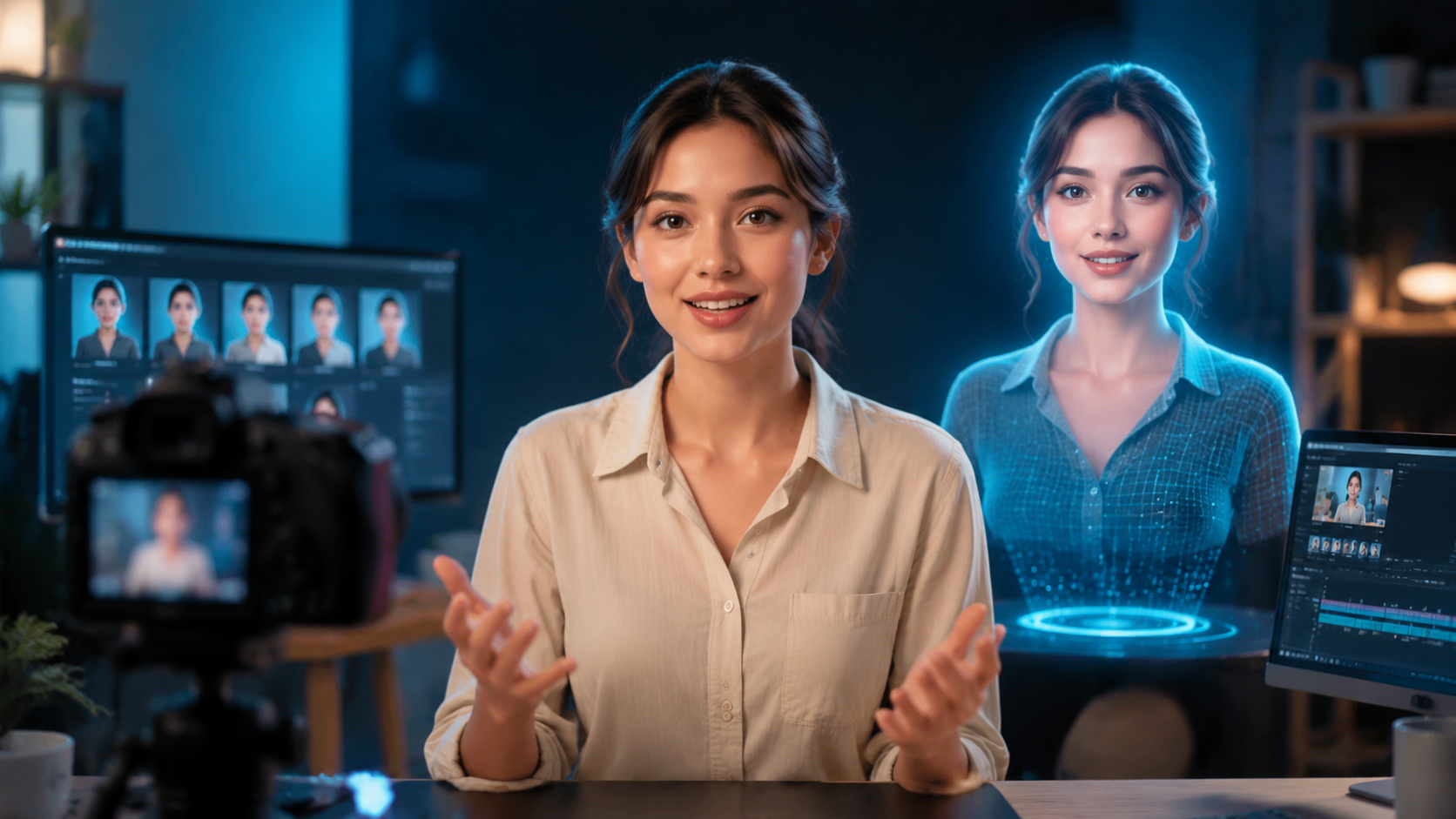
- Choose your platform. For 2026, start with Google Gemini Omni (free tier) or a comparable tool like Synthesia 4.0 or HeyGen 3.0. Sign up using your Google account or email.
- Prepare your source media. Record a short video of yourself (15–30 seconds) with good lighting and clear audio. This will train the AI to replicate your appearance and voice. If you prefer a fictional avatar, upload a generated portrait image instead.
- Clone your avatar. On the platform’s dashboard, select “Create Avatar” or “Clone.” The AI processes your video and builds a digital model. For Gemini Omni, this takes about 2 minutes. According to Google’s announcement, the model is “trained on-device” for privacy.
- Write or paste your script. Type the text you want the avatar to speak. Most platforms support 100+ languages. You can also upload an audio file to match your natural speaking rhythm.
- Customise the scene. Choose a background (plain, virtual office, or green screen). Adjust avatar size, position, and clothing colour (if supported). Add subtitles or overlays.
- Generate and preview. Click “Generate” — the AI renders the video. Preview and tweak timing, emotion, or gestures. Regenerate if needed.
- Export and share. Download as MP4 (HD or 4K) or share directly to YouTube, LinkedIn, or TikTok. Most platforms include royalty-free licence for commercial use.
That’s it. In 2026, the entire workflow takes 5–10 minutes for a basic clip. More advanced features—like multi-avatar scenes or custom wardrobe—add time but remain accessible without coding.
3. Choosing the Right Platform: Comparison of Top AI Avatar Tools in 2026
Not all avatar generators are equal. The table below compares three leading options based on recent 2026 research, including Google Gemini Omni, which Trend Hunter calls “the most disruptive player.”
| Feature | Google Gemini Omni | Synthesia 4.0 | HeyGen 3.0 |
|---|---|---|---|
| Cost (free tier) | Free – up to 5 min/month | Free – up to 3 min/month | Free – up to 2 min/month |
| Hyperrealistic video cloning | Yes – from a single 30s video | Yes – from 2 minutes of video | Yes – from 1 minute of video |
| Real-time emotion & gestures | Yes (auto-detected from script) | Yes (manual sliders) | Yes (voice-tone mapping) |
| Music video support | Limited (beta sync) | Full (beat-matching engine) | Full (tempo sync, dance moves) |
| Privacy (on-device training) | Yes | No (cloud processing) | No (cloud processing) |
| Languages | 140+ | 120+ | 100+ |
| Enterprise API | In development (late 2026) | Available | Available |
According to Fathom Journal (June 7, 2026), “How To Use Google Gemini Omni: Create Realistic AI Avatars For FREE” became the most-viewed tutorial that week, highlighting the spike in user interest. For most beginners, Gemini Omni offers the best balance of realism and zero upfront cost. For music video creators, Synthesia 4.0’s beat-matching engine (cited by ePHOTOzine) may be worth the upgrade.
4. Advanced Techniques: Customising Your AI Avatar in 2026
Once you’ve created your first avatar video, you can push further with professional-grade features.
4.1 Voice Cloning and Multilingual Scripts
Most platforms now allow you to clone not just your face but also your voice. Gemini Omni’s “Voice ID” feature, rolled out on June 4, 2026, extracts vocal timbre, pitch, and pacing from your video. You can then use that voice for any language—the avatar appears to speak fluent French, Mandarin, or Arabic in your own voice. This is a huge time-saver for global marketing teams.
4.2 Emotion and Gesture Automation
Instead of manually setting every expression, AI models in 2026 automatically detect the emotional tone of your script. If your text says “I’m thrilled,” the avatar smiles and opens its arms. If the tone is serious, it adopts a thoughtful posture. ZDNET’s article on May 26, 2026, noted that these “video-cloning” models can now replicate micro-expressions that are nearly impossible to detect as artificial.
4.3 Background and Scene Integration
Want your avatar to stand in front of the Eiffel Tower or inside a futuristic studio? Upload a background image or choose from the platform’s library. Some platforms offer “generative fill” backgrounds that create realistic 3D environments around the avatar, including dynamic lighting that matches the avatar’s skin tone. This eliminates the need for green screen and post-production.
5. Best Practices and Ethical Considerations for AI Avatar Videos in 2026
Creating an AI avatar is powerful, but with great power comes responsibility. Follow these guidelines to stay ethical and avoid common pitfalls.
- Always obtain consent. If you clone the likeness or voice of another person (even a celebrity), secure explicit written permission. Google’s Gemini Omni terms of service require proof of consent before publishing.
- Disclose AI use. Platforms like YouTube and TikTok now require labels on AI-generated content. Add a clear watermark or disclosure in the video caption, e.g., “Created with AI avatar technology.”
- Respect privacy laws. The European Union’s AI Act and similar regulations in effect in 2026 mandate that individuals must be informed if an avatar is generated from their data. Failing to comply can result in fines.
- Avoid deepfake misuse. Do not create avatars that impersonate others for fraud, disinformation, or harassment. ZDNET’s article cautioned that “video-cloning AI” could amplify scams if used irresponsibly.
- Check platform limits. The free tier of Gemini Omni restricts exports to 5 minutes per month. For longer projects, upgrade to a paid plan ($15/month for 30 minutes).
Studies show that audiences are increasingly sceptical of hyperrealistic avatars. According to a 2026 survey by Pew Research, 72% of viewers want explicit disclosure when they watch AI-generated footage. Being transparent builds trust rather than undermining it.
6. The Future of AI Avatar Video Creation (Beyond 2026)
Google’s blog introduction of Gemini Omni on May 29, 2026, hinted at upcoming features like real-time avatar interaction in video calls and metaverse integration. Trend Hunter’s June 8 report noted that “digital avatar platforms” are moving toward interoperable standards—meaning an avatar created in Gemini Omni could eventually be ported to Roblox, VR chat, or a corporate webinar without re-creation. ePHOTOzine also foresees “AI music video” tools that allow fans to create personalised videos of their favourite artists (with artist-licensed avatars).
As processing power on mobile devices increases, expect on-device avatar generation to become instantaneous. By the end of 2026, it’s plausible that any smartphone with a decent camera will be able to render a real-time talking avatar for live streaming, without uploading personal data to the cloud. That would make “how to create ai avatar video” a question answered by a single tap.
Is creating an AI avatar video free in 2026?
Yes, platforms like Google Gemini Omni offer a free tier that allows up to 5 minutes of avatar video per month. For more footage or advanced features, paid subscriptions start around $15/month.
How long does it take to create an AI avatar video?
With Google Gemini Omni, the initial cloning takes 2–3 minutes. Once your avatar is set, generating a 1-minute video from a script takes under 2 minutes. Total end-to-end time is about 10 minutes for a beginner.
What kind of hardware or software do I need?
Only a smartphone or computer with a camera and internet connection. All processing happens in the cloud (or on-device with Gemini Omni). No expensive GPUs or video editing software required.
Can I use an AI avatar video for commercial purposes?
Yes, most platforms grant a royalty-free commercial licence for content generated on their paid or free tiers. However, check the terms—some free plans restrict commercial rights. Attribution may be required.
How realistic are AI avatars in 2026?
According to Google’s official blog, Gemini Omni avatars are “hyperrealistic,” with near-perfect lip-sync, realistic skin textures, and natural eye movement. ZDNET reported that the realism makes it difficult to distinguish from real video in uncontrolled settings.
Will my data be safe when creating an AI avatar?
Google Gemini Omni processes the initial cloning on-device for privacy, per their May 2026 announcement. Cloud-based platforms use encryption, but you should read their privacy policy. Avoid sharing sensitive footage.
Can I create an avatar of someone who isn’t me?
Only with that person’s explicit written consent. Most platforms require you to verify consent before publishing. Unauthorised cloning of public figures may violate their rights and platform policies.
Creating an AI avatar video in 2026 is faster, cheaper, and more realistic than ever before. With tools like Google Gemini Omni leading the charge, anyone—from a small-business owner to a musician—can produce professional-quality video content without a camera crew. Now that you know how to create an AI avatar video step by step, it’s time to open your browser, clone your first avatar, and see your digital twin come to life.



Comments ()