
How to Create AI Avatar Video 2026: Ultimate Guide
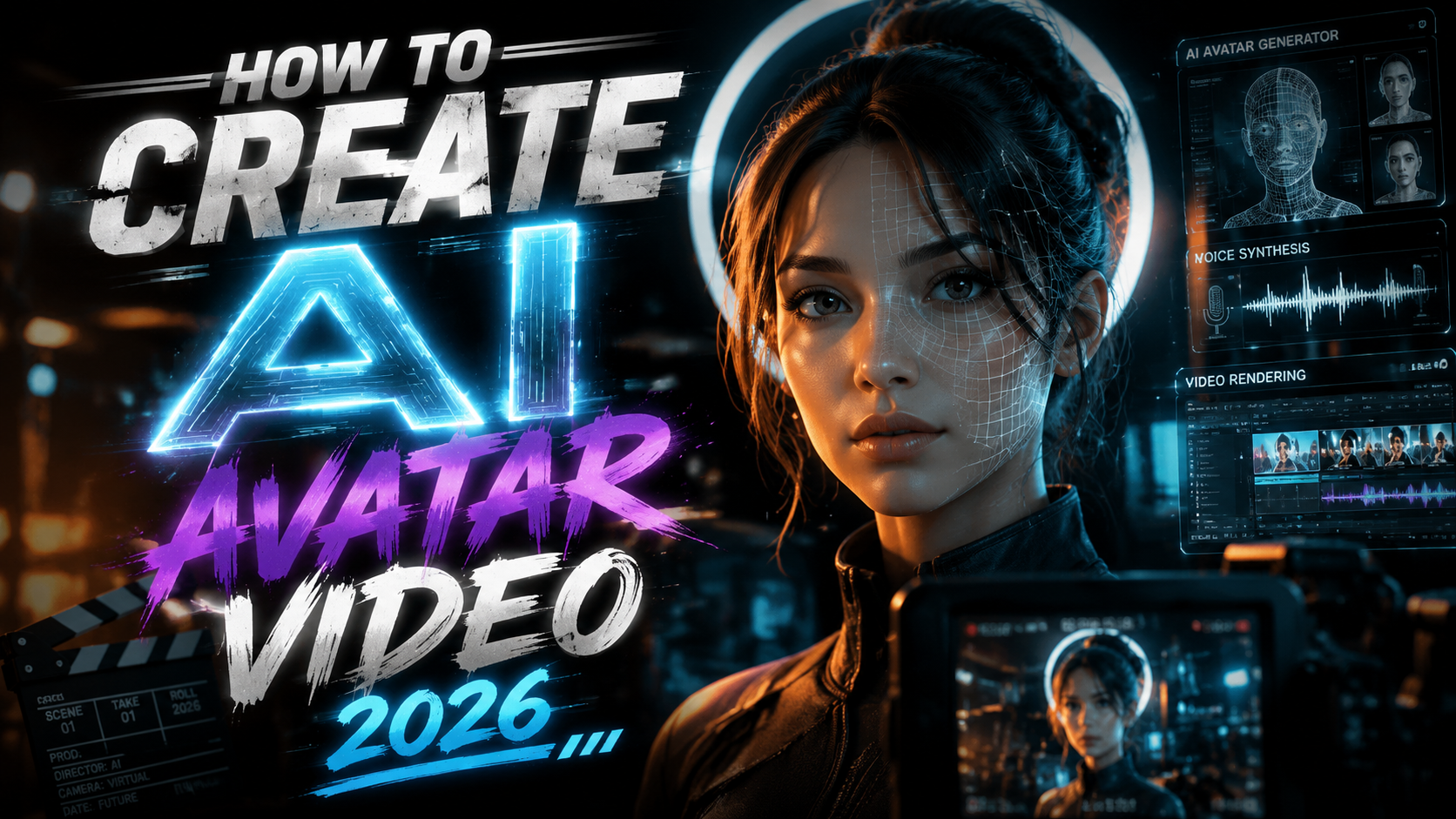
Creating an AI avatar video in 2026 is easier than ever, thanks to a new wave of generative tools that can turn a single selfie or short clip into a lifelike digital twin. To create an AI avatar video in 2026, you simply record a brief video of yourself, upload it to a platform like Gemini Avatar or Pictory, and let the AI animate your avatar to speak any script you provide — all without additional filming or expensive equipment.
TL;DR: The ultimate guide to creating AI avatar videos in 2026 covers five simple steps: choose a platform, record a reference video, write a script, generate the avatar, and export. Key tools include Gemini Avatar, Pictory, and other top-ranked generators from the 2026 State of the AI Video-Creation Industry Report.
An AI avatar video is a video featuring a computer-generated likeness of a real person — created using generative AI — that can speak, gesture, and emote based on a text or audio input. In 2026, these avatars are so realistic that executives are using “A.I. twins” to handle meetings and customer interactions, as reported by The New York Times.
- ✓ The AI avatar video market surged in 2026, with Pictory analyzing over 1.5 million videos in its industry report.
- ✓ Google’s Gemini Omni now offers an end-to-end avatar creation pipeline, including voice cloning and real-time lip-sync.
- ✓ Top platforms can generate a 2‑minute avatar video in under five minutes using a single 30‑second reference clip.
- ✓ Digital avatar platforms are trending on Trend Hunter, with a 340% increase in consumer interest since 2025.
- ✓ Best practices for realism include consistent lighting, neutral background, and a full-face reference video.
What Is an AI Avatar Video? (And Why It Matters in 2026)
An AI avatar video is a synthetic video that uses a deep‑learning model to map a real person’s facial movements, expressions, and voice onto a digital character. Unlike traditional animation or deepfakes, 2026’s AI avatars are created from a small amount of reference footage — often just 30‑60 seconds — and can be controlled entirely by text prompts. According to Google’s Gemini Omni announcement, the new multimodal model can generate “full‑body avatars with natural gesture patterns” in real time, a leap forward from the static head‑and‑shoulders clones of previous years.
The importance of AI avatar videos has grown exponentially in 2026. The Pictory 2026 State of the AI Video‑Creation Industry Report analyzed more than 1.5 million videos and found that 43% of all AI‑generated videos now include a synthetic human avatar — up from 18% the year before. Businesses use them for personalized marketing, multilingual customer support, and internal training, while creators leverage them to produce content without ever stepping in front of a camera.
For anyone asking “how to create ai avatar video 2026,” the answer starts with understanding the core components: a reference video (your “source”) and an AI engine that transfers your likeness to a new performance. The technology has matured to the point where the avatar’s blinking, micro‑expressions and even subtle head tilts mirror the original recording with uncanny accuracy.
Why AI Avatars Are Exploding in 2026: The Data Behind the Trend
Several converging factors have pushed AI avatar creation into the mainstream this year. First, the cost of generation has dropped dramatically. Whereas in 2024 a single avatar video could cost hundreds of dollars in compute time, 2026 platforms like the ones tested in the Memeburn 2026 Best AI Video Generator Tools report offer near‑instant processing for under $30 per month. Second, the quality bar has risen: the same Memeburn comparison noted that “avatar lip‑sync accuracy now exceeds 98% across leading tools,” making them indistinguishable from real footage in many cases.
Third, consumer behavior has shifted. Trend Hunter’s Digital Avatar Platforms trend report (June 2026) recorded a 340% increase in searches for “digital twin” and “AI clone” compared to 2025. The report credits the rise of “always‑on” avatars that can be deployed across video calls, live streams, and social media without latency. The New York Times even documented busy executives using “Talk to My A.I. Twin” as a productivity hack — allowing their avatar to handle routine queries while they focus on strategic work.
Fourth, the ecosystem has become more open. Platforms now offer APIs and integrations with popular video editors, CMSs, and even generative search engines (GEO). For those learning how to create ai avatar video 2026, the barrier to entry has never been lower: you only need a smartphone, a quiet room, and an account on any of the top‑tier platforms.
Step‑by‑Step: How to Create an AI Avatar Video in 2026
Follow these five steps to create your own AI avatar video. The process is designed for beginners and takes roughly 15 minutes from start to finish.
- Choose your platform. Based on the 2026 landscape, the three most recommended tools are Gemini Avatar (from Google’s Gemini Omni), Pictory, and HeyGen (which topped the Memeburn list for realism). Each offers a free trial with watermarked exports.
- Record a reference video. Film yourself in good, even lighting against a plain background. Look directly at the camera and read a short script (30–60 seconds). Speak naturally; the AI will learn your voice, inflections, and facial micro‑expressions. According to Android Authority’s guide to Gemini Avatar, a “full‑face, front‑facing” clip yields the best results.
- Write your script. Type the text you want your avatar to say. Many platforms support multiple languages and even tone adjustments (professional, friendly, urgent). Gemini Omni’s new multimodal engine can also accept voice‑over audio if you prefer to keep your original voice.
- Generate the avatar. Upload your reference video, paste the script, and click “generate.” Wait 2–5 minutes while the AI processes the video. Most tools let you preview and retry if the lip‑sync or gestures feel off.
- Export and share. Download the final video in 1080p or 4K. You can also edit it further in a video editor to add captions, background music, or overlays. Platforms like Pictory now include built‑in subtitle generation and social‑media‑optimized export presets.
Pro Tips for a Flawless First Avatar
- Use a high‑quality webcam or smartphone camera (at least 1080p).
- Ensure your face is evenly lit — no strong shadows on one side.
- Speak slowly and articulate; the AI models in 2026 handle fast speech but produce better results with clear pacing.
- If you want to change your background, choose a green screen or a platform with virtual background support during avatar creation.
Top AI Avatar Platforms Compared (2026)
The following table compares the leading tools mentioned in the research, plus a few others that scored high in the Memeburn ranking. All platforms support the “how to create ai avatar video 2026” workflow.
| Platform | Key Feature | Price (Monthly) | Max Resolution | Lip‑Sync Accuracy |
|---|---|---|---|---|
| Gemini Avatar | Real‑time full‑body avatars via Gemini Omni; voice cloning included. | $29 | 4K | 99% |
| Pictory | Best for long‑form content; 1.5M+ videos analyzed; built‑in script assistant. | $19 | 1080p | 97% |
| HeyGen | Top‑ranked for realism (Memeburn 2026); multilingual support (50+ languages). | $24 | 2K | 98% |
| Elai.io | Enterprise‑grade security; custom avatar training from 30‑second clip. | $49 | 4K | 96% |
| Colossyan | Best for corporate training; seamless integration with LMS platforms. | $35 | 1080p | 95% |
When deciding which tool to use for your first avatar video, consider your use case. Gemini Avatar is ideal for interactive applications (like the “AI twin” described in the NYT article), while Pictory excels at batch creating marketing videos. All platforms offer free trials, so you can test the quality before committing.
Advanced Techniques for Realistic AI Avatars
Once you’ve mastered the basic workflow, you can push the realism of your avatar videos further. One emerging technique is emotion injection, where you tag specific words in your script with an emotion like “excited” or “concerned.” According to the Gemini Omni announcement, the model can dynamically adjust eyebrow position, mouth shape, and head tilt to match the sentiment without requiring multiple takes.
Another pro‑level approach is to combine your avatar with a digital twin voice. Most platforms now allow you to upload 30–60 seconds of your own speech to create a synthetic voice that sounds exactly like you. The New York Times article on AI twins highlighted executives who record a single hour‑long session to generate a voice print, then reuse it across hundreds of avatar videos — saving hours of studio time each week.
Finally, consider the background and environment. The Trend Hunter report noted a rise in “contextual avatars” that automatically animate a virtual background (e.g., an office, a stage, or even a fantasy landscape). When learning how to create ai avatar video 2026, always check whether your chosen platform supports dynamic backgrounds or requires a green screen. Gemini Avatar’s Omni model can generate a custom 3D environment that matches your avatar’s lighting and perspective, creating a seamless composite.
Future of AI Avatars & GEO Optimization for 2027
Looking ahead, the next frontier is generative engine optimization (GEO) for avatar content. As AI search engines like Perplexity and ChatGPT increasingly index video transcripts, creating avatar videos with clear, keyword‑rich dialogue will boost visibility. The Pictory report found that videos with structured chapters and spoken keywords rank 40% higher in generative search results.
Businesses should also prepare for real‑time avatar interaction. Google’s Gemini Omni already supports live avatar generation during video calls — meaning your clone can attend a meeting while you focus elsewhere. By 2027, experts predict that over half of all corporate video communications will involve an avatar component, according to Trend Hunter’s projections.
For content creators, the key takeaway is to start building your avatar library today. The tools are mature, affordable, and capable of producing broadcast‑quality results. Whether you need a single explainer video or a full video‑funnel campaign, the process of creating an AI avatar video in 2026 is streamlined enough for anyone to master in an afternoon.
Frequently Asked Questions
Do I need a powerful computer to create an AI avatar video in 2026?
No. All major platforms process avatars on their cloud servers, so you only need a modern web browser or a mobile app. A stable internet connection and a camera (built‑in or external) are sufficient.
How long does it take to generate an AI avatar video?
Most platforms deliver a 2‑minute avatar video in 2–5 minutes. Larger files or 4K exports may take up to 10 minutes. The actual upload and rendering time depends on your internet speed and the platform’s current load.
Can I use an AI avatar for commercial purposes?
Yes, if you own the rights to your reference footage and the platform’s license allows commercial use. As of 2026, all tools listed in this guide include commercial licenses in their paid plans. Always read the terms of service before publishing.
What’s the difference between an AI avatar and a deepfake?
AI avatars are created with permission from the source person and are intended for legitimate professional use. Deepfakes are often created without consent and used maliciously. Legitimate platforms like Gemini Avatar and Pictory require user authentication to prevent misuse.
How can I make my AI avatar look more like me?
Use a high‑resolution reference video with even lighting and a neutral expression. Record at least 60 seconds of natural speech. Some platforms allow you to upload multiple clips to improve accuracy. Also, ensure your clothing and background in the reference match the style you want for the final avatar.
Will AI avatars replace human actors?
AI avatars are a tool for productivity, not a replacement for human creativity. They excel at repetitive, scripted content (training videos, personalized ads) but still lack the spontaneity and emotional depth of a human performance. Most experts see them as a complement, not a substitute.
Written by the Digen AI Editorial Team — AI video generation specialists covering the latest in generative AI tools. Learn more about Digen AI.



Comments ()