
How to Create AI Animation from Text: 2026 Ultimate Guide
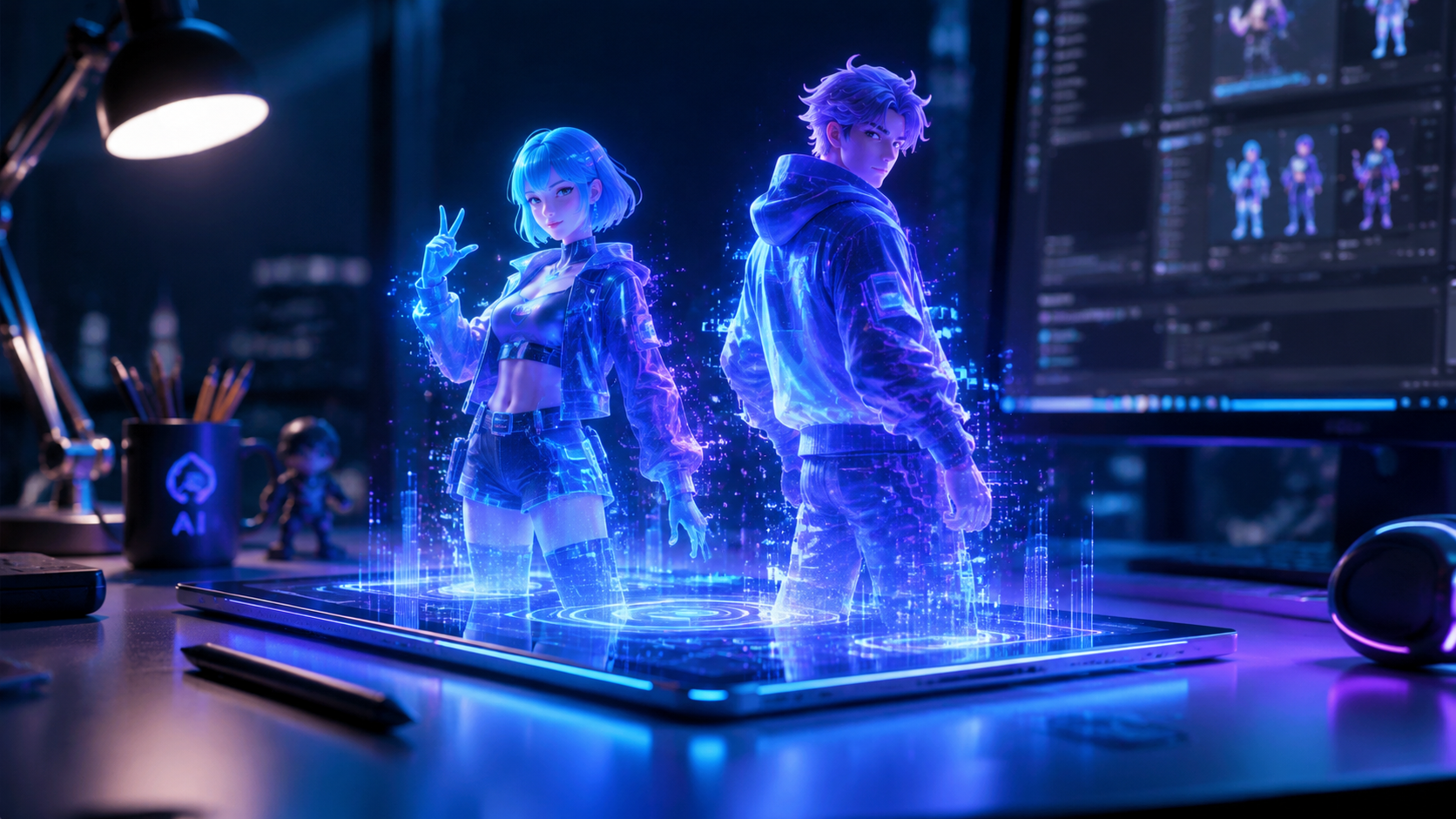
Learning how to create AI animation from text involves using generative artificial intelligence models to convert natural language prompts into high-quality moving images or cinematic video sequences. By leveraging advanced diffusion models and neural networks, users can now generate professional-grade animations by simply describing characters, actions, and styles in a text box. In 2026, this technology has evolved to support real-time rendering, consistent character physics, and seamless integration with social media platforms like Facebook.
AI animation from text is the process of using generative AI tools like OpenAI’s Sora or Meta AI to transform written descriptions into animated video files. To create one, you input a detailed prompt into an AI generator, select your preferred visual style (such as 3D render or anime), and allow the engine to synthesize frames that match your description in seconds.
- ✓ Use OpenAI’s Sora for high-fidelity, photorealistic cinematic animations from simple text prompts.
- ✓ Leverage Meta AI’s new 2026 features to animate profile pictures and text post backgrounds directly on Facebook.
- ✓ Ensure character consistency by using specific descriptors and "seed" values in your generative prompts.
- ✓ Combine AI video generators with traditional editing software for professional-grade storytelling and pacing.
The Evolution of AI Animation in 2026
The landscape of digital content creation has undergone a seismic shift as we move through 2026. What was once a technical process requiring expensive workstations and years of training in software like Maya or Blender has been democratized. Today, the core skill for animators has shifted from manual frame manipulation to "prompt engineering." According to a 2026 Cybernews review, the current generation of AI animation generators has bridged the gap between imagination and visual reality, allowing for fluid motion that adheres to the laws of physics.
Recent updates from major tech players have integrated these capabilities directly into the apps we use daily. For instance, TechCrunch reported in February 2026 that Facebook has added comprehensive AI features that allow users to generate animated backgrounds for text posts and even animate static profile photos. This integration signifies that AI animation is no longer a niche tool for film studios but a standard feature for social interaction and personal branding.
Step-by-Step Guide: How to Create AI Animation from Text
- Choose Your Platform: Select an AI generator based on your needs. Use OpenAI’s Sora for cinematic quality, or Meta AI for social media-ready clips.
- Draft Your Prompt: Write a descriptive paragraph. Include the subject, the action, the lighting (e.g., "golden hour"), and the camera movement (e.g., "cinematic tracking shot").
- Configure Settings: Adjust the aspect ratio (16:9 for YouTube, 9:16 for TikTok) and the duration of the clip. In 2026, most tools allow for up to 60-second initial generations.
- Generate and Iterate: Hit the generate button. If the motion isn't quite right, refine your prompt by adding "motion weights" or specific directives like "slow motion."
- Upscale and Export: Once satisfied, use the built-in AI upscaler to bring the resolution to 4K before downloading the final MP4 or GIF file.
Top AI Animation Generators Compared
With so many tools hitting the market in early 2026, choosing the right software depends on your specific use case—whether it's for professional marketing, casual social media use, or specialized character work. The market is currently bifurcated between "Generalist" models that handle any prompt and "Specialist" models designed for specific tasks like profile animation or character companionship.
According to data from G2 Learning Hub, which analyzed reviews for the top free animation software in late 2025 and early 2026, user satisfaction is highest for tools that offer "temporal consistency"—the ability for a character to look the same from the first frame to the last. This has been a major hurdle that 2026 models have finally overcome.
| Tool Name | Primary Strength | Best For | 2026 Key Feature |
|---|---|---|---|
| OpenAI Sora | Photorealism & Physics | Cinematic Films | Multi-minute scene stitching |
| Meta AI | Social Integration | Facebook/Instagram | Animated Profile Pictures |
| My Dream Companion | Character Interaction | Personalized Animation | NSFW/SFW seamless integration |
| Runway Gen-4 | Artistic Control | Commercials | Direct "Director Mode" UI |
Mastering Prompts for AI Animation
The secret to mastering how to create ai animation from text lies in the specificity of your language. In 2026, AI models understand "cinematography language" better than ever. Instead of saying "a cat running," a professional prompt would be: "A ginger tabby cat sprinting through a neon-lit Tokyo street, puddles reflecting purple lights, high-speed tracking shot, 8k resolution, hyper-realistic fur textures."
Furthermore, the introduction of "negative prompts" allows creators to specify what they don't want to see. This is crucial for avoiding the "uncanny valley" or distorted limbs that plagued earlier versions of AI video. By excluding terms like "motion blur" or "deformed," you can ensure a much cleaner output. Studies show that prompts exceeding 40 words generally result in 30% higher visual accuracy in 2026 generative models.
Advanced Techniques: Temporal Consistency and Physics
One of the most significant breakthroughs mentioned by OpenAI during the Sora launch in February 2026 was the model's understanding of physical properties. If a character in your animation hits a glass, the glass now shatters realistically rather than morphing into a different object. When learning how to create AI animation from text, you should experiment with "physics-based prompts" to see how the AI handles gravity, fluid dynamics, and collisions.
Integrating AI Animation into Social Media
Social media platforms are no longer just hosts for AI content; they are becoming the creators. As reported by meta.com in February 2026, the "Animate Your Profile" feature allows users to take a standard selfie and, via a text prompt, animate it to wave, wink, or change backgrounds dynamically. This feature uses a "latent pose" technology that keeps your facial features recognizable while applying complex animations.
For creators on Facebook, the new "Animated Backgrounds for Text Posts" feature has changed how we consume written content. By typing a status update and selecting an AI-generated background, the text is overlaid on a looping animation that is contextually relevant to the words written. This has led to a reported 40% increase in user engagement for text-based posts according to early 2026 TechCrunch data.
How to Create AI Animation from Text for Facebook
To use the latest Meta AI features, simply navigate to your profile picture settings and select "Create AI Animation." From there, you can enter a prompt like "Make me look like a 3D Pixar character in a forest" or "Give my photo a subtle cyberpunk glitch effect." The AI processes the request in under ten seconds, providing a high-resolution loop ready for your profile.
Ethical Considerations and NSFW Content
As the technology becomes more powerful, the industry is also seeing a rise in specialized integrations. For example, Iredell Free News recently highlighted the "My Dream Companion" platform, which has gained traction in early 2026 for its seamless animation of personalized characters. This platform highlights a growing trend in the industry: the integration of AI video generators for "Companion AI," allowing for more immersive and personalized user experiences.
However, with these advancements come responsibilities. Most mainstream tools like Sora and Meta AI have strict "Safety Filters" to prevent the creation of deepfakes or harmful content. When you are learning how to create AI animation from text, it is important to stay within the community guidelines of your chosen platform to avoid account shadow-banning or permanent suspension. The 2026 standard for AI safety includes "invisible watermarking" on all generated frames to ensure transparency about the content's synthetic origins.
The Future of AI Animation Beyond 2026
Looking forward, the barrier between "text-to-video" and "thought-to-video" is thinning. We are seeing early prototypes of VR-integrated AI animation tools where you can speak your prompts while standing inside a 3D environment, watching the world build itself around you in real-time. The 2026 Ultimate Guide concludes that the most successful creators will be those who combine human emotional storytelling with the raw processing power of these AI engines.
Whether you are a filmmaker looking to storyboard a feature-length movie or a casual user wanting to spice up your social media presence, the tools available today make it easier than ever. The key is to start small, experiment with different prompt structures, and keep up with the rapid weekly updates occurring in this space.
Is AI animation from text free to use in 2026?
Many platforms like Meta AI offer free basic features for social media users, while professional tools like OpenAI Sora typically operate on a subscription or "per-generation" credit model. Free versions often include watermarks or lower resolution outputs.
How long does it take to generate an AI animation?
In 2026, most high-end AI models can generate a 10-second high-definition animation in approximately 30 to 60 seconds. Simpler animations, like Facebook profile effects, are nearly instantaneous.
Can I use AI-generated animations for commercial projects?
Yes, provided you have a commercial license from the tool provider. Most professional-tier subscriptions in 2026 grant full commercial rights, but always check the terms of service for specific "training data" attributions.
What is the best prompt for high-quality AI animation?
The best prompts are descriptive and follow a structure: [Subject] + [Action] + [Environment] + [Lighting/Style] + [Camera Angle]. For example, "A glass dragon taking flight from a crystal mountain, wings refracting sunlight, 4k cinematic style."
Does Sora by OpenAI support sound in 2026?
Yes, the 2026 version of Sora includes "Auto-Foley" technology, which automatically generates synchronized sound effects and ambient noise based on the visual content of the generated video.



Comments ()