
How to Create a Video Avatar with AI in 2026: Full Guide
Creating a video avatar with AI in 2026 is simpler than you might think: you record a short video or upload a photo, then use a generative AI platform to synthesize a lifelike digital version of yourself that can speak, gesture, and even sing — all without a camera or microphone. Whether you need a professional presenter for corporate videos or a personalized spokesperson for social media, the process now takes minutes and often costs nothing. This guide walks you through every step, from selecting the right tool to publishing your first AI-generated video avatar.
An AI video avatar is a computer-generated representation of a human — often based on a real person’s likeness — that can be animated to speak, move, and express emotions using text or audio input. In 2026, tools like Google Gemini Omni and Synthesia allow anyone to create photorealistic avatars for free or at low cost, with no prior video editing or 3D modeling experience required.
- ✓ Google Gemini Omni, released in late May 2026, enables free creation of realistic AI avatars directly from a web browser.
- ✓ Synthesia remains the premium choice for business-grade AI video generation, offering 160+ avatar options and full script control.
- ✓ The key to realism lies in high-quality source footage, proper lighting, and using the platform’s voice‑cloning or lip‑sync features.
- ✓ AI avatars are now widely used in marketing, e‑learning, personalized messaging, and even music video production.
- ✓ Always review platform ethics and consent policies — many tools forbid creating avatars of people without their explicit permission.
What Are AI Video Avatars and How Do They Work?
An AI video avatar is a digital puppet that mimics a real or synthetic human. Powered by deep learning models — particularly generative adversarial networks (GANs) and diffusion transformers — these avatars can produce fluid facial expressions, natural head movements, and synchronized lip motion from either text or prerecorded audio. According to Google’s official blog, the new Gemini Omni model integrates “multimodal understanding and generation,” allowing it to create avatars that respond to voice prompts in real time.
The technology has advanced dramatically since 2024. Early avatars often looked stiff or “uncanny,” but modern systems achieve near-cinematic realism. For instance, PCWorld’s June 2026 article noted that the author’s Gemini avatar was “so real, it creeps me out” — a testament to the fidelity possible today. The workflow typically involves three steps: upload a reference video (or use a pre‑made avatar), write a script or record audio, and let the AI render the final video with lip‑sync and gestures.
Many platforms now offer free tiers: Gemini Omni allows unlimited avatar creation at no cost (as of June 2026), while Synthesia provides a limited free trial for beginners. The choice often depends on whether you need a custom avatar of yourself or prefer a stock avatar from a library.
Step-by-Step: How to Create a Video Avatar with AI
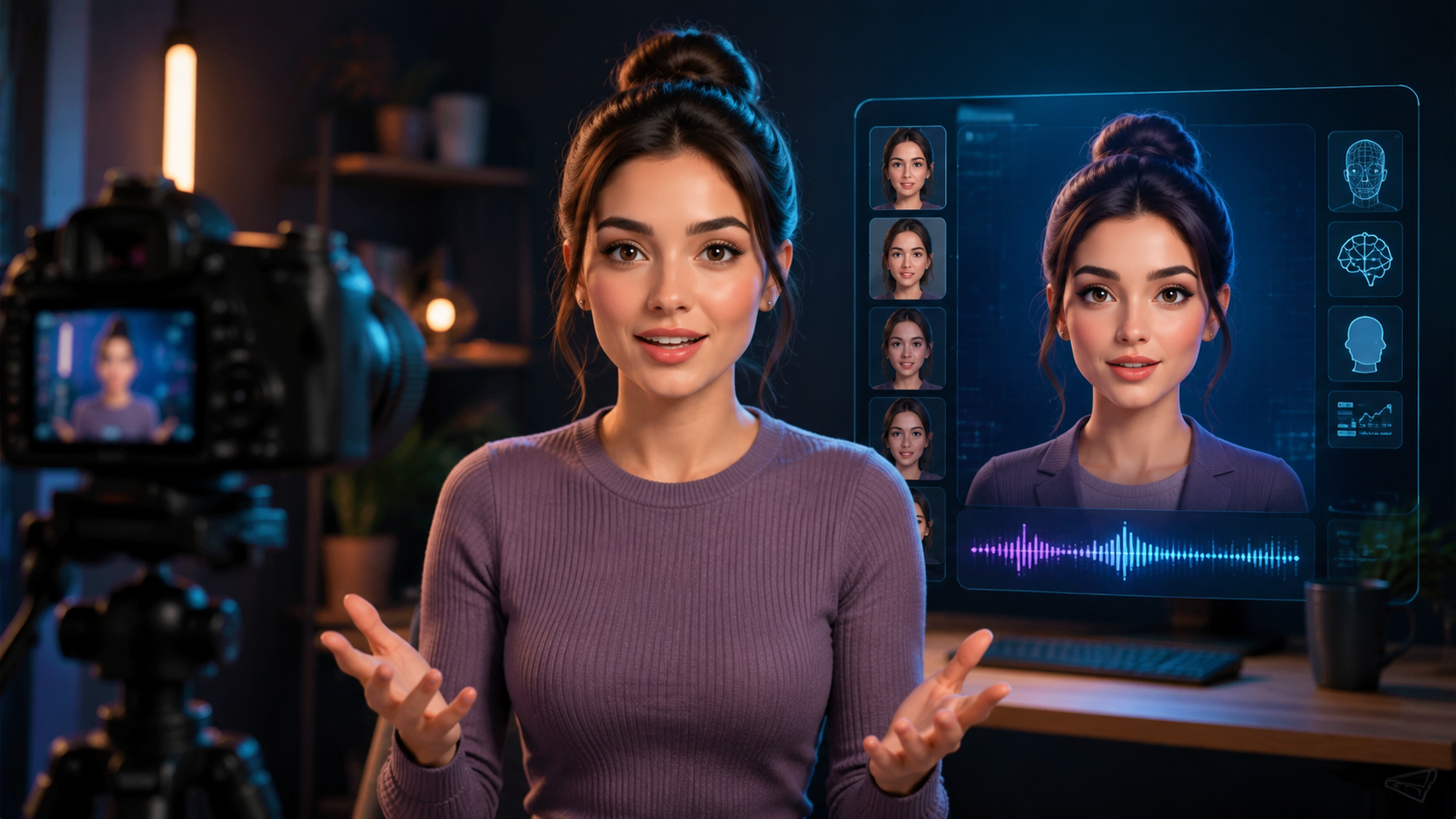
Below is a numbered guide that works for most popular tools in 2026, including Google Gemini Omni, Synthesia, and other platforms. The steps are nearly identical across services.
- Choose your platform. For free and fast results, use Google Gemini Omni (access via gemini.google.com). For professional features (4K export, multiple languages, custom backgrounds), consider Synthesia.
- Record a reference video (if making a custom avatar). Film yourself speaking naturally for 30–60 seconds against a plain background. Ensure even lighting and no shadows on your face.
- Upload the video to the platform. Gemini Omni and Synthesia both accept MP4 or MOV files. The AI will analyze your facial movements, voice patterns, and expressions to build a digital twin.
- Customize the avatar’s appearance and voice. Adjust skin tone, hair, clothing (if available), and choose a synthetic voice or clone your own. Many platforms offer age and gender adjustments.
- Write your script or upload audio. Type the words you want the avatar to say, or upload a pre‑recorded audio file. The AI aligns lip movements automatically.
- Preview, adjust, and export. Review the generated video. Make tweaks to timing, gestures, or background. Export in the desired resolution (HD or 4K) and format.
According to the Fathom Journal’s June 2026 tutorial, creating a realistic avatar with Gemini Omni takes “less than five minutes from start to finish.” The journal’s step-by-step video guide was titled “How To Use Google Gemini Omni: Create Realistic AI Avatars For FREE!” — underscoring the ease of the process.
Top AI Video Avatar Tools in 2026: Comparison
The market has consolidated around a few key players. The table below compares the three most prominent platforms based on current features, pricing, and capabilities as reported in recent industry analyses.
| Tool | Pricing (2026) | Custom Avatars | Realism Level | Key Strength |
|---|---|---|---|---|
| Google Gemini Omni | Free | Yes (upload your video) | Very high (PCWorld: “creepy real”) | Zero cost, multimodal interaction, real‑time generation |
| Synthesia | From $29/month (free trial available) | Yes (custom or 160+ stock) | High (professional grade) | Best for business video, 120+ languages, team collaboration |
| HeyGen (formerly HeyGen) | From $24/month | Yes (custom avatar) | High | Fast rendering, strong lip‑sync, API access |
Note: As of June 2026, Synthesia is consistently rated “the best AI video generator with realistic avatars” by platforms like quasa.io. Meanwhile, Gemini Omni has captured the free‑tier market — especially after its official launch on May 29, 2026, as announced on blog.google.
Tips for Creating Realistic AI Avatars
A realistic avatar doesn’t just happen; it requires attention to detail in both the source material and the settings you choose. First, always use high‑definition video. The AI models are trained on 1080p and 4K footage, so a grainy webcam clip will produce a grainier avatar. As Geek Vibes Nation advised in their June 2026 guide, “Lighting should be soft and diffused — avoid harsh overhead lights that cast deep shadows under the eyes.”
Second, consider voice cloning carefully. Many platforms now allow you to clone your own voice from a short recording (typically 30‑60 seconds). This dramatically improves authenticity, especially for personal brand videos or music projects. The ePHOTOzine article from June 2026 demonstrated how to create a full music video using AI avatar software, highlighting that vocal cloning was the “secret sauce” for believable lip‑sync.
Third, preview multiple generations. AI avatars, even the best ones, can sometimes produce unnatural pauses or jerky motions. Most platforms let you tweak the “expressiveness” slider — raise it for energetic presentations, lower it for serious content. Always export a draft and review it before finalizing.
Common Mistakes to Avoid
Even with powerful tools, beginners often fall into traps that make avatars look robotic. The most frequent error is using a low‑quality reference video. If your original video has poor lighting, background noise, or excessive head movement, the AI will struggle to map realistic expressions. According to the PCWorld reporter, their Gemini avatar looked best when they recorded a “stationary, medium shot” with a plain wall behind them.
Another mistake is ignoring ethics and consent. Many platforms, including Synthesia and Gemini Omni, explicitly prohibit creating avatars of people without their permission. In 2026, several high‑profile deepfake scandals have led to stricter terms of service. Always confirm that you have the rights to the person’s likeness — even if you’re just testing.
Finally, avoid over‑customization. Adding too many gestures, rapid head turns, or hand movements can trigger the uncanny valley. Stick to natural movements: occasional nods, slight head tilts, and eye blinks. Less is often more when aiming for realism.
The Future of AI Avatars in 2026 and Beyond
With the launch of Google Gemini Omni, the barrier to entry for AI video avatars has effectively disappeared. The Google blog explicitly stated that Gemini Omni is designed to “democratize content creation” — a vision that aligns with the free‑tier model. Meanwhile, Synthesia continues to push into enterprise use cases, such as personalized sales pitches and multilingual training videos.
Industry analysts predict that by the end of 2026, AI avatars will be indistinguishable from real video for most common use cases. Already, tools like the one used in the ePHOTOzine music video tutorial can generate entire performances with synchronized dancing and lip‑sync. The next frontier is real‑time avatar interaction, where the avatar responds to live audience questions — a feature Gemini Omni is already beta‑testing.
As personal AI avatars become more common, experts emphasize the importance of digital literacy. Knowing how to create a video avatar with AI is not just a fun skill — it’s a key competency for modern communicators. Whether you’re a marketer, educator, or creator, the power to produce a professional video avatar in minutes is now at your fingertips.
Frequently Asked Questions About AI Video Avatars
How long does it take to create a video avatar with AI?
With modern tools like Google Gemini Omni, the entire process — from uploading a reference video to exporting the final avatar — takes 5 to 10 minutes. More complex customizations (voice cloning, background replacement) may add another 2–3 minutes.
Can I create a video avatar for free in 2026?
Yes. Google Gemini Omni offers completely free avatar creation with no usage limits. Synthesia and HeyGen also have free tiers, but they restrict video length or watermarks on exports.
Do I need a powerful computer to create AI avatars?
No — all processing happens on the cloud. You only need a modern web browser and a stable internet connection. Even a five‑year‑old laptop can upload a video and receive the avatar video.
Can I use an AI avatar for commercial projects?
Most platforms, including Synthesia and Gemini Omni, allow commercial use. However, check the specific terms: some free tiers restrict commercial licensing or require attribution. Paid plans typically include full commercial rights.
How realistic are AI video avatars compared to real video?
In 2026, top-tier avatars are nearly indistinguishable from real footage under normal viewing conditions. PCWorld’s June 2026 article described a Gemini avatar as “so real, it creeps me out.” The main remaining tells are unnatural eye movements in extreme close‑ups and subtle audio sync delays in very long sentences.
What file formats do AI avatar platforms support for output?
Common export formats include MP4 (H.264) for video, and sometimes WebM for web‑optimized use. Most platforms also allow you to download a ZIP of the project files, including the script and avatar thumbnail.
Is it legal to create an avatar of a famous person?
No — unless you have explicit written permission from that person or their estate. Most platforms strictly prohibit impersonation and will remove content that violates copyright or personality rights. Always use your own likeness or stock avatars provided by the service.



Comments ()