
How to Create 3D AI Video Clips: The 2026 Ultimate Guide
Learning how to create 3d ai video clips in 2026 involves using generative world models that transform static images or text prompts into fully realized, three-dimensional environments. By leveraging tools like Google’s Veo 3 or specialized spatial AI models, creators can now generate explorable 3D worlds and cinematic animations that were previously only possible through months of manual rendering. This process typically requires a high-quality source image or a detailed descriptive prompt to guide the AI in depth-mapping and temporal consistency.
Creating 3D AI video clips is the process of using spatial generative models to convert 2D data into depth-aware, 360-degree cinematic sequences. In 2026, this is achieved by selecting a video generator (like Veo 3 or Roblox AI), uploading a reference image, and applying a "3D World" or "Spatial" filter to generate explorable, multi-dimensional video content.
- ✓ Use photo-to-video features to turn 2D portraits into 3D explorable environments.
- ✓ Leverage real-time data integration for dynamic 3D sports and event rendering.
- ✓ Prioritize models with high temporal consistency to avoid "visual hallucinations."
- ✓ Utilize AI-driven short-video features within platforms like Roblox for social-ready 3D content.
Step-by-Step: How to Create 3D AI Video Clips
The landscape of content creation has shifted from flat 2D renders to immersive spatial experiences. Whether you are building a cartoon universe or a realistic architectural walkthrough, the workflow for 2026 is streamlined for both professionals and hobbyists. Following these steps will ensure your clips maintain high fidelity and realistic depth.
- Select Your AI Engine: Choose a platform based on your output needs. For cinematic 3D worlds, use models like the ones recently highlighted by Ars Technica that turn photos into explorable environments. For social media or gaming, Roblox's new AI features are ideal.
- Input Your Source Material: Upload a high-resolution photo or type a descriptive prompt. If using Google Photos, leverage the Veo 3 integration to activate the photo-to-video feature.
- Define the 3D Parameters: Specify camera movement (pan, tilt, or orbit) and depth of field. This ensures the AI understands the "Z-axis" of your scene.
- Generate and Refine: Run the initial generation. In 2026, most tools allow for "seed" editing, where you can tweak specific frames without regenerating the entire clip.
- Export for Spatial Platforms: Save your file in a format compatible with VR headsets or 3D displays to fully realize the depth of your 3D AI video clips.
The Evolution of Spatial AI in 2026
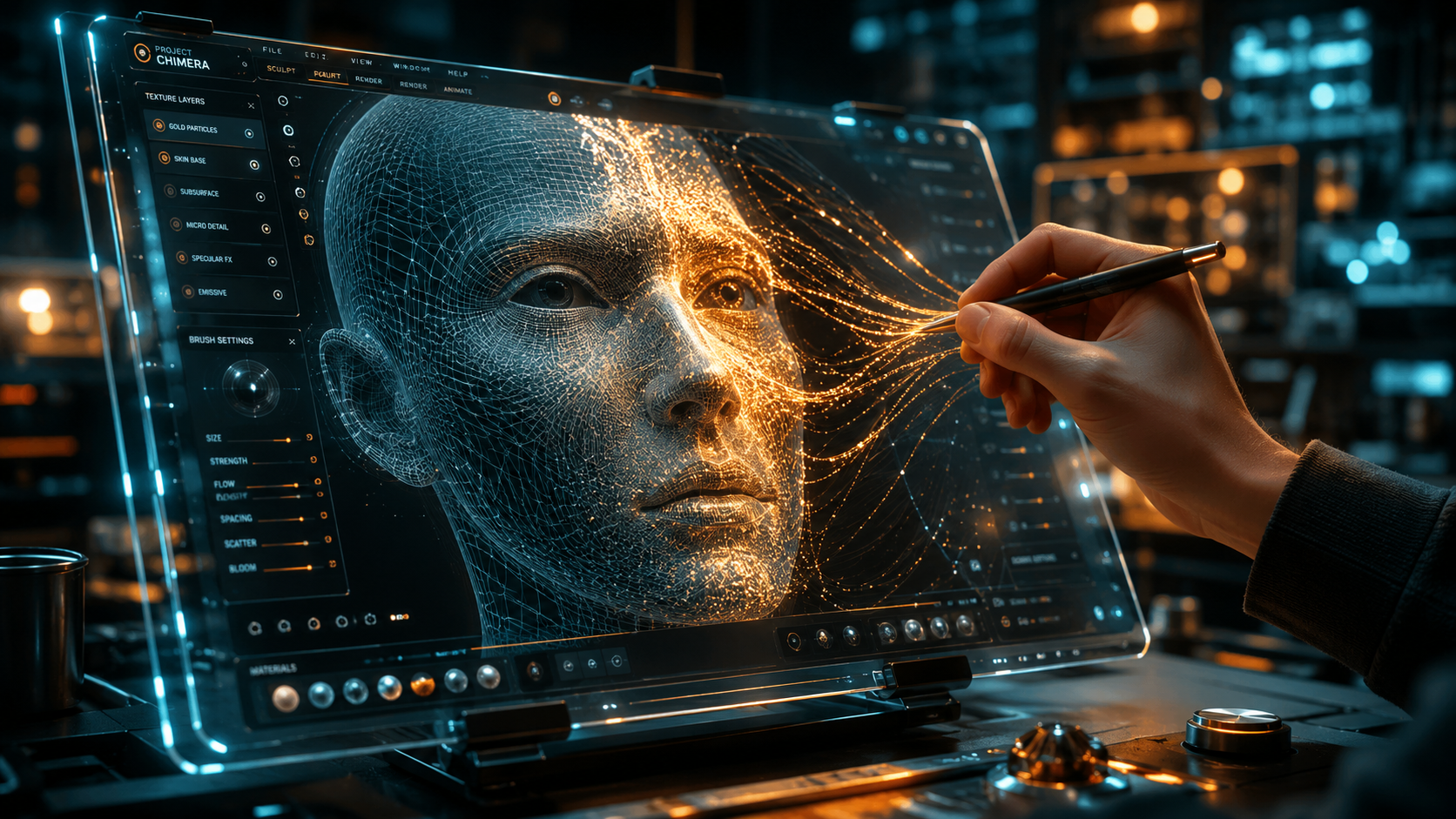
As we move through 2026, the distinction between a flat video and a 3D environment is blurring. According to Ars Technica, new AI models have reached a milestone where they can turn a single photo into an "explorable 3D world." This advancement relies on neural radiance fields (NeRFs) and Gaussian splatting, which allow the AI to guess what is behind an object in a photo, creating a complete 360-degree scene. This is a far cry from the simple parallax effects seen in previous years.
Furthermore, the integration of real-time data is changing how we view live content. As reported by The Korea Times, AI is making its debut in major sporting events like the World Cup, using real-time data to reshape how football is broadcast. This technology allows for the creation of 3D AI video clips of live plays from any angle, providing a "god-view" of the pitch that was never captured by physical cameras. This shift toward real-time spatial rendering is a cornerstone of the 2026 digital experience.
The Role of Google Veo 3 and Photo-to-Video Tech
Google has solidified its lead in the consumer space with the release of Veo 3. According to bgr.com, Veo 3 now powers the advanced photo-to-video features directly within Google Photos. This allows everyday users to take a static family portrait and transform it into a cinematic 3D clip with realistic lighting and motion. The ease of access to such powerful tools means that "how to create 3d ai video clips" is no longer a question for specialists, but for anyone with a smartphone.
Comparing Top 3D AI Video Generators (2026 Edition)
With so many tools available, choosing the right one depends on your specific use case—whether it's animation, realistic world-building, or social media content. Below is a comparison of the leading technologies available this year.
| Platform | Primary Strength | Key 3D Feature | Best For |
|---|---|---|---|
| Google Veo 3 | Integration | Photo-to-Video Depth Mapping | Consumer Memories & Socials |
| Roblox AI | Interactivity | Short-video 3D Assets | Gamers & Younger Creators |
| Spatial World Models | Immersion | Explorable 3D Environments | Architects & VR Developers |
| Geek Vibes AI | Stylization | 3D Cartoon Generation | Animators & Storytellers |
How to Create 3D AI Video Clips for Animation
Animation has seen a massive democratizing wave in 2026. Geek Vibes Nation recently detailed how AI video generators are now capable of making full-scale cartoons. By using a "3D AI" workflow, creators can maintain character consistency across different scenes—a hurdle that plagued early AI video attempts. The process involves creating a 3D character model via AI and then using motion-transfer technology to animate it within a 3D-generated environment.
This method is particularly useful for independent creators who lack the budget for a full animation studio. By combining 3D AI video clips with voice-cloning and automated lip-syncing, a single individual can produce a high-quality animated short in a weekend. The key is to use a model that supports "temporal consistency," ensuring that the 3D space doesn't warp or change as the camera moves through it.
Integrating AI into Professional Workflows
While the creative potential is high, many wonder about the professional implications. A study by The Washington Post in early 2026 analyzed whether AI could perform various jobs, including video editing and 3D modeling. The results showed that while AI can handle the "heavy lifting" of rendering and initial 3D construction, the human element remains vital for creative direction and emotional storytelling. Professionals are now using these 3D AI clips as "base layers," which they then refine using traditional software.
Advanced Techniques: From Photos to Explorable Worlds
One of the most exciting developments in the quest of how to create 3d ai video clips is the ability to generate "explorable" content. Unlike a traditional video that plays from start to finish, these AI-generated clips are essentially small game files. When you upload a photo to a spatial AI model, it doesn't just animate the pixels; it builds a geometric mesh. This allows the viewer to "walk" through the video using a VR headset or a mouse.
However, this technology comes with caveats. As noted by Ars Technica, while these 3D worlds are visually stunning, they can sometimes suffer from "hallucinations" where the AI fills in gaps with illogical structures. To minimize this, creators should provide multiple reference photos of the same location. This "multi-view" approach gives the AI more data points to build an accurate 3D representation, resulting in a much more stable and realistic video clip.
Safety and Ethics in 3D AI Generation
As 3D AI becomes more accessible, platforms are implementing stricter safety measures. CNBC reported that Roblox, while introducing advanced AI short-video features, has simultaneously boosted its child safety protocols. When creating 3D content, especially for public platforms, it is essential to work within these ethical frameworks to ensure that AI-generated characters and environments are appropriate and do not infringe on intellectual property rights.
Future Outlook: What’s Next for 3D AI?
The trajectory of 3D AI video suggests that by the end of 2026, we will see the first fully AI-generated feature films that allow for "perspective switching." Imagine watching a movie where you can pause the action and move the camera anywhere in the 3D scene. This is the ultimate evolution of the 3D AI video clip. The technology is moving away from static playback toward dynamic, interactive experiences.
For creators, the message is clear: mastering these tools now is essential. The ability to turn a concept into a three-dimensional reality in minutes is no longer science fiction—it is the standard for digital media. As Google, Roblox, and various AI startups continue to refine their models, the barriers to entry will continue to drop, making 3D video creation as simple as writing a text message.
What is the best tool for creating 3D AI video clips in 2026?
The "best" tool depends on your goal; Google Veo 3 is excellent for turning personal photos into 3D videos, while specialized spatial models are better for creating explorable 3D environments. For gaming-related content, Roblox's AI suite is the top choice.
Can I turn a single 2D photo into a 3D video?
Yes, tools like Veo 3 and other spatial AI models use depth-estimation algorithms to create a 3D effect from a single 2D image. However, using multiple images of the same subject will result in a more accurate and stable 3D clip.
Are 3D AI video clips copyright-free?
Copyright laws in 2026 vary by jurisdiction, but generally, AI-generated content without significant human input may not be eligible for copyright. Always check the terms of service of the specific AI tool you are using regarding commercial rights.
Do I need a powerful computer to generate 3D AI videos?
Most modern 3D AI video generation is cloud-based, meaning you only need a stable internet connection. The heavy processing is handled by the provider's servers, though local editing of the exported files may require a decent GPU.
How long does it take to create a 3D AI video clip?
In 2026, a standard 10-second 3D AI clip can be generated in approximately 30 to 60 seconds, depending on the complexity of the scene and the server load of the platform being used.



Comments ()