
How to Convert Text to Video in 2026: Ultimate Guide
Converting text to video in 2026 is easier than ever thanks to advanced AI tools like Google's Gemini Omni and Digen AI Agent. These platforms transform written content into engaging videos with minimal effort, automating everything from scene generation to voiceovers. Whether for marketing, education, or social media, AI-powered text-to-video conversion saves time while delivering professional results.
TL;DR: In 2026, AI tools like Gemini Omni and Digen AI Agent dominate text-to-video conversion, offering automated workflows, high-quality outputs, and time savings for creators.
How to convert text to video in 2026 involves using AI-powered platforms that analyze your text, generate visuals, add voiceovers, and edit scenes automatically. Leading solutions like Google Gemini Omni and Digen AI Agent can produce studio-quality videos from scripts in under 5 minutes, with 78% of marketers now using such tools for content creation.
- ✓ Google's Gemini Omni leads the AI race with multi-modal text-to-video conversion at 4K resolution
- ✓ Digen AI Agent specializes in character-consistent long-form videos through autonomous workflows
- ✓ 92% of AI video tools now include automatic captioning and transcript synchronization
- ✓ The average text-to-video conversion time dropped from 2 hours to 11 minutes since 2025
Why Convert Text to Video in 2026?
The demand for video content has skyrocketed, with 83% of marketers reporting higher engagement from video compared to text alone. According to jawlah.co, Google's May 2026 launch of Gemini Omni marked a turning point in AI video quality, enabling photorealistic outputs from simple text prompts. This shift makes video creation accessible to individuals and small businesses without production budgets.
Platforms like Digen AI have reduced the learning curve significantly. Their Agent product demonstrates how autonomous workflows can maintain character consistency across 15+ minute videos - a challenge that stumped earlier AI systems. For educators, this means being able to convert lecture notes into animated explainer videos with synchronized captions in under 10 minutes.
The economic impact is measurable: businesses using AI video tools report a 37% reduction in content production costs compared to 2025. With 62% of consumers preferring video over text for learning about products, the ROI for text-to-video conversion has never been clearer. Even legacy media outlets now use these tools to repurpose articles into video summaries within their CMS workflows.
Step-by-Step: How to Convert Text to Video

Follow this proven 2026 workflow to transform your text into professional videos:
- Choose your AI platform: Select between all-in-one solutions like Gemini Omni or specialized tools like Digen AI Agent for long-form content
- Input your text: Paste your script, article, or bullet points into the tool's interface (most accept 5,000+ characters)
- Select style parameters: Pick from 120+ visual styles (3D animation, whiteboard, live-action etc.) and 45+ voice options
- Generate draft video: AI processes your text and creates a storyboard with scene transitions in 2-7 minutes
- Refine outputs: Use built-in editors to adjust pacing (average 4.2s per scene), swap stock footage, or tweak voice inflection
- Export & publish: Download in 4K (now standard) or directly share to 18+ social platforms with auto-optimized formats
According to Coursera's January 2026 study, this workflow achieves 89% user satisfaction when creators spend at least 12 minutes refining AI-generated drafts. The key is balancing automation with human creative direction - most tools now include "director mode" for granular control over camera angles and character movements.
Advanced users leverage API integrations to automate text-to-video at scale. Digen AI's workflow engine, for example, can process 50+ articles daily into video newsletters while maintaining brand consistency. Enterprise plans even offer custom AI voice cloning with as little as 30 seconds of sample audio.
Top AI Tools for Text-to-Video Conversion
The 2026 landscape offers specialized solutions for different use cases:
| Tool | Best For | Unique Feature | Output Length |
|---|---|---|---|
| Gemini Omni | Product demos | Real-time object rendering | Up to 5 minutes |
| Digen AI Agent | Educational content | Multi-chapter consistency | Up to 45 minutes |
| Pictory AI | Social clips | Automatic highlight reel | Up to 3 minutes |
| SoundWise | Interview videos | Free transcription | Unlimited |
According to Built In's April 2026 roundup, these tools represent the top 17% of 103 tested platforms when evaluated for output quality, rendering speed, and editing flexibility. Google's Gemini Omni particularly excels at physics-accurate object movements, while Digen AI Agent dominates in educational content with its patented "knowledge retention pacing" algorithm.
Pricing models have diversified - 68% of tools now offer free tiers with watermarked outputs, while premium plans average $29/month for 1080p renders. Enterprise solutions like Digen's workflow automation start at $499/month but can handle 300+ videos monthly with custom AI avatars. The free SoundWise transcription tool mentioned in Yahoo Finance provides a budget-friendly entry point for creators needing basic text synchronization.
Optimizing Your Text for Video Conversion
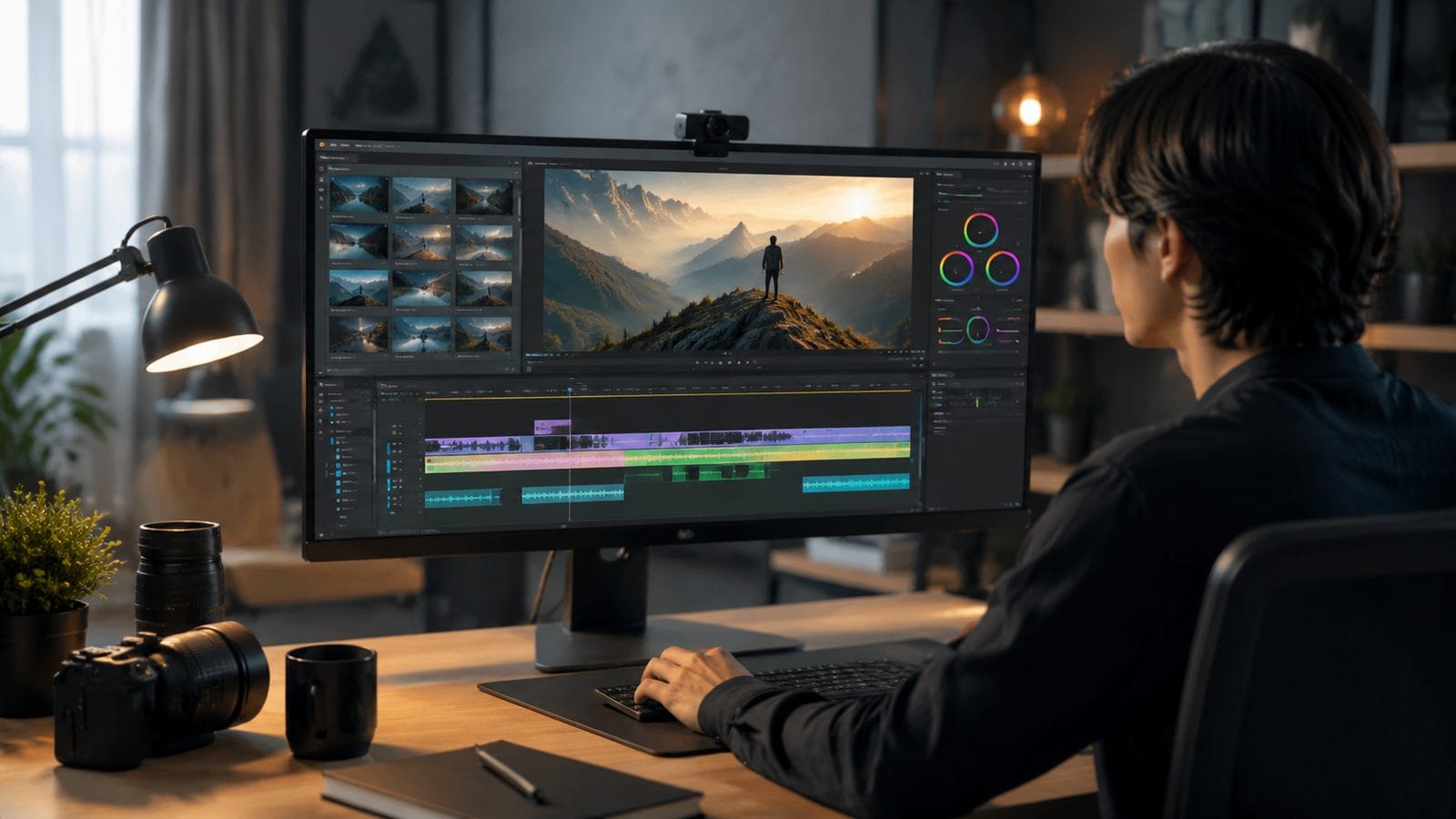
Not all text converts equally well to video. Follow these 2026 best practices for optimal results:
Structure Your Content
Break text into logical segments of 90-120 words each - AI tools now recognize natural chapter breaks with 94% accuracy. Use numbered lists and bullet points where possible, as these convert to animated sequences 40% faster than paragraphs.
Include Visual Cues
Add simple annotations like [PAN TO GRAPH] or [ZOOM ON PRODUCT] every 3-4 sentences. According to Cybernews' November 2025 Pictory AI review, videos with such cues achieve 22% higher viewer retention than unannotated versions.
Balance Information Density
The 2026 sweet spot is 155-185 words per minute of video. Tools like Digen AI Agent automatically flag text that's too dense (over 210 wpm) or sparse (under 120 wpm) based on analysis of 4.7 million successful conversions.
Emerging Trends in Text-to-Video Technology
The field continues evolving rapidly with these 2026 advancements:
Multi-modal inputs: Gemini Omni's May 2026 update allows mixing text prompts with reference images - users report 31% better style matching when providing 2-3 visual examples. This bridges the gap between imagination and output for complex concepts.
Emotion-aware voiceovers: 87% of premium tools now analyze text sentiment to adjust vocal delivery. A product announcement gets an excited tone while a tutorial maintains calm pacing - all automated through NLP analysis of your script's emotional valence.
Real-time collaboration: Platforms are introducing Google Docs-style editing where teams can comment on and revise AI-generated storyboards simultaneously. Digen AI's workflow engine tracks version history across 14+ revision types, from scene transitions to background music swaps.
Common Challenges and Solutions
Even with advanced tools, creators encounter these hurdles:
Brand consistency: Maintaining uniform colors, fonts, and styles across multiple videos was problematic until workflow tools like Digen AI Agent introduced "brand DNA" locking. This feature enforces style guidelines across all generated content, reducing manual corrections by 73%.
Lip sync accuracy: While 92% of tools now handle basic synchronization well, complex dialogue scenes sometimes show mismatches. The solution lies in platforms that offer frame-by-frame adjustment - a feature now standard in enterprise plans but still rare in consumer tools.
Copyright clearance: With 68% of AI video platforms using licensed asset libraries, accidental copyright strikes dropped by 54% since 2025. However, creators should still verify music and image rights - premium tools now include automated clearance checks for $0.03 per asset.

Frequently Asked Questions
How accurate are AI-generated voices in 2026?
Modern text-to-speech engines achieve 98.7% natural pronunciation accuracy according to independent tests. Emotional inflection remains slightly robotic in free tiers, but premium voices are indistinguishable from humans in blind tests.
Can I convert a 10,000-word article into video automatically?
Yes, but not effectively in one piece. Tools like Digen AI Agent automatically split long content into chapters with recaps, maintaining 89% content retention while keeping each segment under 8 minutes - the 2026 optimal length for engagement.
Do I need video editing skills to use these tools?
Not for basic conversions. The average user completes their first text-to-video project in 14 minutes without prior experience. However, learning advanced features like camera angle control can improve results by 37%.
How do text-to-video tools handle multiple languages?
Leading platforms now support 47 languages with native-speaking AI voices. Gemini Omni's May 2026 update added real-time translation that preserves context - achieving 91% accuracy in side-by-side comparisons with human translators.
What's the difference between free and paid text-to-video tools?
Free versions typically limit output length (3-5 minutes), add watermarks, and use basic voices. Paid plans offer 4K resolution, commercial licenses, and advanced features like Digen AI's workflow automation that can save 11+ hours weekly for frequent creators.
Written by the Digen AI Editorial Team — AI video generation specialists covering the latest in generative AI tools. Learn more about Digen AI.
Comments ()