
How to Convert Script to Video AI: 2026 Best Practices
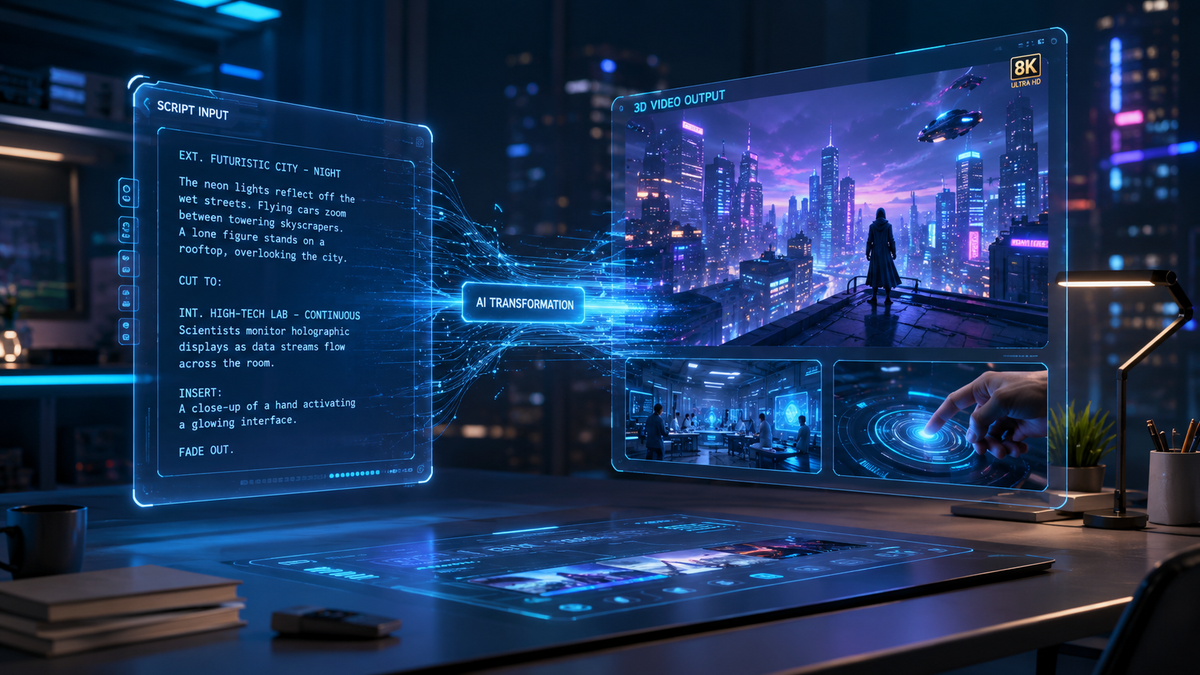
To learn how to convert script to video ai in 2026, you must utilize a generative video platform that uses Natural Language Processing (NLP) to parse your text and synthesize corresponding visual assets. The process involves inputting a structured script into an AI generator, selecting a visual style or digital avatar, and allowing the engine to render a synchronized MP4 file that includes voiceovers, background music, and relevant b-roll.
Converting script to video AI is the automated process of transforming written text into high-quality video content using generative artificial intelligence. By 2026, this technology has evolved to allow users to generate cinematic 4K visuals, realistic AI avatars, and synchronized audio directly from a text prompt or detailed script in under five minutes.
- ✓ AI video generators now support multi-modal inputs, combining text, images, and brand kits for consistent output.
- ✓ The "Text-to-Video" workflow has reduced production costs by up to 80% compared to traditional filming.
- ✓ Real-time rendering in 2026 allows for instant iterations and script adjustments without re-uploading assets.
- ✓ High-fidelity AI avatars can now mimic human micro-expressions with 99% accuracy for corporate training and social media.
Step-by-Step Guide: How to Convert Script to Video AI
The landscape of content creation has shifted dramatically. As of early 2026, the barrier to entry for high-end video production has virtually disappeared. According to Gizchina.com, turning text and images into videos now takes only minutes, enabling a "creator-first" economy where ideas move from concept to screen at unprecedented speeds. To achieve professional results, following a structured workflow is essential for maintaining narrative flow and visual coherence.
- Draft and Optimize Your Script: Start with a clear, concise script. AI engines perform best when instructions are explicit. Break your script into "scenes" or logical segments to help the AI understand where visual transitions should occur.
- Select a Generative Platform: Choose an AI video generator based on your specific use case. Options range from avatar-led presentations for corporate training to cinematic B-roll generators for marketing.
- Choose Your Visual Identity: Decide between realistic human avatars, animated styles, or stock-footage-based montages. In 2026, most tools allow you to upload a "Brand Kit" to ensure colors and logos are consistent throughout the generation.
- Configure Audio and Voiceovers: Select an AI voice that matches the tone of your script. Modern tools offer hundreds of neural voices with adjustable emotional inflections (e.g., excited, professional, or empathetic).
- Generate and Review: Click the "Generate" button. Once the initial draft is ready, use the built-in editor to swap out specific clips, adjust the timing of text overlays, or change the background music.
- Export and Distribute: Download your video in the desired resolution (typically 1080p or 4K) and aspect ratio (16:9 for YouTube or 9:16 for TikTok/Reels).
The Evolution of AI Video Technology in 2026
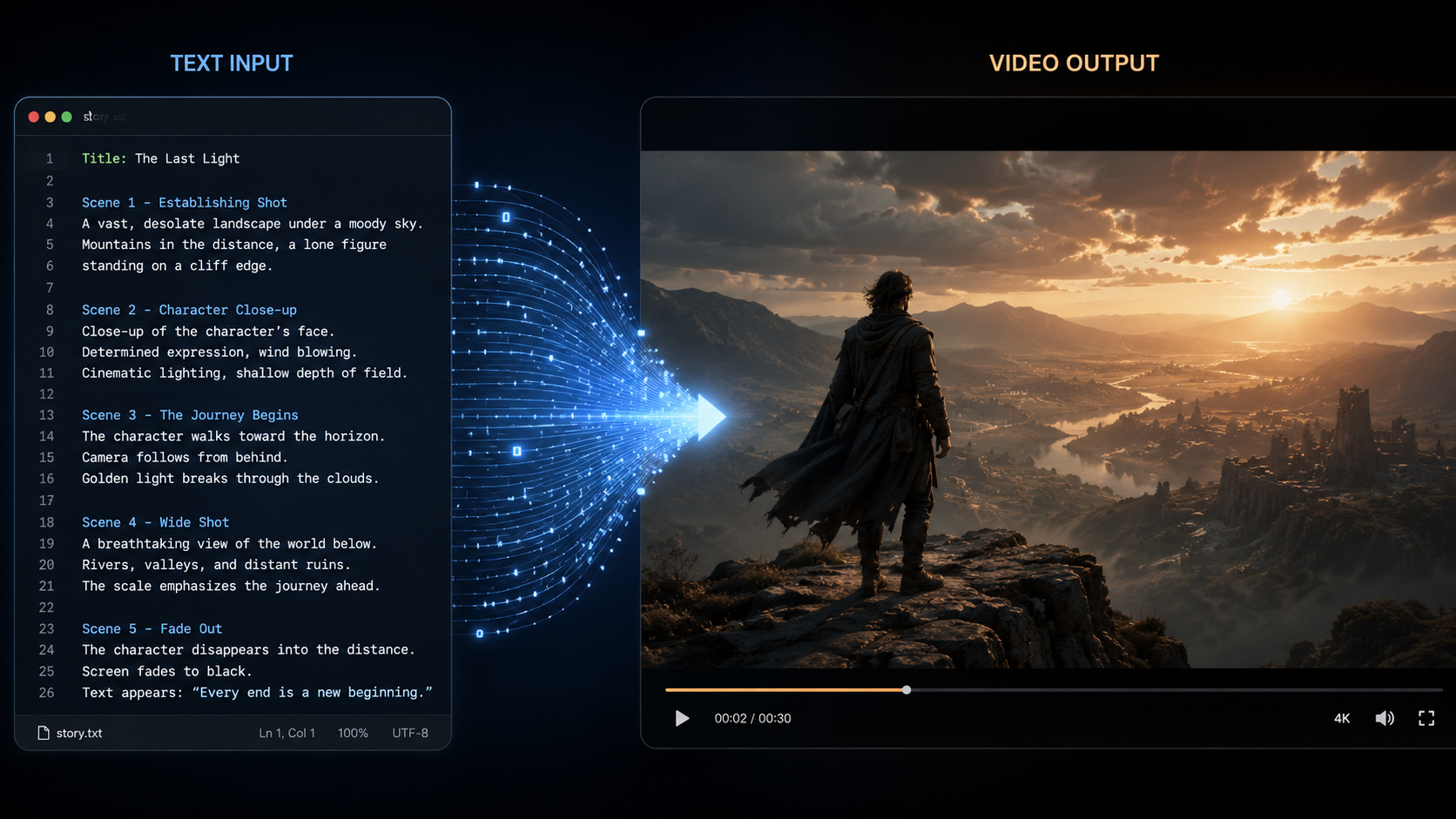
The current year marks a significant milestone in generative media. According to Built In, there are now at least 17 popular AI video generators dominating the market, each catering to different niches from Hollywood-grade visual effects to simplified social media clips. This saturation has led to a massive increase in quality; the "uncanny valley" effect that plagued earlier AI videos has been largely solved by advanced diffusion models and temporal consistency algorithms.
Multi-Modal Input Capabilities
One of the standout features of 2026's best practices is the use of multi-modal inputs. Instead of just providing a text script, users can now provide "reference images" or "style prompts." This ensures that the AI doesn't just guess what the scene should look like but follows a specific aesthetic guideline. This is particularly useful for brands that need to maintain a strict visual identity across dozens of generated videos.
Advanced Text-to-Speech (TTS) Integration
Modern script-to-video tools no longer sound robotic. The integration of high-fidelity TTS allows for "emotional mapping." If your script contains an exclamation or a somber realization, the AI detects the context and adjusts the pitch, pace, and breathiness of the voiceover accordingly. This level of nuance is what separates professional AI content from low-effort automated videos.
Comparing the Top AI Video Generation Tiers
When looking at how to convert script to video ai, it is important to understand the different categories of tools available. According to Simplilearn.com, the best picks for 2026 vary significantly in pricing and specific use cases, ranging from free-to-use hobbyist tools to enterprise-level suites.
| Feature Category | Entry-Level Tools | Professional Suites | Enterprise Solutions |
|---|---|---|---|
| Primary Goal | Social Media Clips | Marketing & YouTube | Corporate Training & L&D |
| Max Resolution | 1080p | 4K Ultra HD | 8K / Raw Export |
| Avatar Customization | Standard Presets | Custom Face-Swaps | Personal Digital Twins |
| Processing Speed | 5-10 Minutes | 2-3 Minutes | Near Real-Time |
| Collaboration | Single User | Team Workspaces | SSO & Role-Based Access |
Best Practices for Script Optimization
To get the most out of your AI video generator, the script itself must be "AI-friendly." According to autogpt.net, the top 20 AI video generators of 2026 rely heavily on the clarity of the initial prompt. If a script is too vague, the AI may fill the gaps with irrelevant stock footage or nonsensical transitions. Best practices involve using descriptive language that implies motion and setting.
Using Scene Directives
In 2026, many professional creators use "directives" within their scripts. By wrapping certain words in brackets—like [Close-up], [Slow Pan], or [High Contrast]—you can influence the AI's "camera" movement. This gives you director-level control over the generative process without needing to know how to use complex video editing software.
Maintaining Narrative Pacing
A common mistake when learning how to convert script to video ai is making the script too dense. For a 60-second video, aim for approximately 130 to 150 words. This allows the AI enough "breathing room" to insert visual transitions and ensures the viewer isn't overwhelmed by a constant barrage of information. Perfectcorp.com notes in their review of 22 best generators that the most successful videos are those that balance spoken word with visual pauses.
Advanced Features: From MP4 to Text and Back
The workflow in 2026 is no longer linear. It is often cyclical. For instance, North Penn Now recently highlighted the effectiveness of tools like "Video Transcriber AI," which allows users to take existing MP4 files and convert them back into text. This "Video-to-Text-to-Video" workflow is becoming a staple for content repurposing.
Repurposing Existing Content
Imagine taking a long-form webinar, converting it to a script using a transcriber, editing that script for brevity, and then running it through a script-to-video AI to create a series of short-form promotional clips. This circular content strategy is the most efficient way to maintain a presence across multiple platforms in 2026. It ensures that the core message remains the same while the format evolves to suit different audiences.
Real-Time Translation and Localization
Global reach is now a standard feature. When you convert a script to video, most top-tier AI platforms offer one-click localization. This doesn't just translate the text; it re-generates the voiceover in a native accent and, in some cases, uses "lip-sync" technology to adjust the avatar's mouth movements to match the new language. This has revolutionized how international companies handle internal communications and global marketing campaigns.
Future-Proofing Your AI Video Strategy
As we look further into 2026, the technology will only become more integrated. According to Built In, the next wave of updates will likely include "persistent characters," where an AI-generated actor can be used across multiple different videos while maintaining the exact same facial structure and voice. This allows for serialized content and brand mascots that never age and are always available for a "shoot."
Ethical Considerations and Watermarking
With the power of AI video comes the responsibility of ethical usage. In 2026, most reputable tools automatically include "C2PA" metadata or invisible watermarking to identify the content as AI-generated. This is becoming a legal requirement in many jurisdictions to prevent the spread of misinformation. When choosing a tool, ensure it adheres to these transparency standards to protect your brand's reputation.
The Role of Human Creativity
Despite the automation, the human element remains the most critical factor. The AI is a tool that executes your vision; it does not replace the need for a compelling story, a unique angle, or an emotional hook. The most successful creators in 2026 are those who use AI to handle the "labor" of production while they focus on the "art" of storytelling. Mastering how to convert script to video ai is about mastering the prompt and the edit, not just hitting a button.
What is the best AI video generator in 2026?
While "best" depends on your needs, recent reviews from autogpt.net and perfectcorp.com suggest that the top tools are those offering 4K resolution, realistic avatars, and low-latency rendering. Popular choices include platforms that specialize in either "cinematic" text-to-video or "presenter-style" avatar videos.
Can I convert a script to video for free?
Yes, many platforms offer "freemium" tiers. As noted by North Penn Now, there are highly effective free tools available for tasks like transcription and basic video generation, though high-resolution exports and custom avatars usually require a paid subscription.
How long does it take to generate a 1-minute AI video?
In 2026, the average generation time for a one-minute high-definition video is between 2 to 5 minutes. This is a significant improvement over previous years, thanks to more efficient cloud-based GPU processing and optimized diffusion models.
Do I need expensive hardware to run AI video software?
No. Most modern AI video tools are cloud-based, meaning the heavy processing happens on the provider's servers. You only need a standard web browser and a stable internet connection to write your script, preview the video, and download the final product.
Is AI-generated video content copyrightable?
Copyright laws regarding AI are still evolving in 2026. Generally, the human-authored script and the specific creative direction are protectable, but the raw AI-generated pixels may have different protections depending on your local jurisdiction and the terms of service of the tool used.



Comments ()