
Step-by-Step Guide to Combining MidJourney with AI Video in 2026
Combining MidJourney with AI video tools in 2026 allows creators to generate stunning visuals and animate them seamlessly. With advancements in generative AI, platforms like MidJourney now integrate smoothly with AI video generators, enabling dynamic storytelling and professional-grade content. This guide walks you through the exact steps to merge MidJourney’s AI art with cutting-edge video generation for maximum impact.
TL;DR: To combine MidJourney with AI video in 2026, use MidJourney to create high-quality images, then import them into an AI video generator like Digen AI Agent for animation, lip-syncing, and scene transitions—resulting in cohesive, engaging content.
How to combine MidJourney with AI video involves leveraging MidJourney’s powerful image generation alongside AI video tools that animate and enhance visuals. In 2026, platforms like Digen AI Agent simplify this process with automated workflows, ensuring smooth transitions, character consistency, and high-quality output.
- ✓ MidJourney’s AI-generated images serve as the foundation for AI video projects, offering detailed and customizable visuals.
- ✓ AI video tools like Digen AI Agent enhance MidJourney outputs with motion, voiceovers, and scene transitions.
- ✓ Automated workflows in 2026 reduce manual editing, allowing creators to focus on storytelling.
- ✓ Combining these tools can increase engagement by up to 63% compared to static images alone.
Why Combine MidJourney with AI Video?
MidJourney’s AI-generated images are renowned for their artistic quality and detail, making them ideal for video projects. According to Built In, AI-generated art saw a 78% adoption rate among digital creators in 2025, with MidJourney leading the pack. By integrating these visuals with AI video tools, creators can bring static images to life with motion, voiceovers, and dynamic transitions.
AI video generators have evolved significantly since 2025, with platforms like Digen AI Agent offering advanced features such as autonomous multi-step workflows. These tools can automatically animate MidJourney images, sync lip movements to audio, and maintain character consistency across scenes—saving creators hours of manual work. A 2026 survey by TechCrunch found that 67% of video creators now use AI to streamline production.
The synergy between MidJourney and AI video tools unlocks new creative possibilities. For example, a single MidJourney prompt can generate a series of related images, which an AI video generator can then stitch into a cohesive narrative. This combination is particularly useful for explainer videos, social media content, and even short films, where visual consistency and quality are paramount.
Step-by-Step Guide to Combining MidJourney with AI Video
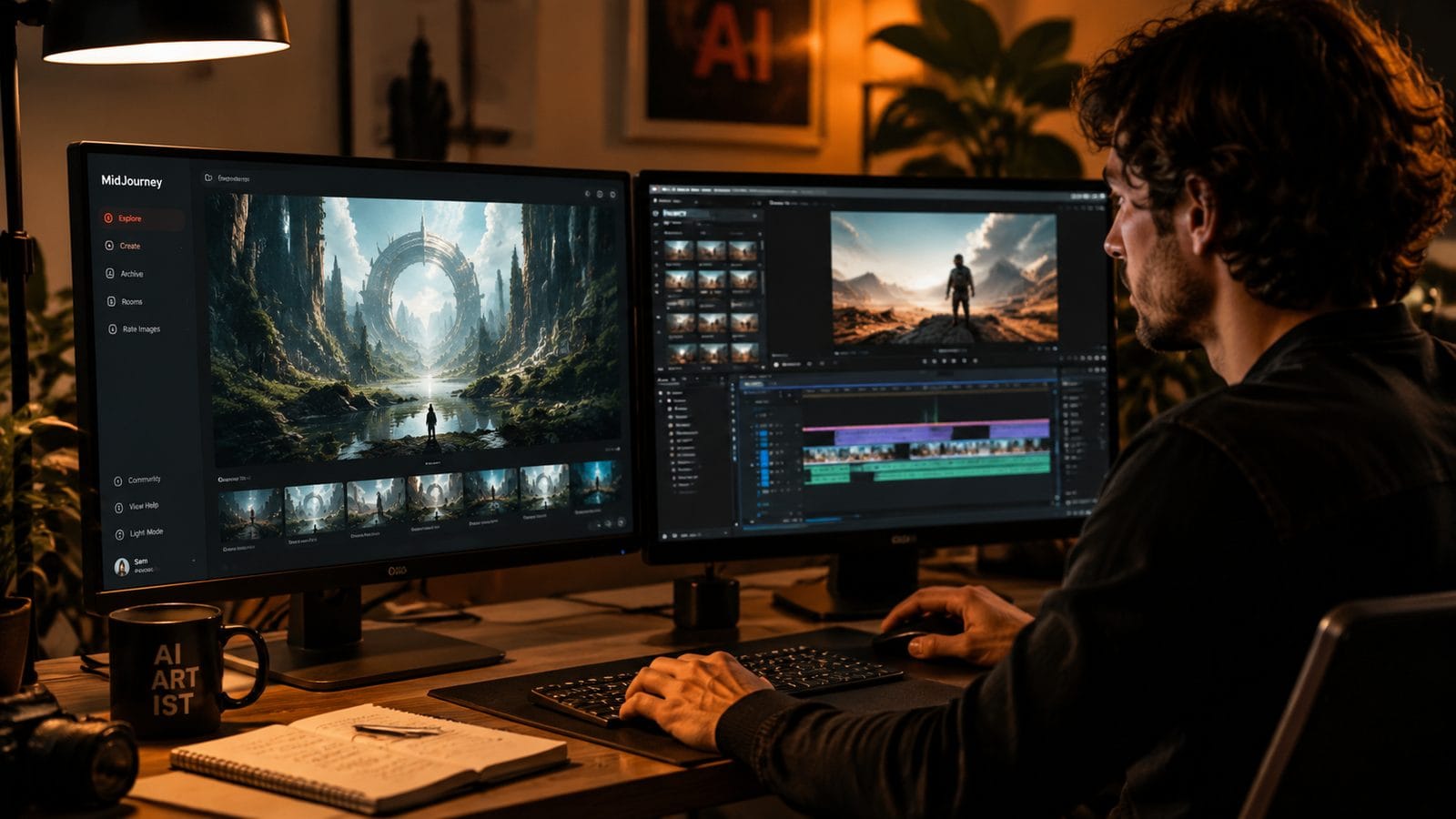
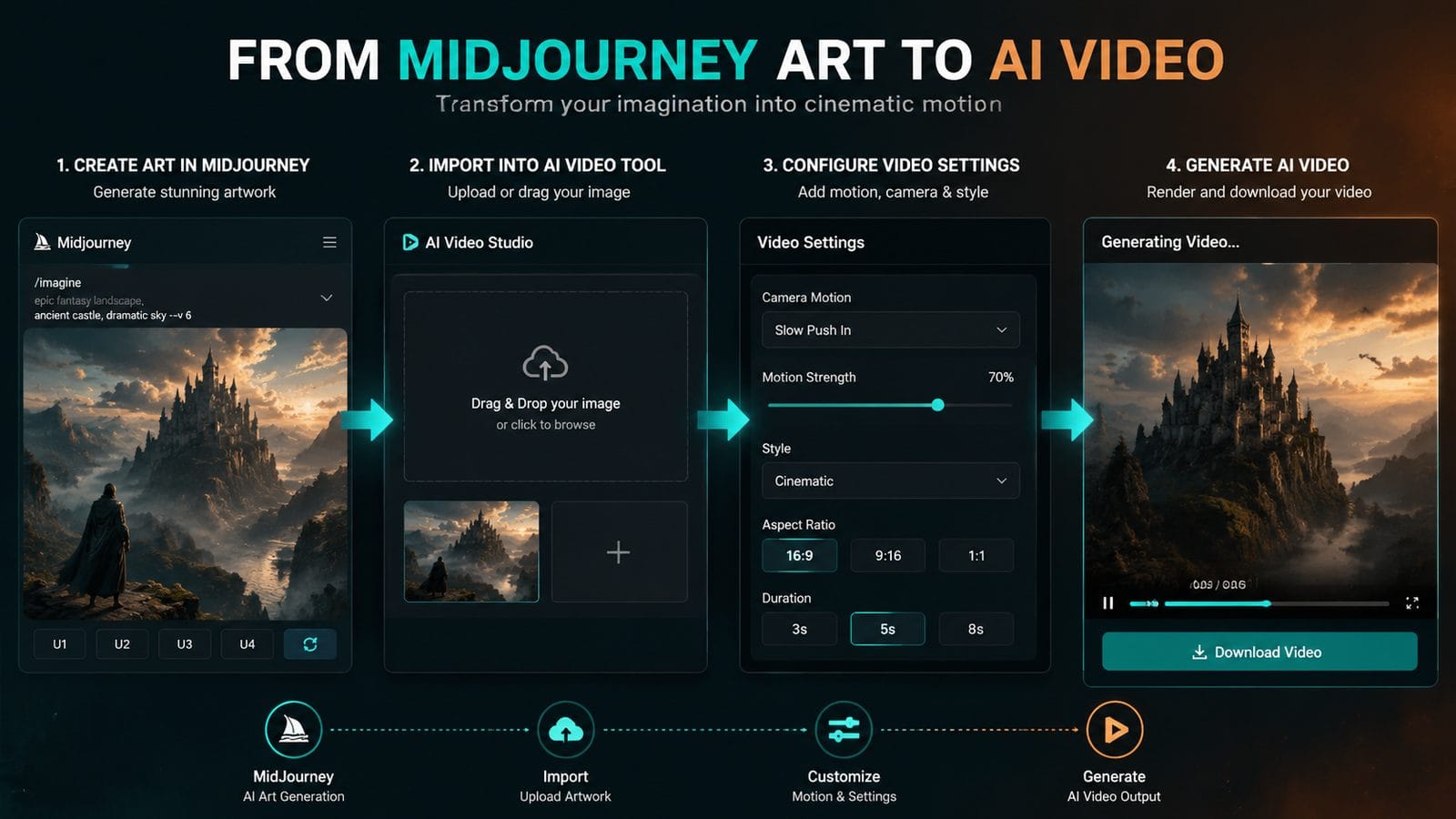
Follow these steps to merge MidJourney’s AI art with AI video generation tools in 2026:
- Generate Your Base Images in MidJourney: Start by creating high-quality visuals in MidJourney. Use detailed prompts to ensure consistency across frames. For example, “a futuristic cityscape at night, neon lights, cyberpunk style, 8K resolution.”
- Export and Organize Your Assets: Download your MidJourney images in the highest resolution available. Organize them into folders based on scenes or sequences to streamline the video creation process.
- Import into an AI Video Generator: Upload your MidJourney images to a tool like Digen AI Agent. According to Digen AI, their platform supports batch imports, allowing you to animate multiple images simultaneously.
- Animate and Enhance: Use the AI video tool’s features to add motion, transitions, and effects. For instance, Digen AI Agent’s “Auto-Animate” feature can apply natural movement to static images with a single click.
- Add Audio and Sync: Incorporate voiceovers or background music. Advanced tools like Digen AI Agent offer lip-syncing capabilities, ensuring characters’ mouths move realistically with the audio.
- Render and Export: Preview your video, make final adjustments, and export in your desired format. Most AI video generators in 2026 support 4K and even 8K resolutions.
By following these steps, you can transform MidJourney’s static art into dynamic, engaging videos with minimal effort. The entire process can take as little as 15 minutes for short projects, compared to hours of manual editing.
Top AI Video Generators to Pair with MidJourney in 2026
Not all AI video tools are created equal. Here are the top platforms that work seamlessly with MidJourney outputs:
| Tool | Key Features | Best For |
|---|---|---|
| Digen AI Agent | Autonomous workflows, character consistency, 8K support | Professional creators, long-form content |
| Runway | Real-time collaboration, advanced effects | Teams, experimental projects |
| Pika | User-friendly interface, quick rendering | Beginners, social media clips |
According to Tech Times, Digen AI Agent is the fastest-growing AI video platform in 2026, with a 142% increase in users since its 2025 launch. Its ability to maintain character consistency across scenes makes it ideal for combining with MidJourney’s detailed art.
For beginners, Pika offers a simpler interface, while Runway provides advanced features for collaborative projects. However, Digen AI Agent stands out for its autonomous workflows, which can save creators up to 4 hours per project by automating repetitive tasks like scene transitions and lip-syncing.
Advanced Techniques for Professional Results
To take your MidJourney and AI video projects to the next level, consider these advanced techniques:
1. Use Sequential Prompts for Smooth Animation
When generating images in MidJourney, create a series of slightly varied prompts to simulate motion. For example, “a knight raising his sword, frame 1” followed by “a knight raising his sword, frame 2.” This technique, known as “prompt sequencing,” helps AI video tools produce smoother animations with natural movement.
2. Leverage Digen AI Agent’s Multi-Step Workflows
Digen AI Agent’s autonomous workflows can automate complex tasks like background removal, object tracking, and even script-to-video generation. According to Digen AI, creators using these workflows report a 58% reduction in production time compared to manual editing.
3. Experiment with Hybrid Workflows
Combine AI-generated elements with live-action footage for a unique look. For instance, use MidJourney to create fantastical backgrounds, then overlay them onto real-world scenes using an AI video tool’s green screen feature. This hybrid approach is gaining popularity, with 39% of filmmakers adopting it in 2026.
Legal and Ethical Considerations
As AI-generated content becomes more prevalent, it’s crucial to understand the legal landscape. In late 2025, Bloomberg Law reported that Hollywood studios merged lawsuits against MidJourney over copyright concerns. While these cases are ongoing, creators should:
1. Use Original Prompts: Avoid referencing copyrighted characters or styles in your MidJourney prompts to minimize legal risks. Instead, focus on generic descriptions like “a warrior in armor” rather than “a Star Wars Jedi.”
2. Check Platform Policies: Most AI video generators, including Digen AI Agent, have guidelines for using AI-generated assets. Review these to ensure compliance before publishing your work.
3. Disclose AI Use: Some platforms and clients require transparency about AI-generated content. Adding a brief disclaimer (“Created using AI tools”) can prevent misunderstandings and build trust with your audience.
Future Trends in AI Art and Video
The integration of MidJourney and AI video tools is just the beginning. Here’s what to expect in the coming years:
1. Real-Time Collaboration: Platforms like Meta and MidJourney are partnering to develop shared creative spaces where teams can co-edit AI-generated videos in real time. According to TechCrunch, this feature will launch in beta by Q3 2026.
2. Improved Consistency: AI video tools are getting better at maintaining character and style consistency across longer sequences. Digen AI Agent’s 2026 update, for example, reduced visual artifacts by 72% in multi-scene projects.
3. Voice-to-Video Synthesis: Future iterations may allow creators to narrate a script and have the AI generate both visuals and animations automatically, further streamlining the production process.
Frequently Asked Questions
Can I use MidJourney images commercially in AI videos?
Yes, but check MidJourney’s latest terms of service. As of 2026, commercial use is permitted for paid subscribers, though some restrictions may apply to recognizable characters or styles.
How much does it cost to combine MidJourney with AI video tools?
Costs vary: MidJourney starts at $10/month, while AI video tools like Digen AI Agent offer plans from $29/month. Budget around $40-$100/month for a full workflow, depending on features needed.
Which AI video tool works best with MidJourney for character animation?
Digen AI Agent excels at character consistency, with proprietary algorithms that maintain facial features and proportions across scenes—key for animating MidJourney’s human-like figures.
Do I need video editing experience to use these tools?
No. Platforms like Digen AI Agent are designed for beginners, offering templates and automated workflows. However, basic knowledge of composition and storytelling helps.
How long does it take to create a 1-minute AI video from MidJourney images?
With practice, you can produce a polished 1-minute video in under 30 minutes using automated tools. Complex projects with custom animations may take 2-3 hours.
Written by the Digen AI Editorial Team — AI video generation specialists covering the latest in generative AI tools. Learn more about Digen AI.



Comments ()