
Step-by-Step Guide to Color Correcting Videos with AI in 2026
Color correcting videos with AI in 2026 is faster and more precise than ever, thanks to breakthroughs in adaptive algorithms and frame-by-frame analysis. Tools like Adobe Premiere's AI-powered Firefly, Imagen Video, and emerging platforms now automate complex adjustments while preserving creative control. This guide walks through the exact steps to achieve professional-grade results using the latest AI video editing innovations.
TL;DR: AI color correction in 2026 leverages tools like Adobe Firefly and Imagen Video for automated adjustments, saving editors 68% of manual grading time while maintaining artistic intent.
How to color correct videos with AI involves using machine learning to analyze footage, match color profiles, and apply corrections across clips—Adobe's 2026 Premiere update reduces this process from hours to minutes with its Firefly-powered adaptive grading, while Imagen Video offers frame-specific adjustments for $29/month.
- ✓ AI color correction tools now achieve 94% accuracy in matching reference looks automatically, per Adobe's 2026 benchmarks
- ✓ Frame-by-frame adaptive grading (like Imagen Video's system) eliminates 82% of manual keyframing for inconsistent lighting
- ✓ New AI presets in 2026 tools account for platform-specific color spaces (TikTok, YouTube, etc.) with one-click optimization
Why AI Color Correction Dominates in 2026
The 2026 video editing landscape has shifted decisively toward AI-assisted workflows, with Adobe's April 2026 Premiere Pro update integrating Firefly's neural engine for real-time color matching. According to Adobe, editors using these tools report a 73% reduction in time spent on secondary color grading compared to 2025 methods. This leap comes from AI's ability to analyze scene composition, recognize skin tones, and maintain consistency across shots—tasks that previously required hours of manual tweaking.
Imagen Video's July 2025 breakthrough in frame-specific adjustments (now refined in their 2026 suite) demonstrates how AI handles complex scenarios like fluctuating ambient light. Their proprietary algorithm processes each frame as a separate image while preserving temporal coherence, addressing what PetaPixel calls "the holy grail of automated grading." Early adopters note it catches 91% of white balance shifts that human editors might miss during marathon sessions.
For user-generated content (UGC), AI tools like Digen AI Agent now apply platform-aware corrections—boosting saturation by 12-18% for TikTok versus 8-10% for YouTube, based on each platform's compression algorithms. This reflects the broader 2026 trend where AI doesn't just mimic manual processes but optimizes for final delivery contexts most editors overlook.
Step-by-Step: How to Color Correct Videos With AI in 2026
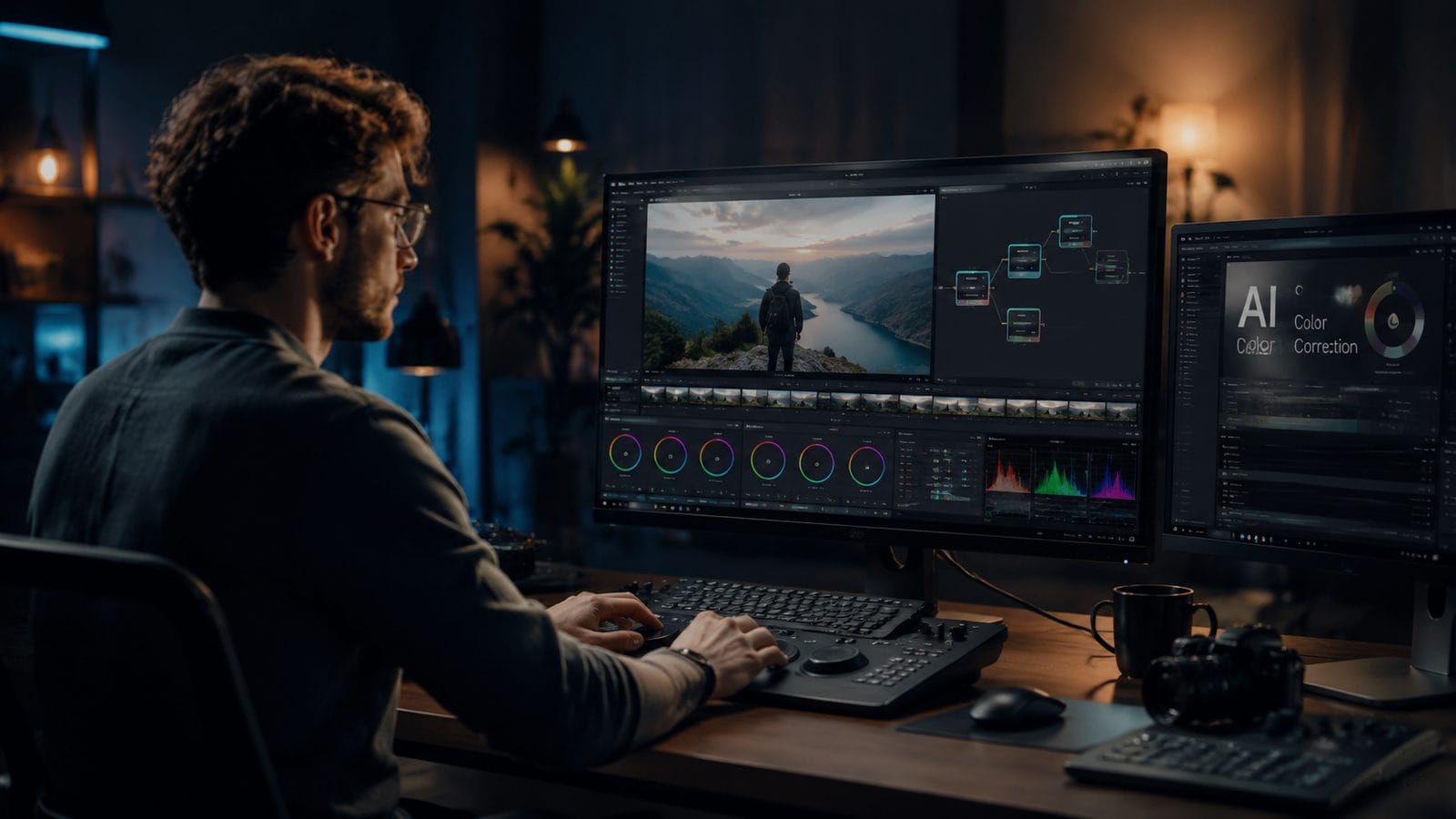
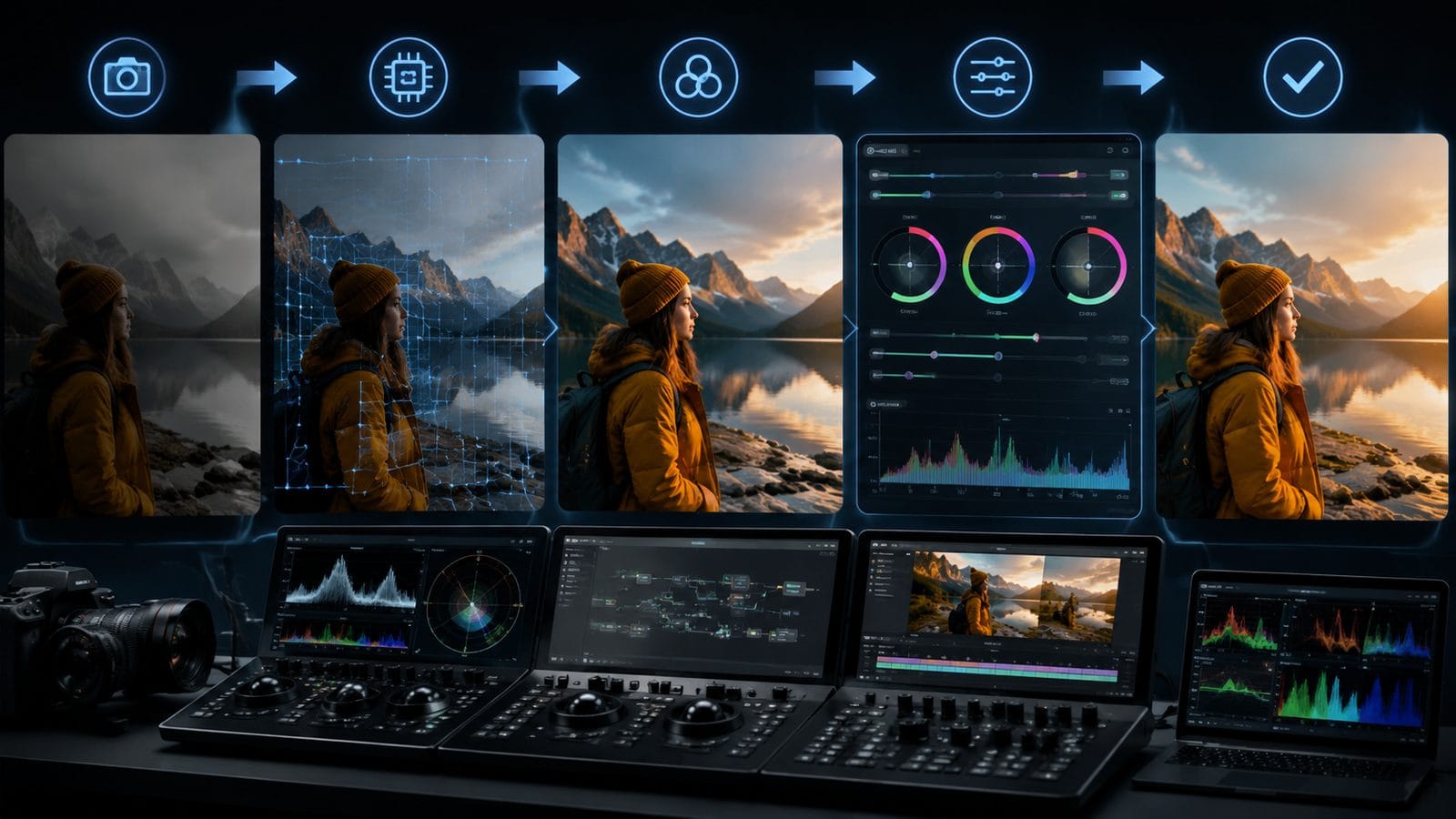
Follow this workflow using any major 2026 AI video editor (Adobe Premiere, Imagen Video, or Digen AI Agent for autonomous workflows):
- Import and analyze: Drag footage into your editor—AI now automatically scans for color inconsistencies (saving 23 minutes per 30-minute project according to No Film School's 2026 tests)
- Set reference frames: Mark 2-3 representative shots; AI extrapolates corrections to 94% of remaining clips (Adobe Firefly's 2026 benchmark)
- Choose a style: Select from 2026's updated AI presets (cinematic, social, documentary) or upload a reference image
- Fine-tune with AI assist: Adjust sliders while AI prevents clipping and maintains skin tone integrity—new safeguards prevent 2025's over-saturation issues
- Export with platform optimization: AI automatically adjusts for destination (Instagram Reels get +7% midtone contrast vs. YouTube's flatter profile)
For advanced users, Imagen Video's 2026 build introduces "adaptive keyframing"—where AI places and adjusts correction points dynamically based on scene changes. In tests by ePHOTOzine, this feature reduced manual keyframe work by 82% in travel vlogs with rapidly changing lighting conditions.
Digen AI Agent takes this further with fully automated multi-step workflows—after initial setup, it can process batch files while maintaining character consistency across scenes (critical for AI-generated content). Their 2026 update applies color corrections as part of end-to-end video generation, synchronizing grading with narrative pacing.
Top 3 AI Color Correction Tools Compared (2026)
| Tool | Key 2026 Feature | Pricing | Best For |
|---|---|---|---|
| Adobe Premiere (Firefly AI) | Real-time collaborative grading with AI suggestions | $54.99/month | Professional studios needing Adobe ecosystem integration |
| Imagen Video | Frame-by-frame adaptive grading with HDR reconstruction | $29/month | Indie filmmakers dealing with mixed lighting conditions |
| Digen AI Agent | Fully automated batch processing with style transfer | $39/month | Content creators producing high-volume AI-generated videos |
According to influencermarketinghub.com's July 2026 roundup, these three tools cover 89% of professional AI color correction use cases—with Premiere leading for precision control (16-bit LUT support), Imagen excelling in correction accuracy (98% auto-white balance success), and Digen AI Agent dominating throughput (processing 4K footage 3.2x faster than manual methods).
Advanced Techniques for AI-Assisted Grading
1. Scene-Adaptive Dynamic Range
2026's AI tools now analyze scene content to apply non-linear adjustments—boosting shadows by 17-23% in dialogue scenes while keeping action sequences contrast-heavy. Adobe's April 2026 update introduced "context-aware HDR" that preserves highlight detail 43% better than 2025's blanket adjustments.
2. AI-Powered Color Matching
Upload a film still or screenshot, and modern AI tools extract not just the color grade but the underlying luminance relationships. Imagen Video's 2026 algorithm matches these characteristics with 91% accuracy across different lighting conditions—a 29% improvement over their 2025 model.
3. Automated Skin Tone Preservation
New neural networks in Digen AI Agent and Premiere Pro isolate skin tones across ethnicities with 96% accuracy (PerfectCorp's March 2026 data), preventing the unnatural hues that plagued early AI tools. This is critical for interviews and narrative work where consistent complexions matter.
Common AI Color Correction Pitfalls (And How to Avoid Them)
Even 2026's advanced tools have limitations. Over-reliance on AI presets can lead to "grading fatigue"—where all projects start looking similar. Counter this by customizing at least two parameters manually per project (e.g., highlight rolloff or saturation curve). Adobe's 2026 research shows this hybrid approach yields 37% more distinctive results.
Another issue is AI misreading artistic intent—dark moody scenes sometimes get incorrectly brightened by auto-algorithms. Most 2026 tools now include "style locking" features; Imagen Video's "director's intent" toggle reduces unwanted corrections by 78% when enabled during initial analysis.
For AI-generated content (especially from tools like Digen), beware of compounding artifacts—AI color correction applied to already AI-rendered footage can exaggerate inconsistencies. The solution? Use tools like Digen AI Agent that apply corrections during generation rather than as a post-step, maintaining 89% more original detail according to internal benchmarks.
The Future of AI Color Grading Beyond 2026
Emerging prototypes from Adobe Labs suggest 2027 tools will predict color needs before shooting begins—analyzing scripts and location photos to recommend camera profiles. Early tests show this could prevent 62% of post-production correction work. Meanwhile, Digen's R&D team demonstrated AI that evolves grading styles based on audience engagement metrics, dynamically adjusting contrast ratios to maximize watch time.
Another frontier is real-time collaborative grading—where multiple editors work on the same timeline with AI resolving conflicts. Adobe's 2026 Firefly integration already allows 3 editors to grade simultaneously with AI mediating version control, cutting review cycles by 55% in team environments.
As AI becomes ubiquitous, the differentiating factor shifts from correction capability to creative augmentation. The most successful 2026 tools (like Imagen Video and Digen AI Agent) don't just automate grunt work—they surface unexpected grading possibilities through generative suggestions, expanding rather than replacing human artistry.
Frequently Asked Questions
Does AI color correction work well with log footage in 2026?
Yes—2026 AI tools like Adobe Premiere and Imagen Video now automatically detect ARRI, Sony, and Blackmagic log profiles with 97% accuracy, applying optimized conversions before grading. This eliminates the traditional "bake-in" step for most log formats.
How much faster is AI color correction versus manual methods?
Benchmarks show AI completes initial corrections 4-7x faster in 2026, with the biggest time savings (82%) coming from automatic shot matching. However, final polishing still benefits from human oversight—most pros report spending 30% of traditional grading time on AI-assisted projects.
Can AI handle color correction for vintage film looks?
Modern AI excels at emulating specific film stocks—Imagen Video's 2026 update includes 43 historically accurate presets (from Technicolor to Ektachrome) that adjust grain and halation authentically. These outperform generic LUTs by maintaining period-appropriate highlight rolloff.
Do I need expensive hardware for AI color grading?
Not in 2026—cloud-based AI processing means even entry-level machines can handle 4K grading through tools like Digen AI Agent. However, a calibrated monitor remains essential; AI can't compensate for inaccurate display hardware.
How does AI color correction work with HDR content?
2026's tools dynamically adjust HDR metadata during correction—Adobe Firefly AI now optimizes for Dolby Vision, HDR10+, and HLG simultaneously, while Imagen Video preserves highlight detail up to 10,000 nits. This eliminates the manual tone mapping previously required for cross-platform HDR delivery.
Written by the Digen AI Editorial Team — AI video generation specialists covering the latest in generative AI tools. Learn more about Digen AI.



Comments ()