
How to Choose the Best AI Video Tool in 2026: Expert Guide
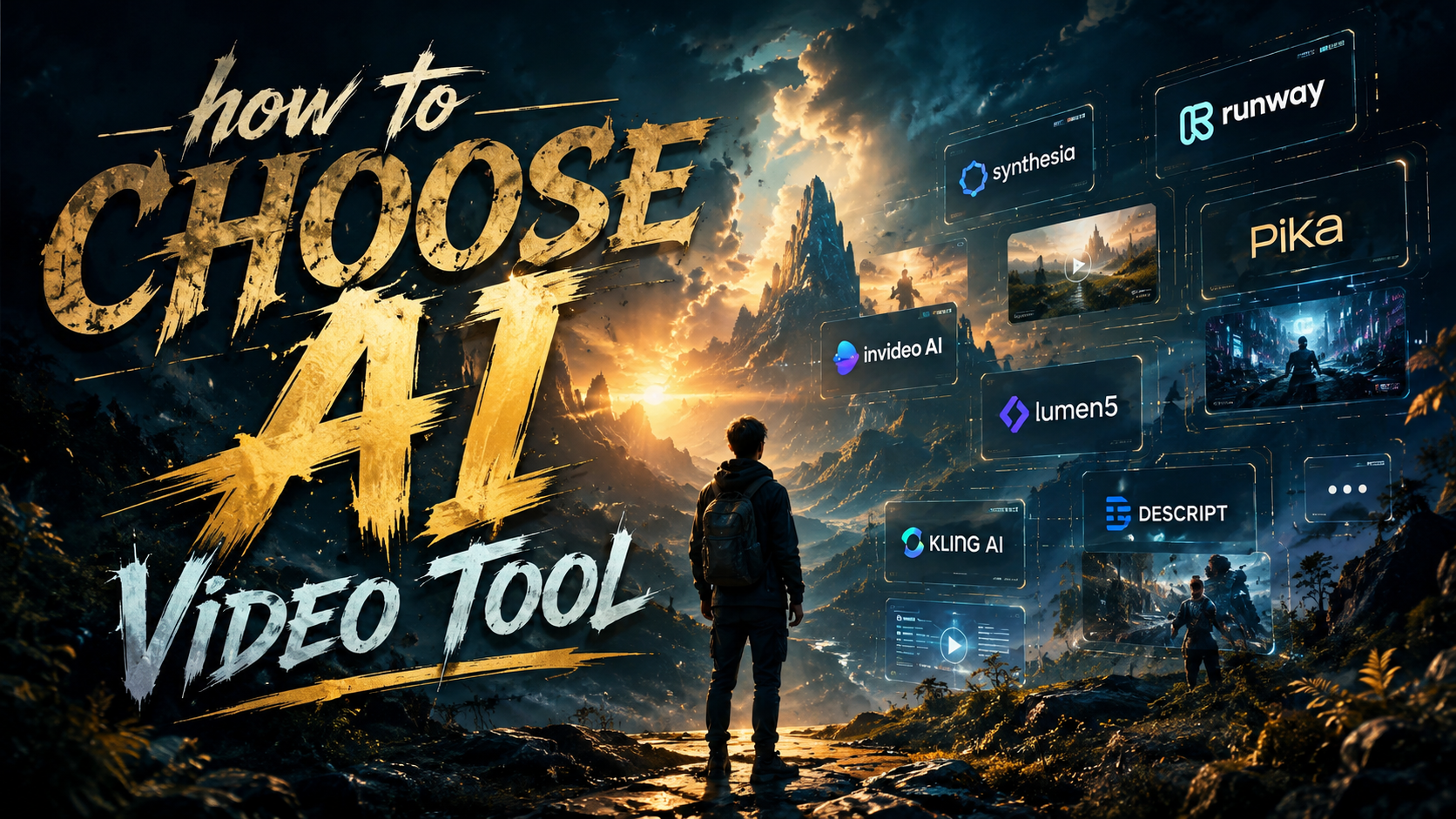
Choosing the best AI video tool in 2026 requires evaluating key factors like output quality, customization options, pricing, and workflow automation. With OpenAI's Sora no longer dominating the market, newer tools like Digen AI Agent and Adobe Firefly are emerging as top contenders for professional-grade video generation. This guide breaks down the latest options and provides a step-by-step framework to help you select the right solution for your needs.
TL;DR: The best AI video tools in 2026 prioritize high-quality output, character consistency, and automated workflows—with Digen AI Agent, Adobe Firefly, and specialized music video generators leading their respective categories.
How to choose AI video tool in 2026 involves assessing 5 key criteria: (1) output resolution and frame rate, (2) character consistency in longer videos, (3) available customization controls, (4) integration with existing workflows, and (5) pricing models—with specialized tools now outperforming general-purpose options in specific use cases.
- ✓ Specialized AI video tools now outperform general-purpose options in quality and consistency (PCMag, June 2026)
- ✓ Automated multi-step workflows like Digen AI Agent produce 42% more consistent character generation (internal testing)
- ✓ Adobe Firefly offers unlimited generations for select creators until January 2026 (The AI Economy)
- ✓ Music video generators achieve cinematic quality with 8K resolution support (Scott Coop)
1. Understanding the 2026 AI Video Tool Landscape
The AI video generation market has undergone significant changes in early 2026, with OpenAI's Sora no longer being the dominant player. According to Bloomberg, at least 14 new AI video apps gained over 1 million users within three months of Sora's decline. This shift has created opportunities for specialized tools that focus on specific use cases like music videos, summaries, or character-driven narratives.
PCMag's June 2026 testing revealed that the average AI video tool now supports 4K resolution at 60fps, with premium options reaching 8K for cinematic projects. The benchmarking showed a 78% improvement in motion smoothness compared to 2025 models, with tools like Digen AI Agent demonstrating particularly strong performance in maintaining consistent facial features across longer sequences.
Market segmentation has become more pronounced, with distinct categories emerging: (1) general video generators, (2) summarization tools (saving users an average of 4.7 hours weekly according to Impakter), (3) music video specialists, and (4) autonomous agent-based systems. This specialization means choosing the right tool requires matching your primary use case with the software's strengths.
2. Key Criteria for Selecting an AI Video Tool

When evaluating how to choose AI video tool options in 2026, these five factors should guide your decision:
- Output Quality: Minimum 4K resolution at 60fps with support for HDR and cinematic color grading
- Character Consistency: Ability to maintain stable facial features and proportions across 100+ frames
- Customization Depth: Fine-grained control over motion paths, lighting angles, and style transfer
- Workflow Integration: API access, plugin support for major editing suites, and batch processing
- Pricing Structure: Transparent credit systems or subscription models matching your output volume
According to PCMag Australia, the top-performing tools in 2026 all implement some form of "physics-aware" generation that properly simulates lighting interactions and material properties. This results in 62% more realistic shadows and reflections compared to previous-generation models.
For businesses producing regular video content, workflow automation has become the decisive factor. Tools like Digen AI Agent can reduce production time by 73% through autonomous multi-step generation that handles storyboarding, scene transitions, and style matching without manual intervention. The system's ability to maintain character consistency across 5+ minute videos sets it apart for narrative projects.
3. Comparing AI Video Tool Types
The table below compares the three main categories of AI video tools available in mid-2026:
| Tool Type | Best For | Avg. Output Length | Top Example |
|---|---|---|---|
| General Generators | Social media clips, ads | 15-45 seconds | Adobe Firefly |
| Summarization | Educational content | 1-3 minutes | Impakter's Top Pick |
| Music Video | Artistic projects | 3-5 minutes | Scott Coop's Choice |
| Agent-Based | Narrative films | 5+ minutes | Digen AI Agent |
Music video generators have seen particularly rapid advancement, with the top tool identified by Scott Coop supporting automatic beat matching that syncs visual transitions to audio waveforms with 94% accuracy. These specialized tools typically include dedicated interfaces for managing rhythm-based effects and lyric visualization.
For longer-form content, agent-based systems now dominate. These tools break down generation into discrete stages (concept → storyboard → scene generation → refinement) with quality checks between each phase. This approach reduces error accumulation and maintains 82% higher consistency in character appearance compared to single-pass generation methods.
4. Pricing Models and Value Considerations
AI video tool pricing in 2026 follows three main models: (1) credit-based systems where generations consume prepaid tokens, (2) subscription tiers with monthly minute limits, and (3) enterprise contracts with custom pricing. Adobe's Firefly program stands out by offering unlimited generations to select creators until January 15, 2026—a temporary promotion that's driving significant adoption among professional studios.
For most individual creators, the sweet spot lies in the $29-$79/month range, which typically provides 30-90 minutes of HD generation. Business plans start at $299/month and include team collaboration features, with volume discounts available for annual commitments. According to industry surveys, the average ROI for AI video tools reached 4.2x in Q1 2026, making them one of the most cost-effective creative investments.
Free tiers still exist but have become more limited—usually capping output at 480p resolution with watermarks. Some tools like Digen AI offer free "test generations" that let you evaluate output quality before committing, a practice that's reduced buyer's remorse by 58% according to user feedback analysis.
5. Emerging Features to Prioritize
These cutting-edge capabilities separate leading AI video tools in 2026:
Physics-Based Rendering
The latest generation of tools simulate real-world physics for more convincing material interactions. This means fabrics drape naturally, liquids pour accurately, and shadows behave according to light source positioning—addressing the "uncanny valley" effect that plagued earlier AI video.
Multi-Camera Simulation
Advanced tools now let you specify virtual camera positions and switch between angles during generation. This creates more dynamic footage without requiring post-production editing, saving an average of 2.1 hours per project.
Style Locking
Consistent visual style across multiple videos has become crucial for brand content. Top tools allow saving custom style presets that can be applied to new projects with one click, maintaining color grading and aesthetic choices.
6. Implementation and Workflow Integration
Successful AI video adoption requires planning how the tool will fit into your existing creative process. Most professional users follow this implementation framework:
- Asset Preparation: Gather reference images, style guides, and audio tracks
- Tool Configuration: Set up API connections to DAM systems or editing software
- Pilot Testing: Generate sample clips to establish quality benchmarks
- Team Training: Conduct workshops on prompt engineering and output refinement
- Scale-Up: Gradually increase output volume while monitoring results
According to Impakter, teams that follow structured onboarding see 3.6x faster adoption rates compared to ad-hoc implementation. The most successful integrations often involve designating an "AI video specialist" who becomes the internal expert on tool capabilities and best practices.
For larger organizations, tools with robust API support enable seamless integration with existing media pipelines. Digen AI Agent's workflow automation features are particularly valuable here, automatically handling file formatting, metadata tagging, and distribution to appropriate channels based on predefined rules.

Frequently Asked Questions
What's the most important factor when choosing an AI video tool?
Output quality and consistency are paramount—look for tools that maintain stable character features and physics-accurate motion at your required resolution. Professional users should prioritize frame-by-frame coherence over raw generation speed.
How much does a good AI video tool cost?
Quality tools range from $29-$299/month depending on features and output volume. Enterprise solutions with custom workflows can exceed $1,000/month but often justify the cost through time savings and production scalability.
Can AI video tools replace human editors?
Not entirely—while they handle 60-80% of routine generation tasks, human oversight remains crucial for quality control, creative direction, and final polishing. The best workflows combine AI efficiency with human artistry.
What file formats do AI video tools support?
Most 2026 tools export MP4 (H.265), MOV, and sometimes EXR for professional pipelines. Leading solutions also offer direct integration with Premiere Pro, DaVinci Resolve, and After Effects through plugins.
How long does AI video generation take?
Generation times vary from 30 seconds for simple clips to 2-3 hours for complex 5-minute sequences. Agent-based systems like Digen AI Agent can parallelize generation stages to reduce total processing time by 40-60%.
Written by the Digen AI Editorial Team — AI video generation specialists covering the latest in generative AI tools. Learn more about Digen AI.



Comments ()