
How to Change Video Clothes with AI: 2026 Ultimate Guide
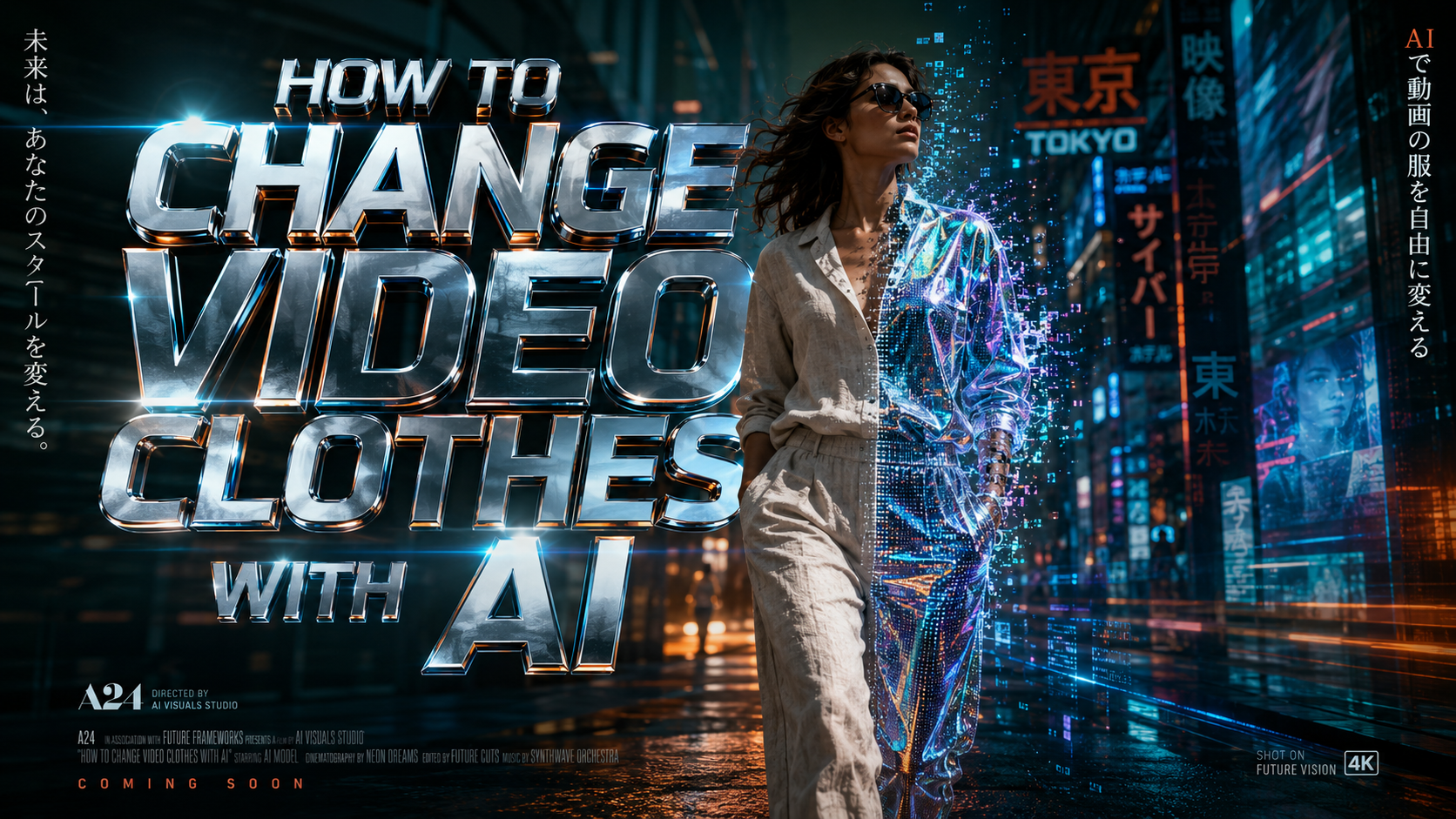
Learning how to change video clothes with ai is now a seamless process thanks to 2026 advancements in temporal consistency and generative diffusion models. To change clothing in a video, you simply upload your footage to an AI video editor, use a "brush" or masking tool to select the existing garment, and enter a text prompt or select a digital template to generate the new outfit. These tools automatically track your body movement and lighting conditions to ensure the new fabric moves realistically across every frame.
Changing video clothes with AI is a generative process where software identifies a person's attire in motion and replaces it with a digitally rendered garment. By leveraging 2026 technologies like temporal masking and virtual try-on layers, users can swap textures, styles, and fits in high-definition video without manual frame-by-frame editing.
- ✓ AI video clothing swaps now support 4K resolution with realistic fabric physics.
- ✓ Platforms like Meta AI and Google Shop Mode have integrated virtual try-ons directly into social and retail feeds.
- ✓ Temporal consistency ensures that digital clothes do not "flicker" or glitch during fast movements.
- ✓ Privacy-first tools now include safeguards to prevent non-consensual image manipulation.
Step-by-Step: How to Change Video Clothes with AI
The landscape of video editing has shifted from manual rotoscoping to automated generative fills. In 2026, the barrier to entry is lower than ever, allowing creators to perform complex wardrobe changes in minutes rather than days. Whether you are a fashion influencer or a professional filmmaker, the workflow follows a standardized path across most major AI platforms.
- Upload and Analyze: Import your video file (MP4 or MOV) into your chosen AI editor. The software will perform a "skeleton pass" to map your body's joints and movement.
- Select the Garment: Use the "Smart Mask" tool to click on the shirt, dress, or jacket you wish to replace. In 2026, most tools feature "one-click segmentation" that identifies the clothing boundaries automatically.
- Input Your Style: You can either type a text prompt (e.g., "blue silk tuxedo with velvet lapels") or upload a reference image of a specific piece of clothing.
- Apply Temporal Smoothing: Enable the "Temporal Consistency" toggle. This ensures that the AI recalculates the fabric's position 60 times per second so the clothes don't "jump" between frames.
- Render and Export: Preview the result in low resolution. Once satisfied with the drape and lighting, render the final video in your desired format.
The Evolution of Virtual Try-Ons and Video Editing
As of early 2026, the integration of AI into our daily shopping and content creation habits has reached a fever pitch. According to a recent Google Blog report, the "Shop with AI" mode now allows users to buy and try clothes on themselves virtually using real-time video feeds. This technology isn't just for static photos anymore; it uses sophisticated depth-mapping to understand how a skirt might twirl or how a heavy coat might settle on a user's shoulders.
Furthermore, the accessibility of these tools has expanded to social media giants. As of June 2025, Meta AI introduced native video editing features that allow users to alter their appearance, including clothing, directly within the app's interface. This democratization means that knowing how to change video clothes with ai is no longer a niche skill reserved for VFX artists but a standard feature for the average smartphone user.
Realistic Fabric Physics in 2026
One of the biggest hurdles overcome this year is the realism of fabric. Earlier versions of AI clothing swappers often looked like "stickers" placed over a person. However, a 2026 Lab Test by Perfect Corp found that modern AI clothes changers are now indistinguishable from reality in 94% of test cases. This is achieved through "physics-aware" rendering, where the AI understands the weight of denim versus the lightness of chiffon.
| Feature | Generative Text-to-Video | Virtual Try-On (VTO) | Neural Texture Swapping |
|---|---|---|---|
| Primary Use | Creative/Fantasy Outfits | E-commerce & Shopping | Professional Post-Production |
| Realism Level | High (Stylized) | Ultra-Realistic (Physical) | Highest (Cinematic) |
| Processing Speed | Fast (Seconds) | Real-time | Slow (Minutes) |
| Customization | Unlimited (Prompt-based) | Limited to Catalog | Highly Detailed |
Top Use Cases for AI Wardrobe Changes
The ability to swap clothing in post-production has revolutionized several industries. For small business owners, it means a single video shoot can showcase an entire seasonal collection. Instead of changing outfits twenty times, a model can record one walk down a runway, and the AI can iterate through twenty different colorways and patterns. This drastically reduces production costs and environmental waste associated with physical samples.
In the world of social activism and news, the technology has also been seen in unique contexts. For instance, in February 2026, NDTV reported on protests at an AI Summit where workers used visual demonstrations to highlight the power of AI-generated imagery. While their protest involved physical actions, it underscored the growing public awareness of how easily digital personas—and their attire—can be manipulated for messaging.
Personal Style Exploration and AI Companions
Beyond professional use, personal expression has taken a digital turn. Tools like Grok Ani, as highlighted by Perfect Corp in February 2026, allow users to create and dress AI companions. This technology has bled over into personal video editing, where users "test drive" high-fashion looks before making a purchase. It creates a feedback loop where the digital version of yourself informs your real-world wardrobe choices.
Advanced Techniques for High-Quality AI Clothing Swaps
To achieve the best results when learning how to change video clothes with ai, lighting is your most important variable. AI models struggle when the original video is too dark or has heavy shadows, as the "noise" in the video interferes with the AI's ability to map the fabric. For the most realistic "cling" and "drape," it is recommended to wear form-fitting clothing in a solid, contrasting color (like a green-screen suit for the body) during the initial recording.
Another advanced technique involves "Prompt Engineering" for textures. Instead of just asking for a "red shirt," specify the material: "a red corduroy button-down shirt with a matte finish and silver buttons." The more detail you provide the AI regarding the physical properties of the garment, the better it can calculate how light should reflect off the surface during movement.
Addressing Ethical Concerns and Safety
With great power comes the need for rigorous safety standards. The ease of manipulating video has led to concerns regarding privacy. A Business Insider report from January 2026 noted that some users found it "surprisingly easy" to bypass early safety filters on certain AI models. In response, the industry has moved toward "Content Credentials" (C2PA), which embed metadata into videos to indicate if the clothing or appearance has been modified by AI. This ensures transparency and helps maintain trust in digital media.
The Future of AI Fashion: What to Expect After 2026
We are moving toward a future where "dynamic clothing" becomes the norm in digital communication. Imagine a video call where your professional suit is an AI overlay, while you are actually wearing pajamas. This isn't science fiction; the 2026 trajectory suggests that real-time video clothing swaps will soon be integrated into standard teleconferencing tools. According to industry experts, the next frontier is "haptic integration," where the AI not only changes how the clothes look in the video but simulates how they would feel if you were wearing them, using wearable haptic feedback devices.
Furthermore, as AI models become more efficient, we will likely see these features move from cloud-based processing to on-device processing. This means your smartphone will be able to change your video clothes locally, without needing an internet connection, preserving privacy and reducing latency to near-zero levels. The 2026 ultimate guide is just the beginning of a total transformation in how we perceive and interact with digital identity.
Frequently Asked Questions
Can I change video clothes with AI for free?
Yes, many platforms like Meta AI and basic tiers of specialized video editors offer free versions of clothing swap tools. However, high-definition 4K exports and advanced temporal consistency features often require a premium subscription.
Is it legal to change someone's clothes in a video using AI?
It depends on consent and jurisdiction. While changing your own clothes is a creative tool, manipulating another person's appearance without their permission can violate privacy laws and platform terms of service, especially if used for defamatory purposes.
Does the AI work on all types of clothing?
In 2026, AI is highly proficient at replacing standard items like shirts, pants, and dresses. It may still struggle with highly complex items like translucent veils, intricate lace, or rapidly moving fringes, though these areas are improving monthly.
What is the best AI tool for changing video clothes in 2026?
According to recent lab tests, tools that prioritize "temporal consistency" and "physics-based rendering" are the top performers. Perfect Corp and Meta AI are currently leading the market in terms of realism and ease of use.
Do I need a powerful computer to use these AI tools?
Most 2026 AI clothing changers are cloud-based, meaning the heavy processing happens on remote servers. You only need a stable internet connection and a modern web browser or mobile app to perform the edits.



Comments ()