
How to Change Video Background with AI: 2026 Ultimate Guide
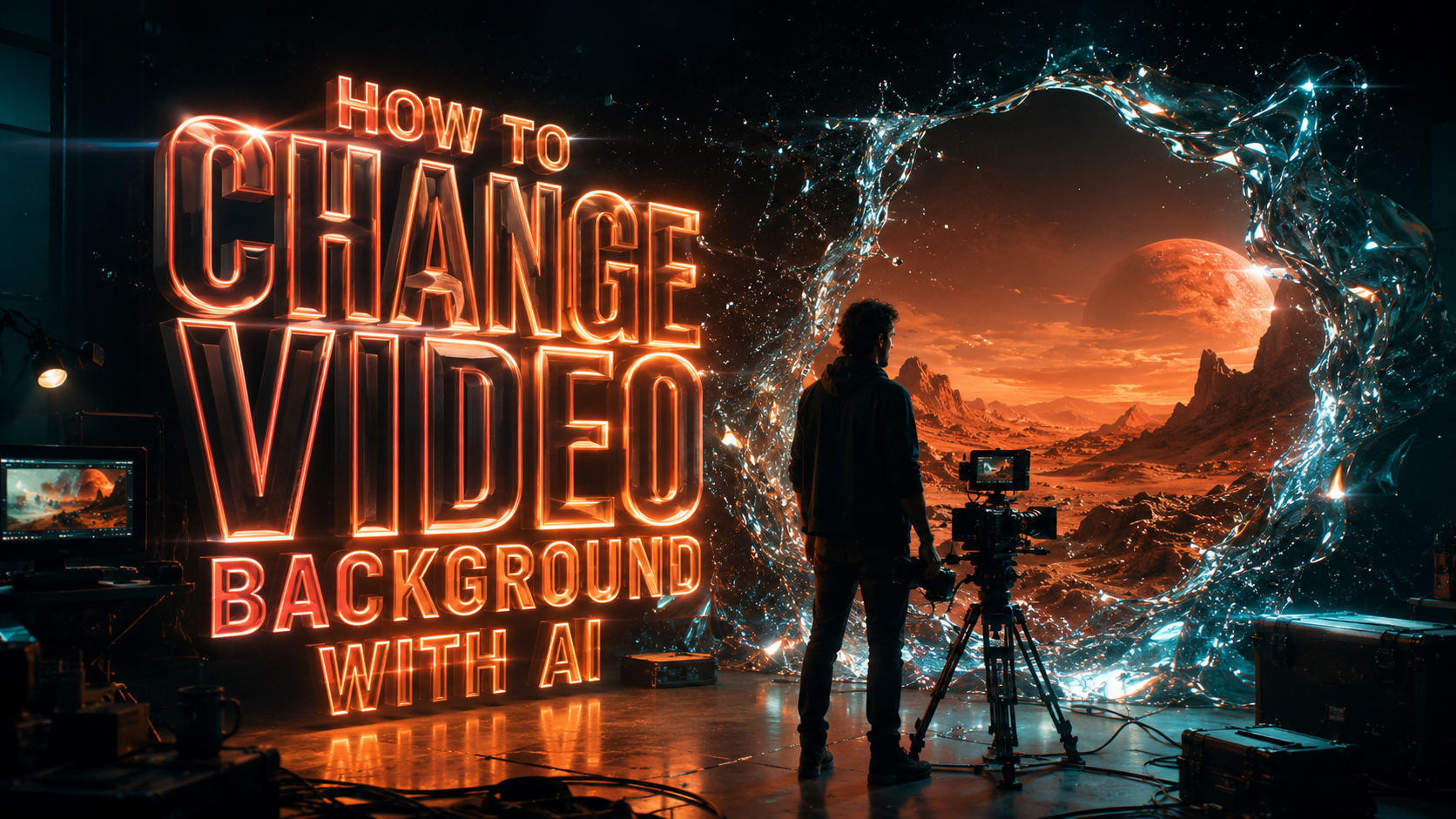
Learning how to change video background with AI has become a streamlined process in 2026, moving away from complex manual masking to automated generative workflows. To change your video background, you simply upload your footage to an AI-powered editor, select the subject-removal tool, and enter a text prompt or select a preset to generate a new environment. Recent advancements in 2026, such as the Beeble SwitchX generative engine, now allow for these transformations while keeping the primary subject perfectly intact without the "shimmering" artifacts seen in previous years.
AI video background removal is a machine learning process where neural networks identify the foreground subject and isolate it from the background in real-time. In 2026, this technology has evolved into "generative transformation," allowing users to not only remove backgrounds but replace them with hyper-realistic, AI-generated 3D environments that interact naturally with the subject's lighting and shadows.
- ✓ AI-driven background processing now supports 8K resolution in tools like Lightroom Classic 15.3.
- ✓ Generative video transformation engines like Beeble SwitchX ensure subject integrity during environment swaps.
- ✓ Physical AI models, such as those in the NVIDIA Cosmos Cookbook, provide realistic physics for background elements.
- ✓ Mobile background replacement is now standard on both iOS and Android via enhanced neural engine processing.
Step-by-Step: How to Change Video Background with AI
The process of altering your video's environment has been simplified by the latest 2026 software releases. Whether you are a professional cinematographer using Lightroom Classic 15.3 or a content creator using mobile tools, the workflow follows a consistent, high-efficiency path. By leveraging background AI processing, the heavy lifting is handled by cloud servers or local GPUs, drastically reducing render times.
- Import Your Footage: Upload your video file (MP4, MOV, or ProRes) to your chosen AI editor. For high-end professional work, Lightroom Classic 15.3 now supports background AI processing for video workflows.
- Select the Subject: Use the "AI Masking" or "Auto-Subject" tool. Modern engines like Beeble SwitchX automatically detect the boundaries of the person or object, even with complex hair or transparent elements.
- Choose Your Replacement: You can choose from a library of stock backgrounds, upload your own image/video, or use a "Text-to-Background" prompt to generate a unique environment from scratch.
- Apply Generative Lighting: Ensure you enable "Light Wrap" or "Generative Relighting." This feature, pioneered by UCF researchers in late 2025, adjusts the lighting on your subject to match the new background.
- Export and Refine: Review the edges for any flickering. In 2026, most tools offer a "Temporal Consistency" toggle to ensure the background remains stable throughout the clip.
The Evolution of AI Background Removal in 2026
As of April 2026, the landscape of video editing has shifted from simple "green screen" replacement to full-scale environmental synthesis. According to a recent report from Fstoppers, the release of Lightroom Classic 15.3 marked a turning point by integrating three new Firefly workflows specifically designed for background AI processing. This allows photographers and videographers to apply complex edits to the background of a scene without affecting the color grade or sharpness of the primary subject.
Generative Video Transformation and Beeble SwitchX
One of the most significant breakthroughs of 2026 is the Beeble SwitchX engine. Unlike older methods that often left a "halo" effect around the subject, SwitchX uses generative video transformation to rebuild the background pixels around the subject's movement. This ensures that even if a subject is moving rapidly, the AI understands the depth map of the scene. This technology is particularly useful for creators who need to change video background with AI while maintaining a professional, cinematic look that is indistinguishable from on-location filming.
Physical AI and the NVIDIA Cosmos Cookbook
For those working in high-end production, NVIDIA’s Cosmos Cookbook has introduced "Physical AI" into the background generation process. According to NVIDIA Technical Blog data from late 2025, scaling data generation for physical AI allows backgrounds to react to the foreground. For example, if a subject "walks" through a generated forest, the AI can simulate the movement of leaves or the shifting of shadows based on the subject's virtual position. This level of immersion was previously impossible without multi-million dollar "Volume" stages.
Comparing Top AI Video Background Tools of 2026
Choosing the right tool depends on your hardware and the complexity of your project. Below is a comparison of the leading technologies available as of mid-2026.
| Feature | Lightroom Classic 15.3 | Beeble SwitchX | Vmake AI (2026 Edition) | NVIDIA Cosmos |
|---|---|---|---|---|
| Primary Use | Professional Color/Masking | Generative Transformation | All-in-One Enhancement | Physical AI/Data Scaling |
| AI Engine | Adobe Firefly (3 Workflows) | SwitchX Neural Engine | Vmake Vision 4.0 | NVIDIA Cosmos SDK |
| Processing Style | Background AI Processing | Real-time Generative | Cloud-based Batch | Local GPU/Edge AI |
| Best For | Photographers/Hybrid Creators | VFX Artists | Social Media/E-commerce | Developers/Pro Studios |
How to Change Video Background with AI on Mobile Devices
The democratization of AI video editing has reached a peak in 2026, with mobile processors now capable of handling tasks that once required a workstation. Tools like Vmake AI have been hailed as the "Ultimate All-in-One Video Enhancement Toolkit" by industry reviewers such as That Eric Alper. For mobile users, the focus is on speed and ease of use, often requiring nothing more than a single tap to swap a cluttered home office for a professional studio environment.
AI Filters and Social Media Integration
Mobile AI video editing isn't just about professional backgrounds; it's also about creative expression. The "AI Kissing Filter" trend, which gained massive popularity in early 2026 via platforms like Perfect Corp, demonstrates how sophisticated "subject interaction" has become. These mobile tools use the same underlying technology as professional background changers—specifically, high-fidelity segmentation—to allow users to manipulate video content for free on iPhone and Android devices.
UCF Research and the Future of Mobile Editing
Research from the University of Central Florida (UCF) in late 2025 led to the creation of new AI video editing technology that has since been integrated into many mobile apps. This research focused on reducing the computational power required for "temporal coherence," which is the AI's ability to remember what the background looked like in the previous frame. This breakthrough allows mobile devices to change video background with AI without overheating or draining the battery, making long-form mobile video editing a reality in 2026.
Advanced Techniques for Seamless Background Swapping
To truly master how to change video background with AI, you must look beyond the initial swap and focus on the "composite." The goal is to make the subject look like they were actually there. Professional editors in 2026 utilize "Depth-Aware Compositing," a technique where the AI generates a Z-depth map of both the subject and the new background to ensure the focal plane matches perfectly.
Matching Lighting and Color Temperature
The most common mistake when you change video background with AI is a mismatch in lighting. If your subject was filmed under warm indoor lights but your AI background is a snowy mountain at noon, the image will look fake. Adobe’s latest Firefly workflows in Lightroom 15.3 solve this by using "Generative Match," which samples the color palette of the new background and applies a non-destructive color grade to the subject to harmonize the two elements.
Utilizing AI-Generated Soundscapes
A complete background change should also involve an audio change. In 2026, many AI video toolkits now include "Environmental Audio Synthesis." When you change a background from a city street to a quiet library, the AI automatically detects the change and offers to replace the background noise with a generated soundscape that matches the visual. This holistic approach to AI editing ensures that the viewer's immersion is never broken.
The Role of Physical AI in Background Realism
According to research published by NVIDIA, the use of "Physical AI" is the next frontier for video background replacement. By training AI models on the laws of physics—gravity, light bounce, and fluid dynamics—the backgrounds generated in 2026 no longer feel like static images. If your video features a subject holding a shiny object, the AI-generated background will actually reflect in that object in real-time. This is achieved through the NVIDIA Cosmos Cookbook, which provides the framework for scaling these complex data generations for creators worldwide.
Can I change video background with AI for free in 2026?
Yes, many mobile applications and web-based tools offer free versions of their AI background removal features. However, professional suites like Lightroom Classic 15.3 or the Beeble SwitchX engine typically require a subscription for high-resolution 8K exports and advanced generative features.
What is "Background AI Processing" in Lightroom 15.3?
Background AI Processing is a new feature that allows the software to handle heavy AI masking and generative tasks in the background while you continue to edit other parts of your project. This significantly improves workflow efficiency by eliminating the "wait time" for AI rendering.
Do I need a green screen to change video backgrounds in 2026?
No, green screens are largely obsolete for standard content creation in 2026. Modern AI engines use neural networks to perform "rotoscoping-free" subject isolation, meaning they can distinguish between a person and a complex background without the need for a solid color backdrop.
Is Beeble SwitchX better than traditional masking?
Beeble SwitchX is considered superior for generative tasks because it focuses on "subject integrity." While traditional masking simply cuts the subject out, SwitchX uses generative AI to ensure the edges and lighting of the subject blend perfectly with the new environment.
How does AI handle complex hair or transparent objects in video?
In 2026, AI models use "Alpha Matting" neural networks that analyze pixels at a sub-pixel level. This allows the AI to accurately identify fine details like stray hairs or the transparency of a glass of water, ensuring they are preserved during the background change.
As we move further into 2026, the ability to change video background with AI will only become more sophisticated. With the integration of physical AI, real-time generative lighting, and background processing workflows in tools like Lightroom and Vmake AI, the line between reality and digital synthesis has virtually disappeared. Whether for professional film production or social media content, these tools empower anyone to tell stories in any environment they can imagine.



Comments ()