
How to Automate Video Editing with AI in 2026: Full Guide
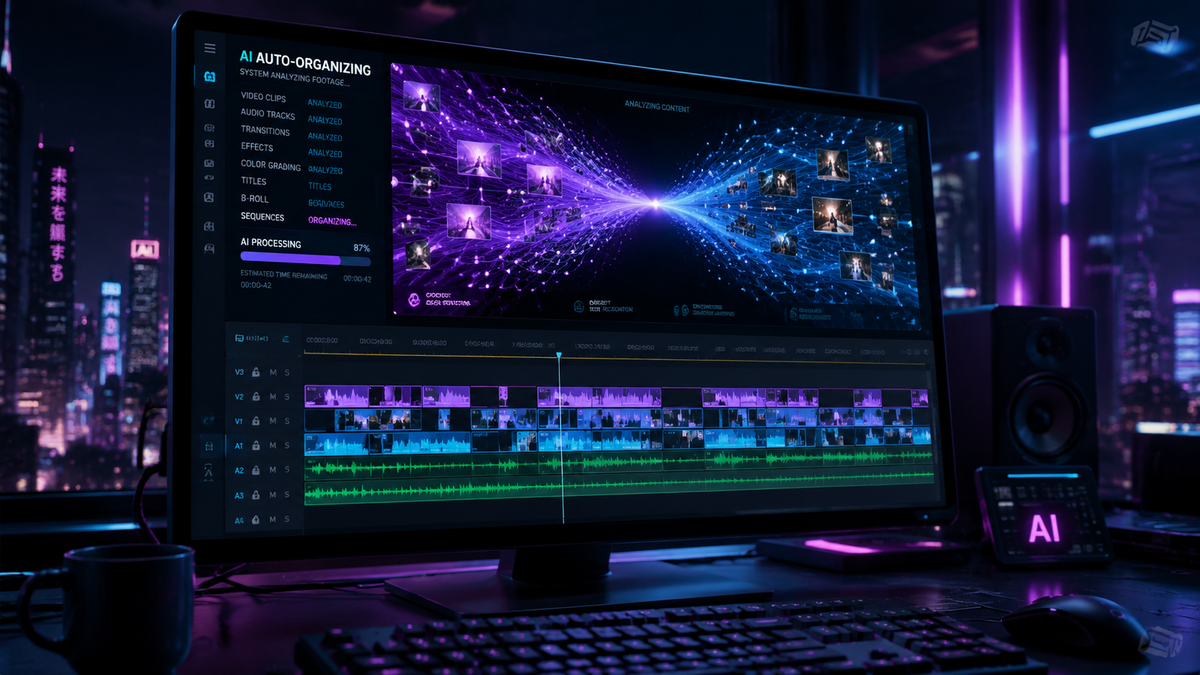
Learning how to automate video editing with ai in 2026 involves leveraging generative models and automated "quick cut" tools to handle repetitive tasks like trimming, color grading, and captioning. By integrating AI-driven software into your workflow, you can reduce production time by up to 80%, allowing you to focus on creative storytelling rather than technical manual labor. The process typically starts with uploading raw footage to a cloud-based AI editor, applying automated scene detection, and using natural language prompts to generate final polished versions.
AI video automation is the use of machine learning algorithms and generative AI to perform video post-production tasks—such as cutting, audio leveling, and subtitle generation—without manual intervention. In 2026, this technology has evolved into "prompt-to-edit" systems that understand narrative context, enabling creators to scale content production across platforms like Web3 and social media instantly.
- ✓ Automate tedious tasks like silence removal and color matching in seconds.
- ✓ Utilize "Quick Cut" features from major providers like Adobe to sync edits to beats.
- ✓ Scale Web3 and social media content using generative AI video creators.
- ✓ Maintain human oversight to ensure brand voice and emotional resonance.
- ✓ Leverage cloud-based processing for high-speed rendering of 4K and 8K footage.
The Step-by-Step Process: How to Automate Video Editing with AI
In 2026, the barrier to high-quality video production has never been lower. Whether you are a solo creator or a large marketing firm, the workflow for automation follows a standardized path that ensures both speed and quality. The integration of tools like Xelta AI and Adobe’s Firefly Video Editor has made it possible to turn raw files into finished products with minimal clicks.
- Select Your AI Platform: Choose a tool based on your needs. For rapid social media scaling, tools like Xelta AI are ideal, while Adobe Firefly Video Editor (featuring the new Quick Cut) is better for professional-grade projects.
- Ingest and Analyze: Upload your raw footage. The AI will perform "Scene Intelligence" to identify key subjects, speakers, and dead air.
- Apply Automated Cuts: Use a "silence removal" or "jump cut" automation to strip away unnecessary pauses. In 2026, AI can now distinguish between a dramatic pause and an accidental silence.
- Generate B-Roll and Assets: Use generative prompts to fill gaps in your footage with AI-generated B-roll that matches the lighting and style of your original video.
- Automate Audio and Captions: Apply AI voice leveling and auto-captioning. Modern tools provide 99.9% accuracy in multiple languages, including real-time translation for global distribution.
- Review and Export: While AI does the heavy lifting, a final human review ensures the pacing is correct before exporting in multiple aspect ratios for different platforms.
The Evolution of AI Video Tools in 2026
The landscape of video production has shifted dramatically over the last year. According to Market.us, the AI video market is currently growing at a CAGR of 36.20%, reflecting a massive transition from manual timelines to automated workflows. This growth is driven by the demand for hyper-personalized content and the need for businesses to remain competitive in a fast-paced digital economy.
Adobe Firefly and the "Quick Cut" Revolution
A major milestone in 2026 was the introduction of Quick Cut for Firefly Video Editor by Adobe in February. This feature allows editors to describe a desired mood or rhythm via text, and the AI automatically aligns the footage to the beat of the background music. This has significantly reduced the time spent on "rough cuts," which used to take hours and now take seconds. This tool represents the peak of how to automate video editing with ai for professional environments where precision is still paramount.
Xelta AI and the Rise of Free Generative Tools
On the more accessible side of the spectrum, Xelta AI has gained significant traction by offering a free AI video generator that prioritizes speed. These platforms are particularly popular among creators who need to produce high volumes of content for Web3 and decentralized platforms. By using Xelta AI, users can generate full video segments from simple text prompts, effectively automating the "creation" phase as well as the "editing" phase.
Comparing AI Video Automation Solutions
Choosing the right tool depends on your specific output requirements. Below is a comparison of the leading technologies available in 2026.
| Feature | Adobe Firefly (Quick Cut) | Xelta AI | Generic Cloud Editors |
|---|---|---|---|
| Primary Strength | Professional Precision | Speed & Generative Content | Ease of Use |
| Automation Level | High (Workflow Integration) | Full (Prompt-to-Video) | Moderate (Templates) |
| Target Audience | Post-Production Houses | Web3 Creators & Social Media | Small Business Owners |
| Pricing Model | Subscription-based | Freemium / Credit-based | Monthly Flat Fee |
Scaling Content for Web3 and Beyond
As reported by quasa.io in May 2026, creators are increasingly using AI to scale content specifically for the Web3 ecosystem. The decentralized nature of the new web requires a constant stream of high-fidelity video updates, community AMAs, and educational content. Automating the editing process allows these decentralized projects to maintain a "human" feel without the overhead of a traditional production studio.
The key to success in this area is "Style Transfer." AI tools can now take a single piece of master content and automatically re-edit it into different styles—such as a gritty documentary look or a bright, high-energy social media aesthetic—to suit different community segments. This level of how to automate video editing with ai ensures that the brand remains consistent while the delivery remains diverse.
The Role of Generative AI in Video Scaling
Generative AI is no longer just about creating images; it is about creating contextually aware video sequences. In 2026, AI can analyze a 10-minute interview and automatically extract the most "viral" 60 seconds, add captions, and format it for vertical viewing. This "micro-content" generation is the backbone of modern digital marketing, allowing a single video shoot to yield dozens of unique assets.
Why Human Editors Remain Essential
Despite the staggering technological leaps, Entrepreneur.com highlights a critical point: AI is not replacing human video editors. Instead, businesses are encouraged to harness AI as a "co-pilot." The nuance of emotional storytelling, the subtle timing of a joke, and the strategic placement of brand messaging still require a human touch. AI can handle the "what" and the "how," but the "why" remains a human domain.
The most successful creators in 2026 are those who treat AI as a high-speed assistant. By automating the technical chores—like proxy generation, file organization, and basic assembly—editors can spend more time on creative direction. This hybrid approach ensures that while production volume increases, the quality and emotional impact of the video do not suffer.
Trends to Watch: The Future of Video Creation
According to Metricool, the trends for the remainder of 2026 point toward "Real-Time Collaborative AI." This involves multiple users working in a cloud environment where the AI suggests edits in real-time based on live audience data. If a particular scene is causing viewers to drop off, the AI can suggest an alternative cut or a faster pace to maintain engagement. This data-driven editing is the next frontier of video automation.
Best Practices for Implementing AI in Your Workflow
To successfully integrate how to automate video editing with ai into your routine, you must start with a clean data structure. AI thrives on organized input. Ensure your files are labeled correctly, as many 2026 AI tools use "Semantic Search" to find specific clips within your library. If you ask the AI to "find all shots of the CEO smiling," it needs clear metadata to function at peak efficiency.
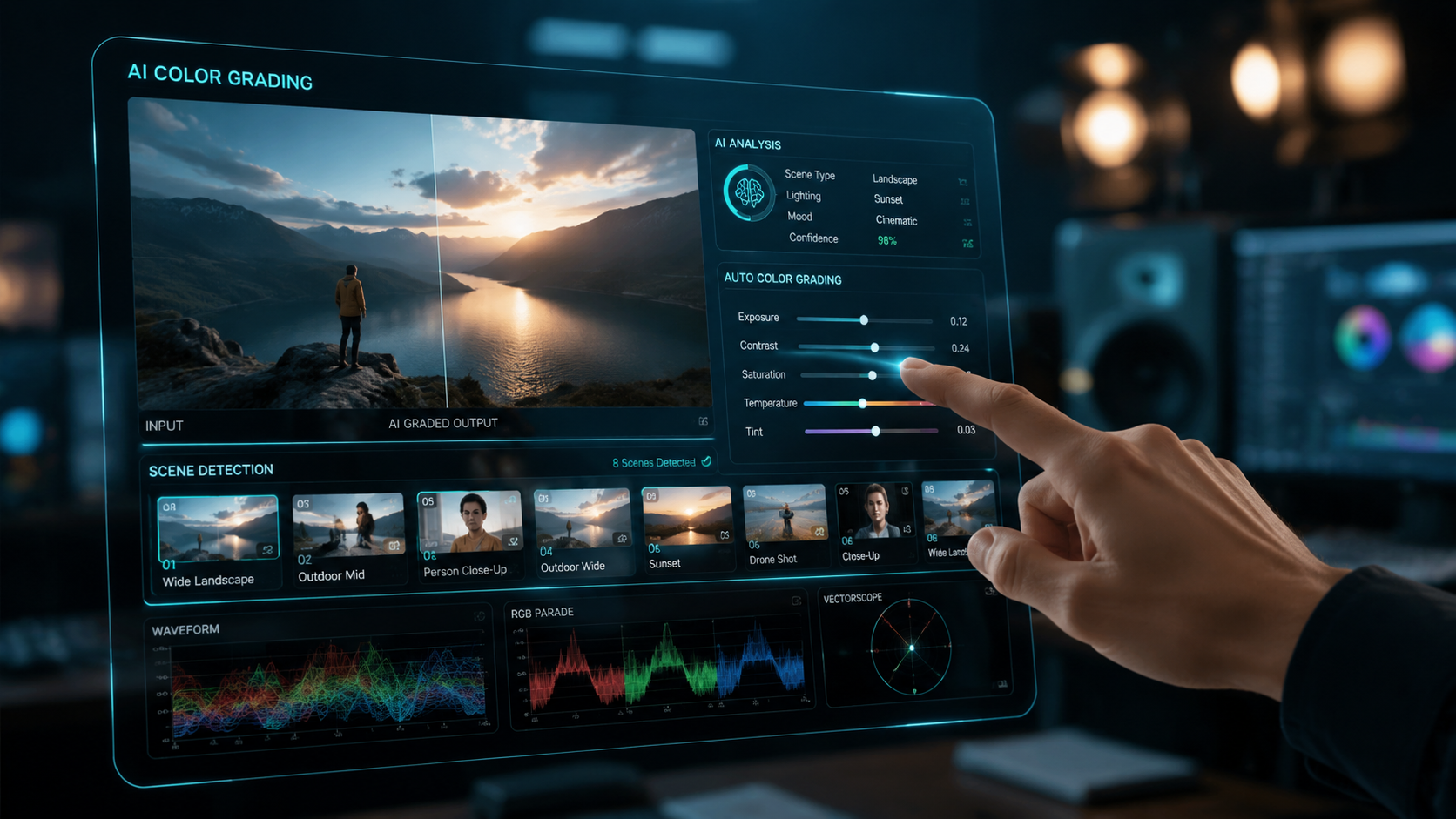
Furthermore, always verify the output of automated color grading. While AI can match shots across different cameras with incredible accuracy, it may sometimes miss the specific "mood" you are aiming for. A quick manual pass over the AI’s work ensures that the final product feels intentional and professional.
Can AI completely edit a movie in 2026?
While AI can assemble scenes and perform technical edits, a full-length movie still requires human creative direction for pacing and emotional resonance. However, AI can automate up to 70% of the technical workload in feature films.
Is Xelta AI really free to use?
Yes, Xelta AI offers a free tier that allows creators to generate and edit videos quickly, though premium features and higher resolution exports typically require a subscription or credit-based payment.
What is Adobe's "Quick Cut" feature?
Introduced in early 2026, Quick Cut is an AI tool within Adobe Firefly that uses text prompts and rhythmic analysis to automatically cut video footage to match a specific beat or narrative structure.
How does AI help with Web3 content?
AI allows Web3 projects to scale their community outreach by rapidly producing high volumes of video content, such as updates and tutorials, which are essential for decentralized platform growth.
Will AI replace professional video editors?
No, according to industry experts, AI is a tool for empowerment. It handles the repetitive, technical tasks, allowing professional editors to focus on the high-level creative and strategic aspects of storytelling.



Comments ()