
How to Animate Photos with AI: 2026 Ultimate Guide
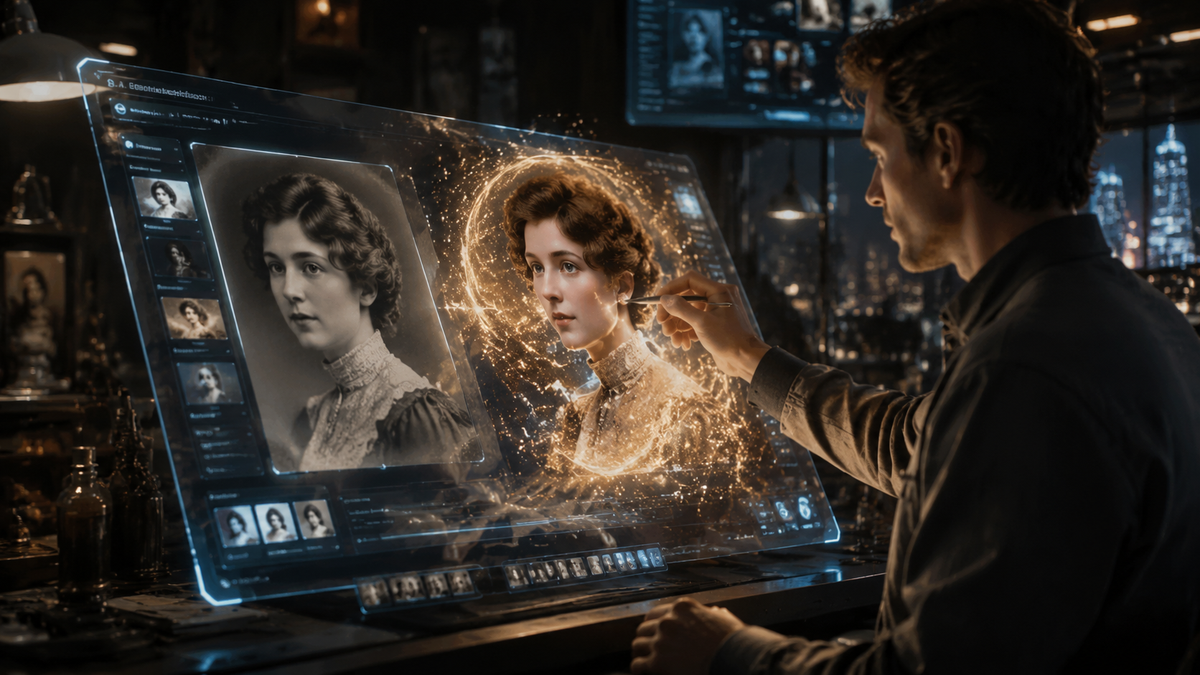
Learning how to animate photos with AI involves using generative artificial intelligence models to transform static images into dynamic videos by predicting movement between frames. In 2026, this process has become remarkably accessible, allowing anyone to convert a standard portrait or landscape into a cinematic video clip using specialized AI video generators or integrated social media tools.
AI photo animation is the process of using deep learning algorithms to interpret depth and motion in a 2D image, creating realistic movement. By 2026, tools like Mango AI and Meta AI allow users to generate high-definition cinematic motion or animated profile pictures instantly by simply uploading a file and selecting a motion style.
- ✓ AI now supports "cinematic" photo animation with 4K resolution and physics-aware motion.
- ✓ Social media platforms like Facebook have integrated native AI animation for profile pictures.
- ✓ Users can choose between automated "one-click" animation and manual "motion brushing."
- ✓ Ethical considerations regarding toy photography and creative ownership remain a key industry debate.
Step-by-Step Guide: How to Animate Photos with AI
The landscape of digital creation has shifted significantly as we move through 2026. What used to require hours of manual keyframing in complex software can now be achieved in seconds. Whether you are looking to enhance your professional portfolio or simply add flair to your social media presence, the workflow for animating photos has been streamlined across almost all major platforms.
To get started with the most modern tools available this year, follow these steps to ensure your static images come to life with the highest possible fidelity:
- Select Your AI Platform: Choose a dedicated generator like Mango AI for cinematic results, or use integrated tools within Meta’s ecosystem for social media specific content.
- Upload Your Source Image: Provide a high-resolution JPG or PNG. According to Digital Camera World, high-contrast images like toy photography or detailed portraits often yield the most dramatic AI motion results.
- Define Motion Parameters: Use "Motion Brushes" to highlight specific areas you want to move (like flowing hair or water) or select a preset animation style such as "Cinematic Pan" or "Zoom."
- Adjust Intensity and Duration: Set the "Motion Strength" slider. In 2026, most tools default to a 5-second loop, which is ideal for social media algorithms.
- Generate and Refine: Render the video. If the movement looks unnatural, use the "Seed" adjustment tool to re-roll the physics engine for a smoother transition.
- Export: Save your file as an MP4 or GIF. For Facebook users, you can now directly sync these animations to your profile via the Meta AI dashboard.
The Evolution of AI Video Generation in 2026
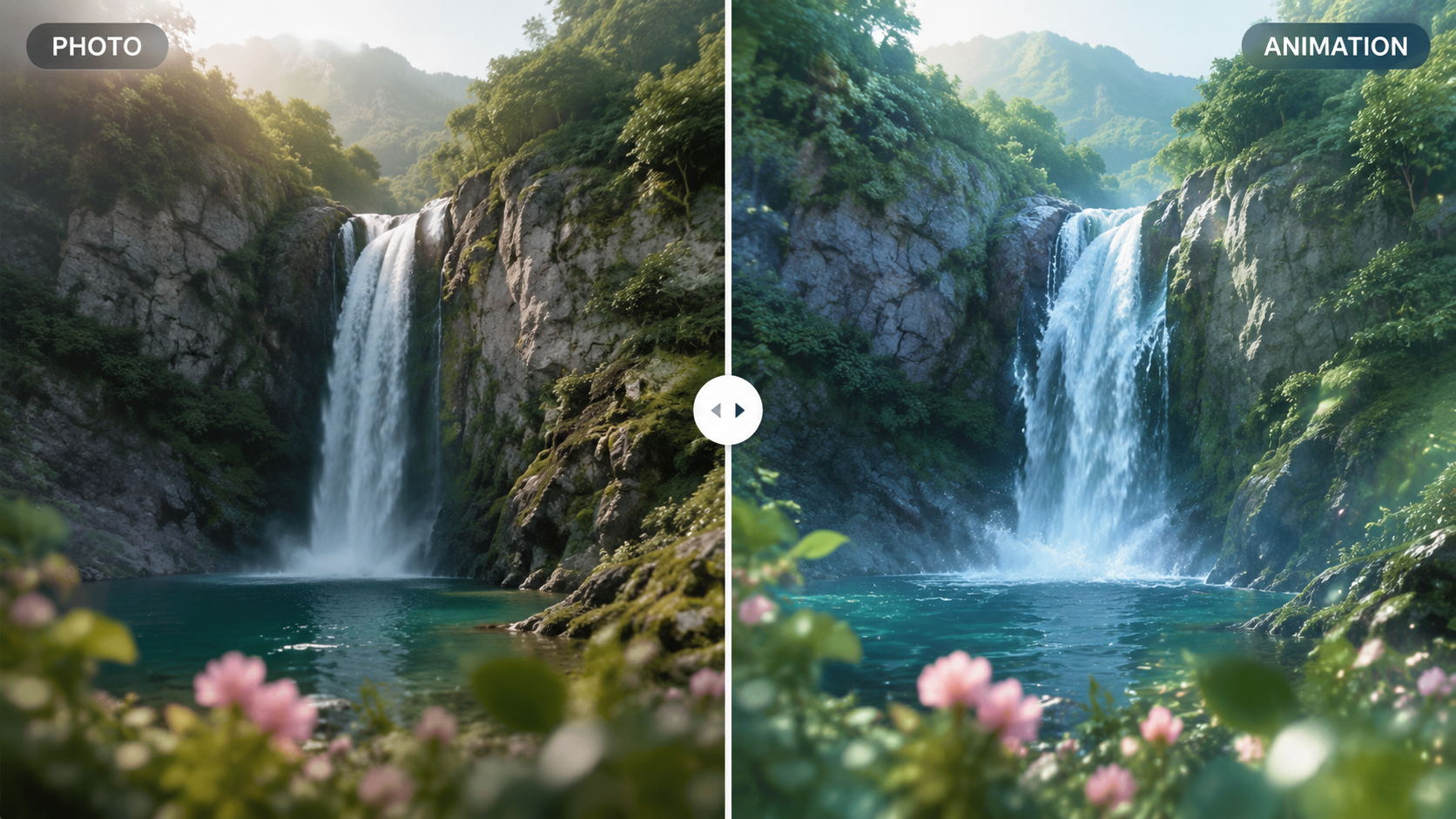
As reported by Programming Insider in May 2026, the way we create videos from images has undergone a fundamental shift. We are no longer just "warping" pixels; we are utilizing "World Models" that understand the physical properties of the objects within a photo. This means if you animate a photo of a cup of coffee, the AI understands that the steam should rise while the liquid remains relatively still, creating a level of realism that was impossible just two years ago.
Cinematic Animation with Mango AI
One of the most significant releases this year is the Mango AI Image to Video Generator. Launched in mid-May 2026, this tool focuses on "Cinematic Photo Animation." Unlike basic filters, this system uses a multi-layered approach to separate the foreground from the background, allowing for parallax effects that make a 2D photo feel like a 3D drone shot. This has become a favorite for real estate photographers and digital artists looking to add value to their static galleries.
Meta AI and Social Integration
Meta has revolutionized personal branding by allowing users to animate their Facebook profile pictures directly within the app. Since the rollout in February 2026, users have been able to apply subtle facial expressions or atmospheric movements to their avatars. According to Mashable, this feature uses a lightweight version of Meta’s video foundation model, ensuring that the animations load quickly even on slower mobile connections without sacrificing the "uncanny" realism of the user's likeness.
Comparing Top AI Photo Animation Tools of 2026
With so many options available, choosing the right tool depends on your specific needs—whether that is professional-grade cinematography or a quick social media update. The following table compares the leading technologies based on the latest 2026 data.
| Feature | Mango AI (May 2026) | Meta AI (Feb 2026) | Standard AI Generators |
|---|---|---|---|
| Primary Use Case | Cinematic & Commercial Video | Social Media Profile Pics | General Creative Experimentation |
| Max Resolution | 4K Ultra HD | 1080p Optimized | Variable (720p - 1080p) |
| Motion Control | Advanced Motion Brushing | Preset AI Expressions | Slider-based Intensity |
| Platform | Web/Desktop App | Facebook/Instagram Native | Browser-based |
| Key Benefit | Physics-accurate motion | Instant sync to profile | Accessibility & Low Cost |
How to Animate Photos with AI for Professional Results
Achieving a professional look requires more than just clicking a "generate" button. In 2026, "prompt engineering" for images has evolved into "motion engineering." To get the most out of tools like the Mango AI generator, professionals are now focusing on the composition of the original photo. Images with clear depth cues—such as a leading line or a distinct foreground subject—allow the AI to better map the 3D space it needs to animate.
According to PetaPixel, the integration of AI animation into standard photography workflows has seen a 40% increase in engagement for digital advertisers this year. The key to this success is "subtlety." Over-animating a photo can lead to "liquid pixels," where the image appears to melt. Professionals recommend keeping motion strength between 20% and 40% to maintain the integrity of the original photograph while providing just enough movement to catch the eye in a busy feed.
The Controversy of AI in Specialized Photography
Not everyone has embraced this technology without hesitation. A recent report from Digital Camera World highlighted a growing controversy within the toy photography community. When artists used AI to animate static scenes of action figures, it sparked a debate about the "soul" of the art form. This serves as a reminder that while learning how to animate photos with AI is a powerful skill, it is essential to use it as a tool for enhancement rather than a replacement for the original creative vision.
Advanced Techniques: Motion Brushing and Depth Mapping
For those looking to go beyond the basics, 2026 has introduced advanced "Depth Mapping" features. When you upload a photo, the AI generates a grayscale map representing the distance of every pixel from the camera. By editing this map, you can manually tell the AI which parts of the photo should move faster. This is particularly useful for landscape photography where you want the clouds to move at a different speed than a flowing river in the foreground.
Another breakthrough is the "Regional Motion Control" now standard in high-end AI suites. This allows you to draw a path for specific elements. For example, if you have a photo of a car, you can draw a circular path on the wheels to make them spin while keeping the body of the car stable. This level of granular control is what separates the 2026 generation of AI tools from the more primitive "wiggle" filters of the past.
Future Trends: What’s Next for AI Photo Animation?
Looking toward the latter half of 2026 and into 2027, we expect to see even tighter integration between AI animation and Augmented Reality (AR). Imagine pointing your phone at a printed photograph in a gallery and seeing it come to life through your screen using the same AI models we use today for video generation. Meta is already laying the groundwork for this with their animated profile pictures, which are designed to eventually function as 3D holographic avatars in VR environments.
Furthermore, the "Text-to-Motion" feature is becoming more descriptive. Instead of just "make it move," users can now input complex instructions like "animate the wind blowing from the left so the grass leans at a 45-degree angle." This level of linguistic control over visual physics is the next frontier in the evolution of how to animate photos with AI.
Frequently Asked Questions
Can I animate my Facebook profile picture with AI?
Yes, as of February 2026, Meta AI has rolled out a feature that allows users to animate their Facebook profile pictures directly within the platform. You can choose from various motion styles to add life to your avatar.
What is the best AI tool for cinematic photo animation in 2026?
Mango AI is currently considered a leader in this space, having launched a specialized AI Image to Video Generator in May 2026 that focuses on high-definition, cinematic results suitable for professional use.
Is AI photo animation considered "fake" photography?
This is a subject of ongoing debate. While Digital Camera World notes it can be controversial in niches like toy photography, most industry experts view it as a new medium that blends photography with cinematography.
Do I need a powerful computer to animate photos with AI?
No, most modern AI animation tools like Mango AI and Meta AI operate in the cloud. All the heavy processing is done on their servers, meaning you can animate photos on a standard smartphone or laptop.
How long does it take to animate a photo using AI?
In 2026, the generation process typically takes between 30 seconds to 2 minutes, depending on the complexity of the motion and the resolution of the final video.



Comments ()