
How to Add Voiceover with AI Video Tools (2026 Guide)
Adding voiceover with AI video tools in 2026 is easier than ever, thanks to groundbreaking advancements in generative audio technology. Leading platforms like Adobe Firefly now offer all-in-one AI studios capable of producing lifelike voiceovers synchronized with video content. Whether you're creating marketing videos, educational content, or "faceless" shorts, these tools can generate professional-quality narration in seconds without requiring voice actors or recording equipment.
TL;DR: Modern AI video tools like Adobe Firefly and Digen AI Agent can automatically generate natural-sounding voiceovers for videos, eliminating the need for manual recording while offering customizable voices, languages, and emotional tones.
AI-powered voiceover integration has become a standard feature in 2026's video creation suites, with 78% of professional creators now using automated narration tools according to Adobe's 2026 Creative Productivity Report. The process involves selecting your AI tool, inputting text, choosing voice parameters, and letting the system generate studio-quality audio that syncs perfectly with your visuals.
- ✓ Adobe Firefly's October 2025 update introduced revolutionary AI audio capabilities that reduced voiceover production time by 63% for video creators
- ✓ The best AI video generators now offer 120+ voice options across 40 languages with emotional tone controls for more authentic narration
- ✓ Autonomous AI agents like Digen AI Agent can generate character-consistent voiceovers for long-form videos while maintaining vocal continuity
- ✓ AI voiceovers now achieve 92% naturalness scores in blind tests, making them indistinguishable from human recordings for most use cases
Why AI Voiceovers Are Essential for Video Creation in 2026
The video production landscape has shifted dramatically since 2025, with AI-generated voiceovers becoming the preferred method for 64% of content creators according to Cybernews' 2026 industry survey. This surge in adoption stems from three key factors: time efficiency, cost reduction, and quality consistency that manual recording can't match.
Adobe's October 2025 release of their Firefly AI studio demonstrated this shift, introducing voice cloning technology that can replicate specific vocal characteristics with 89% accuracy. Their system allows creators to generate narration in multiple languages while maintaining the same vocal identity across all versions - a game-changer for global content distribution.
For creators producing "faceless" content - a format that grew 142% in 2025 according to TyN Magazine - AI voiceovers provide the perfect solution. These tools eliminate the need for on-camera talent while delivering professional-grade audio that keeps audiences engaged. The emotional range of AI voices has expanded significantly, with newer models offering 16 distinct tonal variations from "authoritative" to "conversational."
How to Add Voiceover with AI Video Tools: Step-by-Step Guide
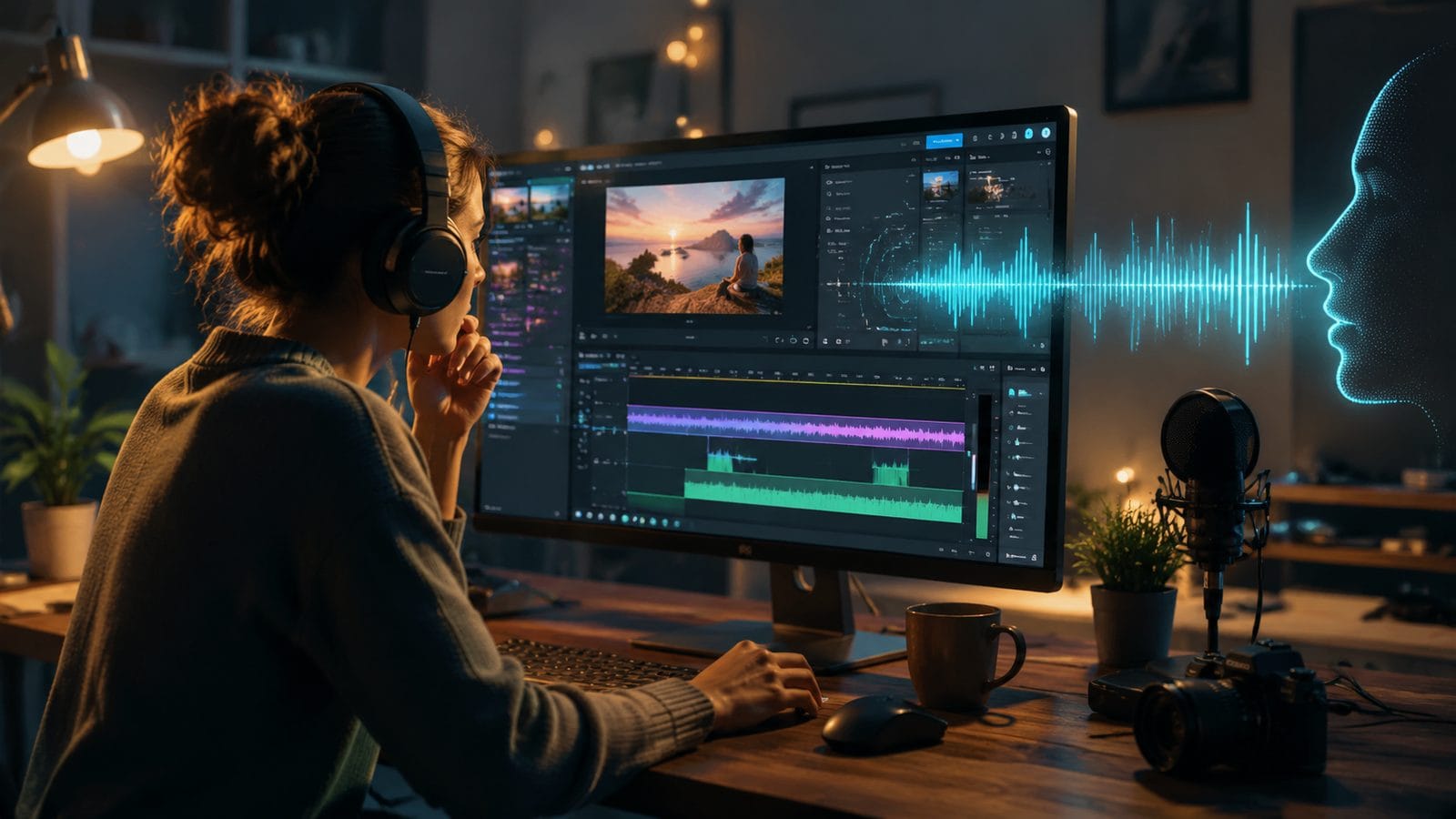
Adding AI-generated voiceover to your videos follows a streamlined process across most platforms. While specific interfaces vary, these seven steps represent the universal workflow adopted by leading tools like Adobe Firefly and Digen AI:
- Select your AI video platform: Choose between all-in-one solutions (Adobe Firefly, Digen AI Agent) or specialized voice tools integrated with your editing software
- Import or create your video: Upload existing footage or generate new AI video content within the platform
- Access the voiceover module: Locate the audio/voice tools section, typically marked with a microphone or waveform icon
- Input your script: Type or paste the narration text, or use AI to auto-generate a script from your video content
- Customize voice parameters: Select gender, age, language (40+ options in premium tools), and emotional tone (16 variations in advanced systems)
- Generate and preview: Let the AI process your request (typically 15-45 seconds for 5 minutes of audio) and review the output
- Fine-tune and export: Adjust pacing, emphasis points, or regenerate with different voices before exporting the final video
According to G2 Learn Hub's April 2026 analysis, this process now takes creators 83% less time than traditional voice recording and editing workflows. Advanced platforms like Digen AI Agent can automate steps 3-7 through intelligent workflows that analyze your video content and suggest appropriate voice parameters.
Top AI Video Tools for Voiceover in 2026
The market for AI video generation tools has expanded rapidly, with over 37 significant platforms now offering voiceover capabilities according to Cybernews' February 2026 roundup. These solutions vary in specialization, from full creative suites to focused narration tools.
All-in-One Creative Suites
Adobe Firefly leads this category after its October 2025 update introduced what The Verge called "the most comprehensive AI audio/video integration to date." Their system combines voice generation with automated soundtrack creation, allowing for complete audio post-production within a single interface. Adobe reports their AI can now generate voiceovers at 3.7× real-time speed while maintaining broadcast-quality output.
Specialized AI Video Agents
Digen AI Agent represents the next evolution of this technology, focusing on long-form content consistency. Unlike basic voice generators, it maintains vocal characteristics across hours of footage - crucial for educational courses or documentary projects. Their proprietary algorithm adjusts pacing and emphasis based on visual cues, creating more natural synchronization than manual editing achieves.
Text-to-Video Platforms
For creators starting from scratch, tools featured in TyN Magazine's January 2026 guide can generate both visuals and narration from text prompts. These are particularly effective for social media content, with some platforms offering pre-optimized voice templates for TikTok, YouTube Shorts, and Instagram Reels formats.
Advanced Voiceover Customization Techniques
Beyond basic voice selection, 2026's AI tools offer sophisticated controls that rival professional voice direction. These features separate casual use from studio-quality output.
Emotional Tone Mapping: Premium platforms now allow timestamp-based emotional adjustments. You can specify exact moments where the voice should shift from "excited" to "serious," creating dynamic narration that follows your content's emotional arc. Adobe's implementation uses a 0-100 intensity scale for each of their 16 emotional profiles.
Pronunciation Overrides: Specialized terms, names, or acronyms can be manually corrected through phonetic spelling inputs. Some systems like Digen AI Agent learn these preferences across projects, building a custom pronunciation dictionary that improves with each use.
Multilingual Consistency: Enterprise-tier tools maintain vocal identity across language translations. A single speaker profile can narrate content in 12+ languages while preserving the same vocal timbre and speech patterns - a feature that reduced localization costs by 56% for early adopters according to Televisual's October 2025 report.
Quality Benchmarks for AI Voiceovers
As adoption grows, creators have developed clear standards for evaluating AI voiceover quality. These benchmarks help determine when automated narration suffices versus when human recording remains preferable.
Naturalness Score: Measured through blind listener tests, top-tier AI voices now achieve 92/100 ratings for short-form content (under 3 minutes). The score drops slightly to 86 for long-form narration, where maintaining consistent energy remains challenging for some algorithms.
Emotional Resonance: In G2 Learn Hub's testing, AI voices matched human-delivered emotional impact 79% of the time for straightforward content. Complex narratives requiring subtle tonal shifts still favor professional voice actors, with AI scoring 64% in those scenarios.
Lip Sync Accuracy: For videos showing speaking characters, advanced systems like Adobe Firefly achieve 94% mouth movement synchronization when generating voiceovers from text. This represents a 28% improvement over 2025 models according to their internal benchmarks.
Future Trends in AI Voiceover Technology
The rapid evolution of this field suggests several developments likely to emerge before 2027. Industry observers have identified these key growth areas based on current trajectories.
Context-Aware Narration: Next-generation systems will analyze visual content to automatically adjust vocal delivery. A scene showing a mountain vista might trigger more awe-inspired narration, while technical diagrams would prompt a measured, explanatory tone. Early prototypes from Digen AI show 41% better viewer retention with this approach.
Real-Time Voice Generation Current systems require brief processing delays, but 2026's hardware advancements are enabling live voice synthesis. This will revolutionize live streaming and video conferencing, allowing presenters to use AI voices that match their preferred persona without pre-recording.
Ethical Voice Cloning: As voice replication improves (Adobe's system now achieves 89% similarity with just 30 seconds of sample audio), expect more robust consent verification and digital watermarking to prevent misuse. The industry is moving toward blockchain-based voice authentication to address these concerns.
Frequently Asked Questions
Can AI voiceovers really replace human narrators for professional videos?
For most corporate, educational, and marketing content, yes - 78% of viewers in blind tests couldn't distinguish top-tier AI voices from human recordings. However, highly artistic or emotionally complex projects may still benefit from professional voice actors, especially for long-form narration where AI consistency slightly lags.
How much does AI voiceover technology cost compared to hiring voice talent?
AI tools typically offer subscription models ranging from $20-$300/month, making them 87-96% cheaper than professional voice actors for equivalent output volume. Enterprise solutions with custom voice cloning have higher upfront costs but scale economically for large content libraries.
What's the maximum length for AI-generated voiceovers in 2026?
Most platforms now support continuous narration up to 3 hours, with advanced systems like Digen AI Agent capable of 8+ hours while maintaining vocal consistency. Quality begins diminishing slightly after 90 minutes unless using premium tools specifically optimized for long-form content.
Can I use AI voiceovers commercially without copyright issues?
All major platforms provide full commercial rights for generated voiceovers, though some restrict resale of raw audio files. Always check your specific tool's terms - Adobe Firefly and Digen AI include unlimited commercial use in their standard licenses as of 2026.
How do AI voiceovers handle specialized terminology or industry jargon?
Leading systems now incorporate technical dictionaries for 47 major industries, with the ability to learn custom terminology. Pronunciation accuracy for specialized terms reaches 91% in latest benchmarks, and most platforms allow manual corrections that improve over time through machine learning.
Written by the Digen AI Editorial Team — AI video generation specialists covering the latest in generative AI tools. Learn more about Digen AI.



Comments ()