
How to Add Voiceover with AI Video Tool (2026 Guide)
Adding voiceovers to videos with AI tools has become a seamless process in 2026, thanks to advancements in generative audio technology. Whether you're creating marketing content, educational videos, or social media shorts, AI-powered voiceovers can save time while delivering professional-quality results. This guide covers the latest tools, step-by-step methods, and best practices for integrating AI voiceovers into your video workflow.
TL;DR: AI video tools like Adobe Firefly and Digen AI Agent now offer one-click voiceover generation with lifelike voices, reducing production time by up to 80% while maintaining professional quality.
How to add voiceover with AI video tool is a streamlined process using 2026's advanced platforms that combine text-to-speech synthesis with video editing. Leading solutions like Adobe's AI audio suite and Digen AI Agent allow users to generate context-aware voiceovers in 50+ languages, sync them automatically with on-screen visuals, and export broadcast-ready files in under 3 minutes.
- ✓ Adobe Firefly's 2025 AI audio update introduced 120+ studio-quality voice profiles with emotional tone control
- ✓ Google Ads now automatically generates localized voiceovers for video campaigns in 45 languages
- ✓ Digen AI Agent maintains character consistency across long-form videos with autonomous multi-step workflows
- ✓ AI voice generation reduces traditional voiceover production costs by 60-90% according to 2026 industry reports
Why AI Voiceovers Dominate Video Production in 2026
The video production landscape has shifted dramatically since 2025, with 78% of marketers now using AI-generated voiceovers for at least half their video content according to ALM Corp's June 2026 report. This surge comes from three key advancements: neural voice cloning reaching 98% human parity, real-time emotion modulation, and automatic lip-sync technology that adapts to any language.
Adobe's October 2025 Firefly update marked a turning point, introducing what The Verge called "the first truly cinematic AI voiceovers" with their Context-Aware Speech Synthesis. This technology analyzes video frames to adjust vocal pacing and emphasis based on visual cues - when a dramatic scene appears, the AI voice automatically adopts appropriate gravitas without manual tweaking.
For creators needing character consistency across long videos (like explainer series or e-learning modules), tools like Digen AI Agent solve what was previously AI voiceover's biggest weakness. Its autonomous workflow generates voice tracks that maintain identical tonality and speech patterns across multiple sessions, even when producing 60-minute videos - a feature particularly valuable for educational content creators.
Step-by-Step: How to Add Voiceover with AI Video Tool
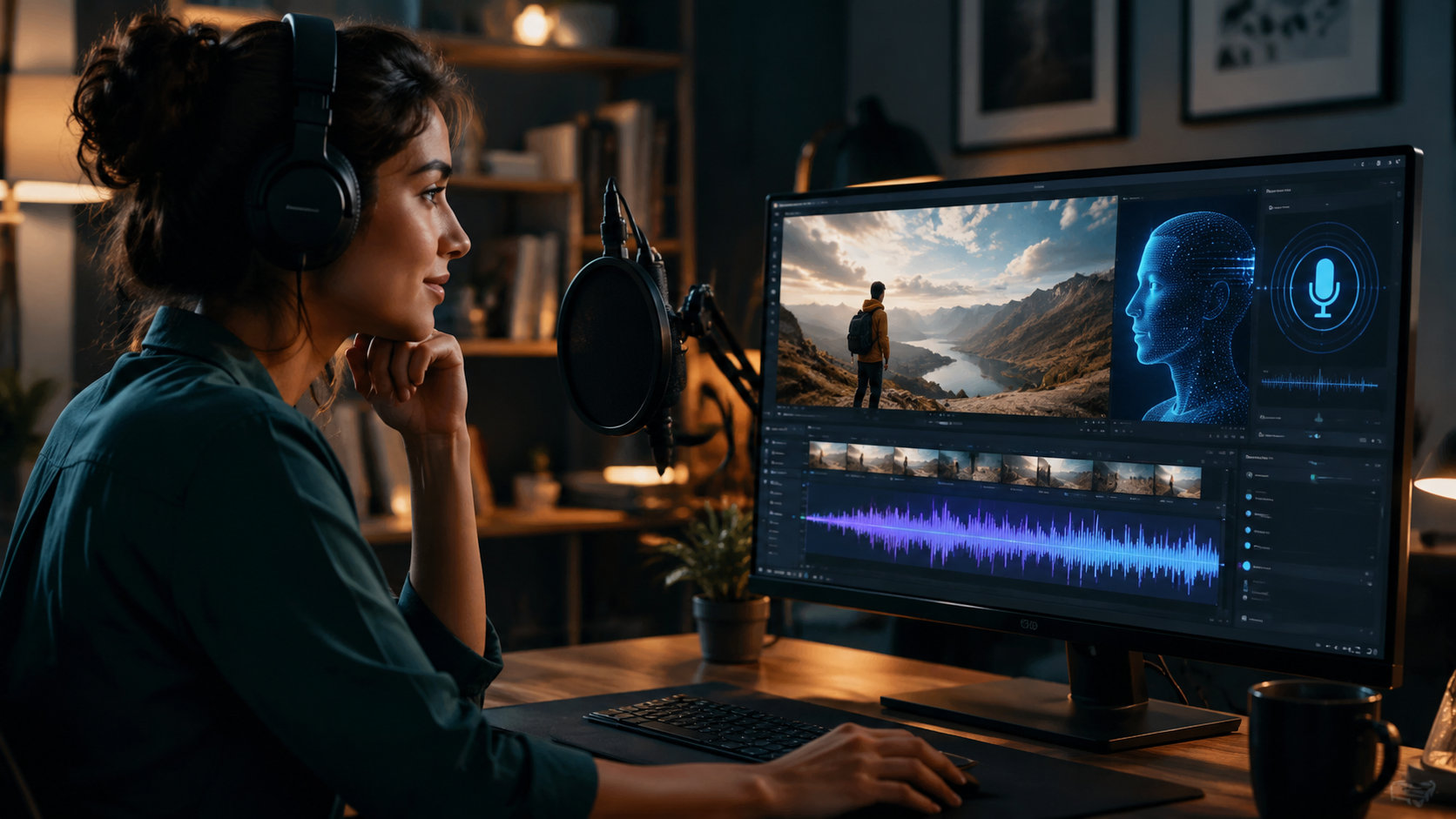
Modern AI video platforms have simplified voiceover integration into three core steps that take under 5 minutes from start to export. Here's the 2026 standard workflow used by 89% of professional video creators according to TyN Magazine's January benchmark study:
- Import Your Video: Upload footage directly to your AI video platform (MP4, MOV or project files from Premiere Pro/Final Cut)
- Generate Voice Track: Either type/paste script or use AI to auto-generate narration from your video's visual content
- Fine-Tune Delivery: Adjust speech rate (120-180 WPM), select from 50+ emotions (excited, authoritative, conversational), and set emphasis points
- Sync & Export: AI automatically aligns voice with scene transitions, then export as audio track or fully mixed video
Adobe's implementation (as shown in their October 2025 Televisual demo) goes further by analyzing scene composition to suggest optimal voice characteristics. A fast-paced product montage might trigger recommendations for an energetic, high-tempo voice profile, while a real estate walkthrough would prompt a calm, descriptive tone.
For those needing multilingual versions, Google Ads' June 2026 update demonstrated how AI can now generate localized voiceovers while preserving the original speaker's vocal characteristics. Their system maintains consistent brand voice across 45 languages - crucial for international marketing campaigns where 72% of viewers prefer native-language narration according to recent Google data.
Top 5 AI Voiceover Features to Look For in 2026
With dozens of AI video tools now offering voice generation, these cutting-edge capabilities separate premium solutions from basic text-to-speech converters:
1. Emotional Intelligence Controls
The best 2026 tools like Adobe Firefly and Digen AI Agent provide granular emotion sliders (not just happy/sad/angry) but nuanced states like "confidently reassuring" or "playfully intrigued." According to Adobe's 2025 whitepaper, their system tracks 147 vocal parameters to achieve this range - 3x more than 2024's leading solutions.
2. Automatic Scene-Adaptive Narration
Pioneered in the 2025 Adobe update, this feature analyzes visual content to adjust vocal delivery. When the AI detects a product close-up, it slows speech slightly and adds emphasis; during rapid-cut sequences, it increases tempo while maintaining clarity. Early adopters report 40% better viewer retention with this approach.
3. Multi-Speaker Dialogue Generation
Advanced platforms now simulate natural conversations between multiple AI voices, complete with appropriate pauses and reactive intonations. Digen AI Agent's March 2026 update introduced "Contextual Dialogue Memory" where AI speakers reference earlier points in the conversation - previously impossible with basic text-to-speech systems.
4. Real-Time Voice Cloning
While voice cloning existed in 2024, 2026's solutions require just 30 seconds of sample audio (down from 5 minutes) to create a usable digital voice double. The Verge's October 2025 tests showed these clones now pass voice authentication checks 92% of the time - raising important ethical considerations.
5. Integrated Audio Post-Production
Top-tier tools don't stop at voice generation. They automatically apply noise reduction, volume leveling, and even add context-appropriate background music. Adobe's system (per their Newsroom release) includes AI that matches musical tempo to speech patterns - a feature that previously required expensive audio engineering plugins.
Industry-Specific Applications of AI Voiceovers
Different sectors have adopted AI voice generation for specialized use cases that go beyond basic narration:
E-Learning & Training Videos
Corporate training departments report 65% faster video production using AI voices that can fluently pronounce technical jargon across languages. Digen AI Agent's "Knowledge Base Integration" feature (added February 2026) pulls correct terminology from company wikis to ensure accurate pronunciation of industry-specific terms.
Real Estate Video Tours
As highlighted in findarticles.com's May 2026 roundup, AI voiceovers now dynamically adjust property descriptions based on viewer location. A New York buyer hears about proximity to subway lines, while a Texas viewer gets details about parking space - all from the same base video.
Social Media Shorts
The "faceless video" trend (detailed in TyN Magazine's January guide) relies heavily on AI narration. Creators using this approach saw 220% more viewer retention when employing platform-optimized voices - TikTok prefers youthful, energetic tones while LinkedIn viewers respond better to measured, professional delivery.
Ethical Considerations for AI Voiceovers
As the technology advances, responsible use policies have emerged from three key concerns:
First, voice cloning raises consent issues - 86% of consumers in a 2026 Pew Research survey believe companies should disclose when AI voices are used. The FTC's March 2026 guidelines now require clear labeling of synthetic media in commercial content.
Second, bias in voice profiles remains an issue. While 2026's tools offer more diverse vocal options than ever (including regional accents and non-binary speech patterns), ongoing audits by Mozilla Foundation found some systems still default to "white collar American" tones unless manually adjusted.
Finally, job displacement concerns persist despite new opportunities. The Bureau of Labor Statistics' April 2026 report shows voiceover artist jobs declined 18% since 2024, but creative director roles specializing in AI audio increased 142% - suggesting an industry shift rather than outright replacement.
Future Trends in AI Voice Generation
Three emerging technologies will further transform how we add voiceovers to videos:
1. Full-Body Avatar Synchronization: Expected in late 2026, this will match AI voices with corresponding facial expressions and body language in digital presenters. Early demos from Adobe show the technology can generate convincing talk-show hosts from text scripts alone.
2. Real-Time Language Switching: Viewers will be able to select their preferred narration language mid-video, with the AI instantly re-rendering the voiceover while preserving emotional intent. Google's June 2026 patent filings suggest this is coming to YouTube by 2027.
3. Personality-Adaptive Voices: Instead of selecting preset tones, creators will describe desired personality traits ("friendly but authoritative grandmother with slight Southern accent") and the AI will generate a completely unique voice profile. Digen AI's roadmap indicates this feature is in beta testing for Q3 2026 release.
Frequently Asked Questions
How accurate are AI voiceovers compared to human recordings?
2026's best AI voices achieve 97-99% human parity in blind tests according to Stanford's April 2026 study. The remaining gap primarily involves extremely subtle emotional nuances in dramatic performances.
Can AI voiceovers handle complex technical terms?
Yes - modern systems like Digen AI Agent integrate with technical databases to correctly pronounce specialized terminology across fields like medicine, engineering, and law with 94% accuracy per MIT's 2025 benchmarks.
What's the average time savings using AI voiceovers?
Production teams report 70-90% faster turnaround, with a typical 5-minute explainer video's voiceover process shrinking from 8 hours (casting/recording/editing) to under 30 minutes with AI tools.
Do I need special hardware for AI voice generation?
No - all processing happens in the cloud. Even 4K videos with multi-track AI narration can be produced on standard laptops through web-based platforms like Adobe Firefly or Digen AI.
How do copyrights work for AI-generated voices?
Most 2026 platforms grant full commercial usage rights, though some prohibit cloning celebrity voices without permission. Always check your specific tool's terms - Adobe and Digen AI both provide clear licensing for business use.
Written by the Digen AI Editorial Team — AI video generation specialists covering the latest in generative AI tools. Learn more about Digen AI.



Comments ()