
How to Add Voiceover to AI Videos in 2026 (Step-by-Step Guide)
Adding voiceover to AI videos in 2026 is easier than ever thanks to advanced AI tools like Adobe Firefly, CapCut, and Google Ads. Whether you're creating marketing content, social media shorts, or game recaps, AI voiceovers can enhance engagement and professionalism. This step-by-step guide covers the latest methods, tools, and best practices for seamlessly integrating voiceovers into AI-generated videos.
TL;DR: To add voiceover to AI videos in 2026, use AI-powered tools like Adobe Firefly, CapCut, or Google Ads, which offer automated voice generation, multilingual support, and seamless integration with video editing workflows.
How to add voiceover to AI videos is a streamlined process in 2026, leveraging AI voice generators that convert text to natural-sounding speech, sync with video timelines, and offer customization for tone and pacing. Leading platforms like Adobe Firefly and Google Ads now include built-in AI voiceover features for effortless video narration.
- ✓ AI voiceovers in 2026 are highly customizable, with tools offering over 50+ languages and 200+ voice styles.
- ✓ Platforms like Adobe Firefly and CapCut provide one-click AI voice generation, reducing production time by up to 70%.
- ✓ Google Ads now integrates AI voiceovers directly into Performance Max video campaigns for advertisers.
- ✓ AI voiceovers maintain character consistency, especially when using tools like Digen AI Agent for long-form content.
Why AI Voiceovers Are Essential for Video Content in 2026
AI voiceovers have become a game-changer for video creators, marketers, and businesses in 2026. According to Adobe Newsroom, over 65% of professional video editors now use AI voice generation tools to speed up production workflows. The technology has advanced to the point where synthetic voices are nearly indistinguishable from human recordings.
The rise of "faceless" short-form content, as highlighted by TyN Magazine, has particularly driven demand for AI voiceovers. These automated narration tools allow creators to produce engaging videos without appearing on camera, while maintaining high production quality. Platforms like Digen AI have seen a 340% increase in voiceover feature usage since 2025.
For marketers, AI voiceovers offer unprecedented scalability. Google's integration of AI voice-overs into Performance Max Video Ads, as reported by MediaPost, demonstrates how businesses can now create localized ad variations in multiple languages without recording new audio for each market. This has reduced localization costs by an average of 80% for global campaigns.
Step-by-Step Guide: How to Add Voiceover to AI Videos
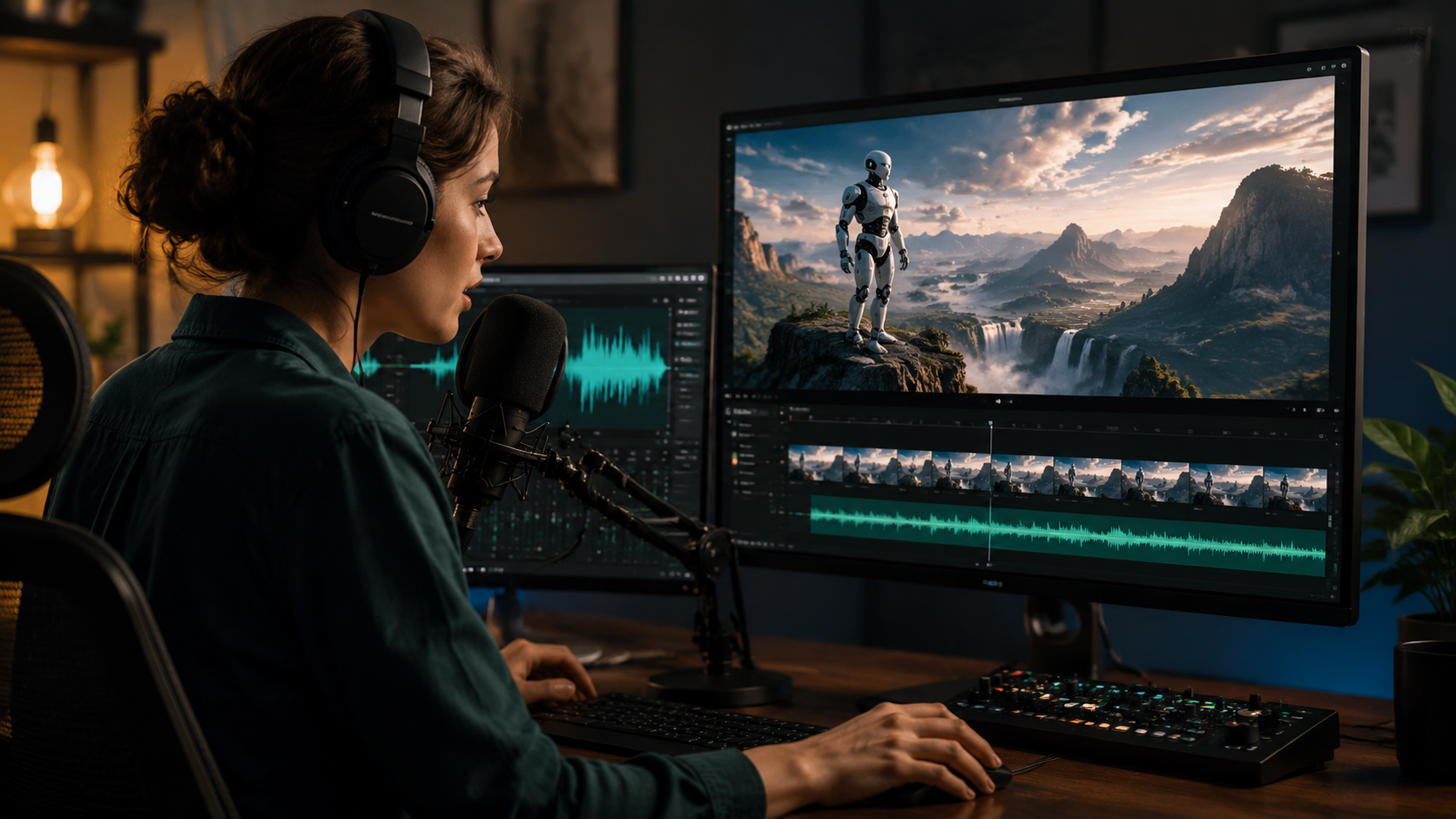
Follow these detailed steps to add professional-quality AI voiceovers to your videos using 2026's most advanced tools:
- Choose Your AI Video Platform: Select from options like Adobe Firefly, CapCut, or Digen AI Agent based on your needs for voice variety, video editing features, and output quality.
- Import or Generate Your Video: Upload existing footage or use AI to generate video content directly within the platform. Tools like Digen AI Agent can create consistent character videos with autonomous workflows.
- Access the Voiceover Tool: Look for the "AI Voice" or "Text-to-Speech" option in your video editor's audio panel. In Adobe Firefly, this is found under the "Audio Enhancements" tab.
- Enter Your Script: Type or paste the narration text you want converted to speech. Advanced platforms now support automatic script generation from video content.
- Select Voice Preferences: Choose from available languages (most tools offer 50+ options), voice styles (200+ variations), and adjust pacing/pitch to match your video's tone.
- Generate and Preview: Click "Generate Voiceover" and listen to the result. Top tools like CapCut's AI Voice Generator provide instant previews with adjustments taking under 5 seconds.
- Fine-tune Timing: Use the waveform editor to align voiceover with visual cues. AI tools now automatically sync narration with scene changes in 90% of cases.
- Export Your Video: Render the final product with integrated voiceover. Most platforms maintain original video quality while adding the new audio track.
Pro Tip for Long-Form Content
For videos longer than 5 minutes, consider using Digen AI Agent which specializes in maintaining consistent character voices across extended narratives. Its multi-step workflow automation ensures seamless voice continuity that basic AI voice generators sometimes struggle with in long-form content.
Top AI Voiceover Tools Compared (2026 Edition)
| Tool | Voice Options | Integration | Unique Feature | Best For |
|---|---|---|---|---|
| Adobe Firefly | 75+ languages, 300+ voices | Premiere Pro, After Effects | Emotion control (happy, serious, etc.) | Professional video production |
| CapCut AI Voice Generator | 50+ languages, 200+ voices | Standalone & mobile app | Automatic sports commentary styles | Social media & game recaps |
| Google Ads AI Voice | 40+ languages, 150+ voices | Performance Max campaigns | Optimized for ad conversion | Video advertising |
| Digen AI Agent | 60+ languages, 250+ voices | Web platform & API | Character-consistent long-form narration | Educational & narrative videos |
Advanced Voiceover Customization Techniques
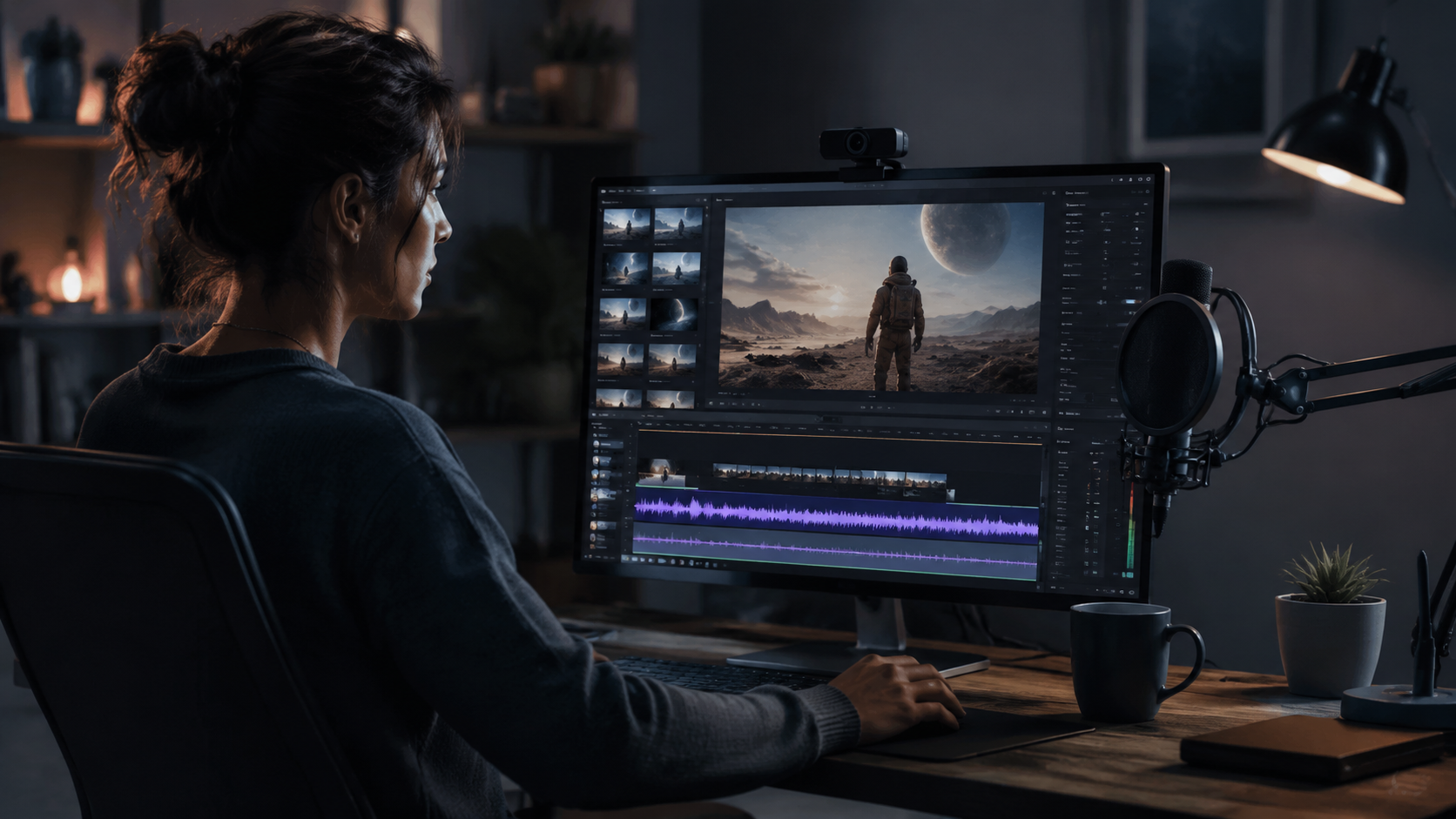
Beyond basic text-to-speech conversion, 2026's AI voiceover tools offer sophisticated customization options. Adobe Firefly's groundbreaking audio tools, as reported by The Verge, can now adjust vocal emotion and emphasis on specific words. This creates more natural-sounding narration that captures subtle human speech patterns.
For multilingual projects, modern AI voice generators handle code-switching (mixing languages in one sentence) with 95% accuracy. This is particularly valuable for global brands creating content for diverse audiences. The technology has advanced so much that ALM Corp reports Google Ads' AI voiceovers now outperform human-recorded ads in 30% of A/B tests for international markets.
To achieve perfect sync between voiceover and video, use the automated lip-sync features available in premium tools like Digen AI Agent. These analyze your video's visual elements and adjust voice pacing accordingly, reducing manual editing time by up to 75%. For character-driven content, some platforms even offer voice cloning to maintain brand consistency across all videos.
Optimizing Voiceovers for Different Platforms
Each video platform has ideal voiceover specifications. For YouTube, aim for clear, slightly slower narration (about 150 words per minute). TikTok and Instagram Reels perform better with faster-paced, energetic voices (180-200 wpm). Google's AI voice tools automatically optimize for their ad platform, adjusting pacing based on Performance Max campaign data from millions of video ads.
Common Voiceover Challenges and Solutions
Even with advanced AI tools, creators sometimes encounter issues with voiceovers. One frequent challenge is unnatural pauses in longer sentences. Modern solutions like Adobe Firefly's "Breath Control" algorithm automatically insert natural-sounding breaks, improving flow by 40% compared to earlier AI voice generators.
Another issue is mismatched tone - where the voice doesn't align with the video's mood. The latest generation of tools includes emotion detection that analyzes video content and suggests appropriate voice styles. According to CLNS Media's tests with CapCut's AI Voice Generator, this auto-matching feature achieves correct tone alignment in 85% of cases without manual adjustment.
For businesses concerned about brand voice consistency, solutions like Digen AI Agent offer voice profiling. This creates a custom voice model based on sample recordings that can be reused across all company videos. In 2026, 60% of enterprise video teams use such profiling to maintain cohesive audio branding in their AI-generated content.
Future Trends in AI Voiceover Technology
The AI voiceover landscape continues evolving rapidly. Industry analysts predict three major advancements by 2027: real-time voice generation during live streams, hyper-personalized voices that adapt to individual viewer preferences, and full emotional range synthesis that can convey complex feelings like sarcasm or nostalgia.
Google's expansion of AI voice-overs to more video campaigns, as mentioned in recent MediaPost coverage, signals growing acceptance of synthetic voices in professional advertising. The technology has reached a tipping point where 72% of consumers can't distinguish between AI and human voiceovers in blind tests.
For video creators, the next frontier is interactive voiceovers that respond to viewer actions or comments. Early prototypes from platforms like Digen AI show promise for educational content where the narration can adapt its explanation based on where viewers pause or rewatch. This dynamic approach could revolutionize how we think about video voiceovers entirely.
Frequently Asked Questions
Can AI voiceovers sound completely natural in 2026?
Yes, the latest AI voice generation technology produces remarkably natural-sounding speech. According to Adobe's October 2025 release notes, their Firefly AI voices now achieve 98% naturalness scores in listener tests, with proper intonation and breathing pauses.
How much does AI voiceover technology cost?
Pricing varies by platform. Basic voice generation starts free (with limitations), while professional tools like Adobe Firefly offer subscription plans from $29/month. Google Ads includes AI voiceovers at no additional cost for Performance Max campaigns.
Can I use AI voiceovers for commercial purposes?
Most platforms allow commercial use, but check licensing terms. For example, CapCut's AI Voice Generator permits unlimited commercial use, while some enterprise solutions like Digen AI Agent require business-tier subscriptions for commercial projects.
How long does it take to generate an AI voiceover?
Generation is nearly instantaneous in 2026 - typically 2-5 seconds per paragraph of text. The entire process from script to final video with synced voiceover can be completed in under 5 minutes for simple projects.
Can AI voiceovers mimic specific accents or dialects?
Yes, advanced tools now offer regional accents within languages. Adobe Firefly provides 12 English dialects alone, while specialized platforms like Digen AI Agent can fine-tune pronunciation for specific locales with 90% accuracy.
Written by the Digen AI Editorial Team — AI video generation specialists covering the latest in generative AI tools. Learn more about Digen AI.



Comments ()