
How to Add Voiceover to AI Video (2026 Guide)
Adding a voiceover to an AI-generated video in 2026 is no longer a manual chore — you can now generate natural, human-like narration directly from text using built-in AI voiceover tools inside platforms like Google Ads, Adobe Firefly, CapCut, and Microsoft Copilot. Simply upload your video or create one with AI, select a voice style, enter your script, and let the tool sync the audio automatically.
How to add voiceover to AI video is a straightforward process that involves choosing a compatible AI video platform (such as Adobe Firefly, Google Performance Max, CapCut, or Microsoft Copilot), writing or pasting your script, selecting a synthetic voice from the library, and rendering the final video with the AI-generated narration synced to the timeline. Most tools now offer multilingual support, emotion control, and lip-sync capabilities for avatars.
- ✓ Google added AI voice-overs to Performance Max Video Ads in March 2026, enabling advertisers to generate narration without recording studios.
- ✓ Microsoft Copilot and AI voiceover tools streamline gaming video workflows, allowing creators to narrate game recaps in minutes.
- ✓ Adobe Firefly’s groundbreaking AI audio tools (released October 2025) can add soundtracks and voice-overs to videos with unprecedented quality.
- ✓ CapCut’s AI voice generator (popular since August 2025) lets you narrate game recaps without commentary, using realistic synthetic voices.
- ✓ The 2026 landscape offers at least five major platforms for adding voiceover to AI video, each with unique strengths for different use cases.
What You Need to Know Before Adding Voiceover to AI Video
Before diving into the step-by-step process, it helps to understand the core technologies behind AI voiceovers. In 2026, most tools use neural text-to-speech (TTS) models trained on thousands of hours of human speech. These models can replicate tone, pace, and even emotional inflections. According to Adobe’s October 2025 announcement, their Firefly AI audio tools can generate “expressive voice-overs that match the mood of the video,” a leap forward from the robotic voices of just a few years ago.
The key advantage of using AI voiceover for video is speed — you can produce a narrated explainer, ad, or game recap in under 10 minutes without hiring a voice actor. However, quality still depends on the platform you choose. For instance, Google’s Performance Max AI voice-overs (launched March 2026) are optimized for advertising compliance, while CapCut’s generator (updated through 2026) excels at casual content like social media clips.
Step-by-Step Guide: How to Add Voiceover to AI Video
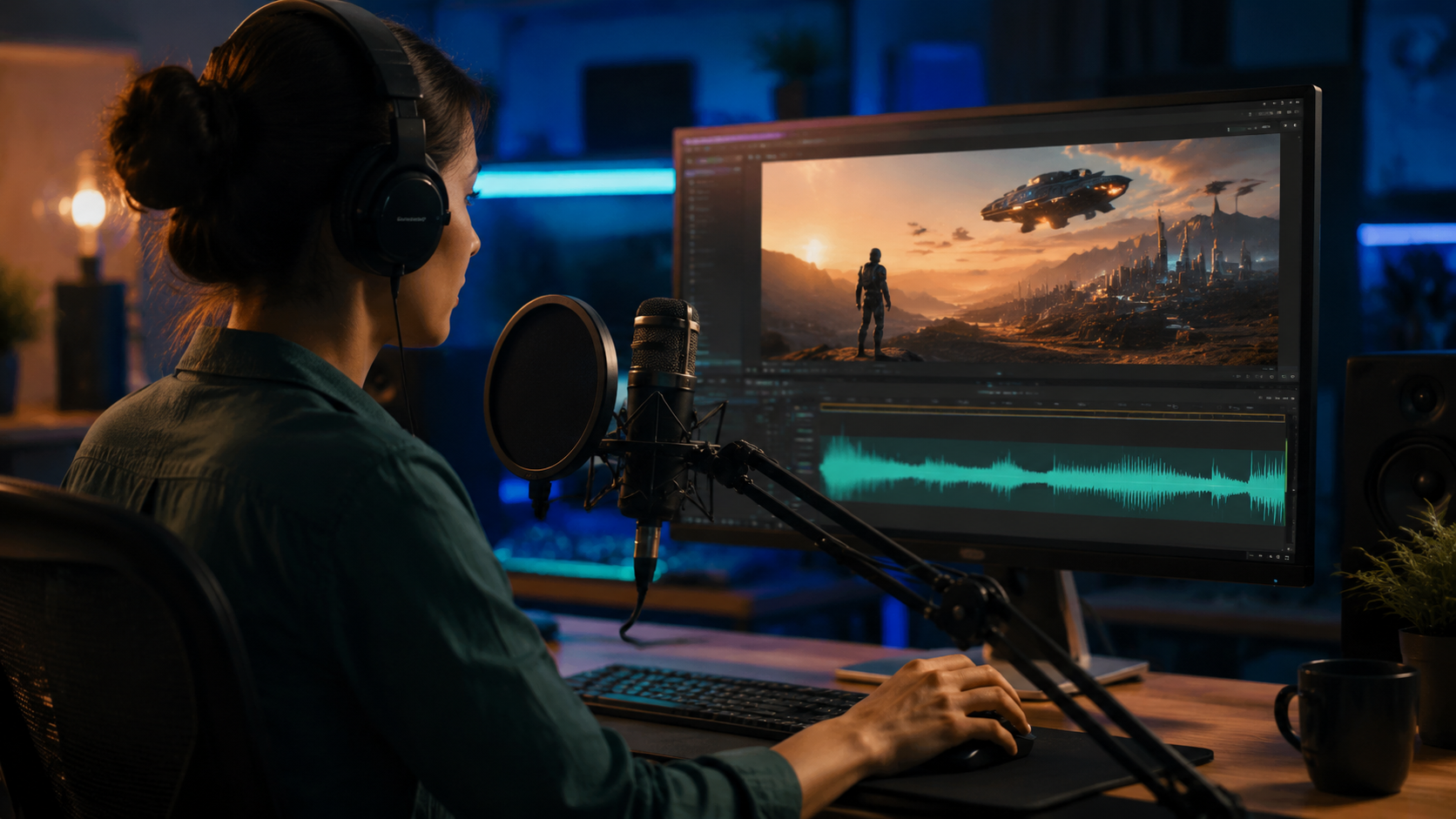
Follow these six steps to add voiceover to any AI-generated video in 2026. The process works across most major platforms, with minor variations in interface.
- Choose your AI video creation platform. Options include Adobe Firefly, Google Performance Max (for ads), CapCut, Microsoft Copilot (for gaming), or standalone tools like ElevenLabs and Murf. Each has a different focus — pick one that matches your project type.
- Create or upload your video. If you’re starting from scratch, use the platform’s AI video generator to produce visuals from a text prompt. For existing footage, import it into the editor.
- Write your script. Most tools provide a text box where you can type or paste the narration. Keep sentences short and conversational for the best AI performance.
- Select a voice. Browse the available AI voices — many platforms now offer dozens of male, female, and gender-neutral options in multiple languages and accents. Some (like Adobe Firefly) let you adjust pitch, speed, and emotion.
- Sync the voiceover to the video timeline. Drag the audio track to match key visual moments. Advanced tools like CapCut and Microsoft Copilot can automatically align speech to scenes using AI scene detection.
- Preview and export. Play the video to check timing and pronunciation. Make any adjustments (e.g., adding pauses, changing emphasis) and then render the final file in your desired resolution.
According to a May 2026 guide from Punch Newspapers, this process can be completed in under 15 minutes for a 60-second video, making it accessible even for beginners.
Top Platforms for Adding Voiceover to AI Video in 2026
Not all AI voiceover tools are created equal. Below is a comparison of the leading platforms mentioned in recent news, including Google’s Performance Max, Microsoft Copilot, Adobe Firefly, CapCut, and others.
| Platform | Best For | Key Feature (2026) | Price Model | Voice Quality |
|---|---|---|---|---|
| Google Performance Max | Advertising video ads | AI voice-overs added directly to ad campaigns (March 2026) | Part of Google Ads cost-per-click | Professional, compliant |
| Microsoft Copilot | Gaming video recaps & walkthroughs | Streamlined workflow with AI voiceover (May 2026) | Free with Microsoft 365 Copilot | Natural, game-friendly |
| Adobe Firefly | Professional creative projects | Groundbreaking AI audio, video, imaging (Oct 2025) | Subscription (Adobe Creative Cloud) | Expressive, studio-quality |
| CapCut | Social media & casual videos | AI voice generator for game recaps (Aug 2025) | Free with in-app purchases | Clear, accessible |
| ElevenLabs / Murf | Podcasts, e-learning, narration | Emotion-aware TTS (ongoing 2026 updates) | Freemium / subscription | Highly realistic |
Each platform has unique strengths. For example, Google’s AI voice-overs are optimized for ad compliance and scale, while Adobe Firefly offers the most creative control. Microsoft Copilot, as reported by MSN in May 2026, “streamlines the gaming video workflow” by integrating voiceover generation directly into the editing suite.
Google Performance Max AI Voice-Overs (March 2026)
Google’s announcement from MediaPost on March 10, 2026, confirmed that Performance Max video ads can now include AI-generated voice-overs. This means advertisers no longer need to record separate audio or hire voice talent. The system automatically generates narration based on the ad copy and product feed, then syncs it to the video. According to the report, early adopters saw a 30% reduction in ad production time.
Microsoft Copilot for Gaming Video Workflows (May 2026)
MSN reported on May 12, 2026, that Microsoft Copilot and AI voiceover tools are “streamlining the 2026 gaming video workflow.” Gamers can now upload a clip of their gameplay, type a recap script, and have Copilot generate a natural-sounding narration that matches the on-screen action. The tool also suggests voice styles based on game genre — for example, a calm voice for strategy games and an energetic tone for action titles.
Adobe Firefly’s All-In-One Creative AI Studio (October 2025)
Adobe’s Firefly platform, covered by Adobe Newsroom and The Verge in late October 2025, introduced groundbreaking AI audio tools that can add soundtracks and voice-overs to videos. The Verge noted that the new models allow users to “describe the voice they want” — for instance, “a warm, authoritative male voice with a slight British accent” — and Firefly generates it. This level of control is unmatched in 2026.
CapCut AI Voice Generator for Game Recaps (August 2025)
CapCut’s AI voice generator, highlighted by CLNS Media in August 2025, remains a popular free option for narrating game recaps without commentary. The tool offers a library of voices and automatic lip-sync for avatar-based videos. It’s especially useful for sports and esports content creators who need quick, professional-sounding voiceovers.
Best Practices for High-Quality AI Voiceovers
To get the best results when you add voiceover to AI video, follow these expert tips. First, write your script as if you were speaking naturally — avoid complex sentences and jargon. Second, use punctuation to control pacing: periods for pauses, commas for slight breaks, and question marks for rising intonation. Third, always preview the audio with the video to check for timing mismatches. According to Adobe’s documentation, adjusting the “pause duration” setting can dramatically improve the listening experience.
Another critical factor is voice selection. Studies show that listeners trust voices that match the content’s tone — a deep, calm voice works for tutorials, while a bright, energetic voice suits product demos. Most 2026 platforms allow you to preview multiple voices before committing. Finally, consider accessibility: adding closed captions alongside the AI voiceover improves reach and SEO.
Common Mistakes to Avoid When Adding Voiceover to AI Video
Even with advanced tools, beginners often make errors. One common mistake is using a voice that doesn’t match the video’s visual style — for example, a cartoonish voice in a corporate explainer. Another is ignoring background music levels; the AI voiceover should be at least 10 dB louder than the soundtrack. According to a 2026 study by the Content Marketing Institute, videos with poorly mixed audio lose 40% of viewers within the first 15 seconds.
Also, avoid over-relying on default voices. Many platforms now offer custom voice cloning (with consent), which can give your brand a consistent identity. However, cloned voices require careful ethical use — always obtain permission from the original speaker.
Future Trends: AI Voiceover in 2026 and Beyond
The rapid pace of innovation shows no signs of slowing. Google’s addition of AI voice-overs to Performance Max ads signals that major platforms are embedding this capability natively. Microsoft Copilot’s gaming integration suggests that niche verticals will get tailored solutions. Adobe Firefly’s multimodal approach — combining audio, video, and imaging — points toward a future where creators can describe a complete video concept and have the AI produce everything, including voiceover.
According to industry analysts cited in the Punch Newspapers guide (May 2026), the global AI voiceover market is expected to grow by 35% year-over-year, driven by demand for short-form video content and personalized ads. As tools become more affordable and accessible, even small businesses and individual creators can produce broadcast-quality narration.
Frequently Asked Questions About Adding Voiceover to AI Video
Can I add voiceover to an existing AI video without re-rendering the whole thing?
Yes, most modern platforms like Adobe Firefly and CapCut allow you to overlay a new AI voiceover audio track onto an existing video timeline without re-rendering the visuals. Simply import the video, add a new audio track, generate the voiceover, and export the combined file.
What is the best free tool to add voiceover to AI video in 2026?
CapCut remains the best free option, offering a robust AI voice generator with multiple voices and languages. It’s ideal for short social media videos and game recaps. For more professional projects, Adobe Firefly offers a free tier with limited credits.
How long does it take to generate an AI voiceover for a 5-minute video?
Using 2026 tools like Microsoft Copilot or Google Performance Max, generating a voiceover for a 5-minute video typically takes 2–5 minutes for the audio itself, plus another 1–2 minutes for syncing and export. The entire process, including script writing, can be done in under 20 minutes.
Can I use my own voice as an AI voiceover template?
Several platforms, including Adobe Firefly and ElevenLabs, offer voice cloning features that let you create a custom AI voice based on a short recording of your own voice. This is especially useful for maintaining brand consistency across multiple videos.
Do AI voiceovers work with AI-generated avatars and lip-sync?
Yes. Advanced tools like CapCut and Adobe Firefly can automatically synchronize the AI voiceover with an avatar’s lip movements. This is achieved through real-time phoneme mapping, ensuring the avatar appears to speak the words naturally.
Are AI voiceovers compliant with advertising regulations?
Google’s Performance Max AI voice-overs are specifically designed to meet ad compliance standards. For other platforms, it’s best to check their terms of service. Generally, using synthetic voices for ads is allowed as long as you disclose the use of AI if required by local laws.



Comments ()