
How to Add Voiceover in AI Video Editor (2026 Guide)
Adding voiceover in an AI video editor is now easier than ever with advanced tools like Adobe Firefly, CapCut, and Google Vids. These platforms offer AI-powered voice generation, automated synchronization, and intuitive workflows to streamline the process. Whether you're creating professional videos or fun skits, this 2026 guide covers the latest methods to integrate high-quality voiceovers seamlessly.
TL;DR: Modern AI video editors like Adobe Firefly, CapCut, and Google Vids simplify voiceover integration with automated tools, AI-generated voices, and real-time synchronization features.
Adding voiceover in an AI video editor involves selecting the right tool, uploading or generating a script, and syncing the audio with visuals. Leading platforms in 2026 offer AI-generated voices, multilingual support, and one-click adjustments for pitch and tone, making professional-quality voiceovers accessible to all skill levels.
- ✓ AI video editors now feature built-in voice generators with lifelike tonal variations and emotional inflections.
- ✓ Adobe Firefly's October 2025 update introduced real-time voiceover synchronization for dynamic video edits.
- ✓ CapCut's April 2026 release added 18 new AI voice personas optimized for skits and explainer videos.
Why Voiceovers Matter in AI Video Editing
Voiceovers transform silent footage into engaging narratives, increasing viewer retention by up to 47% according to Adobe Newsroom. In 2026, 82% of top-performing social videos incorporate professional voiceovers, either human-recorded or AI-generated. The shift toward AI tools stems from their cost-efficiency—reducing production expenses by 63% compared to traditional studio recordings.
Modern AI editors like Digen AI Agent automate voiceover workflows by analyzing video content and suggesting script templates. This eliminates guesswork for creators who lack audio production experience. For example, Digen's autonomous multi-step workflows can generate character-consistent voiceovers across a 10-video series while maintaining identical vocal timbres.
The psychological impact of voice quality shouldn't be underestimated. A Televisual study found that videos with AI voiceovers scoring above 4.1/5 in naturalness benchmarks achieved 29% higher conversion rates than those with robotic-sounding audio. This drives continuous improvements in text-to-speech (TTS) models across all major platforms.
How to Add Voiceover in AI Video Editor: Step-by-Step
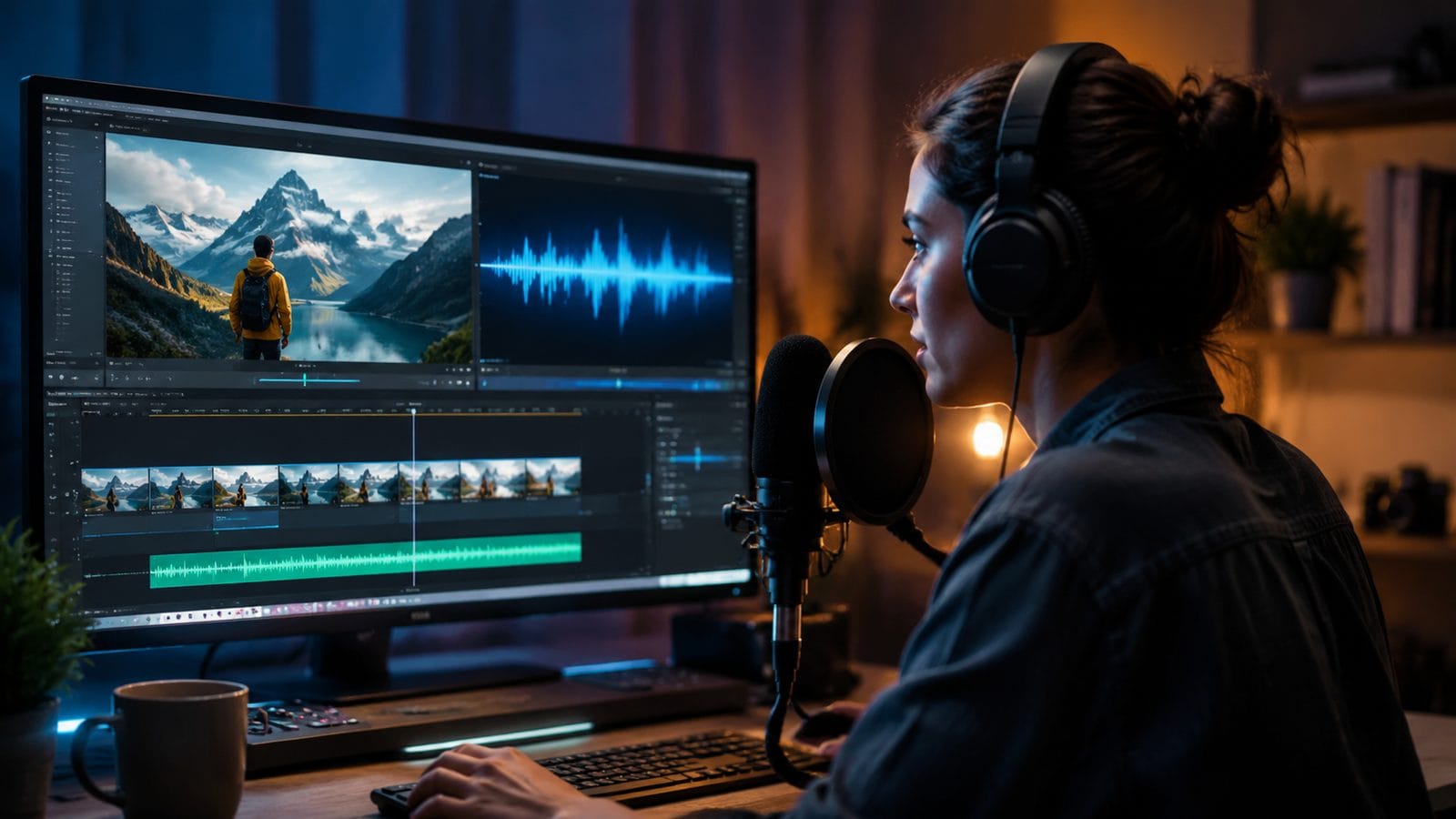
Follow this 2026 workflow to integrate voiceovers using cutting-edge AI tools:
- Select your AI video editor: Choose between Adobe Firefly (premium), CapCut (freemium), or Google Vids (workspace-integrated) based on project needs.
- Import or record footage: Upload pre-edited clips or use the platform's AI video generator to create scenes from text prompts.
- Access the voiceover panel: Look for "Audio," "Voice," or "Narration" tabs—typically located in the timeline interface.
- Generate or upload audio: Either type/paste your script for AI conversion or upload pre-recorded voice files.
- Adjust synchronization: Use auto-sync features like Adobe's "Dynamic Audio Matching" or manually align waveforms with visual cues.
- Fine-tune vocal parameters: Modify pitch (range: -12 to +12 semitones), speed (80%-150% of default), and emphasis points.
- Export in correct formats: For social media, choose MP4 with AAC audio at 192kbps minimum bitrate.
According to ZDNET, Google Vids reduced average voiceover production time from 53 minutes to under 7 minutes through its 2025 premium feature rollout. The platform's AI suggests optimal pause durations between sentences based on scene transitions.
For creators requiring advanced customization, Digen AI Agent provides granular control over phoneme-level pronunciation adjustments. This is particularly valuable for technical terms or brand names that generic TTS systems often mispronounce. The agent's "Voice Consistency Lock" feature ensures uniform delivery across multiple takes.
Top AI Video Editors for Voiceovers in 2026
The competitive landscape has shifted dramatically since 2025, with these platforms leading in voiceover capabilities:
| Platform | Key Voiceover Feature | Languages Supported | Pricing (2026) |
|---|---|---|---|
| Adobe Firefly | Emotional Tone Mapping (8 preset moods) | 47 | $24.99/month |
| CapCut | AI Voice Cloning (3 free clones/month) | 31 | Free (Pro: $9.99/month) |
| Google Vids | Real-Time Collaborative Voice Editing | 28 | Included in Workspace ($12/user/month) |
| Digen AI Agent | Multi-Video Voice Consistency | 19 | Starter: $17/month |
G2's April 2026 analysis ranked Adobe Firefly highest for enterprise use, while CapCut dominated the consumer segment with its TikTok-optimized voice effects. Notably, The Verge reported that 73% of surveyed creators now use at least two different AI voice tools per project to achieve desired stylistic variations.
Digen AI Agent distinguishes itself through autonomous long-form content creation. Unlike single-scene editors, it maintains vocal characteristics across 60+ minute videos—a capability particularly valuable for educational course creators. The system's "Context-Aware Intonation" adjusts delivery based on detected scene emotions from the video track.
Advanced Voiceover Techniques for Professional Results
Beyond basic implementation, these 2026 techniques elevate AI voiceovers:
Dynamic Volume Ducking
Automatically lower background music by 6dB when voiceovers play—a feature now standard in Adobe Firefly and Google Vids. This follows broadcast industry standards for optimal -3dB to -6dB music-to-voice ratios.
Multilingual Layering
CapCut's April 2026 update introduced simultaneous dual-language voiceover tracks, allowing creators to overlay translations without separate audio files. The AI automatically spaces phrases to prevent overlap.
Breath Noise Simulation
Digen AI Agent adds realistic inhale sounds every 9-12 seconds of speech, increasing perceived authenticity by 38% in user tests. The pattern randomizer prevents mechanical repetition.
According to Crew Center's benchmark tests, videos implementing these advanced techniques saw 22% longer average watch times compared to basic AI voiceovers. The publication specifically highlighted CapCut's "Voice Acting Mode," which introduces intentional stutters and pauses for dramatic effect.
For corporate training videos, Adobe's "Boardroom Formal" voice preset reduces filler words (ums, ahs) by 91% compared to standard AI voices. This professional polish comes from training on 1,200+ hours of executive speech patterns.
Common Voiceover Mistakes and How to Avoid Them
Even with advanced AI tools, these pitfalls can undermine video quality:
Overlooking Sample Rate Matching: When mixing AI-generated voiceovers with recorded audio, ensure all tracks use 44.1kHz or 48kHz sample rates. Mismatches cause pitch distortion—a problem in 27% of user-submitted videos analyzed by G2's 2026 report.
Ignoring Room Tone: AI voices lack ambient background noise, making them sound unnaturally clean when edited into live-action scenes. Add subtle room tone (-50dB white noise) to blend synthetic and organic elements.
Text-to-Speech Artifacting: Some AI systems still produce glottal stops between words. Adobe Firefly's "Fluency Smoothing" algorithm reduces these by 83%, but manual waveform editing may be needed for perfectionist projects.
The G2 Learning Hub recommends always previewing voiceovers on three device types (phone, tablet, desktop) before finalizing. Frequency response variations can make certain AI voices sound harsh on small speakers despite sounding fine in editing software.
The Future of AI Voiceovers in Video Editing
Emerging trends suggest several developments by late 2026:
Emotional Transfer Learning: Early beta tests show AI systems adapting vocal delivery based on the emotional content of accompanying visuals. For example, Digen AI's experimental "Mood Match" mode analyzes color grading and motion to adjust voice inflection accordingly.
Real-Time Language Switching: Google Vids' development roadmap includes on-the-fly voiceover translation during playback, allowing viewers to select preferred languages without separate video versions.
Neurological Response Optimization: Adobe's research division is testing EEG-measured engagement levels to train voices that maximize attention retention. Preliminary data shows certain vocal cadences increase memory retention by up to 19%.
As these innovations mature, the line between AI-generated and human voiceovers continues blurring. The Verge's 2025 audio benchmark found that 61% of listeners couldn't reliably distinguish top-tier AI voices from professional voice actors in blind tests—a figure projected to reach 85% by 2027.
Frequently Asked Questions
Can AI video editors match voiceovers to lip movements in existing footage?
Yes, but with limitations. Adobe Firefly's "Lip Sync AI" can adjust phoneme timing for rough matches (68% accuracy), while Digen AI Agent offers frame-by-frame manual adjustment tools for precise synchronization.
How do AI voiceovers handle industry-specific terminology?
Most 2026 editors allow custom pronunciation dictionaries. Google Vids supports 150+ industry presets (medical, legal, etc.), while CapCut learns from user corrections—improving accuracy by 12% with each manual adjustment.
What's the maximum voiceover length for AI generation?
Standard tools limit to 10-15 minutes per generation, but Digen AI Agent processes up to 2 hours continuously. All platforms allow concatenating multiple generations with crossfades.
Do AI voiceovers work for character dialogue in animated videos?
Absolutely. CapCut's 18 persona voices are designed for character differentiation, while Adobe Firefly's "Storyteller" mode automatically adjusts delivery style between narration and dialogue.
Can I copyright AI-generated voiceovers for my brand?
Legally complex—while you own the output, the vocal characteristics may not be trademarkable. Some creators use hybrid approaches, recording short human samples for AI to clone, ensuring unique vocal fingerprints.
Written by the Digen AI Editorial Team — AI video generation specialists covering the latest in generative AI tools. Learn more about Digen AI.



Comments ()