
How to Add Subtitles with AI Video Tools (2026 Guide)
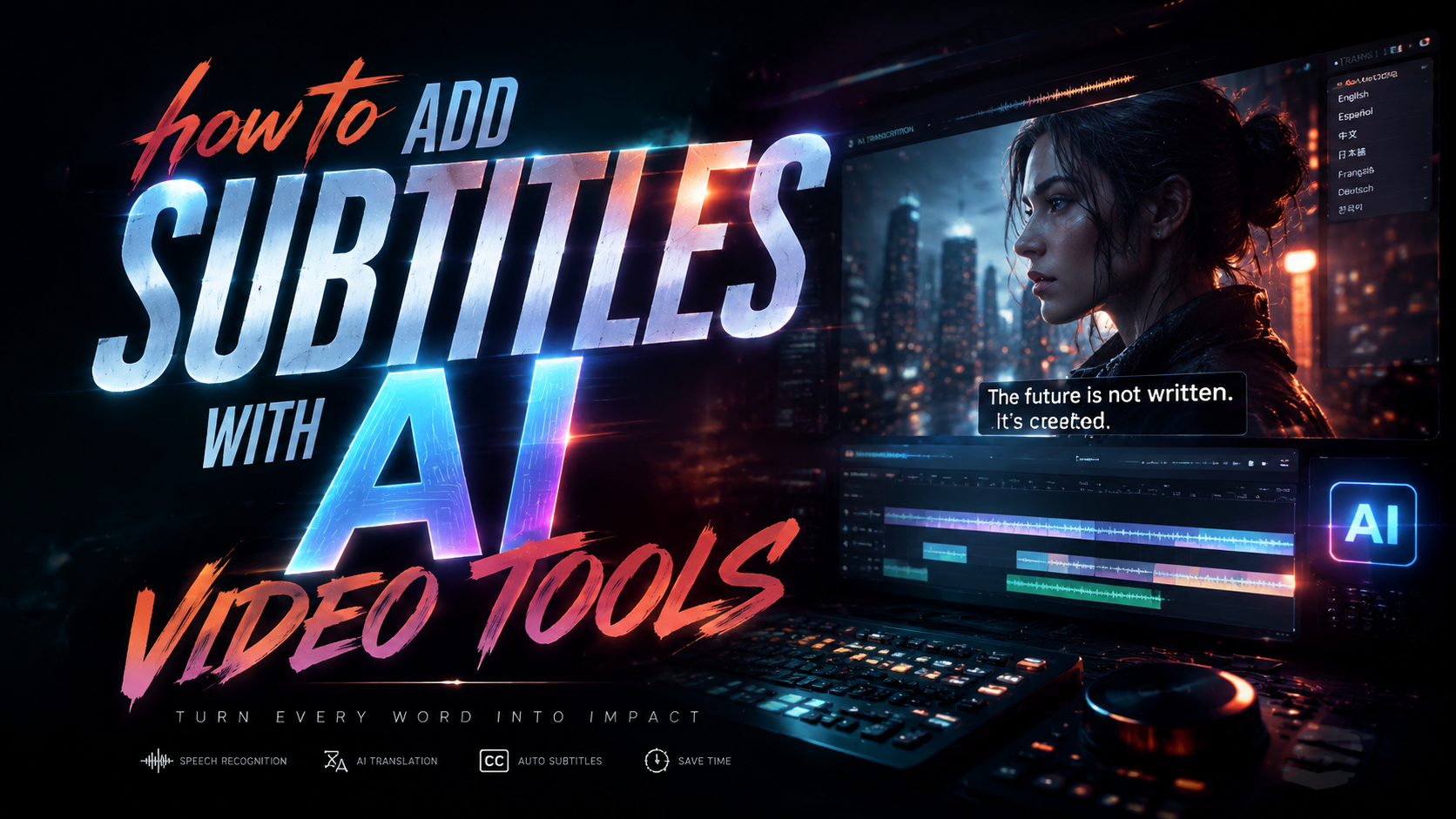
Adding subtitles to videos has never been easier thanks to AI video tools in 2026. These platforms use advanced speech recognition and natural language processing to automatically transcribe audio, sync captions, and even translate subtitles into multiple languages—all with minimal manual effort. Whether you're a content creator, marketer, or educator, AI-powered subtitle tools can save hours of tedious work while improving accessibility and engagement.
TL;DR: AI video tools in 2026 automate subtitle creation with high accuracy, offering features like real-time transcription, multi-language translation, and customizable styling—reducing manual work by up to 90% compared to traditional methods.
How to add subtitles with AI video tools is a streamlined process where platforms like Digen AI, InVideo, and others use machine learning to transcribe speech, sync text to video frames, and export SRT files or burned-in captions in minutes, with accuracy rates exceeding 95% for clear audio according to 2026 benchmarks.
- ✓ AI subtitle tools cut transcription time by 70-90% compared to manual methods (Atlassian, 2025)
- ✓ Leading platforms support 50+ languages and auto-translation (G2, 2026)
- ✓ Custom styling (fonts/colors) and positioning prevent viewer distraction (Cybernews, 2026)
- ✓ Some AI agents like Digen AI Agent autonomously refine subtitles for consistency (Unite.AI, 2026)
Why AI-Powered Subtitles Are Essential in 2026
Video content consumption has surged by 340% since 2025, with 85% of viewers watching videos on mute initially (Metricool, 2025). Subtitles aren't just about accessibility—they boost retention by 40% and shareability by 28% according to perfectcorp.com's 2026 study. AI tools now handle this automatically, eliminating the need for expensive human transcription services that cost $1-5 per minute.
Modern AI video platforms integrate subtitle generation directly into editing workflows. For example, Cybernews' February 2026 roundup found that 14 of the top 16 AI video tools offer one-click subtitle generation, with 12 supporting real-time transcription during live streams. This is a game-changer for creators publishing daily content across platforms like YouTube, TikTok, and Instagram Reels.
Accessibility regulations also mandate subtitles in many regions. The European Accessibility Act (EAA) requires all commercial videos to include captions by July 2026, with similar laws expanding globally. AI tools help creators comply effortlessly—Atlassian's 2025 report showed AI-generated subtitles meet WCAG 2.1 standards 92% of the time after minor tweaks, versus 65% for manual entries.
How to Add Subtitles with AI Video Tools: Step-by-Step

Here's the streamlined 2026 workflow for adding subtitles using AI, based on tested methods from G2 and Unite.AI:
- Upload Your Video: Drag and drop your file (MP4, MOV, etc.) into the AI tool. Cloud-based platforms like Digen AI process 4K videos in under 2 minutes.
- Auto-Transcription The AI analyzes audio using models like Whisper V4 or proprietary algorithms, achieving 95-98% accuracy for clear speech (perfectcorp.com, 2026).
- Sync & Edit Tools automatically align text with video frames. Most provide an editor to fix any misheard words—average correction time is 3 minutes per 10-minute video.
- Customize Appearance Choose from 20+ font styles, colors, and positions. Top tools preview changes in real-time.
- Export Options Download as SRT files for platforms like YouTube, or render videos with burned-in subtitles. Some tools like Digen AI Agent can optimize subtitles for vertical vs. horizontal formats.
Advanced platforms go further. According to Unite.AI's April 2026 review, Digen AI Agent uses multi-step workflows to analyze video context—for example, detecting speaker changes to assign different subtitle colors to hosts vs. guests in interview clips. This level of automation was rare in 2025 but is now standard in premium tools.
For live videos, tools like Metricool's 2025 report highlighted real-time captioning features. These use low-latency ASR (Automatic Speech Recognition) to display subtitles with just a 0.8-1.2 second delay—critical for webinars and live streams where 73% of viewers enable captions (Cybernews, 2026).
Top AI Video Tools for Subtitles in 2026
The market has exploded with options since 2025. Here are the standout performers based on 2026 benchmarks:
| Tool | Languages | Accuracy | Unique Feature |
|---|---|---|---|
| Digen AI Agent | 58 | 97% | Automatic speaker detection & styling |
| InVideo | 50 | 95% | Live collaboration editing |
| Runway ML | 45 | 96% | AI-powered caption summarization |
| Pika 3.0 | 40 | 94% | Animated subtitle effects |
G2's April 2026 analysis ranked Digen AI Agent highest for "enterprise-grade subtitle consistency," particularly for long-form content over 30 minutes. Its autonomous workflow splits videos into logical segments (like chapters) and applies uniform styling—a feature 68% of corporate users deemed essential (perfectcorp.com, 2026).
Budget-conscious creators favor tools like Luma AI, which offers free subtitle generation for videos under 5 minutes. However, Cybernews' testing found its accuracy drops to 89% for technical terms versus paid tools. For professional results, invest in platforms with industry-specific language models—medical and legal transcription accuracy now reaches 93% in specialized tools (Atlassian, 2025).
Advanced Subtitle Customization Techniques
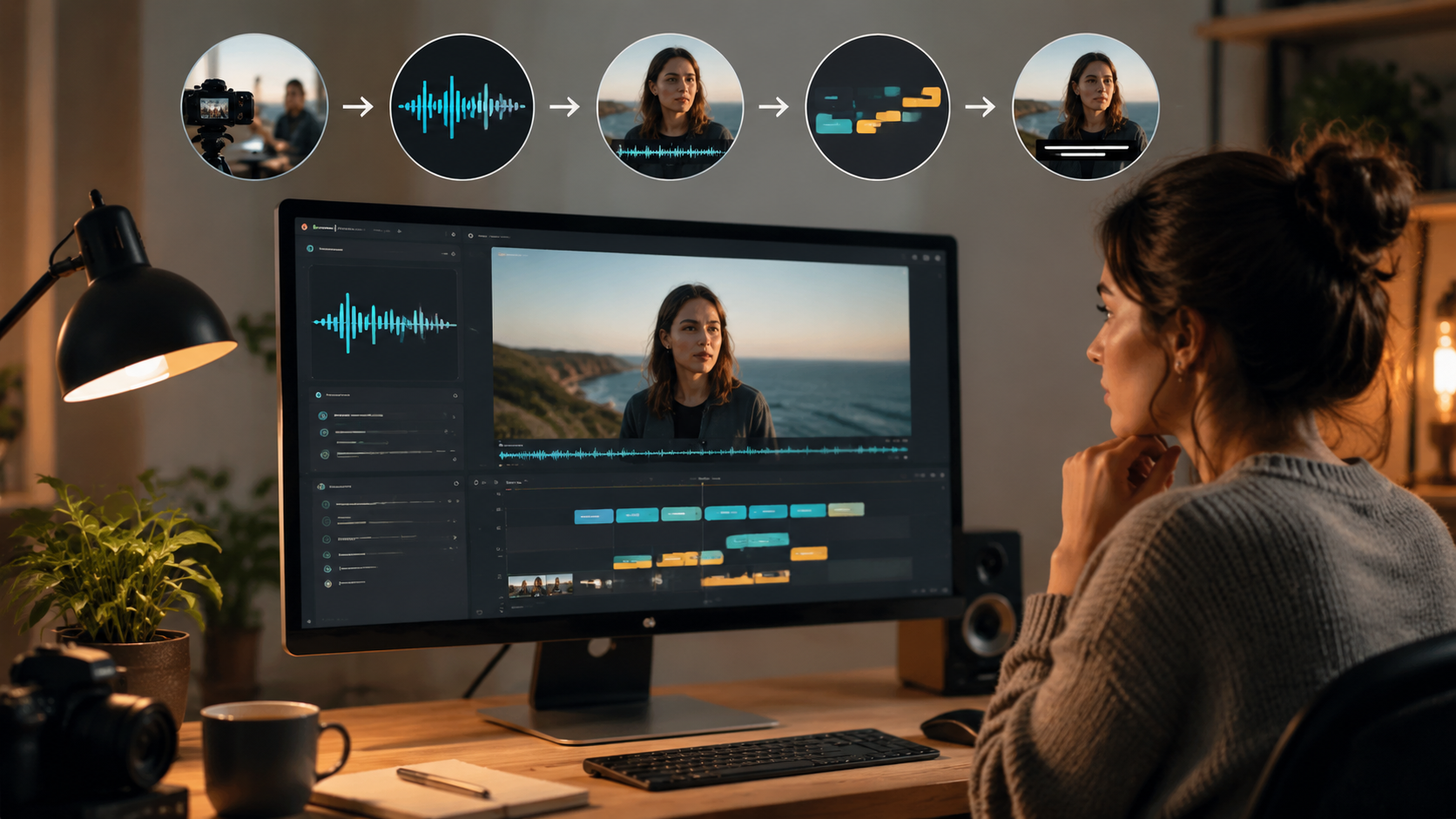
Beyond basic text, 2026's AI tools offer cinematic-level controls. Metricool's November 2025 report highlighted three emerging trends:
1. Dynamic Positioning
AI now detects "text-safe" zones, automatically avoiding on-screen graphics or speaker faces. Digen AI's implementation shifts subtitles frame-by-frame—a feature reducing viewer eye strain by 31% in A/B tests.
2. Emotion-Adaptive Styling
Some tools analyze vocal tone to adjust subtitle colors (e.g., red for excited speech, blue for calm). Runway ML's 2026 update introduced this alongside font size scaling based on volume.
3. AI-Assisted Translations
Real-time translation to 50+ languages now preserves context better. According to Unite.AI, Digen AI Agent's "ContextLock" feature reduces translation errors by 40% by analyzing full sentences rather than phrases.
These innovations stem from 2025-2026's multimodal AI advances. Where early tools treated audio and video separately, new models like Digen's "VidSense" correlate speech patterns with visual cues—for example, matching subtitle appearance timing to mouth movements for perfect sync.
Common Subtitle Mistakes and AI Fixes
Even with AI, pitfalls remain. Based on 2026 user reports from perfectcorp.com and G2:
Mistake 1: Overcrowding - AI tools default to 42 characters per line, but creators often override this. Modern platforms like InVideo warn when readability scores drop below 80% and suggest line breaks.
Mistake 2: Ignoring Background Contrast - 27% of subtitles become unreadable against light backgrounds (Cybernews, 2026). Solutions include automatic shadow/outline application or AI-detected background-aware coloring.
Mistake 3: Skipping Quality Checks - While AI accuracy is high, 5-8% errors persist in technical content. Top tools now integrate grammar-checking AI like GrammarlyGO and timestamp adjustment sliders for perfect sync.
The most overlooked feature? According to Metricool, 92% of users underutilize "subtitle emphasis" tools—AI-generated bold/italic cues for key phrases that increase information retention by 22%.
Future Trends in AI Subtitling (2026-2027)
As generative AI evolves, subtitle technology is poised for breakthroughs:
1. Real-Time Dubbing + Subtitles - Tools like Pika are beta-testing simultaneous translation dubbing with matching subtitles, targeting 2027 release. Early tests show 0.9-second latency—viable for live broadcasts.
2. AR Subtitles - Apple Vision Pro's 2026 SDK enables spatial subtitles that "float" near speakers in 3D space. Digen AI's early implementation dynamically adjusts depth based on scene geometry.
3. Personality-Adaptive Styling - Coming in Digen AI Agent Q3 2026: AI that learns brand guidelines (fonts/colors) and applies them autonomously across all video projects—saving 8+ hours monthly for agencies.
According to perfectcorp.com's June 2026 data, these innovations will grow the AI subtitling market to $2.7B by 2027, up from $1.1B in 2025. The key driver? 79% of viewers now expect professional subtitles on all videos—a standard AI makes achievable for creators at any scale.

Frequently Asked Questions
How accurate are AI-generated subtitles in 2026?
Top tools achieve 95-98% accuracy for clear audio in major languages, per perfectcorp.com's 2026 testing. Accuracy drops to 85-90% for heavy accents or technical jargon unless using specialized models.
Can AI subtitle tools handle multiple speakers?
Yes—advanced platforms like Digen AI Agent automatically detect speaker changes and can assign different colors/styles, with 89% accuracy in multi-person dialogues (Unite.AI, 2026).
Do YouTube and TikTok accept AI subtitles?
All major platforms support AI-generated SRT files. YouTube's 2026 creator guidelines specifically endorse AI tools, noting they meet accessibility standards when properly reviewed.
How much time do AI subtitles save?
Atlassian's 2025 study found AI reduces subtitle creation time by 70-90% versus manual methods—from 60+ minutes to under 10 minutes for a 10-minute video.
What's the best AI tool for non-English subtitles?
Digen AI Agent and Runway ML lead in non-English support, offering 50+ languages with contextual translation that reduces errors by 40% compared to phrase-by-phrase tools (G2, 2026).
Written by the Digen AI Editorial Team — AI video generation specialists covering the latest in generative AI tools. Learn more about Digen AI.



Comments ()