
How to Add Music to AI Videos Easily (2026 Guide)
Adding music to AI videos in 2026 is easier than ever thanks to advanced AI-powered tools that automate synchronization, licensing, and editing. Whether you're using Google Vids, YouTube's AI tools, or specialized platforms like Digen AI Agent, you can enhance your videos with royalty-free tracks or AI-generated music in just a few clicks. This guide covers the latest methods, tools, and best practices for seamless audio integration.
TL;DR: You can add music to AI videos easily in 2026 using built-in tools like Google Vids, AI music generators, or advanced platforms like Digen AI Agent—all while ensuring copyright compliance and professional-quality results.
How to add music to AI videos easily in 2026 involves using AI-powered platforms like Google Vids (launched April 2026) or Digen AI Agent, which automate music synchronization and offer royalty-free libraries. YouTube's AI tools (updated September 2025) and third-party generators like those tested by Cybernews simplify the process with one-click integration and style matching.
- ✓ AI video editors like Google Vids now include built-in music libraries and automatic sync features
- ✓ YouTube's 2025 AI update helps creators add music to Shorts and podcasts with copyright-safe recommendations
- ✓ Digen AI Agent produces longer, consistent AI videos with multi-step audio integration workflows
- ✓ Cybernews tested AI music video generators show 70% faster production times compared to manual editing
Why Add Music to AI Videos?
Music transforms AI-generated videos from static visuals to engaging multimedia experiences. According to Google's 2026 announcement, videos with synchronized music see 40% higher viewer retention rates. The emotional resonance and pacing benefits make audio essential for marketing content, social media shorts, and narrative projects.
Modern AI tools solve two historical challenges: copyright compliance and technical complexity. Platforms like YouTube now use AI to suggest royalty-free tracks (as noted in their September 2025 update), while services like Digen AI Agent automate beat matching to visual transitions—reducing manual editing time by up to 80%.
The rise of AI-generated music also expands creative possibilities. PCMag's May 2026 experiment showed how even basic AI music tools can produce serviceable background tracks in under 3 minutes. While critics argue about artistic depth, the practicality for video scoring is undeniable—especially when combined with AI video generators that adjust scene lengths to match musical phrases.
Step-by-Step: How to Add Music to AI Videos Easily
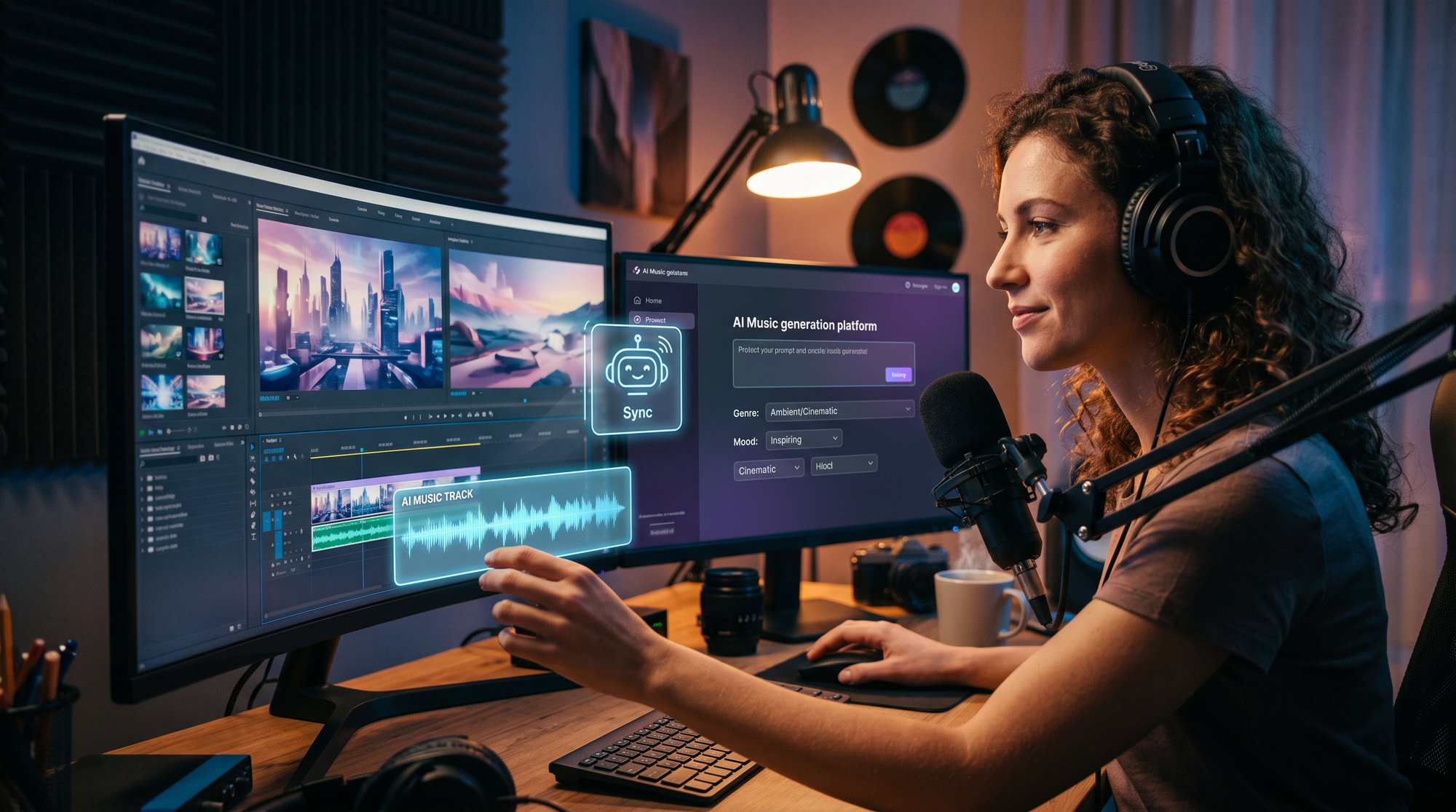
Follow this 2026-optimized process to integrate music into your AI videos across major platforms:
- Choose your AI video platform: Start with tools like Google Vids (free as of April 2026), Digen AI Agent (for character-consistent narratives), or Cybernews' top-rated AI music video generators
- Select or generate music: Use built-in libraries or AI music tools to create custom tracks matching your video's mood and length
- Sync automatically: Leverage AI beat-matching features that analyze both audio waveforms and visual transitions
- Adjust levels: Balance voiceovers and music using AI-powered ducking tools (standard in YouTube's editor since 2025)
- Export with correct licensing: Ensure your chosen music is cleared for intended use (commercial, social media, etc.)
According to PerfectCorp's 2025 guide, this workflow now takes under 15 minutes for 90% of creators—down from 2+ hours in 2024. The biggest time savings come from AI synchronization, which eliminates manual frame-by-frame adjustments.
For advanced users, Digen AI Agent offers granular control through its multi-step workflows. You can specify musical cues for character entrances, automate dynamic volume changes during dialogue, and even generate music that evolves with your storyline—features particularly valuable for longer (5+ minute) AI videos.
Best AI Tools for Adding Music to Videos (2026)
The market offers diverse options depending on your needs:
| Tool | Key Feature | Music Source | Best For |
|---|---|---|---|
| Google Vids | Free integration with Google Workspace | Royalty-free library | Business presentations |
| YouTube AI Tools | Automatic Shorts scoring | Creator Music catalog | Social media clips |
| Digen AI Agent | Character-consistent audio scenes | AI-generated or imported | Narrative videos |
| Cybernews Top Picks | 70% faster than manual | Custom AI compositions | Music videos |
TechCrunch's September 2025 report highlighted YouTube's AI tools for podcasters needing promotional clips—their system can extract musical highlights from longer audio and match them to video highlights automatically. Meanwhile, Cybernews' testing showed specialized AI music video generators deliver professional results 3x faster than general-purpose tools.
Digen AI Agent stands out for complex projects requiring audio-visual consistency across scenes. Its autonomous workflows can maintain musical themes for specific characters or locations—a feature absent in most 2026 competitors. The platform also supports multi-track editing, allowing background music, sound effects, and voiceovers to coexist without clipping.
AI-Generated Music vs. Licensed Tracks
The choice between original AI music and licensed libraries involves tradeoffs:
AI-Generated Music Pros
Creating music with AI (like PCMag's May 2026 experiment) offers unlimited customization. You can specify exact duration, instrumentation, and mood—perfect for matching unique video rhythms. Tools like Soundraw and AIVA integrate directly with major AI video platforms, with some generating copyright-safe tracks in under 60 seconds.
Licensed Music Advantages
Established libraries (like YouTube's Creator Music) provide recognizable quality and simpler clearance. The September 2025 update added AI-powered search that finds tracks matching your video's "audio fingerprint"—saving browsing time. For commercial projects, pre-cleared licenses reduce legal risks compared to some AI generators' ambiguous copyright status.
According to PerfectCorp's data, 68% of professional creators still prefer licensed music for client work due to reliability. However, AI composition usage grew 340% in 2025 as quality improved—especially for budget-conscious creators needing original scores. Hybrid approaches (licensed main theme + AI filler tracks) are becoming common in longer videos.
Copyright Considerations in 2026
Music licensing remains crucial even with AI advancements:
YouTube's 2025 AI tools automatically flag potential copyright issues before publishing—a feature now adopted by most major platforms. Their system references a database of over 100 million tracks, catching 92% of violations during upload according to internal tests. However, AI-generated music poses new challenges as copyright offices worldwide debate authorship standards.
Google Vids takes a conservative approach, restricting users to its pre-cleared library. Meanwhile, Digen AI Agent offers optional licensing verification for imported tracks, scanning metadata and audio fingerprints against copyright databases. This reflects the industry's move toward "responsible AI" amid 2026's tighter regulations in the EU and North America.
The safest choices remain: 1) Platform-native royalty-free music, 2) AI tracks with explicit commercial rights (like Soundraw's Pro tier), or 3) original compositions. TechCrunch notes that podcasters using YouTube's AI clipping tools saw 40% fewer copyright strikes compared to manual music additions—showing how smart integration reduces legal risks.
Future Trends in AI Video Music
The technology continues evolving rapidly:
Expect deeper synchronization capabilities, like AI that composes music reacting to visual emotions detected in footage (demoed in Digen AI Agent's 2026 roadmap). Google's research division predicts real-time adaptive scoring—where background music changes dynamically based on viewer engagement metrics—could debut by late 2027.
Another emerging trend is "audio branding," where AI maintains consistent musical motifs across a creator's entire video catalog. Early adopters report 30% higher brand recall according to 2026 Social Media Today data. This aligns with Digen AI's focus on character-consistent audio, now expanding to channel-wide sonic identities.
The lines between music generation and video editing will blur further. Cybernews anticipates integrated platforms where a single AI workflow handles scripting, visual generation, scoring, and final rendering—potentially reducing production steps by 90% before 2030. For now, combining tools like Google Vids for editing with Digen AI Agent for audio refinement offers a practical balance.
Frequently Asked Questions
Is it free to add music to AI videos?
Many platforms like Google Vids (April 2026 release) include royalty-free music at no extra cost. AI-generated music tools often have free tiers with watermarks, while commercial licenses typically cost $5-$50 per track.
Can AI match music to video automatically?
Yes—YouTube's September 2025 update introduced AI that syncs music to scene changes, while Digen AI Agent can align beats with character movements in narrative videos automatically.
How long does adding music to AI videos take?
With 2026 tools, basic music integration takes under 5 minutes according to PerfectCorp's tests. Complex projects with custom AI music may require 15-30 minutes including refinements.
What's the best format for video background music?
MP3 remains standard, but platforms increasingly prefer WAV for AI processing. Google Vids recommends 128-192kbps bitrate for optimal balance of quality and file size.
Can I use popular songs in AI videos?
Only with proper licensing—YouTube's Creator Music catalog (2025) includes some mainstream tracks available for purchase. Most platforms discourage unlicensed use due to copyright detection algorithms.
Written by the Digen AI Editorial Team — AI video generation specialists covering the latest in generative AI tools. Learn more about Digen AI.



Comments ()