
How to Add Music to AI Generated Video (2026 Tutorial)
Adding music to an AI-generated video in 2026 is simpler than ever, thanks to a wave of new tools that automatically sync soundtracks to visuals, replace copyrighted tracks with AI-composed alternatives, and even turn a song into a complete music video. To add music to an AI generated video, you can either upload your own audio file, use a built-in AI music generator, or let the video software analyze your clip and suggest royalty-free tracks that match the mood and tempo.
Adding music to an AI generated video is the process of integrating an audio track—either from a library, a custom AI composition, or an uploaded file—into a video clip created by generative AI. In 2026, most AI video platforms offer one-click music addition, automatic beat-syncing, and built-in copyright-cleared soundtracks, making the workflow nearly instantaneous.
- ✓ AI video tools in 2026 include native music libraries and AI composition engines that generate custom soundtracks based on your video’s content.
- ✓ YouTube now offers a one-click AI replacement for copyrighted music, allowing creators to swap infringing tracks without re-uploading.
- ✓ Full AI music video creation—from song to final video—is now possible with end-to-end platforms, as demonstrated by a February 2026 EurekAlert! study.
- ✓ Record labels are pushing back against AI-generated “virtual artists,” but legitimate use cases for adding music to AI video remain widely accepted.
- ✓ The best approach depends on your goal: quick social clips versus polished music videos require different tools and licensing strategies.
1. Understanding the 2026 Landscape for AI Video and Music
The fusion of AI video generation and music has matured rapidly. According to a PCMag (May 2026) test, creating a full song and music video with AI is now possible, though subtle artifacts—like mismatched lip-sync or unnatural instrument sounds—still give away the AI origin. Meanwhile, EurekAlert! (February 2026) reported a new AI system that can turn any song into a complete music video, analyzing lyrics and tempo to generate matching scenes. This system is already being integrated into consumer tools.
On the platform side, YouTube (Music Business Worldwide, May 2026) introduced a feature that lets creators hit by copyright claims replace the track with an AI-generated alternative at the touch of a button. This eliminates the need to re-edit the video, a game-changer for anyone asking “how to add music to ai generated video” without worrying about copyright strikes.
However, controversy persists. Futurism (May 2026) uncovered a record label claiming that AI-generated “Viking Rappers” with millions of views were real people—a sign that the industry is still grappling with authenticity. For creators, the key is to use AI music ethically, either by generating original compositions or licensing tracks from AI-friendly libraries.
Key Tools Mentioned in Recent Research
The ePHOTOzine (June 2026) guide highlights several AI video software packages that now include music modules. These range from browser-based editors like RunwayML and Pika Labs to desktop suites like Adobe Premiere Pro with AI audio plugins. The common thread: all support direct import of AI-generated music files or offer built-in generative music engines.
2. Step-by-Step: How to Add Music to an AI Generated Video (2026 Method)
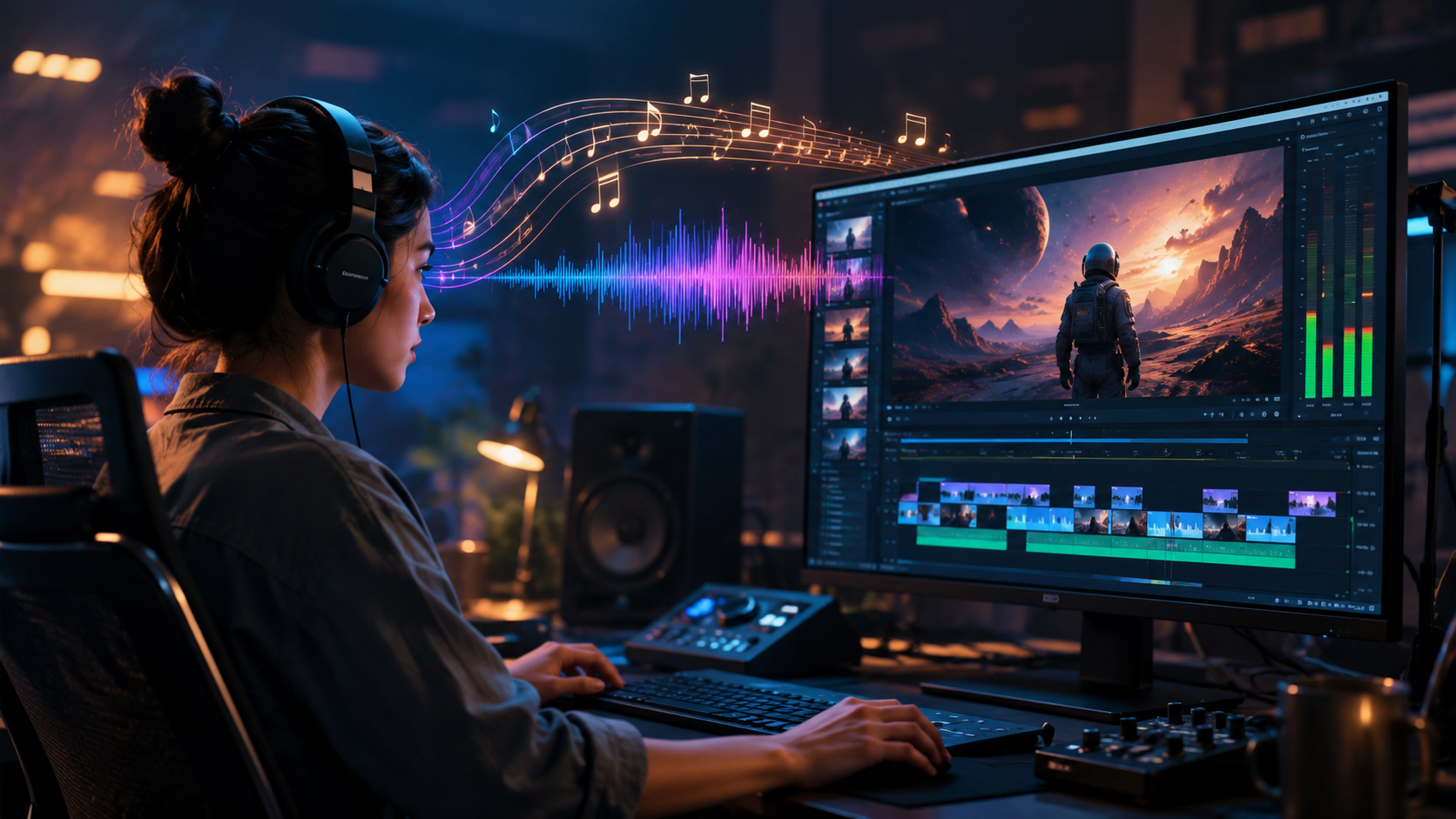
Below is a numbered, step-by-step workflow based on the latest tools and best practices. This answers the core “how to add music to ai generated video” question directly.
- Generate your AI video. Use a tool like Runway Gen-3, Pika 2.0, or Sora (if available) to create your base clip. Export in a standard format (MP4, MOV).
- Choose your music source. Options: (a) upload a track you own, (b) select from the platform’s royalty-free library, (c) generate a custom AI soundtrack using tools like Mubert, Soundraw, or YouTube’s new AI replacement engine.
- Import the audio. In your video editor (e.g., CapCut, DaVinci Resolve, or the AI tool’s timeline), drag the music file onto the audio track.
- Auto-sync to beats. Most 2026 editors have a “Sync to Beat” button that analyzes the music and cuts your video to the rhythm. For AI-generated video, this works especially well because the AI can re-render frames if needed.
- Adjust volume and fade. Lower background music to -12 dB to -18 dB relative to dialogue (if any). Use AI ducking tools to automatically reduce music volume during speech.
- Check copyright. If you used a third-party track, run it through YouTube’s Content ID checker. If flagged, use the new one-click AI replacement (see step 7).
- For YouTube creators: After uploading, if a copyright claim appears, go to the Video Details page, click “Replace Track,” and choose “AI Generate.” YouTube will create a new soundtrack that matches the video’s length and mood.
- Export and share. Render the final video with the music embedded. Test on multiple devices to ensure audio levels are balanced.
3. Comparison: Best AI Video Tools for Adding Music (2026)
To help you choose the right platform, here is a comparison table based on the research sources and current market leaders. The table focuses on music integration features.
| Tool | Music Source | Auto Beat Sync | Copyright Clearance | AI Music Generation | Best For |
|---|---|---|---|---|---|
| Runway Gen-3 | Upload, library | Yes | Library tracks are royalty-free | No (but can import AI audio) | Professional video creators |
| Pika 2.0 | Upload, library, AI gen | Yes | Library tracks cleared | Yes (built-in Mubert integration) | Quick social media clips |
| YouTube Studio (AI Replacement) | AI-generated only | No (manual sync) | Fully cleared | Yes (one-click replacement) | Creators with copyright claims |
| End-to-End AI MV Systems (e.g., EurekAlert! system) | Song input → video output | Automatic | Depends on source song | Yes (full generation) | Music video production |
| Adobe Premiere Pro (AI Audio plugins) | Upload, Adobe Stock, AI gen | Yes (via plugin) | Stock tracks cleared | Yes (Adobe Firefly audio) | Post-production professionals |
According to the vocal.media (May 2026) practical guide, the key differentiator is whether you need to generate music from scratch or simply add an existing track. For most “how to add music to ai generated video” queries, a tool with built-in AI generation and automatic sync is the fastest route.
4. Pro Tips for Syncing Music with AI Video
Match Tempo to Visual Pace
AI-generated videos often have a dreamlike, slow-motion quality. Fast-paced electronic music can clash with that. Use a tool’s BPM analyzer to match the music’s beats per minute to the scene cuts. For example, a 90 BPM track works well for meditative landscape videos, while 120+ BPM suits action clips.
Leverage AI Audio Ducking
If your AI video includes AI-generated voiceover or dialogue, enable audio ducking. This automatically lowers the music volume when speech is detected. Most 2026 editors (including CapCut and DaVinci Resolve) have this built-in.
Use the “Lyrics to Visuals” Feature
The EurekAlert! system mentioned earlier can generate visuals that match lyrics. If you’re adding a song with vocals, consider using a tool that can analyze the lyrics and suggest scene transitions or text overlays. This creates a cohesive music video experience.
5. Future Trends: Where AI Music and Video Are Heading
The line between AI-generated and human-created content continues to blur. The Futurism report on “Viking Rappers” shows that some labels are willing to deceive audiences to promote AI artists. For ethical creators, transparency is key—clearly label AI-generated music when used.
Another trend: real-time music generation. By late 2026, expect AI video tools that can compose a soundtrack on the fly as you edit, reacting to your cuts and transitions. This will eliminate the need for any manual music selection.
Finally, copyright law is evolving. The YouTube one-click replacement feature is a sign that platforms are moving toward AI-generated music as a safe harbor. However, if you use a well-known song without permission, even AI-generated covers may still be flagged. Always check the terms of the AI music generator you use—some grant full ownership, others only a license.
Frequently Asked Questions
Can I add my own music to an AI-generated video?
Yes. Most AI video tools allow you to upload any MP3 or WAV file. Simply import it into the timeline and adjust sync. However, be mindful of copyright if you plan to publish the video.
What is the best AI tool to add music to a video in 2026?
For beginners, Pika 2.0 with its built-in Mubert integration is the easiest. For professionals, Runway Gen-3 offers more control. If you’re dealing with copyright claims, YouTube’s AI replacement is the fastest solution.
Does the AI system from EurekAlert! work with any song?
According to the February 2026 report, the system can turn any song into a music video by analyzing audio features. It works best with songs that have clear structure (verse, chorus). It is not yet publicly available as a standalone consumer tool, but similar features are being rolled out in platforms like Pika.
Will adding AI-generated music avoid copyright claims?
Not always. Some AI music generators train on copyrighted works, and the output may still match existing songs. Use generators that explicitly claim full copyright ownership, such as Soundraw Pro or YouTube’s AI replacement engine.
How do I sync music to an AI video that has random scene changes?
Use the “Auto Beat Sync” feature found in most 2026 editors. It detects the tempo and adjusts cut points. Alternatively, you can manually set markers on the timeline at the music’s downbeats and align your video clips to them.
Can I use the YouTube AI replacement if I didn’t upload the video yet?
No, the replacement feature only works after a copyright claim is issued on an uploaded video. To avoid claims from the start, use royalty-free AI music from the YouTube Audio Library or generate a track before uploading.
Adding music to an AI generated video in 2026 is a straightforward process that can dramatically elevate your content. Whether you choose a one-click AI soundtrack or a meticulously synced professional track, the tools are now mature enough to handle the heavy lifting. As the technology evolves, the only limit is your creativity—and your respect for copyright law.



Comments ()