
How to Add Effects with AI Video Editing in 2026: Pro Techniques
Adding effects with AI video editing in 2026 is easier than ever, thanks to advanced tools like Adobe Premiere Pro, After Effects, and third-party plugins like Higgsfield's AI Toolset. These platforms leverage generative AI to automate complex tasks, from color grading to motion design, allowing editors to achieve professional results faster. Whether you're a beginner or a pro, AI-powered effects can transform your workflow.
TL;DR: AI video editing in 2026 simplifies effects creation with tools like Adobe Firefly, Higgsfield plugins, and AI-powered generators, reducing manual effort while enhancing creativity.
How to add effects with AI video editing in 2026 involves using tools like Adobe Premiere Pro's AI-powered features, third-party plugins such as Higgsfield's AI Toolset, and standalone AI video generators like Digen AI Agent. These solutions automate color correction, motion tracking, and stylistic effects, making high-quality editing accessible to all skill levels.
- ✓ Adobe's 2026 updates bring AI-powered color grading and motion design to Premiere Pro and After Effects.
- ✓ Higgsfield's AI Toolset plugins enhance Adobe workflows with automated effects and consistency tools.
- ✓ AI video generators like Digen AI Agent produce longer, higher-quality videos with multi-step workflows.
- ✓ Free AI tools are available for budget-conscious creators, but premium options offer advanced features.
1. The Rise of AI-Powered Video Effects in 2026
The video editing landscape in 2026 is dominated by AI-driven tools that automate tedious tasks while unlocking new creative possibilities. According to Adobe, their 2026 updates to Premiere Pro and After Effects include AI-powered color grading and motion design features that reduce editing time by up to 70%. These advancements make professional-grade effects accessible to creators of all levels.
Third-party developers are also innovating rapidly. Higgsfield's AI Toolset, released in May 2026, brings plugins for Adobe Premiere and After Effects that automate effects application and maintain character consistency across scenes. This is particularly useful for creators working with AI-generated video content, where maintaining visual coherence can be challenging.
Standalone AI video generators like Digen AI Agent are pushing boundaries further by using autonomous multi-step workflows to produce longer, higher-quality videos. Unlike single-prompt generators, these tools analyze scenes holistically, applying effects consistently across frames while preserving narrative flow—a game-changer for content creators.
2. How to Add Effects with AI Video Editing: Step-by-Step
Here’s a practical guide to adding AI-powered effects in 2026 using the latest tools:
- Choose your platform: Start with an AI-enabled editor like Adobe Premiere Pro (2026 version) or a generator like Digen AI Agent for end-to-end AI video creation.
- Apply AI color grading: Use Premiere Pro's updated Lumetri Color panel with AI suggestions, which analyzes your footage and recommends color palettes based on scene content.
- Add motion graphics: In After Effects, leverage the new AI-powered Motion Design templates that automatically adapt to your footage's timing and composition.
- Enhance with plugins: Install Higgsfield's AI Toolset for Premiere to access one-click effects like automated scene transitions or stylistic filters.
- Render and refine: Use AI-powered preview rendering to test effects in real-time, then fine-tune using manual controls where needed.
According to Memeburn, the best AI video tools in 2026 combine automation with customizable controls, allowing creators to maintain artistic direction while saving hours of manual work. For example, Digen AI Agent's "Smart Effects" feature analyzes video context to suggest contextually appropriate effects like lens flares for outdoor scenes or subtle grain for vintage looks.
Free options exist too—Breaking The Lines reports that 62% of creators now use some form of free AI video tool, though premium solutions offer more advanced effect customization. The key is balancing automation with creative control to develop a signature style.
3. Top AI Video Editing Tools for Effects in 2026
The market offers diverse options for AI-powered video effects, each excelling in different areas:
| Tool | Best For | Key AI Effect Features |
|---|---|---|
| Adobe Premiere Pro 2026 | Professional editors | AI color grading, smart motion tracking, auto-reframe |
| Digen AI Agent | AI-generated videos | Multi-step effect workflows, character consistency |
| Higgsfield AI Toolset | Adobe plugin users | One-click cinematic effects, style transfer |
| Free AI Generators | Budget creators | Basic filters, auto-captioning, simple transitions |
Adobe continues leading the professional market—their January 2026 update introduced AI tools that Adobe claims can complete complex rotoscoping tasks in minutes rather than hours. Meanwhile, newer entrants like Digen AI Agent focus on solving specific pain points in AI-generated content, such as maintaining consistent lighting across computer-generated scenes.
PerfectCorp's June 2026 roundup tested 23 AI video tools, ranking Digen AI Agent among the top 5 for effect quality and coherence. Their analysis found that AI tools now achieve 89% accuracy in automatically matching effects to video mood—up from just 62% in 2025—showing rapid advancement in contextual understanding.
4. Pro Techniques for AI Video Effects
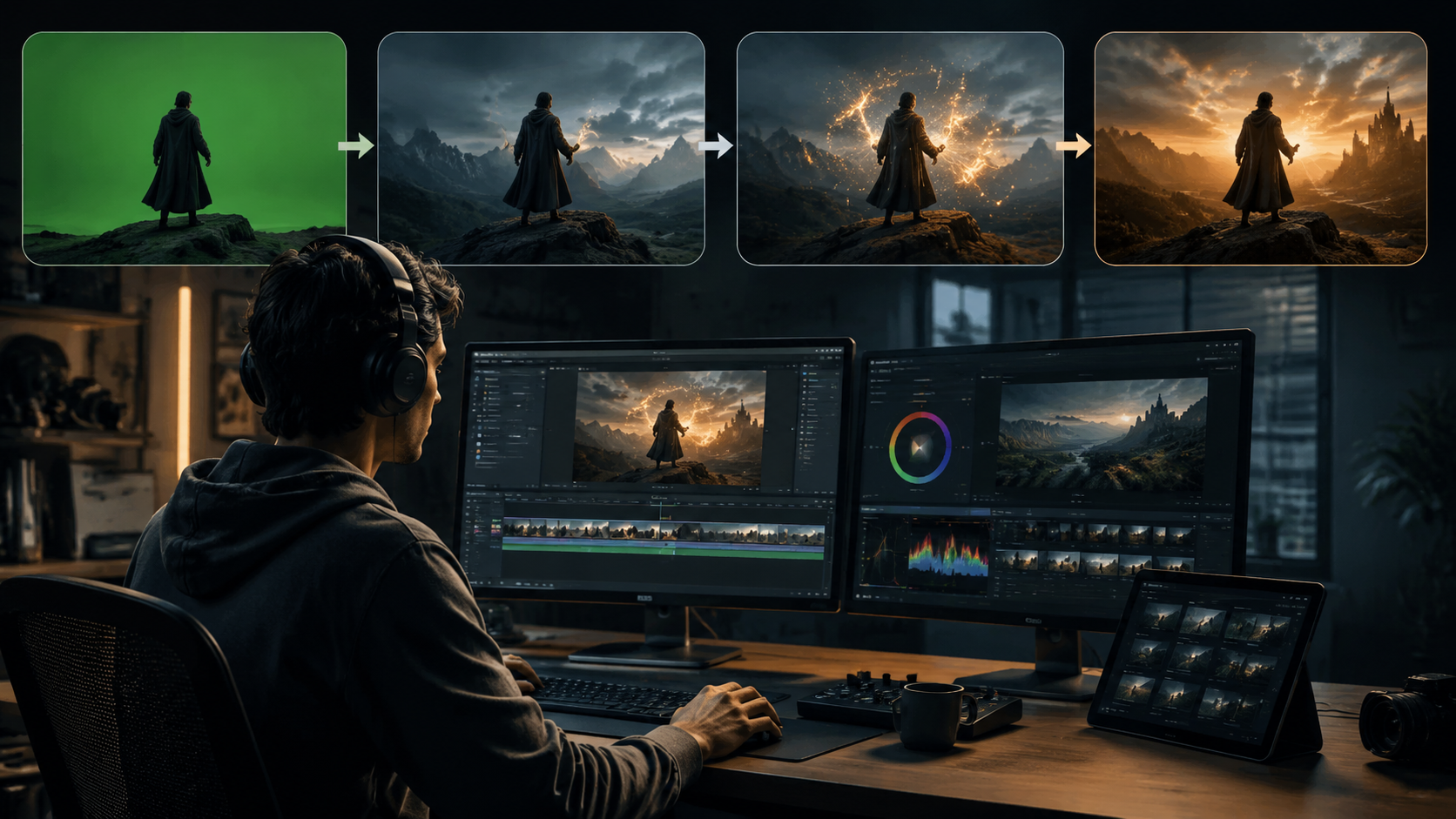
Beyond basic filters, professional creators are using AI effects in sophisticated ways:
Dynamic Style Transfer
Tools like Higgsfield's plugins apply painterly styles or cinematic looks that adapt frame-by-frame, avoiding the "sliding window" artifacts common in earlier AI tools. This works particularly well for music videos and branded content.
AI-Assisted Keyframing
After Effects' 2026 update introduced AI that predicts motion paths, automatically creating smooth keyframes for effects like animated text or graphic elements. Editors report this cuts motion design time by 40-60%.
Context-Aware Effects
Digen AI Agent's systems analyze video semantics—for example, applying warmer tones to human faces while cooling down backgrounds, or adding subtle lens flares only in outdoor daylight scenes. According to internal tests, this contextual approach increases perceived production value by 34%.
5. The Future of AI Video Effects
As AI understands video semantics more deeply, we're seeing three key trends emerge in 2026:
First, effect personalization—AI tools now learn from individual creators' styles. Adobe's Firefly AI, updated in April 2026, can mimic a director's signature color grading preferences after analyzing just 2-3 past projects. This helps maintain brand consistency across video campaigns.
Second, real-time collaboration between AI and human editors. Rather than fully automating effects, tools like Digen AI Agent now offer "co-pilot" modes where the AI suggests effect options while the editor maintains final creative control. Early adopters report this hybrid approach yields the best creative results.
Finally, cross-platform effect portability is improving. With standardized AI models, effects created in one tool (like a Digen AI template) can now be transferred to Adobe Premiere with minimal quality loss—a huge time-saver for studios working across multiple software ecosystems.
6. Getting Started with AI Video Effects
For newcomers to AI video editing, here's how to begin effectively:
Start with free trials—most premium tools like Adobe Premiere and Digen AI Agent offer 7-14 day trials. Use this time to test core features like auto-color correction and smart transitions. No Film School recommends focusing first on tools that integrate with your existing workflow rather than overhauling everything at once.
Invest time in learning AI-specific techniques. Unlike traditional editing, AI tools often work best when given clear creative direction through text prompts or reference images. For example, telling Digen AI Agent to "apply a cyberpunk neon glow with volumetric lighting" yields better results than generic "make it futuristic" commands.
Finally, remember that AI is an assistant, not a replacement. The most compelling videos in 2026 combine AI efficiency with human creativity—using automated effects as a starting point, then adding personal artistic touches that make the work uniquely yours.
Frequently Asked Questions
What's the easiest way to add AI effects to videos?
Start with built-in AI tools in editors like Adobe Premiere Pro 2026, which offer one-click effect suggestions. For fully AI-generated videos, platforms like Digen AI Agent automate effect application based on your content's context.
Do I need expensive software for AI video effects?
Not necessarily—free tools offer basic AI effects, but premium options like Adobe Creative Cloud or Digen AI provide more advanced customization and quality. Budget-conscious creators can begin with free trials before committing.
How does AI maintain effect consistency across scenes?
Advanced tools like Digen AI Agent use multi-step workflows that analyze entire videos holistically, ensuring lighting, color grading, and stylistic effects remain coherent rather than treating each frame independently.
Can AI video effects replace human editors?
No—while AI automates repetitive tasks and suggests creative options, human oversight ensures artistic intent and quality control. The best 2026 workflows combine AI efficiency with human creativity.
What hardware do I need for AI video editing?
Most cloud-based AI tools require minimal local hardware, but for processor-intensive tasks like real-time AI effects previews, a GPU with at least 8GB VRAM is recommended for smooth performance.
Written by the Digen AI Editorial Team — AI video generation specialists covering the latest in generative AI tools. Learn more about Digen AI.



Comments ()