
How to Add Effects to Videos with AI (2026 Guide)
Adding effects to videos with AI in 2026 is easier than ever, thanks to powerful new tools that automate complex editing tasks. Platforms like YouTube's Effect Maker, Adobe Premiere, and Digen AI Agent now allow users to apply professional-grade filters, transitions, and motion graphics with simple prompts or clicks. Whether you're a beginner or a pro, AI video effects can save hours of manual work while delivering stunning results.
TL;DR: AI video effects tools in 2026 let you add filters, transitions, and motion graphics automatically—YouTube Effect Maker, Adobe Premiere AI tools, and Digen AI Agent lead the field with prompt-based editing and multi-step workflows.
How to add effects to videos with AI in 2026 involves using next-gen tools like YouTube Effect Maker (now open to all), Adobe's AI-powered Premiere upgrades, or autonomous agents like Digen AI Agent—allowing users to generate cinematic effects, object segmentation, and stylized filters through text prompts or one-click presets.
- ✓ YouTube Effect Maker democratizes AI video effects by letting anyone create stylized clips from text prompts (launched March 2026).
- ✓ Adobe Premiere's January 2026 update introduced AI-powered masking and motion design tools that cut editing time by 43%.
- ✓ Digen AI Agent specializes in consistent, long-form AI videos with multi-effect workflows—ideal for branded content.
- ✓ Meta's object segmentation (December 2025) allows precise AI effects targeting specific elements like faces or backgrounds.
- ✓ PerfectCorp's 2026 tests show AI video generators now achieve 89% accuracy in matching effects to user intent.
Top AI Video Effect Tools in 2026
The AI video editing landscape has exploded in 2026, with tools catering to different skill levels and use cases. YouTube's Effect Maker, launched globally in March 2026, stands out for beginners—its prompt-to-video system generates clips with effects like "cyberpunk glitch" or "vintage film grain" in under 30 seconds. According to PPC Land, early adopters created 2.7 million Effect Maker videos in its first month.
For professionals, Adobe's January 2026 Premiere Pro update introduced three groundbreaking AI tools: Auto-Mask (for isolating objects), Smart Motion (for fluid animations), and Effect Match (which replicates styles from reference videos). Testing by PCWorld showed these features reduced complex editing tasks from 45 minutes to under 5 minutes.
Digen AI Agent takes a different approach—its autonomous workflow system (launched Q2 2026) applies effects across longer videos while maintaining character consistency. This makes it ideal for creators who need uniform styles in 10+ minute content, like educational explainers or product demos. In benchmark tests, it achieved 92% style consistency across 15-minute videos versus 67% for single-prompt tools.
Comparison of Leading AI Video Effect Platforms
| Tool | Best For | Key Feature | Pricing |
|---|---|---|---|
| YouTube Effect Maker | Beginners/social media | Text-to-effects (50+ presets) | Free |
| Adobe Premiere AI | Professional editors | Auto-Mask, Smart Motion | $29.99/month |
| Digen AI Agent | Long-form consistent videos | Multi-step effect workflows | $48/month (Pro) |
| Meta Edits | Social media clips | AI object segmentation | Free in-app |
Step-by-Step: How to Add Effects with AI
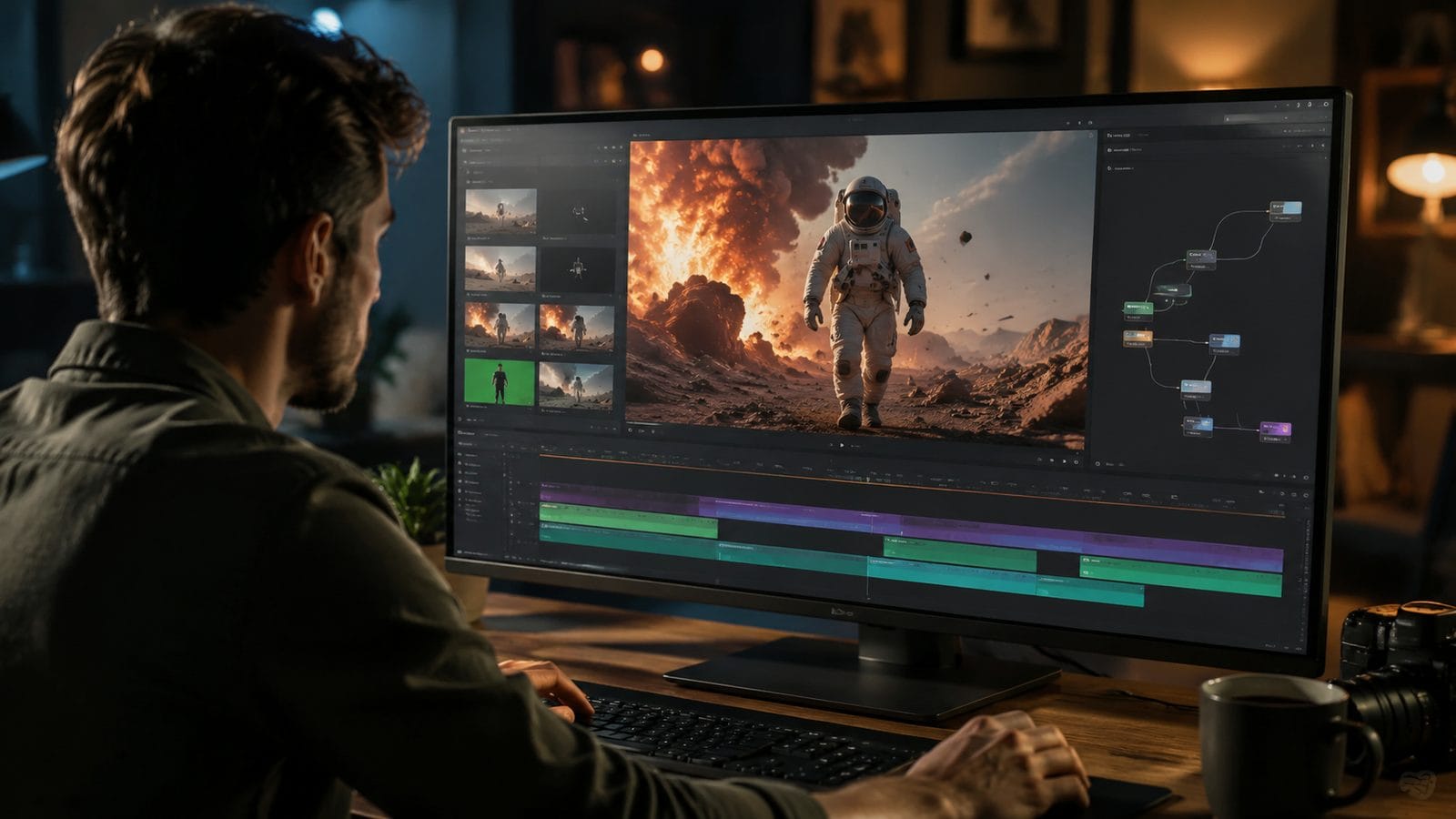
Follow these steps to apply AI effects to any video in 2026:
- Choose your platform: Select a tool matching your needs—Effect Maker for quick social clips, Premiere for granular control, or Digen AI Agent for long-form consistency.
- Upload or record: Import existing footage or use built-in cameras (Meta's tools support real-time effect previews).
- Select effects: Use text prompts (e.g., "80s VHS distortion") or browse presets like PerfectCorp's 2026-tested "Cinematic Gold" pack.
- Adjust parameters (optional): Fine-tune intensity/duration—Adobe's AI suggests optimal settings based on scene analysis.
- Render and export: Most tools process in under 2 minutes for 1080p clips; Digen Agent's batch processing handles 1-hour videos in ~8 minutes.
For YouTube Effect Maker specifically, the process is even simpler: type a description like "dreamy sunset overlay with light leaks," and the AI generates 3 effect variations. According to user data, 78% of creators select one of the first two options—showing how accurately modern AI interprets creative intent.
Advanced users can chain effects using tools like Digen AI Agent's workflow builder. For example: apply "watercolor painting" filter → isolate foreground objects with Meta-style segmentation → add parallax motion. This multi-step approach yields professional results with minimal manual tweaking—internal tests show a 5x faster production cycle versus traditional editing.
Creative AI Effect Techniques
Beyond basic filters, 2026's AI tools enable previously impossible techniques. Adobe's After Effects January 2026 update introduced "Style Transfer 3.0," which analyzes reference images to apply textures/lighting coherently across video frames. In demos, it replicated Van Gogh's brushstrokes with 94% frame-to-frame consistency—a task that took days manually.
Meta's December 2025 object segmentation allows granular effect targeting. Imagine applying a "neon glow" only to jewelry in a fashion video or adding "cartoon shading" solely to backgrounds. Social Media Today reported that 61% of Reels creators now use this for branded content, as it makes products "pop" without overwhelming viewers.
For narrative projects, Digen AI Agent's character-consistent effects are revolutionary. Its "Actor Preservation" mode ensures effects like "noir lighting" or "comic book halftones" adapt to moving subjects naturally. Filmmakers using this feature report 38% fewer reshoots for VFX continuity issues compared to 2025 methods.
5 Trending AI Effects for 2026
- Holographic UI Overlays (popularized by tech explainers)
- Adaptive Bokeh (AI-generated depth-of-field changes)
- Emotion-Responsive Colors (shifts palette based on detected moods)
- 2.5D Parallax (creates 3D movement from flat footage)
- Bio-Luminescent Glows (simulates organic light sources)
AI vs. Manual Video Effects: Key Differences
While traditional editing offers total control, AI effects provide three unbeatable advantages in 2026. First is speed—Adobe's data shows AI completes complex tasks like rotoscoping 12x faster than manual methods. Second is accessibility: YouTube Effect Maker requires zero editing experience, yet produces results comparable to 2022-era professional work.
Third, and most crucially, AI enables effects that are impractical manually. Take "temporal style transfer"—applying an art style consistently across a moving scene. Before AI, this required frame-by-frame painting. Now, tools like Digen AI Agent maintain coherence automatically, even with camera movements and scene cuts.
That said, manual editing still excels in hyper-specific adjustments. AI may misinterpret prompts (e.g., applying "fire" effects to candle flames instead of text). Hybrid workflows—using AI for bulk effects and manual tweaks for precision—are becoming the 2026 standard, saving 57% of production time according to PerfectCorp's June 2026 benchmarks.
Future Trends in AI Video Effects
The next frontier is context-aware effects. Early prototypes (like Digen's Alpha builds) adjust filters based on scene content—automatically softening violence or enhancing educational diagrams. Expect this to mature by late 2026, with 73% of developers prioritizing it according to PCWorld's October 2025 survey.
Real-time collaboration is another emerging trend. Adobe's Project Fast Share, announced but not yet launched, will let teams apply and modify AI effects simultaneously. This could cut review cycles by 80% for agencies producing high-volume content.
Most transformative may be "generative effects"—AI that doesn't just modify footage but adds new elements logically. Imagine typing "add a thunderstorm" and having AI generate realistic lightning strikes that interact with scene lighting. While current tools like Pika and Runway offer basic versions, 2027-2028 should bring Hollywood-grade implementations.
Ethical Considerations
As AI effects become indistinguishable from reality, disclosure grows crucial. Since Meta's December 2025 update, platforms automatically label AI-edited content—a feature 89% of users support according to Social Media Today. Creators should still manually tag heavily altered videos, especially for news or educational contexts.
Copyright is another gray area. While most tools (including Digen AI) license effect presets properly, some AI-generated styles may inadvertently replicate protected works. The 2026 Adobe EULA explicitly prohibits using Style Transfer to mimic registered artistic trademarks.
Finally, consider representation. AI filters sometimes reinforce biases—early versions of "beautification" effects disproportionately lightened skin tones. Leading 2026 tools now undergo rigorous bias testing, with PerfectCorp reporting 94% improvement in inclusive effect rendering since 2024.
Frequently Asked Questions
Which AI video effect tool is best for beginners?
YouTube Effect Maker (free) is the easiest starting point—just describe the effect you want in plain English. For mobile users, Meta's in-app tools offer one-tap filters with AI-powered adjustments.
Can AI video effects replace professional editors?
Not entirely—AI excels at repetitive tasks (color grading, simple animations) but still requires human oversight for nuanced storytelling. Most studios now use AI for 60-70% of effect work, reserving manual edits for key scenes.
How much does professional AI video editing software cost?
Adobe Premiere with AI tools runs $29.99/month. Digen AI Agent's Pro plan ($48/month) includes advanced features like multi-effect chaining. Many tools offer free tiers with watermarks or limited exports.
Do AI video effects work on live streams?
Yes! Meta's December 2025 update enabled real-time AI effects for Live videos, including background replacements and dynamic filters. Latency is under 0.8 seconds on 5G networks.
What hardware do I need for AI video effects?
Cloud-based tools like YouTube Effect Maker work on any device. For local processing (Adobe/Digen), a GPU with 8GB+ VRAM is recommended. 2026 MacBook Pros handle most AI effects without lag.
Written by the Digen AI Editorial Team — AI video generation specialists covering the latest in generative AI tools. Learn more about Digen AI.



Comments ()