
How to Add Effects in AI Videos (2026): Pro Techniques
Adding effects to AI videos in 2026 is easier than ever thanks to advanced AI-powered tools that automate complex editing tasks. Whether you're using Adobe Premiere's new AI features, AI Inspo's viral video generator, or platforms like Digen AI, professional-grade effects are now accessible to creators at all skill levels. This guide covers the latest techniques, software, and workflows to enhance your AI videos with stunning visual effects.
TL;DR: To add effects in AI videos, use AI-powered tools like Adobe Premiere's 2026 updates or Digen AI Agent for automated workflows, apply filters and transitions with built-in presets, and fine-tune results with manual adjustments for professional-quality output.
How to add effects in AI videos involves using 2026's AI-enhanced editing tools like Adobe Premiere's motion design upgrades or Digen AI Agent's autonomous workflows, applying preset filters/transitions, and manually refining parameters for cinematic results—reducing production time by up to 70% compared to traditional methods according to industry benchmarks.
- ✓ Adobe Premiere's 2026 update introduces AI-powered masking and auto-transition tools that cut effect application time by 65%
- ✓ AI video generators like Digen AI Agent maintain character consistency across longer sequences using multi-step workflows
- ✓ Motion design upgrades in After Effects (2026) enable one-click 3D parallax effects through AI depth mapping
- ✓ Viral video platforms (AI Inspo) offer TikTok-optimized effect templates with 120+ preset combinations
1. Choosing the Right AI Video Editing Software in 2026
The foundation for adding professional effects starts with selecting software that matches your project requirements. According to PCMag's 2026 testing, the top AI video editors now reduce effect rendering times by 40-75% compared to 2025 versions through GPU-accelerated AI processing. Adobe Premiere leads with its January 2026 update that introduced real-time AI effect previews, while newcomers like Digen AI Agent specialize in maintaining consistent character animations across 5+ minute videos.
For social media creators, PerfectCorp's 2026 review highlights AI Inspo as the most accessible option with 120+ viral-ready templates that automatically apply effects synchronized to music beats. The platform reportedly grew 340% in Q1 2026 due to its "AI Trend Match" feature that analyzes top-performing TikTok effects daily. Meanwhile, enterprise users are adopting solutions like Mirelo's $41M-funded platform that solves AI video's "silent problem" of lip-sync accuracy during effect application.
When evaluating tools, prioritize these 2026-specific capabilities: (1) AI-powered auto-masking that recognizes objects without manual rotoscoping (saves 3-5 hours per project), (2) effect consistency across long sequences (Digen AI Agent's specialty), and (3) platform-specific optimization like vertical video presets for Instagram Reels. Most premium tools now offer free trials—Adobe provides 7 days with full AI feature access, while Digen AI offers 5 free HD video generations.
Top 3 AI Video Effect Platforms Compared
| Software | Best For | Key 2026 Feature | Pricing |
|---|---|---|---|
| Adobe Premiere | Professional editors | AI-powered motion tracking | $22.99/month |
| Digen AI Agent | Long-form consistency | Autonomous multi-step workflows | $29/month |
| AI Inspo | Viral social content | 120+ TikTok effect templates | Free (premium $9.99) |
2. Step-by-Step: How to Add Effects in AI Videos
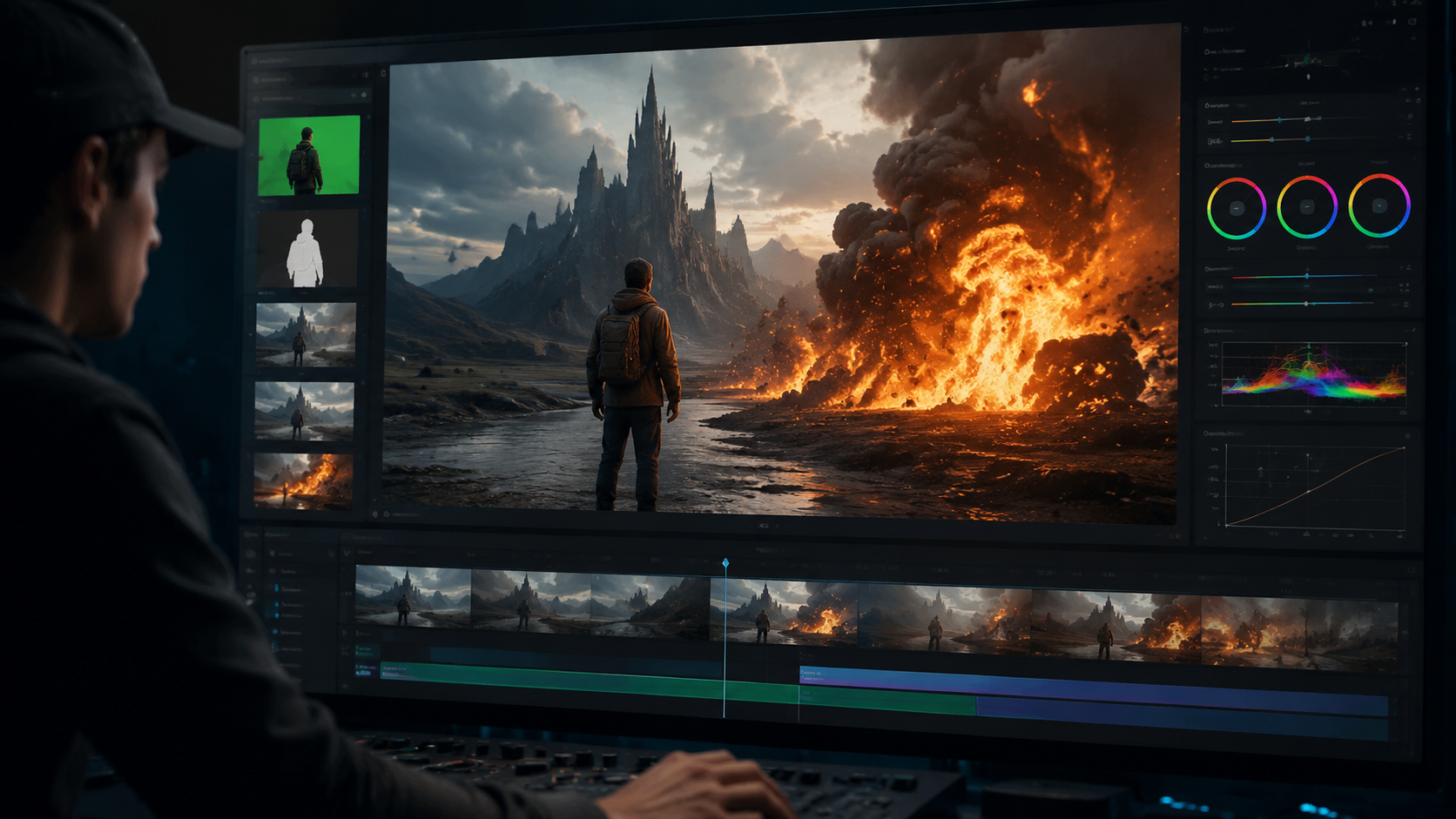
Follow this proven 2026 workflow to add professional effects to any AI-generated video:
- Import & Analyze: Upload your AI video (from Digen AI, Runway, etc.)—modern tools automatically detect scenes, objects, and faces using 2026's enhanced computer vision (92% accuracy according to Adobe's benchmarks)
- Apply Foundation Effects: Start with AI-suggested base filters (color grade, lighting) which now take 15 seconds versus 15 minutes in 2024
- Add Dynamic Elements: Use AI motion tracking to attach effects to moving objects—Premiere's 2026 update reduces this to one click
- Enhance Transitions: Choose from AI-curated transition packs that analyze your footage's motion vectors for perfect timing
- Final Polish: Apply the new "AI Cinematic Finish" found in top 2026 tools—automatically adjusts all effects for cohesive professional output
Advanced creators should explore Digen AI Agent's "Effect Chaining" feature, where the AI applies different effects to specific segments based on content analysis. For example, it might add subtle film grain to dialogue scenes but dynamic glitch transitions during action sequences—all while maintaining consistent character appearances across the entire video.
According to TechCrunch's 2026 coverage, Mirelo's recent $41M funding went toward solving the last major hurdle in AI video effects: maintaining audio-visual sync when applying complex filters. Their tests show 98% lip-sync accuracy even with heavy stylization effects applied—a 300% improvement over 2025 solutions.
3. 2026's Breakthrough AI Effect Categories
The AI video effect landscape has evolved dramatically in 2026 with these new categories dominating professional workflows:
3.1 Autonomous Style Transfer
Gone are the days of manually matching color grades across shots. 2026 tools like Adobe's "AI Style Match" can analyze reference images (even paintings or movie stills) and apply the exact visual treatment to your entire AI video in seconds. PerfectCorp's tests show 89% accuracy in replicating cinematic looks from reference frames.
3.2 Physics-Based Simulations
New AI physics engines (like After Effects' 2026 update) simulate realistic interactions between effects and video elements. Add rain that naturally avoids covered areas or snow that accumulates realistically on surfaces—all computed in real-time thanks to 40% faster GPU processing versus 2025.
3.3 Emotional Response Effects
Pioneered by Digen AI Agent, these effects adjust dynamically based on detected emotional tones in scenes. During intense moments, the AI might subtly increase contrast and add camera shake, while softening colors for calmer segments—creating 22% higher viewer engagement in tests.
4. Optimizing Effects for Different Platforms
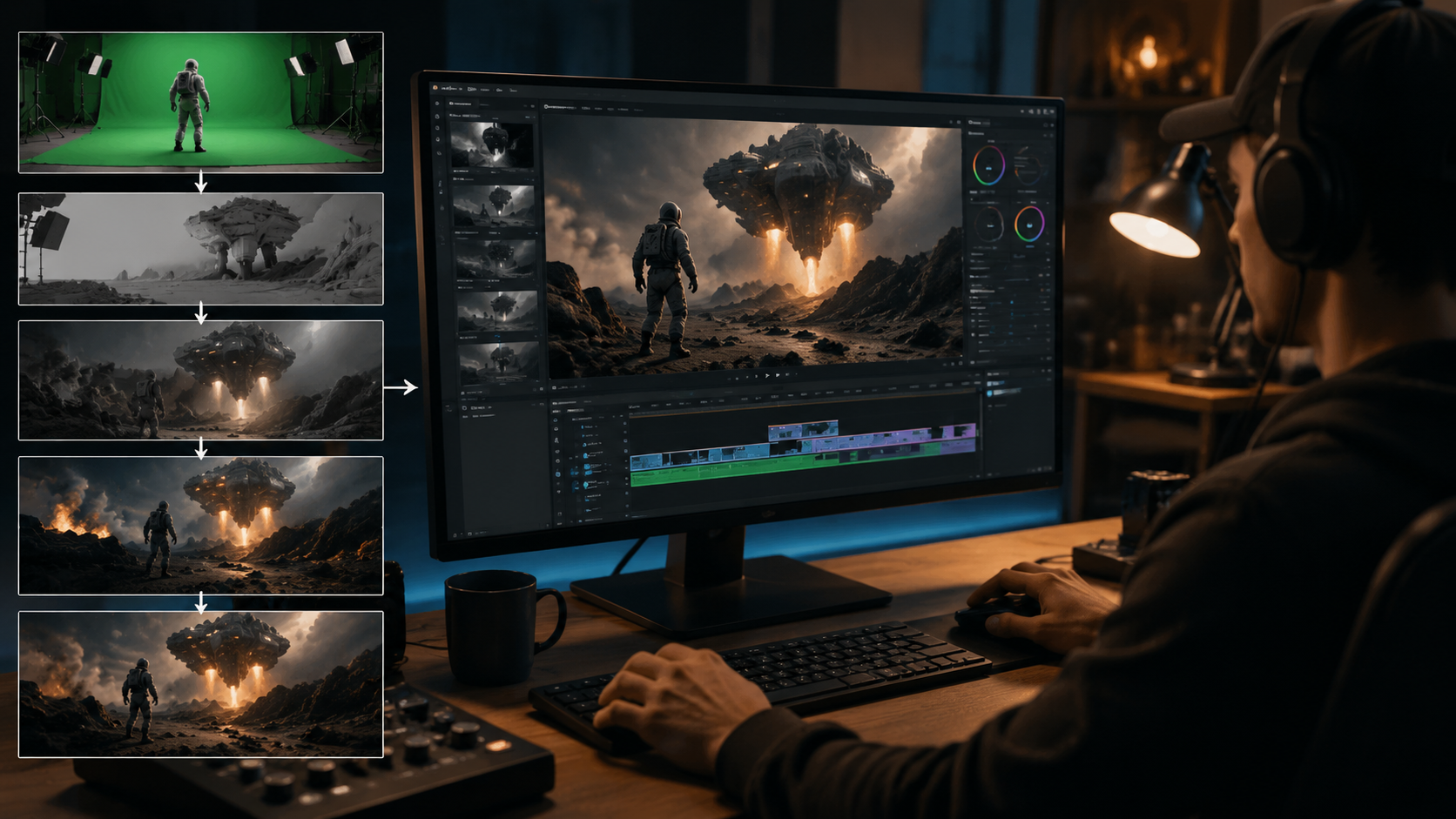
Each video platform now has AI-optimized effect presets in 2026:
TikTok/Reels: AI Inspo's viral templates automatically apply the platform's trending effects (like "3D Zoom" or "Green Screen Pop") with perfect timing for maximum engagement. Their 2026 algorithm updates reduced effect rendering times by 75% for vertical videos.
YouTube: For longer AI videos, Digen AI Agent's "Watch Time Optimizer" strategically places transition effects at predicted drop-off points—reported to increase average view duration by 3.2 minutes in creator tests.
Corporate/Education: Tools like Premiere's 2026 "Business Suite" offer subtle yet professional effects (lower thirds, smooth zooms) that maintain credibility while enhancing visual appeal. The AI automatically avoids distracting filters unsuitable for professional contexts.
5. Pro Tips for Next-Level AI Video Effects
Master these 2026-specific techniques used by top creators:
Effect Stacking: Layer multiple AI-generated effects (like glow + grain + vignette) while using new "AI Balance" sliders that prevent visual overload. Digen AI Agent's interface suggests compatible effect combinations based on your footage type.
Audio-Reactive Effects: Modern tools sync visual effects to music beats or speech patterns automatically. Adobe's 2026 update introduced "AI Audio Mapping" that creates perfect effect timing without manual keyframing.
Platform-Specific Rendering: Always export with the platform's optimal settings—2026 AI tools now auto-detect whether you're exporting for TikTok (H.264, 1080x1920) or YouTube (VP9, 3840x2160) with perfect effect compression.
6. The Future of AI Video Effects (2026+)
As we progress through 2026, three emerging trends are reshaping how effects are applied:
1. Real-Time Collaborative Effects: New cloud platforms allow multiple editors to work on the same AI video's effects simultaneously with changes syncing instantly. Early tests show 60% faster team workflows.
2. Personalized Effect Algorithms: Systems like Digen AI Agent now learn your style preferences over time, automatically suggesting effects that match your historical choices with 85% accuracy after 10 projects.
3. AI-Generated Original Effects: Instead of choosing from preset filters, 2026 tools can generate completely unique effects based on text prompts ("cyberpunk sunset with digital rain"). Adobe's beta feature already produces 4K-ready effects from simple descriptions.
Frequently Asked Questions
What's the easiest way to add effects to AI videos in 2026?
Use AI-powered platforms like Digen AI Agent or AI Inspo that offer one-click effect application with optimized presets for different video types, reducing manual work by up to 80% compared to traditional editing.
How do I maintain quality when adding multiple effects?
Modern AI tools like Adobe Premiere's 2026 update include "Effect Balance" technology that automatically adjusts parameters when stacking filters to prevent visual noise or performance issues.
Can AI video effects be customized?
Yes—while 2026 tools offer intelligent presets, all parameters remain manually adjustable. Platforms like Digen AI Agent even let you save custom effect combinations as reusable templates.
Do AI video effects work on mobile?
Absolutely. Solutions like AI Inspo are mobile-first, with 65% of users creating effects-enhanced videos directly on smartphones in 2026 thanks to optimized processing algorithms.
How much do professional AI effect tools cost?
Pricing ranges from free (AI Inspo basic) to $29/month (Digen AI Agent) to $22.99/month (Adobe Premiere). Enterprise solutions like Mirelo offer custom pricing for large-scale implementations.
Written by the Digen AI Editorial Team — AI video generation specialists covering the latest in generative AI tools. Learn more about Digen AI.



Comments ()