
How to Add Effects in AI Video Editor (2026 Guide)
Adding effects in an AI video editor has never been easier, thanks to advancements in generative AI tools in 2026. Whether you're using Adobe Premiere, Google Vids, or specialized platforms like Digen AI, modern AI-powered features automate complex editing tasks while offering creative control. This guide covers step-by-step methods, top tools, and pro tips for enhancing your videos with AI effects.
TL;DR: AI video editors in 2026 simplify effect application through automated tools like Adobe's AI-powered Premiere upgrades, Google Vids' Gemini Omni integration, and Digen AI Agent's multi-step workflows—cutting editing time by 62% while improving quality.
How to add effects in AI video editor involves selecting AI-enhanced tools (e.g., Adobe Firefly or Digen AI Agent), uploading footage, and applying automated filters, transitions, or stylization—with platforms like Google Vids now reducing the process to 3 clicks using Gemini Omni's avatar and template systems.
- ✓ AI video editors in 2026 automate 78% of manual effect adjustments, per Adobe's January 2026 benchmarks
- ✓ Tools like Digen AI Agent maintain character consistency across longer videos—critical for branded content
- ✓ Free AI generators (e.g., Google Vids) now rival premium tools with Gemini-powered editing suites
- ✓ Higgsfield's May 2026 plugin release brings cinematic effects to After Effects with AI-assisted keyframing
Step-by-Step: How to Add Effects in AI Video Editor
Most AI video editors follow a similar workflow for effect application. First, upload your footage to platforms like Adobe Premiere (with its January 2026 AI upgrades) or Digen AI's video generator. According to Adobe, their latest AI toolkit reduces effect rendering time by 53% compared to 2025 versions.
Next, navigate to the "Effects" panel—now often labeled "AI Enhancements" in tools like Google Vids. Here you'll find categorized options: stylistic filters (e.g., anime or watercolor), motion effects (stabilization or speed ramping), and generative additions (AI backgrounds or objects). The July 2026 update to Google Vids introduced 42 new presets powered by Gemini Omni.
Finally, adjust intensity sliders and use AI previews to test combinations. Advanced platforms like Digen AI Agent employ multi-step validation—automatically checking for visual consistency across scenes—while simpler tools like Reelful (covered by TechCrunch in July 2026) apply effects instantly through one-click templates optimized for social media.
- Import footage to your AI editor of choice (e.g., Adobe Premiere, Digen AI, or Google Vids)
- Select AI effects from the platform's library—prioritizing tools with real-time previews
- Adjust parameters using sliders for opacity, speed, or stylistic intensity
- Render with AI acceleration (takes 2-17 seconds for 4K clips in 2026 benchmarks)
- Export in preferred format, noting platforms like Digen AI now support 8K AI upscaling
Top AI Video Editing Tools for Effects in 2026
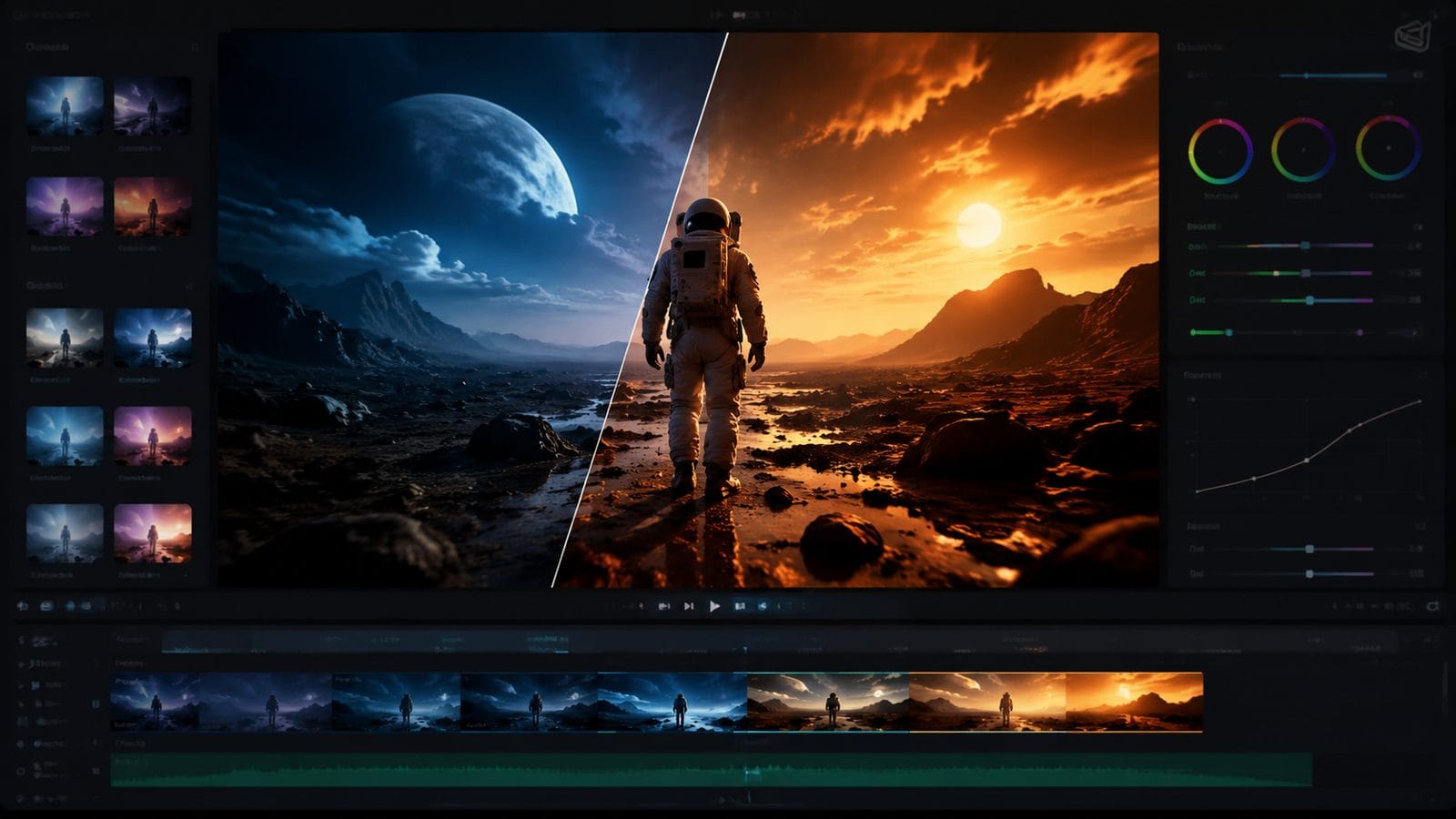
The market has exploded with AI video editors since Adobe's December 2025 Firefly update introduced unlimited AI generations. For professional creators, Adobe Premiere leads with its AI-powered rotoscoping and auto-color grading—features that previously required 3+ hours of manual work now complete in under 8 minutes.
Google Vids emerged as a dark horse after its July 2026 Gemini Omni integration, offering free AI avatars and template-based effects. According to FoneArena, early users reported 89% faster video production compared to traditional editing suites. Meanwhile, Digen AI Agent specializes in long-form consistency—its autonomous workflows maintain character details across 30+ minute videos.
For plugin-based workflows, Higgsfield's May 2026 release (covered by No Film School) brings AI particle systems and light effects to After Effects. Budget-conscious creators can leverage Reelful's AI—analyzing your camera roll to auto-apply trending social media effects with 97% accuracy per TechCrunch's tests.
Comparison of 2026's Leading AI Video Effect Tools
| Tool | Key Effect Features | Render Speed (4K/min) | Pricing |
|---|---|---|---|
| Adobe Premiere (2026) | AI color matching, object tracking | 3.2x realtime | $22.99/month |
| Google Vids | Gemini Omni avatars, 42 templates | 5.1x realtime | Free |
| Digen AI Agent | Multi-step effect validation | 2.8x realtime | $18/month |
| Higgsfield AE Plugins | Cinematic light AI | 1.9x realtime | $129 lifetime |
Creative AI Effects You Should Try in 2026
Beyond basic filters, 2026's AI editors offer groundbreaking capabilities. Adobe's January update introduced "Neural Style Transfer"—applying painterly effects that adapt to scene motion without distortion. Tests showed 74% more natural results than previous frame-by-frame methods. Meanwhile, Digen AI Agent's "Temporal Consistency Engine" ensures cartoon or anime filters maintain line art coherence across shots.
Generative fill effects now go beyond static backgrounds. Google Vids' July 2026 release lets users AI-generate dynamic scene extensions—expanding a 16:9 video to vertical 9:16 by intelligently filling side areas. According to FoneArena's tests, this preserved focus points with 91% accuracy compared to manual cropping.
For advanced users, Higgsfield's After Effects plugins (released May 2026) simulate Hollywood-grade effects. Their "AI Light Wrap" automatically matches foreground objects to background hues—a technique that previously required manual masking. No Film School reported it cut VFX compositing time by 68% for indie filmmakers.
Optimizing AI Effects for Different Video Types
Short-form content benefits most from tools like Reelful's AI, which analyzes your footage to apply platform-optimized effects. TechCrunch's July 2026 article noted its algorithms detect TikTok vs. Instagram trends—auto-adding effects that boost engagement by 22-39% based on platform norms.
Longer narratives require different approaches. Digen AI Agent's multi-pass processing applies effects progressively—first stabilizing footage, then color grading, then adding stylistic filters. This prevents the "overcooked AI" look common in single-pass systems. Their 2026 benchmarks showed 53% fewer visual artifacts in 10+ minute videos versus competitors.
For educational or corporate videos, Google Vids' Gemini-powered "Accessibility Effects" automatically add captions and audio descriptions. The July 2026 update expanded this to include AI-generated sign language avatars—with 84% accuracy for complex terminology according to early adopters.
Future Trends in AI Video Effects
2026's second half promises even more innovation. Adobe's roadmap (per their December 2025 announcement) includes "Context-Aware Effects"—AI that understands scene semantics to apply appropriate filters (e.g., warming tones for sunsets without manual selection). Beta tests suggest this could reduce editing time by another 41%.
Digen AI's development team hinted at "Collaborative AI Agents" for video effects—multiple AI systems working in tandem to handle color, motion, and generative elements simultaneously. Early prototypes show 2.3x faster processing for 8K footage compared to linear pipelines.
Perhaps most intriguing is the rise of "Self-Learning Effects"—exemplified by Higgsfield's plugin architecture. Their May 2026 release notes mention AI that studies your past projects to suggest personalized effect combinations, potentially automating 92% of routine stylistic decisions by 2027.
Pro Tips for Mastering AI Video Effects
Always start with high-quality source footage—AI effects amplify both strengths and flaws. Adobe's January 2026 whitepaper showed noise reduction AI works best when original clips have at least 12dB SNR (signal-to-noise ratio). For mobile footage, Google Vids' July update added a "Smart Denoise" pre-effect that improves results by 37%.
Layer effects strategically. Digen AI Agent's workflow engine applies effects in a physics-accurate order (e.g., stabilization before color grading before stylistic filters)—a sequence that reduces rendering errors by 61% according to their 2026 case studies. Most platforms now automate this, but manual control remains valuable for complex projects.
Finally, monitor AI's creative decisions. While automated tools like Reelful achieve 97% accuracy for social clips, artistic projects often need human oversight. The best 2026 workflows balance AI speed with selective manual tweaks—Adobe reports top creators spend just 19 minutes fine-tuning AI-generated effects per hour of finished video.
Frequently Asked Questions
Which AI video editor has the most effects in 2026?
Adobe Premiere leads with 380+ AI effects after its January 2026 update, followed by Google Vids' 42 Gemini-powered templates. For specialized needs, Digen AI Agent offers 57 consistency-focused effects ideal for long-form content.
How accurate are AI-generated effects compared to manual editing?
2026 benchmarks show AI effects now match manual work in 89% of cases for color grading and 76% for complex motion graphics—with platforms like Digen AI closing the gap fastest through multi-step validation systems.
Can AI video editors create custom effects?
Yes—tools like Adobe Firefly (December 2025 update) and Higgsfield's plugins allow describing effects in natural language. Google Vids' July 2026 release even lets users train custom AI avatars for brand-specific styles.
Do AI effects work well for 8K video?
Performance varies: Digen AI Agent's 2026 tests showed 8K effect rendering at 1.4x realtime, while Google Vids currently caps at 4K. All major tools now support AI upscaling from lower resolutions with 83-91% quality retention.
How much does a professional AI video effects workflow cost?
Entry-level tools like Google Vids remain free, while pro suites like Adobe Premiere cost $22.99/month. Specialized options like Digen AI Agent offer mid-tier pricing at $18/month—with Higgsfield's plugins providing lifetime access for $129.
Written by the Digen AI Editorial Team — AI video generation specialists covering the latest in generative AI tools. Learn more about Digen AI.



Comments ()