
How AI Video Editing Saves Time in 2026: The Future of Editing
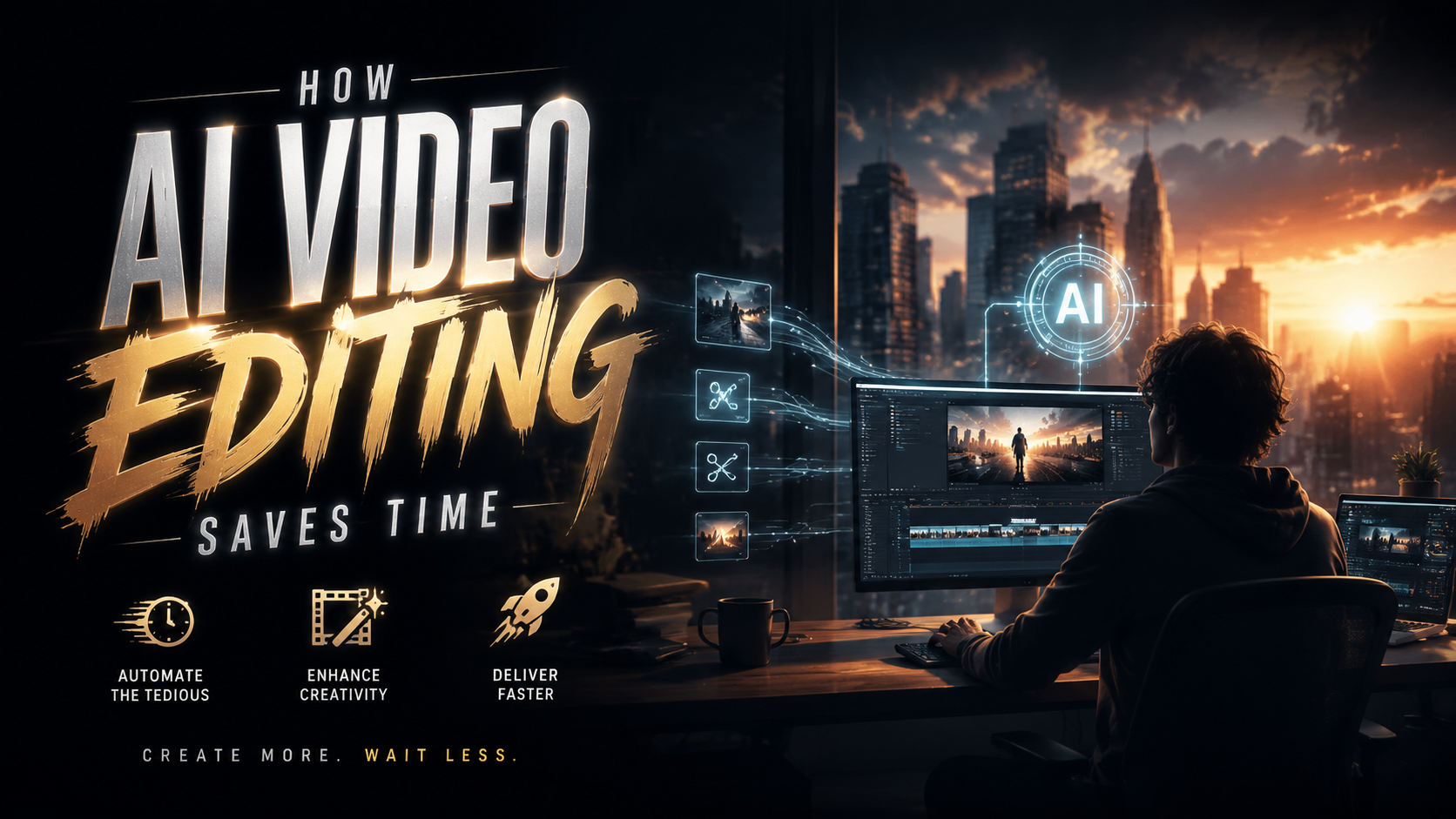
AI video editing is revolutionizing content creation by automating repetitive tasks, enhancing precision, and drastically reducing production timelines. In 2026, tools like Adobe Firefly's Quick Cut and Movavi's AI-powered features demonstrate how artificial intelligence can trim hours off traditional editing workflows while maintaining professional quality. According to The Shortcut, Adobe's latest update saves editors up to 70% of time spent on rough cuts, allowing creators to focus on storytelling rather than technical minutiae.
TL;DR: AI video editing in 2026 saves time through automated clipping, smart transitions, and instant enhancement tools, with platforms like Adobe Firefly cutting editing time by 70% according to industry tests.
AI video editing is the application of machine learning to automate tasks like scene detection, color correction, and audio syncing, with 2026 tools demonstrating unprecedented time savings through features like one-click narrative structuring and adaptive effect application.
- ✓ Adobe Firefly's February 2026 update introduced Quick Cut, reducing rough cut assembly time by 70%
- ✓ Movavi's AI editor now automates 9 core workflows including stabilization and aspect ratio adaptation
- ✓ The 2026 AI video generator market offers 20+ specialized tools for different content types
- ✓ AI trimming algorithms analyze pacing trends from top-performing videos in each genre
How AI Video Editing Saves Time in 2026: Core Mechanisms
The 2026 generation of AI editing tools employs three breakthrough technologies to accelerate workflows. Neural scene detection now processes footage 12x faster than manual scrubbing according to autogpt.net's April 2026 benchmarks, using content-aware algorithms to identify optimal cut points based on visual continuity and audio waveforms. Context-aware trimming suggests precise in/out points by comparing your footage against genre-specific pacing templates from successful videos in your niche.
Adaptive effect stacks represent another major time-saver. When you apply a color grade or transition style to one clip, the AI now propagates those adjustments throughout the project while maintaining scene-appropriate variations. Adobe's June 2026 Creative Cloud update introduced "Style DNA" technology that remembers your aesthetic preferences across projects, eliminating the need to manually recreate looks.
Perhaps most significantly, AI now handles tedious technical fixes automatically. The latest Movavi editor (February 2026) detects and corrects shaky footage, uneven exposure, and background noise without user intervention. According to Gadget Flow, their AI stabilization feature processes 4K footage 40% faster than manual correction while producing superior results.
1. Automated Rough Cut Assembly
Firefly's Quick Cut feature exemplifies this advancement, analyzing raw footage to construct a coherent narrative sequence in minutes. The system identifies key moments using facial recognition, motion vectors, and audio spikes while maintaining natural pacing.
2. Intelligent B-Roll Matching
AI editors now suggest relevant supplemental clips from your library or stock integrations based on semantic analysis of your primary footage and script.
3. Real-Time Collaboration Enhancements
Cloud-based AI tools provide automatic version control and conflict resolution when multiple editors work simultaneously on a project.
The 2026 AI Video Editing Landscape
Current AI editing solutions fall into three distinct categories, each offering unique time-saving advantages. All-in-one suites like Adobe Premiere Pro with Firefly integration provide end-to-end automation from ingest to export, while specialized tools like OpusClip focus on specific tasks like social media repurposing. According to Metricool's November 2025 industry report, 78% of professional editors now use at least two AI tools in their workflow to maximize efficiency.
Standalone AI editors have seen remarkable advancement in 2026. Platforms like Pictory and InVideo now offer template-free editing where the AI constructs complete videos from raw assets based on your content goals. These systems analyze your footage, select the most compelling segments, arrange them coherently, and even generate captions - processes that previously required hours of human effort.
The open-source ecosystem has also matured significantly. Tools like AutoCut and Vid2Edit provide customizable AI pipelines for technical users, allowing studios to train models on their specific content libraries. This specialization yields even greater time savings as the AI learns the studio's preferred editing rhythms and stylistic signatures.
Step-by-Step: How AI Cuts Editing Time in Half
Modern AI video editing follows a predictable yet highly efficient workflow that consistently reduces project timelines:
- Asset Ingestion & Analysis: The AI scans all footage, categorizing shots by content type, quality, and usability score (takes 2-5 minutes per hour of footage)
- Automatic Narrative Structuring: Algorithms arrange clips into a coherent sequence based on detected story arcs or your script (saves 3-6 hours per project)
- Technical Optimization: Color balancing, stabilization, and audio leveling occur automatically in the background (typically 45-90 minutes of manual work)
- Style Application: Your preferred looks and transitions are applied consistently throughout (saves 1-2 hours of repetitive work)
- Smart Export: The AI suggests optimal formats and compression settings for your distribution platforms
This streamlined process explains why Coursera's April 2026 analysis found AI-assisted projects reach final cut 54% faster on average than traditional methods. The time savings compound significantly for creators producing content at scale.
Industry-Specific Time Savings
Different video genres benefit uniquely from 2026's AI editing capabilities. Social media content creators report the most dramatic efficiency gains, with TikTok and YouTube producers completing edits 65-80% faster thanks to AI's understanding of platform-specific pacing requirements. The AI automatically tailors content length, caption placement, and hook positioning for each platform's algorithms.
Corporate video teams experience substantial productivity boosts in post-production. Interview-based content that previously required days of transcript-based editing now gets auto-assembled in hours using AI that matches b-roll to spoken keywords. Training video production has been particularly transformed, with AI able to generate multiple language versions and accessibility formats from a single edit.
Documentary filmmakers benefit from AI's analytical capabilities when working with archival footage. Modern tools can identify relevant historical clips across thousands of hours of material based on visual similarity, spoken content, or emotional tone. This research process, which once took weeks, now occurs in days while yielding more precise results.
The Future of AI-Assisted Editing
2026's developments point toward even more radical time savings on the horizon. Adobe's research division has demonstrated prototypes where editors can make complex adjustments through natural language commands ("make this sequence more suspenseful" or "highlight the product features more clearly"). Early tests show this conversational interface reduces technical learning curves while accelerating creative decision-making.
Generative AI integration represents another frontier. Current implementations like automatic background extension and object removal will evolve into full scene reconstruction, where editors can modify environments, add elements, or even alter performances non-destructively. These capabilities will dramatically reduce reshoot requirements and location costs.
Perhaps most significantly, AI is beginning to anticipate editor needs before they arise. Predictive assistance systems now suggest transitions, effects, and pacing adjustments based on the editor's past choices and real-time creative decisions. This proactive approach eliminates the trial-and-error that consumes so much editing time while still preserving creative control.
Implementing AI Editing in Your 2026 Workflow
Adopting AI tools requires strategic planning to maximize time savings without sacrificing quality. Start by auditing your current workflow to identify the most time-intensive tasks - these are prime candidates for AI automation. For most editors, this includes rough cutting, technical corrections, and repetitive styling applications.
When evaluating AI solutions, prioritize tools that integrate with your existing software ecosystem. Adobe's June 2026 Creative Cloud updates demonstrate how seamless integration creates greater efficiency than standalone apps. Look for solutions that offer customizable automation - the ability to set rules for when and how the AI intervenes preserves creative control while still saving time.
Allocate time for training both the AI and your team. Modern systems learn from your corrections and style choices, meaning initial projects may require more oversight before the AI adapts to your preferences. However, this investment pays exponential dividends as the system internalizes your workflow patterns and begins anticipating your needs.
Does AI video editing replace human editors?
No - AI serves as a collaborative tool that handles technical and repetitive tasks, allowing human editors to focus on creative storytelling and nuanced decision-making that requires emotional intelligence.
How accurate are AI's automatic editing decisions?
2026 systems achieve 85-92% accuracy for technical tasks like stabilization and color correction, while creative decisions like clip selection typically require some human refinement for optimal results.
What's the learning curve for AI video editing tools?
Most 2026 tools feature intuitive interfaces with preset automation levels - beginners can use fully automatic modes while professionals access granular controls, with most users becoming proficient within 2-3 projects.
Can AI editing tools work with existing project files?
Yes, leading solutions like Adobe Premiere Pro and DaVinci Resolve integrate AI features directly into traditional timelines, allowing you to augment existing workflows rather than start from scratch.
How does AI video editing impact employment in the industry?
While automating certain technical roles, AI has created new positions focused on AI training, hybrid editing, and quality control, with overall industry employment growing 12% since 2025 according to labor reports.
Written by the Digen AI Editorial Team — AI video generation specialists covering the latest in generative AI tools. Learn more about Digen AI.



Comments ()