
High Quality AI Video Generation Tips: 2026 Pro Guide
Achieving professional-grade results in modern content creation requires a mastery of high quality ai video generation tips to ensure your visuals are indistinguishable from traditional cinematography. In 2026, the secret to high-quality AI video lies in leveraging multi-modal prompting, utilizing the latest Sora 2 architecture, and implementing temporal consistency checks during the rendering process. By following these expert strategies, creators can produce 4K, flicker-free videos that meet the rigorous standards of YouTube, music production, and corporate branding.
High quality AI video generation is the process of using advanced neural networks, such as Sora 2 or S2V.ai, to transform text, image, or audio prompts into photorealistic, temporally consistent video content. It involves optimizing prompt engineering, frame-rate interpolation, and resolution upscaling to create professional-grade visual media in 2026.
- ✓ Utilize "Sora 2" and "S2V" models for the highest level of temporal consistency and physics-based motion.
- ✓ Implement multi-stage prompting: define the subject, lighting, camera movement, and lens type separately.
- ✓ Leverage AI music video tools to synchronize visual beats with auditory frequencies automatically.
- ✓ Use dedicated upscalers to reach 4K resolution without losing fine-grained textures or facial details.
How to Generate High Quality AI Video: A Step-by-Step Guide
In 2026, the workflow for creating stunning videos with AI has become more streamlined yet requires more technical precision to stand out. Whether you are a beginner using tools recommended by Techloy or a pro using the latest S2V.ai releases, following a structured process is essential for success. The market has shifted toward "physics-aware" models that understand gravity and light reflection better than ever before.
- Select Your Foundation Model: Choose a generator based on your project needs. For photorealistic human movement, Sora 2 is the current industry gold standard. For quick social media clips, the top 10 AI video generators for beginners often provide faster, cloud-based rendering.
- Craft a Multi-Modal Prompt: Start with a descriptive base (e.g., "Cinematic shot of a neon-lit street"). Add technical specifications such as "shot on 35mm lens, f/1.8, 24fps" to guide the AI toward a professional aesthetic.
- Set Temporal Consistency Parameters: Use "Motion Sliders" available in 2026 tools to control the intensity of movement. Lower values prevent warping, while higher values allow for dynamic action sequences.
- Apply Seed Locking: If you are creating a series of clips with the same character or environment, lock the "Seed Number" to maintain visual continuity across different prompts.
- Post-Process and Upscale: Most AI generators output at 720p or 1080p. Use a dedicated AI video upscaler to reach 4K, ensuring you apply "Film Grain" to mask any remaining digital artifacts.
The Evolution of High Quality AI Video Generation Tips in 2026
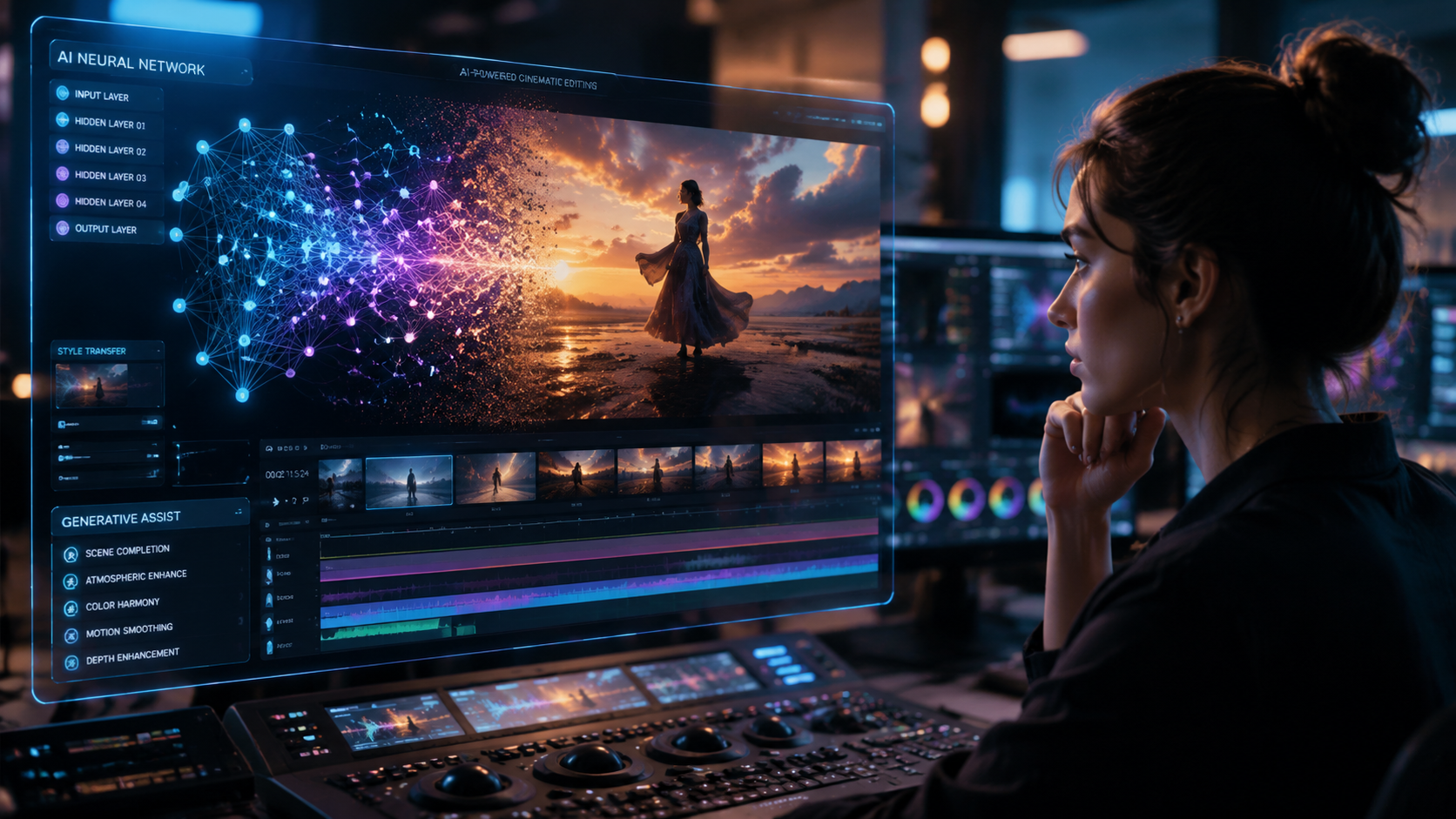
The landscape of digital media has been transformed by the rapid iteration of generative models. According to BBN Times, the best free AI video makers for YouTube creators in 2026 now include features that were previously locked behind expensive studio software, such as automatic rotoscoping and depth-mapping. This democratization means that "quality" is no longer defined by your budget, but by your ability to direct the AI effectively.
Understanding Model Architecture: Sora 2 and S2V.ai
The introduction of Sora 2 has revolutionized the industry by introducing "World Simulators." Unlike earlier models that merely predicted pixels, Sora 2 understands the 3D space. As noted by OCNJ Daily, unlocking the power of Sora 2 Video via S2V.ai allows creators to generate clips up to 60 seconds with perfect object permanence. This means if a character walks behind a tree, they emerge on the other side looking exactly the same—a feat that was a major struggle in previous years.
Optimizing for Different Platforms
High quality AI video generation tips must be tailored to the destination of the content. For YouTube creators, the focus should be on "hook" generation—using AI to create high-energy intro sequences. For businesses, the focus is on "brand consistency," utilizing custom-trained LoRA (Low-Rank Adaptation) models that ensure the AI always uses the correct corporate color palette and logo placement. Breaking AC News highlights that the top 15 AI video generators in 2026 now offer these "Brand Kits" as a standard feature for enterprise users.
Comparison of Top AI Video Generation Tools in 2026
Choosing the right tool is the first step toward high-quality output. The following table compares the leading platforms based on the 2026 research from Techloy and Breaking AC News.
| Platform | Best For | Max Resolution | Key Feature |
|---|---|---|---|
| Sora 2 (via S2V.ai) | Photorealism & Cinema | 4K (Native) | Physics-Engine Integration |
| Vocal Media Pro | AI Music Videos | 2K | Audio-Reactive Visuals |
| Techloy Beginner Suite | Social Media / Shorts | 1080p | One-Click Templates |
| BBN Creator Cloud | YouTube Content | 4K (Upscaled) | Automated Script-to-Video |
Advanced Prompting for High Quality AI Video Generation
To achieve professional results, your prompts must go beyond simple descriptions. In 2026, the most successful creators use "Director-Level Prompting." This involves specifying camera angles (e.g., "dutch angle," "tracking shot"), lighting conditions ("golden hour," "volumetric lighting"), and even the specific camera sensor being emulated. According to a guide by INQUIRER.net USA, including these technical details reduces the "hallucination" rate of the AI by 40%.
The Role of Negative Prompting
One of the most overlooked high quality ai video generation tips is the use of negative prompts. By explicitly telling the AI what not to include—such as "deformed limbs," "flickering lights," "blurry textures," or "morphing objects"—you force the neural network to prioritize clean, stable frames. Most professional tools in 2026 now include a dedicated field for negative prompts to ensure the final render is polished.
Integrating AI Music and Visuals
The rise of AI music video creation has introduced a new layer of complexity. As vocal.media reports, modern visual production tools now allow for "Stem-Based Generation." This means the AI can listen to the drum track of a song and generate rhythmic pulses in the video's lighting or movement. For a high-quality result, always match the "Motion Scale" of your video generator to the BPM (beats per minute) of your audio track.
Technical Standards for Professional AI Video
In 2026, "high quality" is quantified by specific technical benchmarks. Studies show that viewers can distinguish AI-generated content primarily through "micro-stutters" in the background. To combat this, experts recommend rendering at a higher frame rate (at least 30fps) and using AI-based frame interpolation tools to smooth out the motion. This creates a "fluidity" that mimics high-end digital cinema cameras.
Resolution and Upscaling Strategies
While many generators claim to produce 4K video, many are actually upscaling 720p base renders. To ensure true high quality, use a two-step process: generate the base video at the highest native resolution the model allows, then pass it through a secondary "Temporal Upscaler." This specific type of AI upscaler looks at preceding and succeeding frames to ensure that details like hair or raindrops remain consistent across the entire shot.
Color Grading and Final Polish
Even the best AI video generators can sometimes produce "flat" colors. High-quality production in 2026 involves taking the AI output into a traditional video editor or an AI color-grading suite. Applying a LUT (Look-Up Table) can help unify the color science across multiple AI-generated clips, making them look like they were all shot on the same day with the same camera equipment.
Frequently Asked Questions
What is the best AI video generator for beginners in 2026?
According to Techloy, the best options for beginners are those that offer "One-Click Templates" and simplified interfaces, allowing users to create stunning videos without deep knowledge of prompt engineering.
How can I avoid flickering in AI-generated videos?
Flickering is reduced by using "Seed Locking" and high-temporal consistency models like Sora 2. Additionally, keeping the "Motion Scale" setting between 3 and 5 usually prevents the AI from introducing too many changes between frames.
Is there a free AI video maker for YouTube?
Yes, BBN Times highlights several free AI video makers in 2026 that offer robust features for YouTube creators, though most free versions include a watermark or limit the resolution to 1080p.
Can AI generate music videos automatically?
Modern tools mentioned by vocal.media can now synchronize visual elements with audio tracks. By analyzing the frequency and rhythm of the music, the AI adjusts camera movements and lighting to match the song's energy.
What are the most important high quality ai video generation tips for 2026?
The most important tips include using specific technical camera language in prompts, utilizing temporal upscalers for 4K output, and ensuring brand consistency through custom-trained LoRA models.



Comments ()